

Hexus
Hexus AI · Coding · Productivity
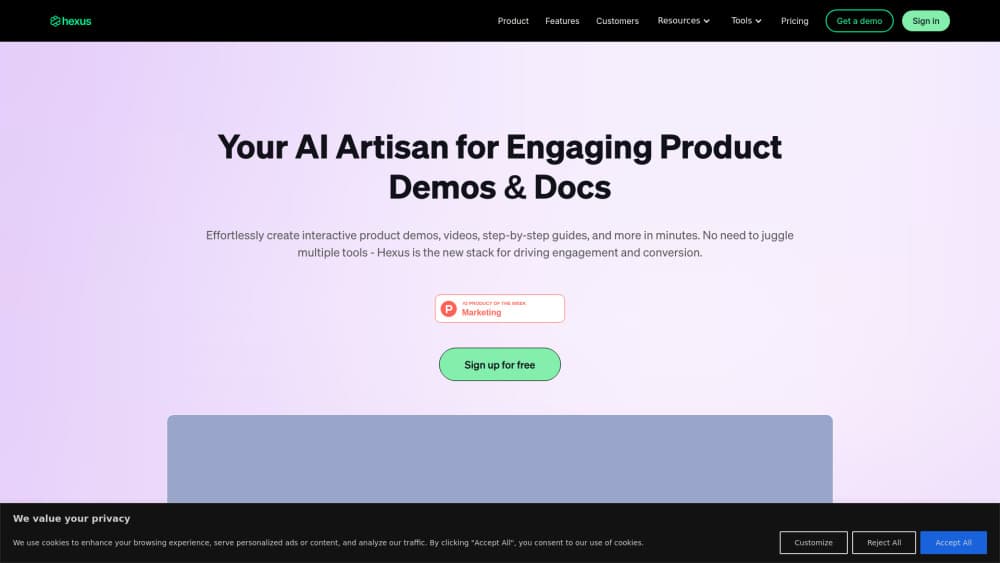
Hexus is an AI-powered platform for creating interactive product demos, videos, and guides that help teams show off software fast.
About Hexus
What Is Hexus
Hexus is a product content platform built for go-to-market teams. You feed it a prompt, a screen recording, or clips you already have, and it turns that raw material into interactive demos, videos, and step-by-step guides. The pitch is simple. Stop spending weeks producing product collateral and start publishing in minutes.
The tool targets marketing, sales, and customer success teams at software companies. Instead of juggling four separate tools for demos, videos, walkthroughs, and analytics, Hexus puts them in one workspace. It also keeps assets current by syncing product changes across everything at once. Why does that matter? Because your UI ships every couple of weeks. A stale walkthrough looks sloppy. Fast.
The main catch is price. There's no permanent free tier beyond the trial, and the real team features sit behind the $499/mo Growth plan, which is a large jump from the $49/mo Starter tier for anyone who only needs a couple of extra seats. Individual makers and tiny startups will feel that. Heavy personalization and localization also require the Enterprise tier, so smaller teams end up on a noticeable upgrade path.
Getting Started
- Sign up at app.usehexus.com with your work email. No credit card is needed to start the trial.
- Bring in source material: type a prompt, capture your screen, or upload a video you already have.
- Let the editor convert that input into a demo, video, or guide, then adjust text, voiceover, and branding.
- Embed or export the finished asset as MP4, GIF, PDF, or HTML, then drop it into your site or sales flow.
- Watch the analytics to see where viewers drop off, and refine the flow from there.
Product Information
A quick look at Hexus's pricing, supported platforms, and performance.
Best for
The users, tasks, and scenarios where this tool fits best.
Users
- Product marketers
- Sales teams
- Customer success managers
Tasks
- Turning a screen recording into an interactive demo
- Repurposing one demo into video, guide, and walkthrough versions
- Keeping product content current
Scenarios
- Product launch week
- Website demand generation
- Sales enablement
Key features
Screen Recording to Interactive Demo
Record your screen or upload an existing clip, and Hexus converts it into an interactive, clickable demo. It works as lightweight interactive demo software for teams that don't want a full build pipeline. Viewers explore the product themselves rather than watching a passive video. Passive videos lose people. This doesn't, at least not as quickly.
One-Click Content Repurposing
A single demo can be converted into a video, a written guide, or a walkthrough with one click. Call it a product walkthrough tool with a single input and many outputs. This kills the manual rebuild cycle most teams run through when they need the same story in several formats.
Auto-Sync for Product Changes
Connect the browser extension and Hexus refreshes your demos when the underlying product changes, so you're not hunting through old assets after every release. For fast-shipping startups, that alone can save hours each cycle. It's the least glamorous feature here, and probably the most useful.
AI Text and Voiceover
Hexus writes the copy and generates voiceover for your demos, cutting the scriptwriting and recording steps. You still review and adjust the wording, but the first draft is handled before you open the editor. It won't match a scripted, human-recorded demo, and it isn't trying to.
Analytics and Drop-off Insights
The platform tracks drop-off rates, conversions, engagement, and viewer behavior, so you can see exactly where a demo loses people. It's the difference between guessing why a demo underperforms and fixing the specific step that does. No dashboard is perfect, but this one answers the question you actually have.
Demo Hub and Embedding
Growth and Enterprise plans add a demo hub plus embedding options (MP4, GIF, PDF, HTML), letting you drop interactive content into landing pages, help centers, and sales decks where a static screenshot would just sit there and do nothing for the reader. The HTML-based guided demo covers cases where a plain video won't cut it.
Personalization and Integrations
Higher tiers add name variables, custom visibility, ordering, and integrations with HubSpot, Slack, Zapier, Wistia, and Salesforce. That makes the platform a genuine sales enablement software option, not just a demo builder. Sales teams can show a version tuned to each prospect instead of one generic walkthrough.
Pros and cons
Pros
- Converts existing recordings and prompts into finished demos, videos, and guides without a production team, which is the core promise and the one that holds up best in daily use.
- Auto-sync keeps assets current after product updates, reducing stale content.
- Built-in analytics show drop-off and engagement so optimization is evidence-based.
- Integrates with common GTM stack tools like HubSpot, Slack, and Salesforce.
- Free trial and a one-click video converter lower the barrier to testing it.
Cons
- No free plan; after the trial you're on a paid tier starting at $49/mo.
- The $499/mo Growth plan is where team features and personalization actually live, which is steep for small teams.
- Localization, closed captions, and custom domains require Enterprise, so smaller teams hit a paywall for global content.
- Building polished HTML-based demos takes some learning if you're not already comfortable with the editor.
Frequently asked questions
Hexus turns prompts, screen recordings, or existing video into interactive product demos, videos, and guides. Teams use it to produce and maintain customer-facing product content in one workspace instead of across several tools.
Related content
Explore related tools, skills, and articles for Hexus.
Hexus Alternatives
Forefront
Forefront · CodingForefront is a web platform for building with open-source AI. It lets you fine-tune leading open-source language models on your own data, evaluate how they perform, and run them through an API or export them to host yourself. Developers who want the convenience of a closed-source platform but insist on owning their models and data are the target audience here.

Startkit
StartKit.AI · CodingStartkit is a boilerplate for building AI SaaS and AI wrapper products. Think of it as an AI startup boilerplate with the boring parts already wired up: authentication, Stripe and Lemon Squeezy payments, usage limits, transactional email, and an AI API starter that talks to OpenAI, Anthropic, Groq, or Llama. You clone the repo, set your price, and start on the part of your product that people actually pay for. It's Next.js under React and Tailwind, so most of the boilerplate code already feels familiar.
Testim
Tricentis · CodingTestim is an AI-powered test automation platform for building and running end-to-end tests across web, mobile, and Salesforce applications. It leans on machine learning to keep tests stable when an interface changes, so teams spend less time fixing broken selectors. Not bad for an automated testing tool you can start using today. You create tests by recording actions in a browser, then optionally add JavaScript when you need more control. It's a solid pick for busy QA teams.