

Hey Noah
Pilot Alpha Labs, LLC · Productivity
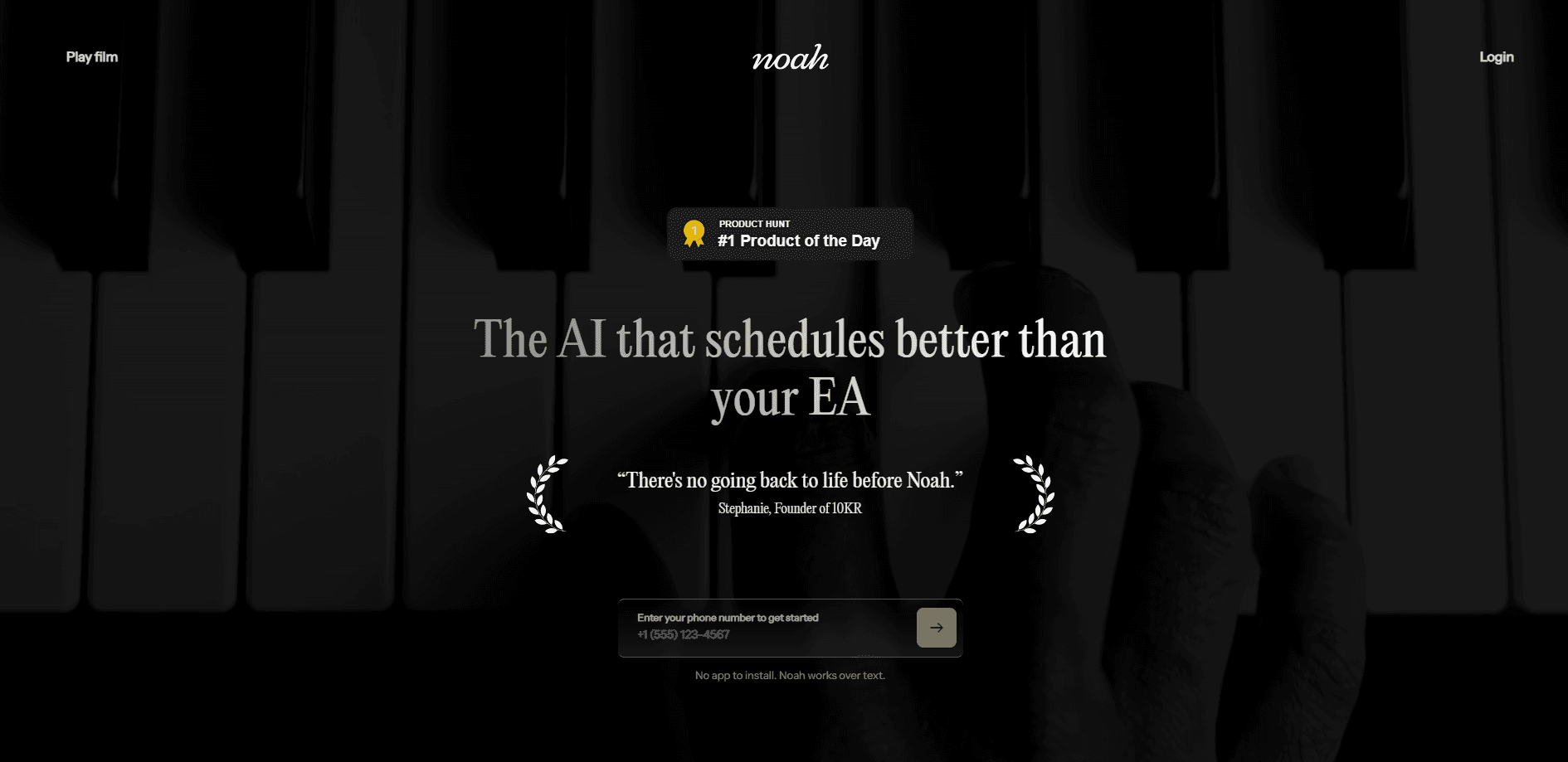
Hey Noah is an AI executive assistant built by Pilot Alpha Labs, LLC that handles scheduling, follow-ups, meeting prep, and outbound communication for busy leaders. Unlike a copilot that waits for prompts, Noah has its own identity, reaches out over voice and SMS, and works across the tools you already use. It acts. It follows up. It nudges people who owe you a reply. It doubles as a chief of staff and a leadership coach, so it does more than transcribe your day. It's aimed at executives and small teams who want an executive admin AI without hiring one.
About Hey Noah
What Is Hey Noah
Hey Noah is an autonomous assistant for the enterprise that shows up through voice and SMS rather than another dashboard. The framing on its own site is deliberate: it calls itself an executive admin, a chief of staff, and a coach in one. That's a bigger promise than a calendar bot, and the company leans into it by describing an assistant that schedules meetings, sends documents, surfaces relationship insights, spots opportunities, and helps you work through hard conversations with your team all from one place. Still, it's a lot to live up to.
The core idea is that it acts instead of waiting. It has a name and a persona, it lives inside your network, and it starts things on its own. That matters for executives who lose hours to coordination. It also raises a real question: how much control do you hand over? Noah connects to your calendar, email, and messaging tools, so the value scales with how much access you grant it.
It isn't a consumer product, and it isn't free. No public self-serve tier. No app store listing. If you want a lightweight scheduling link for your whole team, that exists elsewhere. If you want an AI chief of staff that talks to you like a person, that's the gap Noah is aiming at.
Getting Started
- Request access through the Hey Noah site and talk to the team about your setup, since there's no open signup.
- Connect your calendar and communication tools so Noah can see your schedule and the channels it works in.
- Set your preferences for how Noah reaches out, and choose which tools it can act inside.
- Start with a simple request over voice or SMS, such as booking a meeting or sending a follow-up.
- Review what Noah did and tighten permissions as you get comfortable with the scope.
Product Information
A quick look at Hey Noah's pricing, supported platforms, and performance.
Best for
The users, tasks, and scenarios where this tool fits best.
Users
- Executives and founders
- Chiefs of staff and executive assistants
- Small leadership teams
Tasks
- Booking and rescheduling meetings
- Sending documents and following up
- Prepping for the day
Scenarios
- A packed day where meetings overlap and you need someone to untangle the calendar while you're in a session.
- Relationship upkeep when you want to remember who you haven't talked to in a while.
- Difficult conversations you're dreading, where a coach that talks through the approach helps.
Key features
Proactive Outreach Over Voice and SMS
Noah contacts you first instead of waiting for a command. It reaches out through voice and SMS, which means you interact with it the way you'd text an assistant, not the way you'd query a chatbot. That changes the feel of the tool. It's built for people who are moving between meetings and won't stop to open another window.
Scheduling and Calendar Management
Noah handles the parts of scheduling that eat time: finding slots, coordinating with participants across time zones, and sending the invites while keeping everyone in the loop as things change. Because it works across your network, it can act on the calendar as events shift rather than just reporting conflicts. This is the baseline job for an executive admin AI. No surprises there.
Follow-Ups and Document Sending
When something needs to go out or someone needs a nudge, Noah can send it and chase the reply. It follows up on your behalf, so loose ends don't depend on you remembering them. Nobody likes chasing. That follow-through is where an assistant earns its keep, since the coordination is usually more work than the original request. This is the part people underestimate.
Relationship Insights and Opportunity Spotting
Noah watches your network and surfaces things you'd otherwise miss: who you haven't connected with, where an opportunity is forming, and which relationships need attention, along with the top performers worth retaining. This is the chief of staff layer, and it's the part that separates Noah from a plain scheduling tool.
Leadership Coaching
Beyond admin work, Noah positions itself as a coach. It helps you prepare for difficult conversations and think through how to lead a team more effectively. That's an unusual pitch for an AI assistant. It's also the hardest part to pull off. Still, it's clearly meant to justify a broader role than calendar management.
Works Inside Your Existing Tools
Noah plugs into the tools you already use rather than asking you to adopt a new platform. The promise is no new apps to learn and no friction to overcome. In practice, the depth of those integrations decides how much it can actually do, so it's the first thing to check during setup.
Pros and cons
Pros
- Acts on its own through voice and SMS, so you don't have to open an app to get something done. Just send a text.
- Combines admin, chief of staff, and coaching work in one assistant instead of three separate tools.
- Integrates with your existing calendar and communication stack, so there's less to learn.
- Follows up on your behalf, which closes the loop on requests that normally stall.
Cons
- There's no public price or self-serve signup, so you can't evaluate cost or try it without talking to the team. That's friction.
- No mobile app store listing means you rely on SMS and voice rather than a polished dedicated app.
- Handing an assistant access to your calendar, inbox, and messages is a real trust decision that not everyone will want to make.
- Public details on integration depth and data handling are thin, so buyers have to confirm specifics directly.
Frequently asked questions
It works as an AI executive assistant that schedules meetings, sends documents, follows up, preps you for your day, and coaches you through leadership situations. It reaches you over voice and SMS instead of through a dashboard.
Related content
Explore related tools, skills, and articles for Hey Noah.
Hey Noah Alternatives

Swms
Swms AI · Writing · Productivity · BusinessSwms is an AI safety compliance tool that turns a plain description of a job into ready-to-use safety documents. Describe your project, trade, and known hazards, and it writes a safe work method statement, job hazard analysis, safe work procedure, RAMS, or safety data sheet in seconds. It also ships with Oscar, a chat assistant that answers workplace safety questions in any language. Teams in construction, mining, transport, and warehousing use it to cut the paperwork that usually eats into a workday.

Wordly AI Translation
Wordly · Voice & Language · ProductivityWordly AI Translation is a real-time AI translation and captioning platform built for meetings, conferences, and events. It delivers live translation, captions, transcripts, and summaries in more than 60 languages, and attendees join by scanning a QR code or opening a link instead of using dedicated headsets. The platform works with Zoom, Microsoft Teams, Google Meet, and Webex, and it's designed for organizations that want multilingual access without hiring human interpreters for every session. Simple as that.

Rows
Rows (Superhuman) · Productivity · BusinessRows is an AI spreadsheet and data analysis tool that imports live data from more than 50 sources, then lets you work with it using plain language instead of SQL queries or nested formulas. You can pull numbers out of PDFs, connect ad platforms, databases, and bank accounts, and ask the AI to build reports, merge datasets, or set up models that recalculate themselves. It runs in the browser, works like a spreadsheet, and now sits under the Superhuman umbrella.