

HeyDreaming
HeyDreaming · Video · Marketing
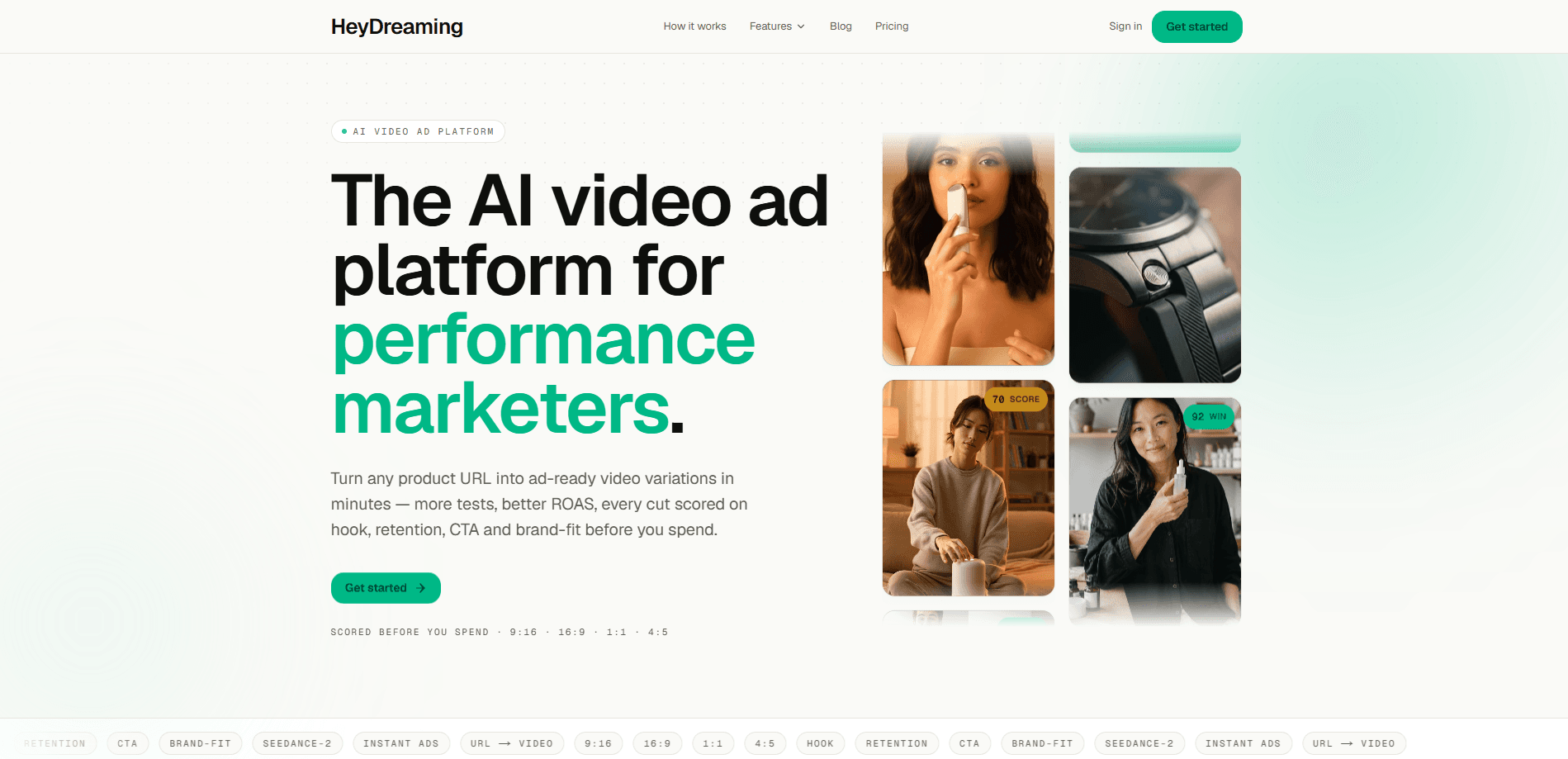
HeyDreaming is an AI video ad generator built for D2C founders and performance marketers. You paste a product URL, and it reads the page for your logo, palette, fonts and tone, then generates four ad-video variations in roughly 90 seconds. Each cut comes back graded on hook, retention, CTA and brand-fit, so you can pick a winner before spending anything on media. It leans on Seedance-2 for generation and exports MP4 in all four common aspect ratios, with paid plans starting at $29/mo. If hiring an editor or shooting ads yourself feels too slow and expensive, this trade is the whole pitch: speed and testing volume instead of a production crew.
About HeyDreaming
What Is HeyDreaming
HeyDreaming is a web-based AI ad maker that replaces the usual ad-production pipeline with a single link. Instead of briefing a crew or scripting a shoot, you hand it a product page. It handles the creative work from there. The platform auto-extracts brand assets and writes the prompt for you, so there's no form to fill in before the first render. Seedance-2 then generates four distinct cuts per run. That gives you an actual A/B pool instead of one forced variation.
The core idea is scoring. Most AI video ad generator tools stop once the file is rendered. HeyDreaming grades every cut on four dimensions, hook, retention, CTA strength and brand-fit, before any media budget goes out the door. That score answers the question founders usually can't. Which of these four is worth testing first? For a solo marketer running paid social, that signal is the difference between a guess and a shortlist.
The limits matter too. It's a browser tool with no mobile app, and the output is ad-format video rather than long-form or cinematic footage. Credits are metered. Heavy testing volume means moving up a plan. And as with any generated creative, the scoring is HeyDreaming's own model, not a guarantee of real-world performance. Treat the grades as a filter, not a promise.
Getting Started
- Go to heydreaming.com and paste the URL of the product you want to advertise.
- Let the platform read the page. It extracts your logo, color palette, fonts and tone automatically, then drafts the prompt.
- Pick a starting format from the built-in library if you want to guide the angle, or run the default.
- Hit generate and wait about 90 seconds for four scored video variations.
- Review the hook, retention, CTA and brand-fit grades, then download the winning MP4 in the aspect ratio you need.
Product Information
A quick look at HeyDreaming's pricing, supported platforms, and performance.
Best for
The users, tasks, and scenarios where this tool fits best.
Users
- D2C founders
- Solo performance marketers
- Small agencies
Tasks
- Turning a product page into ad video
- Generating TikTok and Reels creative
- Testing ad angles fast
Scenarios
- Launching a new product page and needing ad creative within the same day.
- Refreshing a tired Facebook or Instagram campaign with fresh cut variations.
- Running quick creative tests when an agency quote's turnaround is too slow for the deadline.
Key features
URL to Scored Ad Video in One Step
The entry point is the product URL. HeyDreaming reads the page and pulls the brand context from it, so you don't write a brief or upload assets first. That's the feature that separates it from tools that ask for a script or a folder of footage before they start. For anyone who has sat through a creative brief cycle, cutting that step out is the point. No brief. No upload.
Automatic Brand Extraction
The platform lifts your logo, color palette, fonts and tone from the product page and applies them to the generated cuts. Brand-fit is one of the four scoring dimensions, so the system has a reason to keep the creative on-brand rather than generic. In practice this means less manual cleanup when you review the results. It just matches your brand.
Four Variations Per Run
Every generation returns four distinct cuts instead of a single take. That turns each run into a small A/B pool, which is useful when you don't know which hook will land. Four scoring cards side by side is also a faster way to compare angles than rendering one video, uploading it to a platform, waiting days for results, and then repeating the whole cycle again from scratch.
Performance Scoring on Four Dimensions
Each cut is graded on hook, retention, CTA strength and brand-fit before you spend on media. The scores flag which variation is most likely to hold attention and drive clicks, so the winner is picked from evidence rather than gut feel. HeyDreaming positions this as the core differentiator against tools that only render video and hand you the file with no read at all on whether it will actually perform. The grades are the platform's own estimates, not measured campaign results.
All Four Aspect Ratios
Exports cover 9:16 for TikTok, Reels and Shorts, 16:9 for YouTube and wide-screen placements, 1:1 for feed, and 4:5 for Instagram. All four ratios are available on every plan, so you're not paying extra to fill out a full ad set. You download the winning MP4 directly from the run.
Built-In Ad Format Library
There are 130+ ad formats across 15 categories to start from, each tuned toward the four scoring dimensions. The library gives you a proven structure rather than a blank prompt, which matters if you're new to ad creative and don't yet know which opening frame tends to stop a scroll on TikTok, Instagram, or YouTube. You can still refine the prompt yourself when you want a specific angle.
Pros and cons
Pros
- Turns a product URL into four ad-ready cuts in about 90 seconds, which collapses the usual production timeline.
- Scores each video on hook, retention, CTA and brand-fit so you test with a shortlist instead of a single guess.
- Automatic brand extraction pulls logo, palette, fonts and tone with no brief required.
- All four aspect ratios ship on every plan, covering TikTok, YouTube, feed and Instagram placements.
- Entry price is $29/mo, well below the four-figure premium tiers some competitors gate ad video behind.
Cons
- Credits are capped per plan (240 on Pro, 850 on Max), so high-volume testing pushes you to upgrade.
- Browser only, with no mobile app, so you can't generate or manage ads from a phone.
- Scoring comes from HeyDreaming's own model, not live campaign data, so a high grade isn't a guarantee of real performance.
- Output is ad-format video, not long-form or cinematic footage, which rules it out for brand films.
Frequently asked questions
It's an AI video ad generator. You paste a product URL, it reads your brand from the page, generates four ad-video variations with Seedance-2, and grades each one on hook, retention, CTA and brand-fit so you can ship the strongest cut.
Related content
Explore related tools, skills, and articles for HeyDreaming.
HeyDreaming Alternatives

Vadu AI
Vadu AI · Image · VideoVadu AI is a web-based AI video generator that turns written prompts or still images into short clips, and it can also generate images on its own. You type what you want, pick a model and style, and the platform renders the result in minutes. A free plan covers light testing, while paid tiers run from $9 to $77.40 per month based on how many credits you burn.

Mykaraoke Video
MyKaraoke Video · VideoMykaraoke Video is an online karaoke video maker and lyric video maker that turns any song into a finished, lyrics-synced video right in your browser. It handles the slow part for you. The AI pulls vocals out of the mix and locks the lyrics to the beat, then lets you customize background, fonts, and colors before exporting in 1080p MP4. If you make lyric videos for social media, party nights, or music promotion, it skips the software installs and manual timing work entirely. Want a karaoke video generator that doesn't eat your whole evening? That's the pitch here.

Finalframe
Finalframe · VideoFinalframe is a set of free, browser-based tools for grabbing exact frames out of a video clip. Its best-known feature, the Final Frame Extractor, lets you extract the last frame of any video so you can use it as the starting image for AI video tools like Luma Dream Machine, Runway, or Kling. Want to keep a clip going? That last frame is your starting point. The tool runs locally in your browser, needs no sign-up, and costs nothing. A separate paid AI video-generation app from the same team is currently offline while it's rebuilt.