

HeyGen
HeyGen · Video · China AI
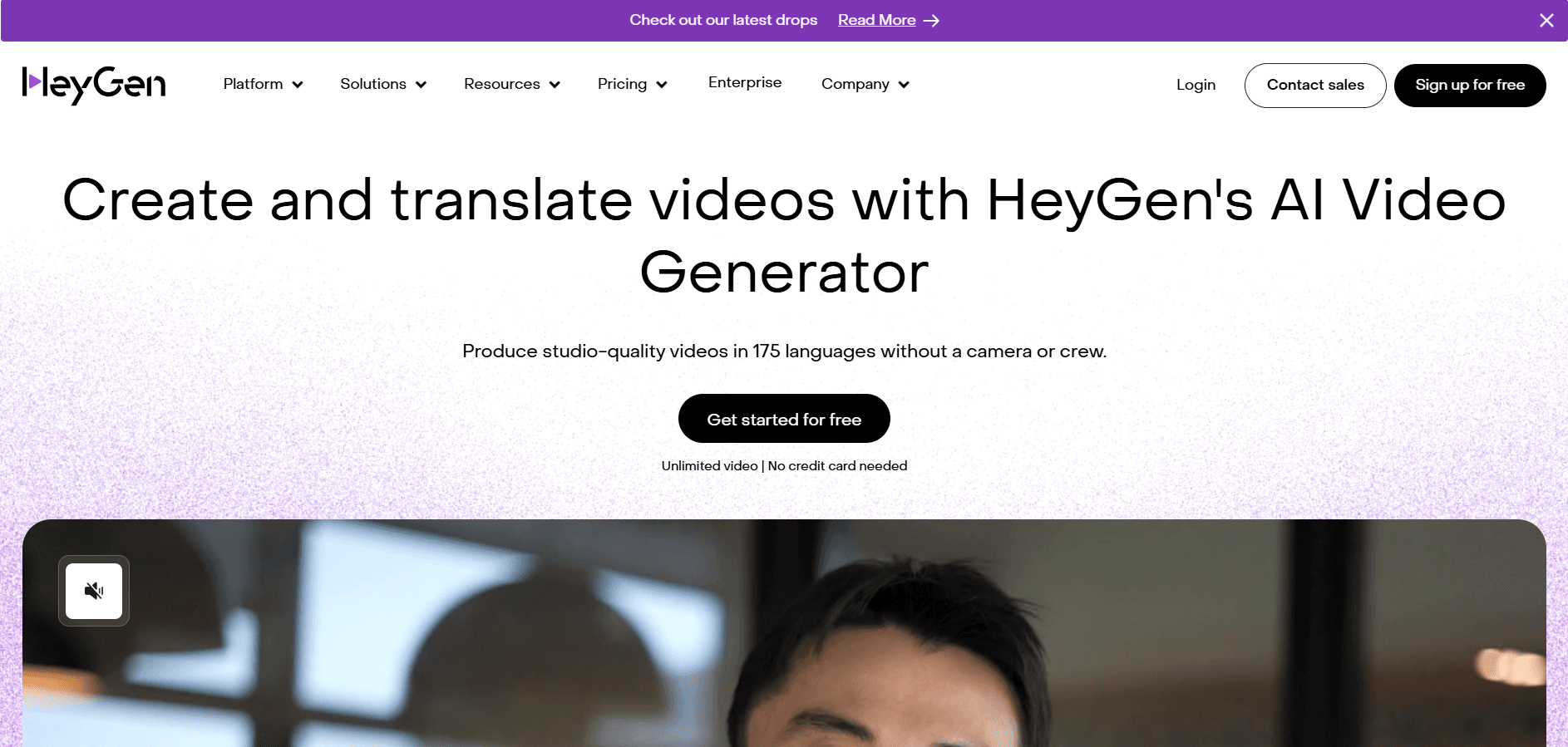
HeyGen is an AI video generator that turns text, photos, or a short recording into talking-head videos with lifelike avatars. Creators use it for multilingual training, ads, and social clips.
About HeyGen
What Is HeyGen
HeyGen is a web-based AI video platform built around avatars: an AI spokesperson that speaks your script on camera so you never have to film yourself. You type a script, pick or clone a face, and the tool renders a finished clip with voice, lip-sync, and captions. It launched in 2020 and now serves over 100,000 businesses, according to the company, from solo creators to teams at large firms.
The main problem it solves is production cost. A traditional talking-head video needs a camera, lighting, a presenter, and editing time. HeyGen collapses that into a browser tab and a few minutes of rendering. Marketing and training teams use it most, since those videos tend to be repetitive and need frequent updates.
The biggest limitation is range. HeyGen excels at a person facing the camera and speaking. If your video needs real locations, product close-ups, or acting, an avatar won't cover it. Voice cloning and custom avatars also sit behind paid tiers, so the free plan is really a trial.
Getting Started
- Create a free account at heygen.com and confirm your email.
- Pick a stock avatar or record a short clip of yourself to build a custom one.
- Type or paste your script, then choose a voice and language. HeyGen supports 175+ languages and dialects.
- Generate the video, tweak the timing or background, and export in 1080p or 4K.
Product Information
A quick look at HeyGen's pricing, supported platforms, and performance.
Best for
The users, tasks, and scenarios where this tool fits best.
Users
- Marketing teams
- Learning and development staff
- Solo creators and coaches
- Localization managers
Tasks
- Writing a script and rendering a spokesperson clip
- Translating a finished video into other languages
- Building a digital twin of yourself
- Producing training or onboarding videos at volume
Scenarios
- Running paid ad campaigns across several markets
- Onboarding new hires with consistent messaging
- Keep a social channel active without being on camera
- Updating a product explainer after a launch
Key features
AI Avatars and Digital Twins
HeyGen offers hundreds of stock presenters plus a feature that builds an avatar from your own recording. Its Avatar V model aims for a consistent face, gestures, and expression across a clip, so the presenter looks like one person rather than a shifting image. For teams, this means a reusable on-screen host that never needs to sit for another shoot.
Video Translation With Lip-Sync
You can upload an existing video or paste a YouTube link and get versions in other languages. The tool translates the speech, clones the speaker's voice, and adjusts lip movement to match. With 175+ languages and dialects, one recording can serve a global audience without a second take.
Text and Photo to Video
Type a script and HeyGen renders a talking video; upload a single photo and the face speaks your lines with synced motion. This suits quick social clips and short ads where a full shoot isn't practical. The free plan covers a taste with three videos a month, capped at one minute each.
AI Studio Editor
The studio works like a document editor for video. You control tone, gestures, and delivery from the script, add B-roll and motion graphics, and adjust timing and layout without re-rendering from scratch. It keeps changes fast for creators who iterate a lot.
Team and Brand Controls
Business and Enterprise plans add shared workspaces, centralized billing, SAML/SSO, and asset management so a brand stays consistent across contributors. The Enterprise tier adds role controls, SCORM and LMS integrations, and a dedicated success manager. This is what makes HeyGen workable for larger organizations rather than just individuals.
Developer API
HeyGen exposes an API for generating videos programmatically, so teams can automate avatar clips inside their own products or pipelines. That matters for anyone producing hundreds of localized videos who needs a repeatable, code-driven flow rather than manual uploads.
Pros and cons
Pros
- Lifelike avatars with strong lip-sync across a long list of languages.
- Video translation that keeps the original speaker's voice and mouth movement.
- A genuinely usable free plan for testing, with three short videos a month.
- Scale-friendly team features like workspaces, SSO, SCORM, and an API.
Cons
- Avatar-only footage looks off for scenes that need real locations or acting, so it suits talking-head content best.
- Voice cloning and custom avatars require a paid plan, which narrows what the free tier can do.
- The $29 and $49 plans meter usage by credits and cap most videos at 30 minutes, so heavy users may outgrow them.
- At the top end, translation and advanced editing are locked to Pro and above, so cost climbs quickly for global campaigns.
Frequently asked questions
HeyGen creates videos of AI avatars speaking a script, and translates existing videos into other languages with matched lip movement. Marketing, training, and social teams use it to produce talking-head content without a camera or presenter.
Related content
Explore related tools, skills, and articles for HeyGen.
HeyGen Alternatives

ngram 2.0
ngram · Video · Marketingngram 2.0 is an AI video generator for teams. It turns a prompt, a screen recording, or a product URL into a narrated explainer, product demo, or AI avatar video, and every scene stays editable.

OpenScreen 2
OpenScreen (open-source project) · Video · ProductivityOpenScreen 2 is a free, open-source screen recorder and demo video editor for Windows, macOS, and Linux, with automatic zooms, styled frames, local captions, and agent edits.

Skreno
Skreno · Video · ProductivitySkreno is a browser screen recorder that captures a tab, a window or your whole display, then attaches AI transcripts, summaries and console logs to one share link.