

HeyGen x Hubspot Integration
HeyGen · Video · Marketing
HeyGen x HubSpot Integration is an app that adds AI avatar video generation as a native HubSpot workflow action, using CRM data to personalize each clip.
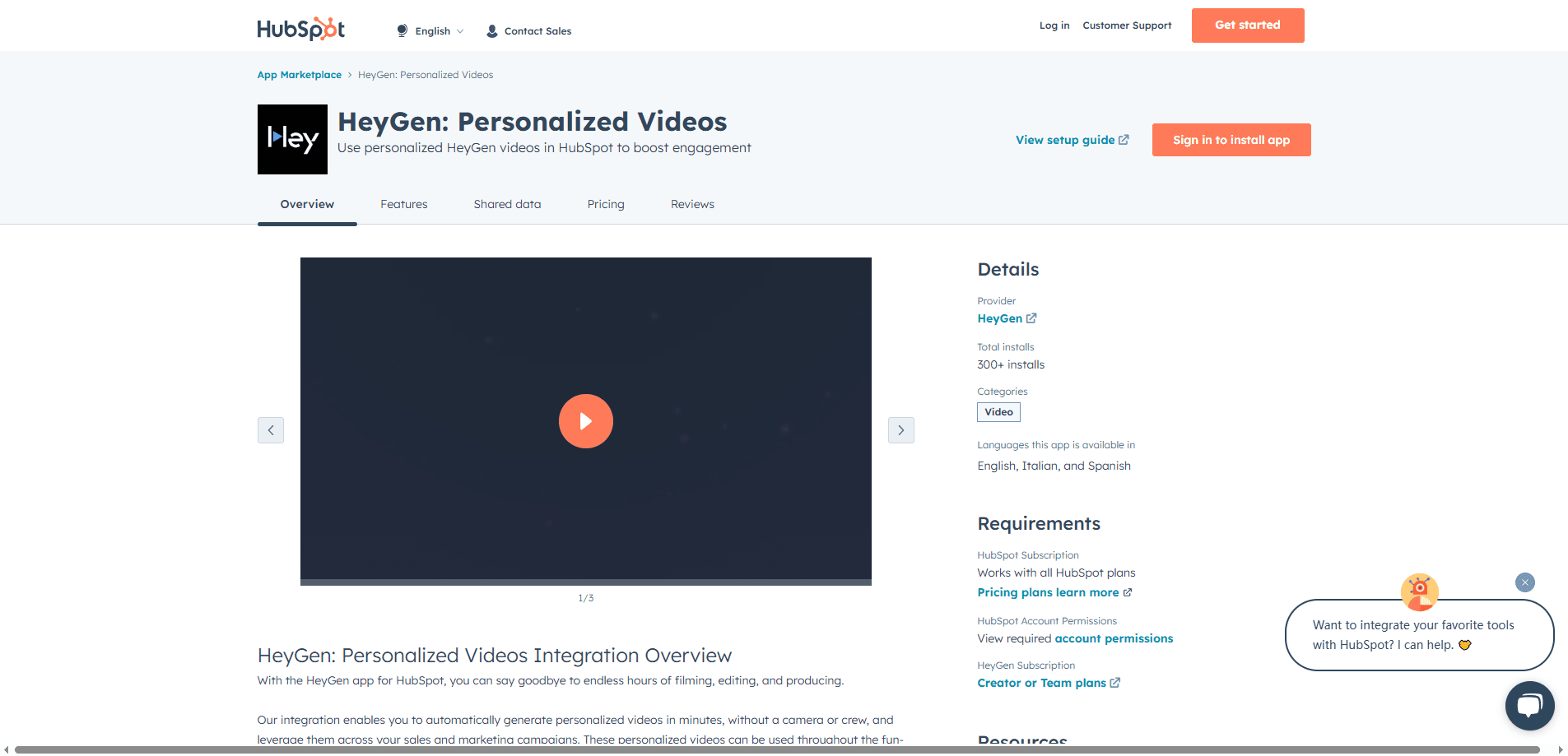
About HeyGen x Hubspot Integration
What Is HeyGen x HubSpot Integration
HeyGen x HubSpot Integration is an official app that connects HeyGen's AI video platform to HubSpot's CRM. Once it's installed from the HubSpot App Marketplace, video generation stops being a separate production job and becomes one step inside a workflow you already run. The app is built by HeyGen, the company behind the AI avatar and video translation tools founded by Joshua Xu in 2020.
The problem it targets is a gap between personalization and effort. Most teams know a video lands better than a plain email, but filming, editing and uploading one clip per contact doesn't scale. This integration closes that gap by generating a personalized avatar video from data you already store in HubSpot, then writing the result back to the contact record so the next workflow action can send it.
Two things are worth knowing before you turn it on. HeyGen bills video generation on credits, so heavy use inside a large workflow spends real money, and the app needs an API token plus permission to read and write your CRM data. It also works best when your contact records are clean, since the personalization only pulls from fields you already maintain.
Getting Started
- Go to the HubSpot App Marketplace, search for HeyGen and click Install, then grant permission to manage and view your CRM data
- During setup, paste your HeyGen API token from your dashboard under Settings, then API, which links your avatars, templates and voices to HubSpot
- In HubSpot Workflows, add the custom action Generate a HeyGen personalized video for a contact, pick a template and map contact properties to script variables
- Add a second action to send a marketing email, then insert the heygen_video_gif property as a preview image linked to the heygen_video_url
Product Information
A quick look at HeyGen x Hubspot Integration's pricing, supported platforms, and performance.
Best for
The users, tasks, and scenarios where this tool fits best.
Users
- Marketing teams
- Sales reps and sales ops
- Customer success and onboarding staff
- Growth and lifecycle marketers
Tasks
- Personalized nurture emails
- Post-demo follow-up
- Onboarding sequences
- Re-engagement campaigns
- Multilingual drip sequences
Scenarios
- A lead fills out a form
- A webinar ends
- A deal moves to a key stage
- A customer nears renewal
- A global campaign launches
Key features
Native HubSpot Workflow Action
The app installs HeyGen as a custom action inside HubSpot Workflows, so AI avatar video marketing runs alongside actions you already use, like sending an email or updating a property. When a contact hits your enrollment trigger, the action generates the video and writes the link to the contact record automatically. That removes the copy-paste step that usually breaks video personalization at scale.
Personalized Avatar Video from CRM Data
Each video is assembled from contact properties you map during setup, so the avatar can greet a lead by name, mention their company or speak to their industry. Templates carry the structure and your mapped fields fill the variables. Because the data comes from HubSpot, the same workflow produces a different clip for every contact without manual editing.
Automatic Video Link on the Contact Record
The integration creates two custom contact properties and stores the finished video link in them. The heygen_video_url holds the shareable link, and heygen_video_gif holds an animated preview that plays on hover. The next workflow action can drop either one into an email, a deal record or a sequence, so the video stays attached to the contact as they move through the pipeline.
175+ Languages and Dialects
HeyGen generates avatar narration in more than 175 languages and dialects, which lets one workflow serve every market you sell in. Using HubSpot's language preference or country data, the same sequence can send each contact a video in their own language. For global teams this replaces the usual step of filming separate localized versions.
Avatar and Template Library
Your HeyGen avatars, voices and templates become available inside HubSpot once the accounts are linked with an API token. Teams can standardize on a branded presenter avatar or a set of templates so every video looks consistent, while still swapping the script variables per contact. It means the visual identity stays controlled even when hundreds of videos are generated by different workflows.
Workflow Triggers Across the Customer Journey
The app supports triggers for form submissions, event attendance, deal stage changes, new customer creation and product milestones. That coverage means video can appear at acquisition, onboarding, adoption and renewal rather than only at the top of the funnel. Marketers can match the video to the stage a contact is actually in.
Marketplace Installation with Guided Setup
Installation runs through the HubSpot App Marketplace with a short four-step setup, and the app requests only the CRM permissions it needs. Two contact properties are created automatically, so there's no field configuration to build by hand. The guided flow keeps the setup inside HubSpot instead of sending teams to a separate developer console.
Pros and cons
Pros
- Turns video into a workflow action, so personalization scales to every contact instead of one clip at a time
- Pulls first names, company and industry straight from HubSpot data you already maintain
- Stores the video link and an animated preview on the contact record for later workflow steps
- Supports 175+ languages and dialects, so one workflow can cover every market
- Installs from the HubSpot App Marketplace with a short guided setup
Cons
- Video generation costs HeyGen credits, so a large workflow can run up a real bill
- It needs an API token and CRM read-write permission, which adds a security review step
- Personalization only works as well as your contact data, so messy records produce generic videos
- The video quality depends on the HeyGen avatar and template you choose, not on the app itself
Frequently asked questions
It connects HeyGen's AI video platform to HubSpot so AI video for HubSpot becomes a native workflow action. When a contact triggers a workflow, the app builds a personalized avatar video from their CRM data and writes the link to the contact record for later steps to use.
Related content
Explore related tools, skills, and articles for HeyGen x Hubspot Integration.
HeyGen x Hubspot Integration Alternatives

Vadu AI
Vadu AI · Image · VideoVadu AI is a web-based AI video generator that turns written prompts or still images into short clips, and it can also generate images on its own. You type what you want, pick a model and style, and the platform renders the result in minutes. A free plan covers light testing, while paid tiers run from $9 to $77.40 per month based on how many credits you burn.

Mykaraoke Video
MyKaraoke Video · VideoMykaraoke Video is an online karaoke video maker and lyric video maker that turns any song into a finished, lyrics-synced video right in your browser. It handles the slow part for you. The AI pulls vocals out of the mix and locks the lyrics to the beat, then lets you customize background, fonts, and colors before exporting in 1080p MP4. If you make lyric videos for social media, party nights, or music promotion, it skips the software installs and manual timing work entirely. Want a karaoke video generator that doesn't eat your whole evening? That's the pitch here.

Finalframe
Finalframe · VideoFinalframe is a set of free, browser-based tools for grabbing exact frames out of a video clip. Its best-known feature, the Final Frame Extractor, lets you extract the last frame of any video so you can use it as the starting image for AI video tools like Luma Dream Machine, Runway, or Kling. Want to keep a clip going? That last frame is your starting point. The tool runs locally in your browser, needs no sign-up, and costs nothing. A separate paid AI video-generation app from the same team is currently offline while it's rebuilt.