
HiAPI
HiAPI · Video
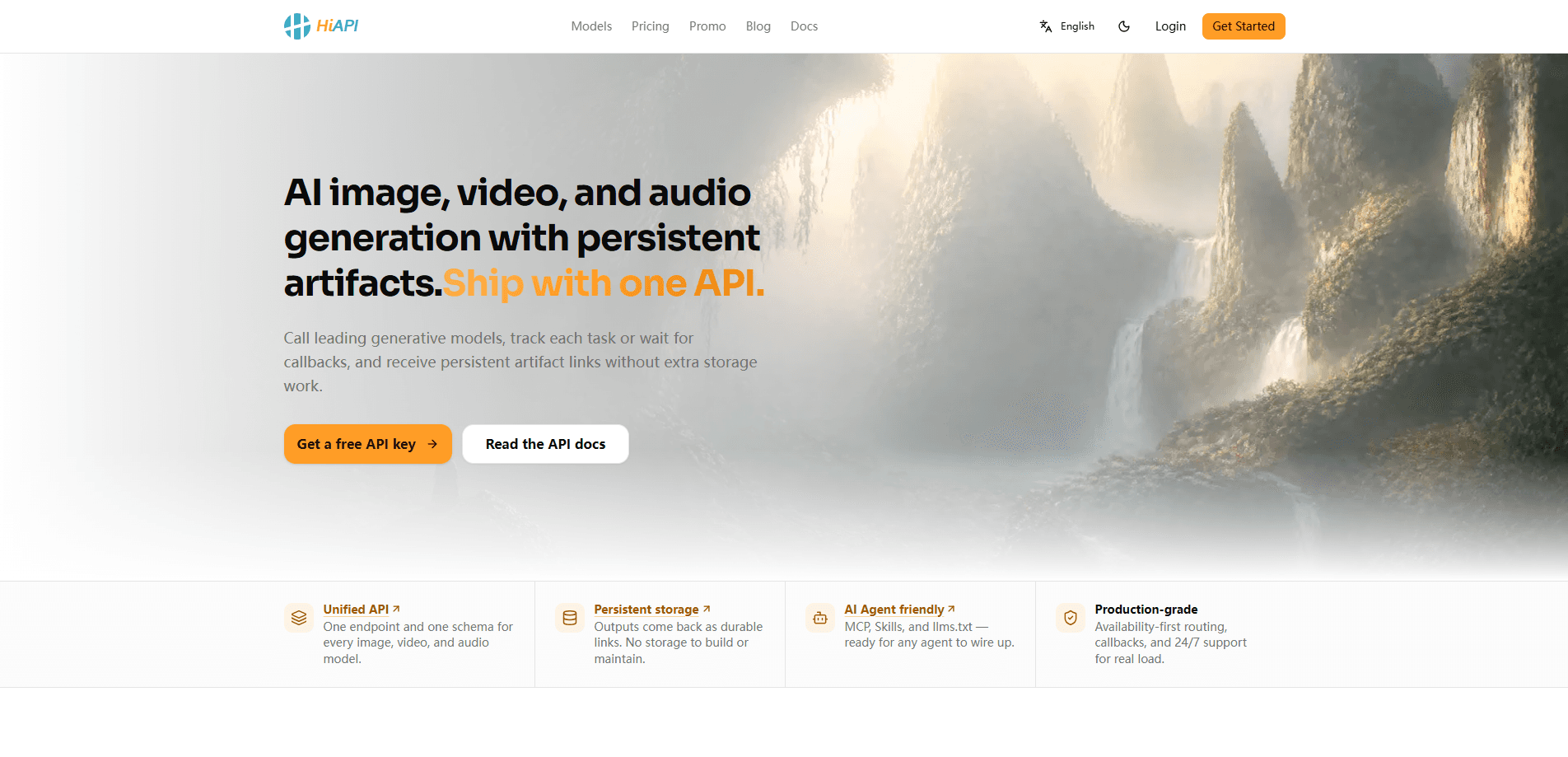
HiAPI is a unified AI API platform that gives developers a single key for dozens of leading image, video, audio, and text models. Instead of juggling separate accounts and billing across providers, you send one OpenAI-compatible request to a shared endpoint. Results come back through a consistent task system. It suits teams that want to add AI generation to an app without maintaining a pile of vendor integrations. It's aimed at people comfortable reading docs and writing a few lines of code. The catch? You're using a third-party gateway, so you're trusting HiAPI's uptime and markup on top of the underlying providers.
About HiAPI
What Is HiAPI
HiAPI is an API gateway for AI models. You get one API key, one billing balance, and one set of endpoints that point at text, image, video, and audio models from a range of vendors. The platform handles the messy part of multi-provider work: auth formats, request shapes, and result polling.
The main problem it solves is fragmentation. Running image generation through one service, video through another, and text through a third means three sign-ups, three bills, and three sets of quirks when something breaks at two in the morning and nobody knows which vendor to blame. HiAPI flattens that into one integration. You point your existing OpenAI-style code at its base URL and swap the model name.
The biggest limitation is that you don't talk to the model vendors directly. Everything routes through HiAPI, and the docs make clear that each model still has its own input fields, so the "one API" promise is a unified surface rather than identical parameters everywhere you look.
Getting Started
- Create an account at hiapi.ai and open the dashboard to generate an API key.
- Add funds to your billing balance. New accounts usually get trial balance for testing.
- Send a task to
POST /v1/taskswith your API key and the model name you want, such ashappyhorse-1-0for video. - Poll
GET /v1/tasks/:iduntil the status turns to success, then download the result from the returned URL. - Switch to callbacks instead of polling before you ship anything to production.
Product Information
A quick look at HiAPI's pricing, supported platforms, and performance.
Best for
The users, tasks, and scenarios where this tool fits best.
Users
- Developers building AI features
- Indie app makers and small teams
- Prototypers comparing models
Tasks
- Generating images from text prompts
- Creating short video clips
- Adding text features like reasoning or structured output
- Wiring AI tools into an agent
Scenarios
- Running a batch of product images overnight
- Testing a video ad concept before committing budget
- Migrating an existing OpenAI-based feature
Key features
One Key Across Many Models
A single API key unlocks text, image, video, and audio models from multiple providers. One credential to store and rotate. One place to see usage. No separate sign-ups when you want to try a new model. For small teams this removes real overhead, since every extra provider is another account someone has to manage.
OpenAI-Compatible Text Endpoints
HiAPI exposes Responses and Chat Completions endpoints that follow the OpenAI request format. If your app already talks to OpenAI, you can often just change the base URL to https://api.hiapi.ai and swap the model name, which is about the least disruptive way to test a different text model without rewriting your client.
Unified Async Task API
Image, video, and audio generation all go through the same POST /v1/tasks endpoint, which returns a task ID right away. You then poll GET /v1/tasks/:id or set up a callback for the finished result. Media generation is slow, so an async queue is the right shape, and using one pattern for every media model keeps your client code predictable even as you add new providers to the mix.
Transparent Pay-As-You-Go Pricing
You pay for what you generate through a credit balance rather than a monthly subscription. Pricing is listed per model, so you can see the cost before you call anything. The upside? No wasted spend on idle seats. The downside is that costs scale directly with usage, so heavy generation needs a budget eye.
Playground and Public Docs
A playground lets you test models in the browser before writing integration code. The docs are public and detailed, with per-model pages covering parameters, limits, and examples. What does that save you? Real guesswork. For a developer evaluating options, being able to poke at a model first is worth a lot.
MCP Server and Agent Skills
HiAPI runs a remote MCP server at mcp.hiapi.ai/mcp and ships installable Agent Skills for tools like Claude Code, Codex, and OpenClaw. You connect your API key and your agent can call image, video, audio, and text tools without a local deployment, which is a much faster path if you're building agent workflows instead of a traditional app.
Pros and cons
Pros
- One key and one bill across text, image, video, and audio models, which cuts down on vendor admin.
- OpenAI-compatible text endpoints make migrating existing code close to a config change.
- A single async task pattern for every media model keeps client code consistent.
- Per-model pricing is published, so you can estimate cost before you commit.
- Remote MCP server and Agent Skills let agent workflows call models without local setup.
Cons
- Everything routes through HiAPI, so an outage on their side takes down every model at once.
- The unified API is a shared surface, not shared parameters; each model still has its own input fields to learn.
- There's no free plan, and new accounts only get trial balance, so real use needs upfront funds.
- Routing through a gateway can add cost and latency compared with calling a model vendor directly, which matters most when you're generating at volume.
Frequently asked questions
It's an API gateway that lets developers call many AI models through one key and one billing balance. You use it to add image, video, audio, or text generation to an app. No separate vendor integration required.
Related content
Explore related tools, skills, and articles for HiAPI.
HiAPI Alternatives

ngram 2.0
ngram · Video · Marketingngram 2.0 is an AI video generator for teams. It turns a prompt, a screen recording, or a product URL into a narrated explainer, product demo, or AI avatar video, and every scene stays editable.

OpenScreen 2
OpenScreen (open-source project) · Video · ProductivityOpenScreen 2 is a free, open-source screen recorder and demo video editor for Windows, macOS, and Linux, with automatic zooms, styled frames, local captions, and agent edits.

Skreno
Skreno · Video · ProductivitySkreno is a browser screen recorder that captures a tab, a window or your whole display, then attaches AI transcripts, summaries and console logs to one share link.