

Higgsfield
Higgsfield · Video
Higgsfield is an AI-native creative suite, an AI video generator and image tool that turns text prompts or references into finished content, then edits it with more than 30 models.
About Higgsfield
What Is Higgsfield
Higgsfield is a web and mobile studio for AI-generated visuals. It gathers many third-party models, including Sora 2, Kling 3.0, and Veo 3.1, into one workspace, so you pick a model per task instead of juggling separate subscriptions.
The platform leans on cinematic control rather than raw generation alone. Tools like Cinema Studio simulate virtual cameras, while Genjutsu moves one performance into a new scene. The company says its users run roughly 4.5 million video generations a day.
The main limits are practical. Most clips cap around 10 to 20 seconds, credits drain fast on heavy renders, and the sheer number of tools can overwhelm newcomers.
Getting Started
- Create a free account with an email address or a linked social login.
- Pick a starting point, such as Image, Video, Cinema Studio, or an effect preset.
- Write a prompt or upload a reference image, then choose the model and settings you want.
- Generate the result and refine it with editing, upscaling, or face swap tools.
- Download the file or keep building on the project inside Higgsfield.
Product Information
A quick look at Higgsfield's pricing, supported platforms, and performance.
Best for
The users, tasks, and scenarios where this tool fits best.
Users
- Social media creators
- Marketing and ad teams
- Independent filmmakers
Tasks
- Turning a still image into a moving clip
- Keeping a character consistent across shots
- Swapping a face or an object in existing footage
- Producing ad variations from one concept
Scenarios
- Testing a concept before a real shoot
- Filling a content calendar on a tight deadline
- Building a faceless or virtual creator channel
Key features
Cinema Studio
Cinema Studio treats video generation like a virtual film set. You choose camera angles, lens behavior, and movement before rendering, which gives clips a more deliberate, cinematic look than a plain text prompt alone.
Multi-Model Workspace
Higgsfield routes your job to one of more than 30 models, including Sora 2, Kling 3.0, Veo 3.1, and Nano Banana. One subscription covers them all, so you can switch engines as a task changes instead of paying for several tools.
Genjutsu Motion Transfer
Genjutsu takes the motion from an existing clip and recasts it with your own characters, locations, or products, a form of text-to-video built on real footage. It can also swap a single element while leaving the rest of the frame untouched, which helps on re-shoots and product edits.
Character Consistency
Soul ID and character tools let you save a face and reuse it across images and videos. That consistency matters when a series needs the same person to appear reliable from one post to the next.
Editing and Upscaling
Beyond generation, Higgsfield edits and upscales media in the same place. You can clean up a render, raise its resolution, or combine clips without exporting to another app.
Effects and Presets
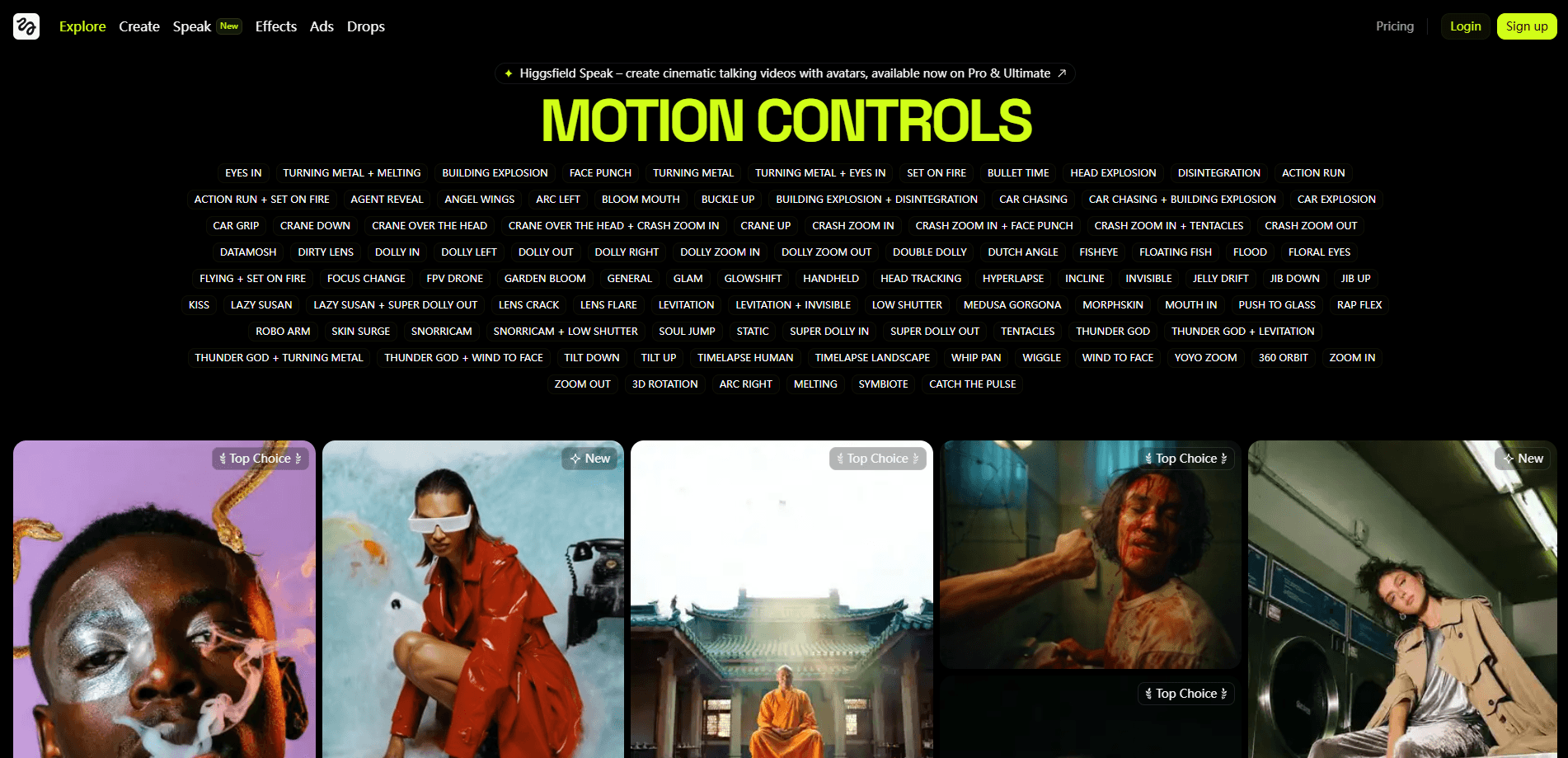
A large preset library covers visual effects, from explosions to surreal transformations. Face swap and effect presets drop your own subject into a look, which is faster than writing a detailed prompt from scratch.
API and Integrations
An API plus a Model Context Protocol server let developers and AI assistants call Higgsfield directly. It acts as an AI video generator and image tool under the hood, so teams can build automated pipelines instead of running manual, one-off jobs.
Pros and cons
Pros
- One subscription reaches more than 30 models, including Sora 2, Veo 3.1, and Kling 3.0.
- Cinema Studio adds real camera control on top of basic text-to-video.
- Character and Soul ID features keep a face consistent across shots.
- Turns reference images and short clips into content through presets and motion transfer.
- Works on web and mobile, with an API and MCP server for automation.
Cons
- Most clips cap around 10 to 20 seconds, which limits longer narratives.
- Credits can drain quickly on complex renders, so heavy users may need a higher plan.
- The large tool set has a learning curve that can overwhelm newcomers.
Frequently asked questions
Higgsfield generates and edits AI video, image, and voice content. People use it for short-form social clips, ads, character-driven series, and cinematic experiments, mostly by starting from a text prompt or a reference image.
Related content
Explore related tools, skills, and articles for Higgsfield.
Higgsfield Alternatives

Vadu AI
Vadu AI · Image · VideoVadu AI is a web-based AI video generator that turns written prompts or still images into short clips, and it can also generate images on its own. You type what you want, pick a model and style, and the platform renders the result in minutes. A free plan covers light testing, while paid tiers run from $9 to $77.40 per month based on how many credits you burn.

Mykaraoke Video
MyKaraoke Video · VideoMykaraoke Video is an online karaoke video maker and lyric video maker that turns any song into a finished, lyrics-synced video right in your browser. It handles the slow part for you. The AI pulls vocals out of the mix and locks the lyrics to the beat, then lets you customize background, fonts, and colors before exporting in 1080p MP4. If you make lyric videos for social media, party nights, or music promotion, it skips the software installs and manual timing work entirely. Want a karaoke video generator that doesn't eat your whole evening? That's the pitch here.

Finalframe
Finalframe · VideoFinalframe is a set of free, browser-based tools for grabbing exact frames out of a video clip. Its best-known feature, the Final Frame Extractor, lets you extract the last frame of any video so you can use it as the starting image for AI video tools like Luma Dream Machine, Runway, or Kling. Want to keep a clip going? That last frame is your starting point. The tool runs locally in your browser, needs no sign-up, and costs nothing. A separate paid AI video-generation app from the same team is currently offline while it's rebuilt.