
HitPaw Online
HitPaw · Video
HitPaw Online is a browser based set of AI tools for upscaling video, sharpening blurry photos, removing watermarks, and cutting clips. Free previews and credit plans run on one account.
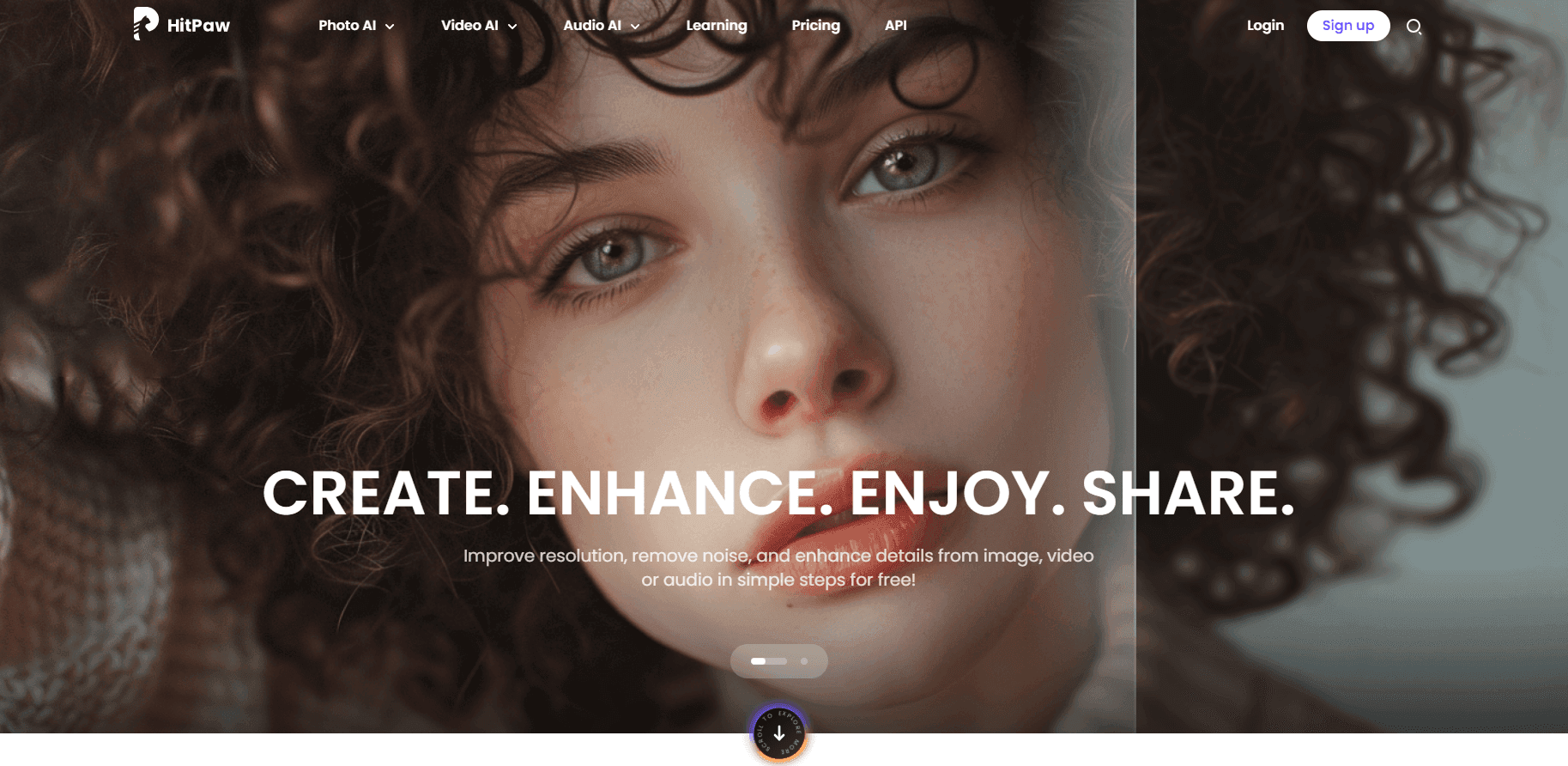
About HitPaw Online
What Is HitPaw Online
HitPaw Online is the web side of HitPaw's media software. You open a page, upload a file, pick a model or preset, then download the result. Nothing gets installed, so a budget laptop with locked admin rights handles the same job as a desktop.
The tools fall into three groups. Video covers upscaling, compression, cutting, merging, subtitles, and watermark removal. Photo covers upscaling, unblurring, background removal, and object erasing. Audio covers noise cleanup for voice recordings and video soundtracks.
The payment model is the part worth checking before you start. Free access mostly gives you previews of the AI output, enough to judge whether the result is usable. Downloads run on credits: 300 a week, 1,200 a month, or 3,000 a year depending on the plan. Utility tools like the video cutter and compressor allow limited exports on the free tier, and most uploads cap at 500MB.
Getting Started
- Open online.hitpaw.com and pick a tool from the grid.
- Upload a clip or an image, or paste a link where the tool accepts one.
- Choose the model, output resolution, or file format.
- Preview the result, then sign in and spend credits to download.
Product Information
A quick look at HitPaw Online's pricing, supported platforms, and performance.
Best for
The users, tasks, and scenarios where this tool fits best.
Users
- Social media creators
- Small online store owners
- Students and teachers
Tasks
- Upscaling old phone footage
- Cleaning up product photos
- Fitting a clip under an upload limit
Scenarios
- A one-off edit on a borrowed computer
- Quick client previews
- Rescuing an interview recording
Key features
Video Upscaling to 4K and Above
The online video upscaler takes low resolution footage and rebuilds detail at 1080p, 4K, or higher depending on the model you pick. It targets compression blocks and soft edges, which is where most phone and screen recordings fall apart. Output format and resolution are set before the job starts, and the result arrives as a download link.
Photo Enhancer and Unblur
The AI photo enhancer repairs soft focus, noise, and low light damage in one pass. A separate unblur tool handles motion blur and out of focus shots. Both work on scans of old prints as well as modern camera files, and both give a preview so you can compare before and after.
Watermark Remover for Video and Photos
This tool masks logos and text overlays and rebuilds the pixels underneath. It handles fixed position watermarks best, since moving marks need frame by frame repair that a browser tool can't do well. Free users get a preview only, and the paid tiers list limits in seconds of footage.
Background Removal
The background remover cuts a subject out of a photo and returns a transparent PNG, which drops straight into a listing, a slide, or a thumbnail. Edges stay clean on hair and product outlines, the two places older cutout tools usually fail.
Compression and Clip Editing
A set of smaller utilities sits alongside the AI tools: video compressor, cutter, merger, cropper, speed changer, subtitle adder, and a video to GIF converter. None of them need a timeline or a manual. You set the parameters, run the job, and take the file.
AI Image Generator
Text prompts turn into images inside the same account. The generator is aimed at thumbnails, blog headers, and quick concept art rather than print work, and it draws from the same credit balance as the video and photo tools.
Audio Cleanup
The AI audio enhancer removes background hiss, wind, and room echo from recordings, then lifts voice levels. Podcasters and vloggers use it to fix a take that was recorded in a bad room, and it works on the audio track of a video file too.
Pros and cons
Pros
- No install and no plugin, so the free online video editor runs on Chromebooks, tablets, and locked work machines.
- The tool count covers video, photo, and audio in one place, which saves hunting for five different sites.
- Free previews show the AI result before you pay, so you can judge quality on your own footage.
- Credit plans start at $9.99 a week, low enough for a single project.
Cons
- Free users mostly get previews for AI models, so serious work needs a paid plan.
- Uploads cap at 500MB on most tools, which rules out long or high bitrate source files.
- Jobs run on shared servers, so a long upscale can sit in a queue while a desktop app would finish sooner.
Frequently asked questions
Partially. Every tool opens without payment and the AI models return a preview. Downloads need credits, which come from a weekly, monthly, or yearly plan. Utility tools such as the cutter and compressor allow limited free exports.
Related content
Explore related tools, skills, and articles for HitPaw Online.
HitPaw Online Alternatives
Griffin by Tavus
Tavus · Voice & Language · Video · ChatbotGriffin by Tavus is the first Human Interaction Model: a full-duplex, video-to-video system that watches, listens, and answers during a live video call in real time.

Syllaby AI Avatar 2.0
Syllaby · Video · MarketingSyllaby AI Avatar 2.0 turns a script into a presenter-led video with a reusable AI avatar, natural voice, B-roll and automatic subtitles, all in one browser workflow.

Vitra.ai
Vitra.ai · Voice & Language · Video · MarketingVitra.ai is an agentic content platform that creates, translates, reviews, and publishes video, images, documents, and app content in 120 languages from one shared brief.