

HookLens
HookLens · Video · Marketing
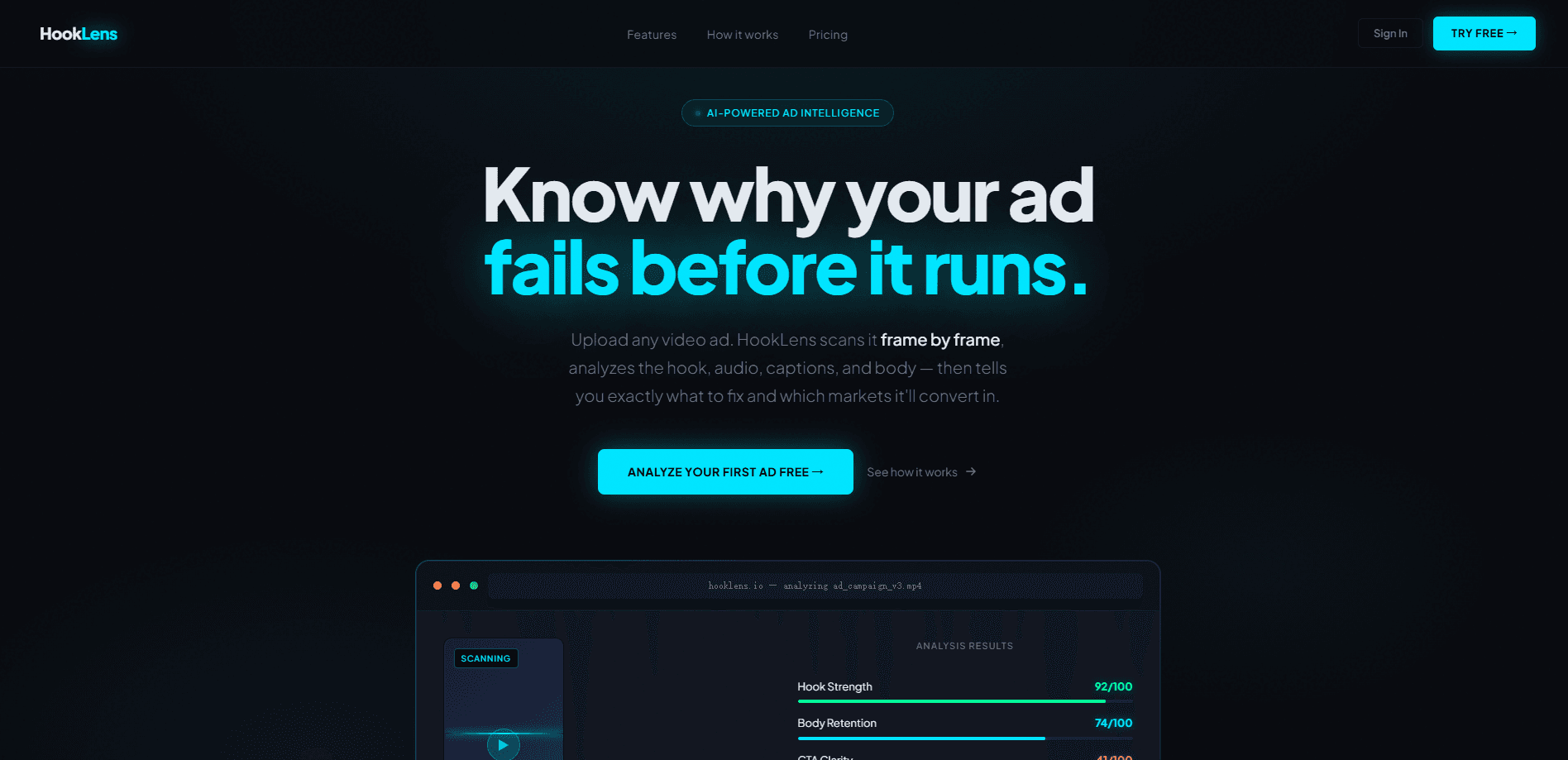
HookLens is an AI video ad analysis tool that scans a video ad frame by frame and scores how strong its opening hook is, along with audience engagement signals and performance clues. It works like a video ad analyzer you point at a cut before it goes live. It's aimed at marketers and creators who want a read on a creative before they commit budget to a campaign. Instead of waiting on post-launch metrics, you upload an ad and get feedback on the parts that decide whether people keep watching.
About HookLens
What Is HookLens
HookLens is a web-based tool built to answer one question fast: will this ad hold attention? It runs an ad through AI analysis that steps through the video frame by frame, then reports on hook strength, engagement patterns, and room to improve the creative. The idea is simple. The first few seconds decide most of an ad's fate, and that's exactly the part most teams only ever judge by gut before they pour money into a campaign that may not deserve it.
The tool sits in the pre-launch gap. Analytics dashboards tell you what happened after you spent money. HookLens tries to tell you something before that. A weak opening or a flat middle won't burn a week of budget first.
That's where ad creative testing usually gets skipped. Most teams test live because testing early takes time they don't have.
It's a web product, so there's nothing to install and nothing to update. You bring a video file, it runs the analysis, and you get scores and notes back. The main limitation is that it only helps with videos you can upload, and the value depends on how much you trust an AI read over a human one. Treat its scores as a second opinion, not a verdict.
Getting Started
- Go to the HookLens site and create an account if one is required for analysis.
- Upload the video ad you want to check, ideally the cut you plan to run as-is.
- Let the AI step through the video and generate its frame-by-frame report.
- Read the hook strength score and the engagement notes, then compare them against what you expected.
- Adjust the opening or the pacing, re-upload, and check whether the score moves in the direction you want.
Product Information
A quick look at HookLens's pricing, supported platforms, and performance.
Best for
The users, tasks, and scenarios where this tool fits best.
Users
- Performance marketers
- Small business owners running their own ads
- Content creators and agencies
Tasks
- Screening ad variants
- Diagnosing a underperforming ad
- Pre-launch checks
- Creative iteration
Scenarios
- Launching a new product ad on a tight schedule
- Running A/B tests
- Reviewing a client's creative
Key features
Frame-by-Frame Ad Analysis
HookLens breaks a video ad down by frame rather than treating it as one block. That matters. Most ads live or die in the first couple seconds, and a single overall score hides exactly where things went wrong. Stepping through the video lets the tool point at the moment attention drops.
Hook Strength Scoring
The headline feature is a score for the opening hook, the part that decides whether a viewer scrolls past or stays. You get a number you can compare across versions of the same ad, which turns "this opening feels stronger" into something you can actually track between edits. That beats arguing about it.
Audience Engagement Signals
Beyond the hook, the tool reads engagement patterns across the video and flags stretches that may lose viewers. It's aimed at the middle of an ad. That's the part people forget to check, because all the attention goes to the first three seconds.
Performance Optimization Notes
HookLens pairs its scores with suggestions for the creative, pointing at what to change before launch. You get more than a grade. The report tells you roughly which edit to try next, so you walk away with a to-do list instead of a verdict. Think of it as a starting point for your own testing, not a guaranteed fix.
Pre-Launch Creative Testing
The whole point is to test creative before the campaign, not after. You check an ad in advance and decide whether it's worth the spend. That's cheaper than learning the same thing from a live test. It works best as the step right before a real split test.
Web-Based Access
Because it runs in the browser, there's nothing to install and no platform lock-in. You send a video and get a report. Share it with whoever needs to see it. That keeps it usable for freelancers and small teams who don't want another desktop app.
Pros and cons
Pros
- Scores the hook, which is the part of an ad that most affects whether people keep watching.
- Frame-level breakdown shows where attention drops, not just a single overall number.
- Web-based, so no install and no device restrictions.
- Useful for comparing variants quickly before spending on a full test.
- Gives a consistent checklist that helps when several people review the same ad.
Cons
- An AI score is a second opinion, not proof. It can miss cultural or emotional context a human viewer would catch.
- The official site is currently hard to reach, so pricing and plan details aren't fully confirmed and may have changed.
- It only works on videos you can upload, so live or platform-locked formats are out.
- No public API is confirmed, which limits use inside an automated workflow.
Frequently asked questions
It analyzes a video ad with AI, stepping through it frame by frame to score the hook and flag engagement and performance issues. The goal is a pre-launch read on whether the creative will hold attention. That's it.
Related content
Explore related tools, skills, and articles for HookLens.
HookLens Alternatives

ngram 2.0
ngram · Video · Marketingngram 2.0 is an AI video generator for teams. It turns a prompt, a screen recording, or a product URL into a narrated explainer, product demo, or AI avatar video, and every scene stays editable.

OpenScreen 2
OpenScreen (open-source project) · Video · ProductivityOpenScreen 2 is a free, open-source screen recorder and demo video editor for Windows, macOS, and Linux, with automatic zooms, styled frames, local captions, and agent edits.

Skreno
Skreno · Video · ProductivitySkreno is a browser screen recorder that captures a tab, a window or your whole display, then attaches AI transcripts, summaries and console logs to one share link.