

Horsy (Free Youtube Summariser)
Horsy.ai · Video · Productivity
Horsy is a free YouTube summariser that runs as a Chrome extension. Paste a video, a webpage or a bookmark, get a short summary, and ask follow-up questions instead of watching at 2X.
About Horsy (Free Youtube Summariser)
What Is Horsy
Horsy is a browser extension that summarizes what you read and watch. It started life as a YouTube summariser, and that's still the headline feature: open a video, click the extension, and it returns a short summary plus a chat box for asking about specific moments. The same engine handles webpages, bookmarks and podcast episodes.
The tool comes from Horsy.ai, a small independent team that ships several truth-and-source focused extensions. It installs from the Chrome Web Store and runs in the browser, so there's no separate app to launch and nothing to configure beyond picking a model and a starting point.
The limits are worth knowing before you commit. Summaries and chat consume a credit pool, so heavy users on the basic plan can burn through their monthly allowance of advanced model calls. Very long videos take longer to process, and the extension only works in Chrome-based browsers, so Safari and Firefox users are left out.
Getting Started
- Install the Horsy extension from the Chrome Web Store and pin it to your toolbar
- Open a YouTube video, a webpage or one of your bookmarks
- Click the Horsy icon and let it pull the transcript or page text
- Read the summary, then ask questions in the chat box to dig into the parts you care about
Product Information
A quick look at Horsy (Free Youtube Summariser)'s pricing, supported platforms, and performance.
Best for
The users, tasks, and scenarios where this tool fits best.
Users
- Students
- Busy professionals
- Podcast listeners
- Journalists and researchers
Tasks
- Video summarization
- Webpage summarization
- Bookmark search
- Fact checking
- Note taking
Scenarios
- Preparing for an exam with a playlist of recorded lectures and not enough hours to watch them all
- Catching up on a favorite podcast feed after a busy week by reading summaries first and listening only to the best episodes
- Researching a topic across a dozen YouTube channels and needing one place to query all of them
- A writer double-checking whether a viral claim holds up before putting it in a draft
- Cleaning up a weekend of open tabs by summarizing them before deciding what to keep
Key features
YouTube Summary and Chat
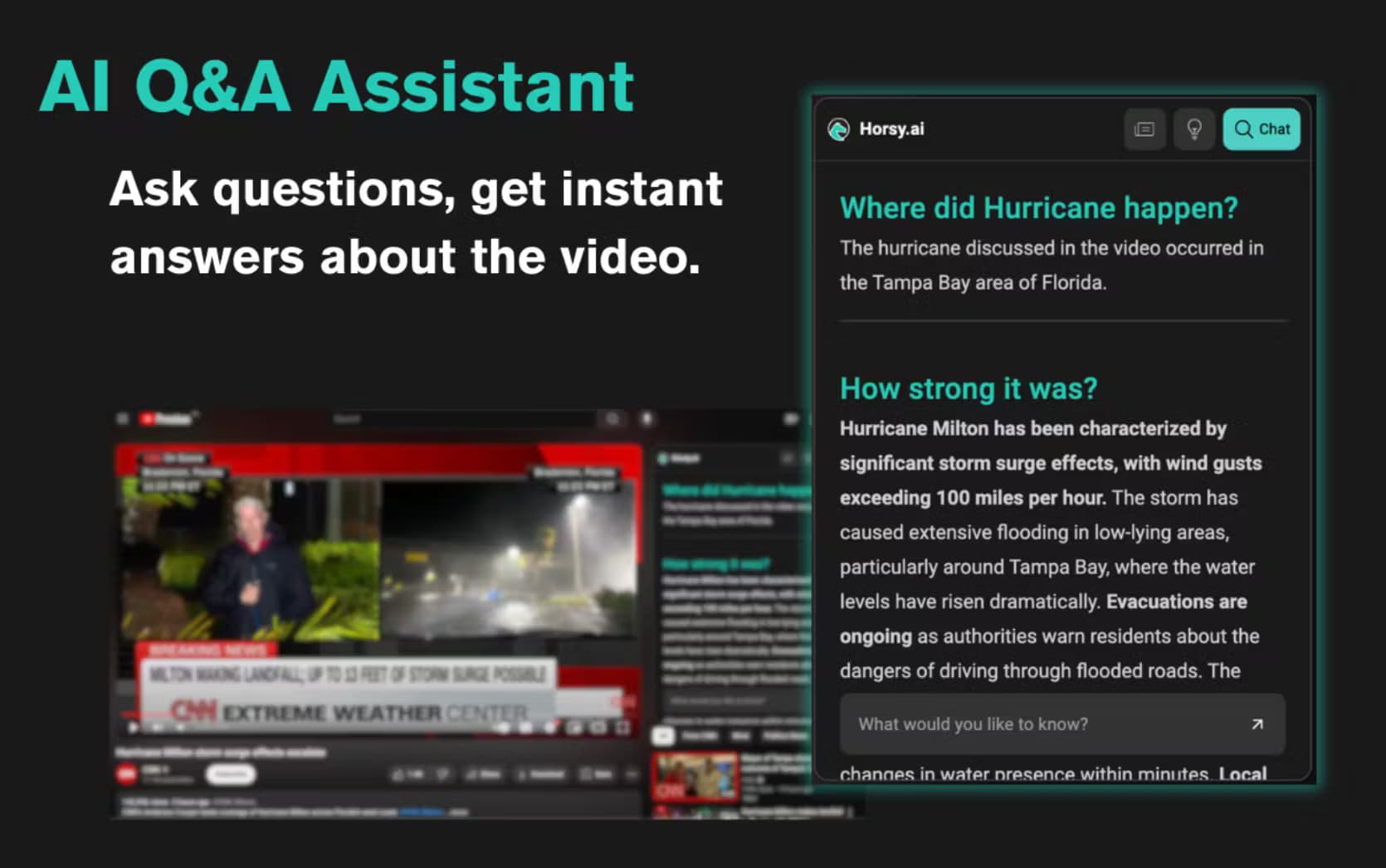
This is the core of the tool. Open any YouTube video and Horsy pulls the transcript, then returns a concise summary you can read in a minute. The chat box goes further: ask what a guest said about a specific topic and it answers from the video content, with context you can jump back to. It beats scrubbing through a two hour podcast to find one line.
Webpage and Bookmark Summaries
The same summarizer works on articles and web pages, so you can condense a long read without leaving the tab. Bookmarking is built in, and once a page or video is saved you can query it later through AI search instead of reopening it. That turns a scattered reading list into something you can actually ask questions of.
AI Fact Checker
The Truth Checker feature cross-references a claim against other sources and flags whether it holds up. It's a first pass, not a verdict, so you still want to read the source, but it saves the work of hunting for a second opinion on every shifty stat you run into.
Podcast Summarizer on Autopilot
Instead of watching every channel, you can request that Horsy scrape and index a podcast channel. Acting as a podcast summarizer, it then delivers summaries of new episodes to your inbox, so you listen only to the ones that matter. Paid tiers raise the number of channels you can track.
Tab Management
If you finish a browsing session with a stack of open tabs, this tab management extension groups and organizes them and can summarize tab content in bulk on the higher plans. It's a small feature that quietly solves the tab-overload problem most heavy browser users live with.
Model Choice and Custom Prompts
The lifetime plan unlocks custom prompts and a model picker, so you can pick an LLM to match the task and tune how summaries read. You can bring your own API keys, which keeps usage costs in your hands rather than bundled into a fixed fee.
Pros and cons
Pros
- Genuine free tier, so you can summarize YouTube videos and webpages without paying up front
- One extension covers video, webpages, bookmarks and podcasts instead of juggling several tools
- Chat with the content turns a passive summary into answers about specific moments
- Lifetime plan allows bring-your-own API keys, which suits people who already pay for an LLM
- The fact checker nudges you toward a second source rather than repeating claims blindly
Cons
- Credits run out on the basic plan, so frequent users hit the wall and have to upgrade
- Advanced model calls are capped per month even on paid tiers, which limits heavy chat use
- Chrome-only, so Firefox and Safari users can't install it
- Long videos take noticeably longer to process, and summaries are only as good as the transcript
Frequently asked questions
Horsy is a browser extension that summarizes YouTube videos, webpages and podcasts and lets you chat with the content. It installs from the Chrome Web Store, handles video transcripts and page text, and returns a short summary plus answers to your questions. It's built by Horsy.ai.
Related content
Explore related tools, skills, and articles for Horsy (Free Youtube Summariser).
Horsy (Free Youtube Summariser) Alternatives

ngram 2.0
ngram · Video · Marketingngram 2.0 is an AI video generator for teams. It turns a prompt, a screen recording, or a product URL into a narrated explainer, product demo, or AI avatar video, and every scene stays editable.

OpenScreen 2
OpenScreen (open-source project) · Video · ProductivityOpenScreen 2 is a free, open-source screen recorder and demo video editor for Windows, macOS, and Linux, with automatic zooms, styled frames, local captions, and agent edits.

Skreno
Skreno · Video · ProductivitySkreno is a browser screen recorder that captures a tab, a window or your whole display, then attaches AI transcripts, summaries and console logs to one share link.