

Huddle01 Cloud
Huddle01 · Coding
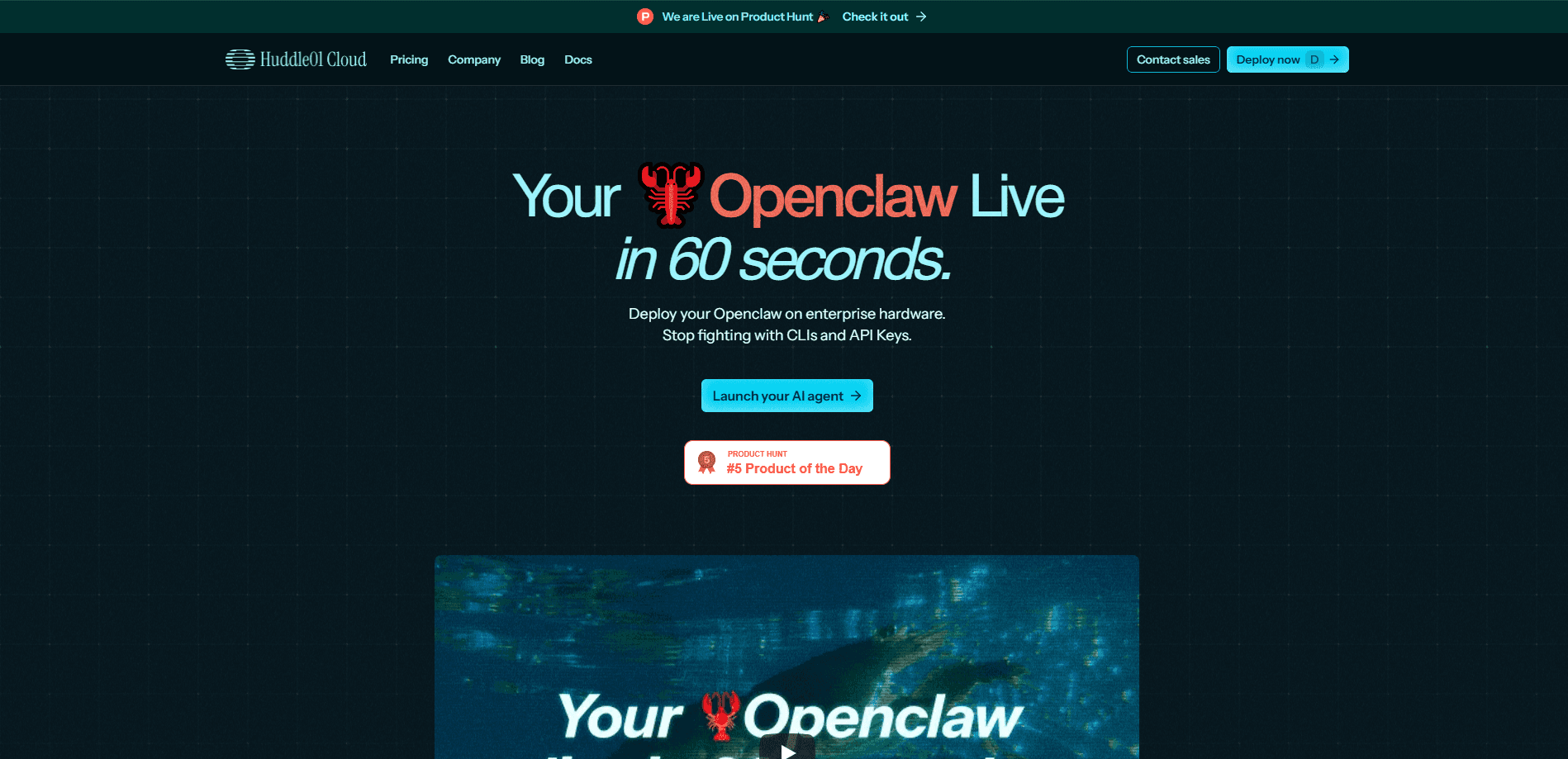
Huddle01 Cloud is a cloud computing platform built for teams that run AI agents and other workloads but don't want to pay big-cloud prices. It sells virtual machines, GPU instances, block storage, managed Kubernetes, and load balancers on a pay-as-you-go basis, and Huddle01 claims the whole stack comes in up to 70% cheaper than AWS, Azure, or GCP. The company positions it as bare metal performance with cloud flexibility, which is the pitch small AI shops care about most: fast hardware, predictable hourly pricing, and no long contract. Fast matters. It sits alongside Huddle01's real-time audio SDK, so voice-agent builders can host both the model and the infrastructure in one place.
About Huddle01 Cloud
What Is Huddle01 Cloud
Huddle01 Cloud is the infrastructure arm of Huddle01, a company best known for its real-time communications and voice-agent tooling. The cloud side rents out compute by the hour. CPU virtual machines carry names like Anton-2 and Anton-64. GPU instances span Nvidia's Ada Lovelace, Ampere, Blackwell, Hopper, and Volta lines. Then come the supporting services: block storage, managed Kubernetes, load balancers, and bandwidth. All of it, on demand. You deploy from a browser console, and billing runs in real time with no upfront commitment.
Cost is the reason people look at it. Huddle01 publishes side-by-side comparisons against AWS, Google Cloud, and Azure, and states that its pricing lands as much as 70% lower. That claim comes from the vendor, so treat it as a starting point for your own math rather than a guarantee. The interesting part for AI builders is the GPU catalog and the sibling AI Agents offering, where you rent a small always-on machine to keep a personal or sales agent running month to month.
The limits are worth stating up front. Huddle01 Cloud is younger than the hyperscalers. Regional coverage, enterprise compliance paperwork, and the depth of managed services won't match a decade-old cloud. It's a fit for startups and indie teams chasing low GPU and VM bills, less so for enterprises that need every compliance box ticked on day one.
Getting Started
- Open the Huddle01 Cloud console and create an account with your email or a connected sign-in.
- Add a payment method, since billing is usage-based and charged as you consume compute.
- Pick a service from the console menu, such as Virtual Machines, GPU, or Managed Kubernetes.
- Choose an instance type, a region, and the storage size you need, then deploy.
- Connect over SSH or your usual tooling, and watch spend in real time from the billing view.
Product Information
A quick look at Huddle01 Cloud's pricing, supported platforms, and performance.
Best for
The users, tasks, and scenarios where this tool fits best.
Users
- AI startups training or serving models
- Indie developers and solo builders
- Voice-agent teams already using Huddle01's audio SDK
Tasks
- Renting GPU time for inference and fine-tuning
- Running always-on agents
- Hosting containerized apps
Scenarios
- Moving a workload off AWS or Azure to cut a runaway bill, the kind of move people describe as finding a cheap AWS alternative.
- Spinning up a short-lived GPU box for a weekend experiment and shutting it down after.
- Keeping a personal assistant agent online for a few dollars a month.
Key features
Hourly Compute With No Contract
Huddle01 Cloud bills by the hour, which means you start and stop instances as your workload changes. The Anton VM line runs from a 2 vCPU, 4GB box at $0.031 per hour up to a 64 vCPU, 128GB machine at $0.768 per hour, so you can match spend to the task instead of guessing a monthly commitment. Nothing locks you in, and idle capacity costs you nothing once you tear it down. Spin one up, finish the job, shut it off.
GPU Catalog Across Nvidia Generations
The GPU menu spans several Nvidia generations, including Ada Lovelace, Ampere, Blackwell, Hopper, and Volta. That range matters because older cards like Volta can be cheap for light inference, while Hopper and Blackwell suit heavier training and large-model serving. You pick the card that fits the job rather than paying for top-tier silicon you don't need. Simple as that.
Managed Kubernetes and Load Balancers
Beyond raw machines, Huddle01 Cloud offers managed Kubernetes and load balancing as separate hourly services. Teams that already containerize their apps can move an existing cluster over without babysitting the control plane, and the load balancer handles traffic distribution so a single node doesn't take the whole hit.
AI Agents on Rented Hardware
The AI Agents product rents a persistent small machine to keep an agent running. Huddle01 lists two tiers: Mini Claw with 2 vCPU, 4GB RAM, and 20GB NVMe SSD, and Macro Claw with 4 vCPU, 8GB RAM, and the same storage. These are pitched at always-on assistants. Mini handles one task at a time. Macro juggles several. It's a simpler path than configuring a VM yourself. Less setup, less to break.
Block Storage Priced by the Gigabyte
Block storage is charged separately from compute at roughly $0.0000834 per GB per hour, so a 20GB volume works out to about $0.04 a day. Keeping storage decoupled from the instance means you can detach data, resize compute, or stop a machine and still keep your files, which is what you want when you're testing different instance sizes. Files stay put.
Real-Time Billing Transparency
The pricing page and console push live billing with no hidden costs, a direct contrast to the surprise invoices cloud users often complain about. For teams on a tight budget, seeing spend tick up in real time makes it easier to catch an instance left running overnight before it turns into a nasty surprise. Nobody wants that email.
Pros and cons
Pros
- Hourly billing with no contract makes it easy to keep costs proportional to actual usage.
- Vendor pricing claims up to 70% savings versus AWS, Azure, and GCP, which is worth testing against your own workload.
- A broad Nvidia GPU catalog covers cheap older cards and newer Hopper and Blackwell silicon.
- It pairs with Huddle01's real-time AI SDK, so voice-agent teams can consolidate vendors.
- Real-time billing shows spend as it happens instead of at the end of the month.
Cons
- It's a younger platform than the hyperscalers, so regional coverage and enterprise compliance options are thinner.
- The 70% savings figure is a vendor claim; your real bill depends on the workload and instance choice.
- The AI Agents tiers are small, with 4GB to 8GB of RAM, so they cap out on heavier agent tasks.
Frequently asked questions
Huddle01 Cloud rents out computing infrastructure by the hour for AI and general workloads. You use it to run virtual machines, GPU instances for training or inference, containerized apps on managed Kubernetes, and always-on AI agents. It's aimed at teams that want cloud flexibility without hyperscaler pricing.
Related content
Explore related tools, skills, and articles for Huddle01 Cloud.
Huddle01 Cloud Alternatives
Forefront
Forefront · CodingForefront is a web platform for building with open-source AI. It lets you fine-tune leading open-source language models on your own data, evaluate how they perform, and run them through an API or export them to host yourself. Developers who want the convenience of a closed-source platform but insist on owning their models and data are the target audience here.

Startkit
StartKit.AI · CodingStartkit is a boilerplate for building AI SaaS and AI wrapper products. Think of it as an AI startup boilerplate with the boring parts already wired up: authentication, Stripe and Lemon Squeezy payments, usage limits, transactional email, and an AI API starter that talks to OpenAI, Anthropic, Groq, or Llama. You clone the repo, set your price, and start on the part of your product that people actually pay for. It's Next.js under React and Tailwind, so most of the boilerplate code already feels familiar.
Testim
Tricentis · CodingTestim is an AI-powered test automation platform for building and running end-to-end tests across web, mobile, and Salesforce applications. It leans on machine learning to keep tests stable when an interface changes, so teams spend less time fixing broken selectors. Not bad for an automated testing tool you can start using today. You create tests by recording actions in a browser, then optionally add JavaScript when you need more control. It's a solid pick for busy QA teams.