

Hunyuan Video
Tencent · Video
Hunyuan Video is Tencent's open-source text-to-video model that turns written prompts into short cinematic clips, free to run on your own hardware.
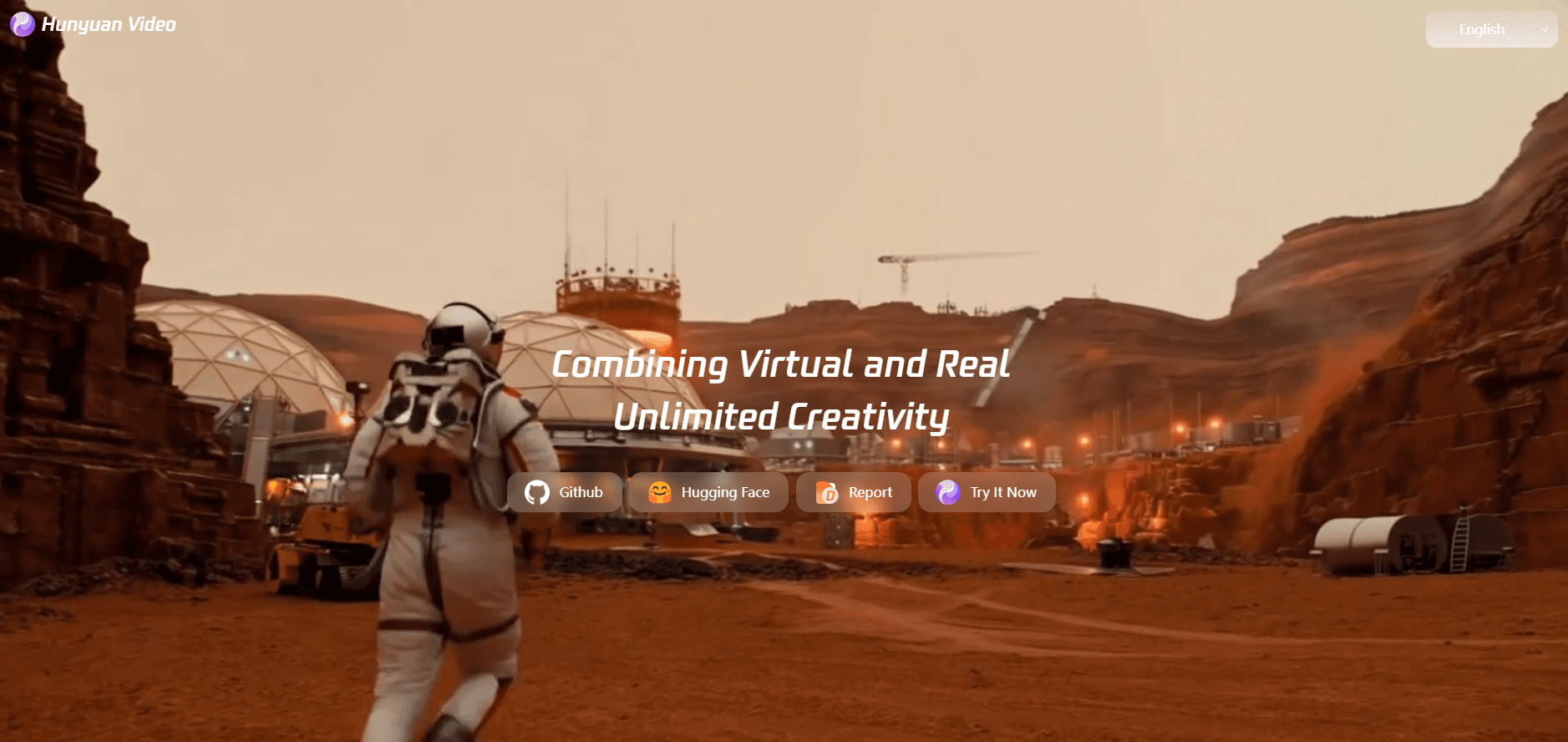
About Hunyuan Video
What Is Hunyuan Video
Hunyuan Video is a text-to-video AI model from Tencent, built to generate short clips from a written description. You type a prompt, and it returns a video with natural movement and camera work rather than a slideshow of still images.
The standout detail is its size and license. At 13 billion parameters, the model, often labeled HunyuanVideo 13B, is one of the larger open-source video generators you can actually download. Tencent released the weights for anyone to use, modify, and self-host. So researchers and studios can run it on their own machines without shipping footage or prompts to a third party.
That openness is the whole pitch, and it's also the catch. The full model needs serious GPU memory. So the "free" part assumes you already own hardware most people don't. Want a quick clip in a laptop browser? This isn't the easiest starting point.
Getting Started
- Go to the official Hunyuan Video site or the GitHub repository and review the model card.
- Check the hardware requirements, since the full 13B model wants a high-memory GPU to run.
- Install the inference code and download the model weights from the release page.
- Write a text prompt describing the scene, subject, and motion you want.
- Run generation and review the clip, then adjust your prompt and rerun as needed.
Product Information
A quick look at Hunyuan Video's pricing, supported platforms, and performance.
Best for
The users, tasks, and scenarios where this tool fits best.
Users
- AI researchers
- Indie filmmakers and animators
- Developers building video tools
Tasks
- Generating short clips from a prompt
- Storyboarding scenes
- Experimenting with text-to-video
Scenarios
- Early concept work
- Research and benchmarking
- Private projects
Key features
Open-source model weights
Tencent released the weights so anyone can download, run, and modify Hunyuan Video. That's a real differentiator against closed generators where you rent access and never touch the model. Got data you don't want to hand over? Self-hosting is the answer. For teams in that spot, self-hosting is the point.
13 billion parameters
The model carries 13B parameters, which puts it among the larger open text-to-video options. More parameters usually mean better motion and scene detail. They also raise the hardware bar, and by a lot. Expect the quality and the cost to scale together.
Realistic motion and physics
Hunyuan Video aims for natural movement, so subjects walk, turn, and interact rather than glide stiffly. Camera movement is handled too. That matters for anything that should read as a filmed shot rather than a generated loop.
High-resolution output
The model targets sharp, high-definition clips instead of blurred thumbnails. Higher resolution makes the output more usable as a real asset. It also adds to render time and memory use, so plan your hardware around it.
Multiple generation modes
Alongside text-to-video, the project supports related tasks like image-to-video, where a still image drives the opening frame. That gives you more control when a pure prompt won't pin down the look you want.
Pros and cons
Pros
- Free and open-source, so there's no subscription and no per-clip fee once you have the hardware.
- Runs locally, which keeps your prompts and footage private instead of sending them to a hosted service.
- Strong motion and camera handling for an open model, with resolution suited to real production use.
- Backed by Tencent and an active community, so the code and weights are maintained and documented.
- Extensible, since you can fine-tune or build on the model for your own use case.
Cons
- Heavy hardware requirements mean the full model is out of reach on a normal laptop without a high-memory GPU.
- Setup is technical, so if you don't want to install code and manage weights, you'll struggle to get started.
- There's no simple one-click web editor, so non-coders have a steeper path than with a hosted generator.
- Clips are short, so long-form video still needs editing and stitching afterward.
Frequently asked questions
It's an open-source text-to-video model from Tencent. You give it a written prompt and it generates a short video clip with realistic motion, and the model weights are free to download.
Related content
Explore related tools, skills, and articles for Hunyuan Video.
Hunyuan Video Alternatives
Griffin by Tavus
Tavus · Voice & Language · Video · ChatbotGriffin by Tavus is the first Human Interaction Model: a full-duplex, video-to-video system that watches, listens, and answers during a live video call in real time.

Syllaby AI Avatar 2.0
Syllaby · Video · MarketingSyllaby AI Avatar 2.0 turns a script into a presenter-led video with a reusable AI avatar, natural voice, B-roll and automatic subtitles, all in one browser workflow.

Vitra.ai
Vitra.ai · Voice & Language · Video · MarketingVitra.ai is an agentic content platform that creates, translates, reviews, and publishes video, images, documents, and app content in 120 languages from one shared brief.