

HunyuanVideo-Avatar
Tencent Hunyuan · Image · Video
HunyuanVideo-Avatar is Tencent's open model that turns one image and a voice clip into a talking or singing video, with emotion control and multi-character scenes.
About HunyuanVideo-Avatar
What Is HunyuanVideo-Avatar
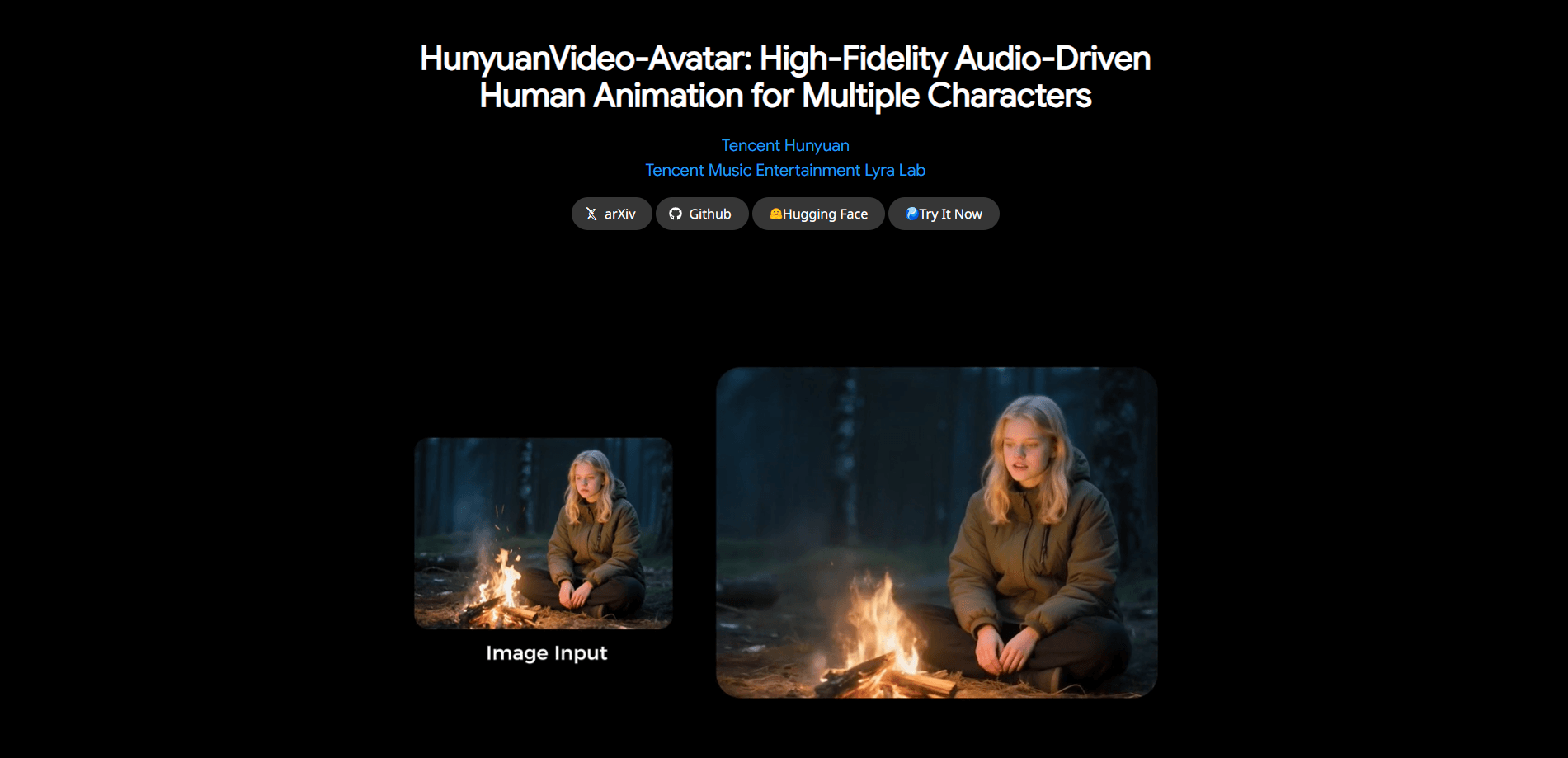
HunyuanVideo-Avatar is an open model for audio-driven human animation, built by Tencent Hunyuan together with the Tencent Music Lyra Lab MuseV team and released in May 2025. You give it a single portrait and an audio track, and it returns a video where the face moves, the lips match the speech, and the character keeps a steady identity from the first frame to the last.
Most lip-sync tools stop at the mouth. This one drives the whole frame, from head and shoulders down to a full body, and it reads emotion from a reference photo, so the same clip can come out cheerful or serious. It also handles several people in one scene, each locked to their own audio track, which is where earlier models tended to blur faces together. The output tops out at 720p, and the official playground caps uploads at about 14 seconds of audio.
It isn't a click-and-go web app for everyone. The model ships as code and weights you download and run yourself, so you need an NVIDIA GPU and a working Python setup to use it directly. There's a hosted preview on Tencent's Hunyuan site, but the deeper multi-character features live in the open release. Rights and consent for any face or voice you animate sit with you, not the model.
Getting Started
- Head to the official GitHub repo and clone it, then set up a Python 3.10 environment with a CUDA-capable NVIDIA GPU.
- Install the PyTorch and FlashAttention dependencies the README lists, then download the pretrained weights.
- Pick a clear, front-facing portrait as the character image, and prepare a clean audio clip of speech or singing.
- Run the inference script, choosing single-GPU or multi-GPU mode based on your hardware and memory.
- Review the rendered video, adjust the resolution or image crop if needed, and export the result.
Product Information
A quick look at HunyuanVideo-Avatar's pricing, supported platforms, and performance.
Best for
The users, tasks, and scenarios where this tool fits best.
Users
- Short-video creators
- Developers and researchers
- E-commerce and livestream teams
- Cartoon and 3D artists
Tasks
- Turning a portrait into a talking video
- Producing a singing clip
- Controlling emotion
- Animating a two-person scene
- Building a custom pipeline
Scenarios
- Refreshing product videos fast
- Making a multilingual cut
- Turning a podcast into a video
- Prototyping an avatar concept
Key features
One Image Plus Audio
The core trick is simple to state and hard to pull off: hand over a single portrait and an audio track, and the model returns a video where the character speaks or sings with matching lips and natural body motion. It takes images at different scales and resolutions, so a narrow crop and a full-body shot both work as input. This is the feature that saves a shoot day, since a still photo stands in for a filmed performance.
Emotion-Controllable Expression
An Audio Emotion Module reads emotional cues and pushes them onto the character's face, so the expression tracks the mood of the audio rather than sitting flat. A reference image steers that emotion, which means the same voice line can land as cheerful or serious depending on what you feed it. For anyone who has watched a stiff avatar read a script, this is the part that makes the output feel alive.
Multi-Character Dialogue
Multi-character mode lets several people share a scene, each driven by its own audio, which earlier models struggled to keep separate. A Face-Aware Audio Adapter masks each face so one character's voice doesn't bleed into another's mouth. That turns a two-host podcast or a back-and-forth interview into a single video instead of two clips you line up by hand. It's the strongest reason to pick this model over a simple face-swap tool.
Multi-Style and Multi-Scale Characters
The model runs the same way on photorealistic faces, cartoons, 3D renders, and anthropomorphic characters, so a stylized mascot gets the same lip and motion treatment as a live-action presenter. It also generates across portrait, upper-body, and full-body framings, which matters when a talking head alone isn't enough. Fewer compromises on the input mean you can keep your project's art style instead of adapting to the tool.
High-Dynamic Video Output
The generated clips carry motion in both the foreground and the background, not just a face pasted onto a still. The character moves, the scene shifts, and the result holds together at up to 720p. The trade-off is weight: high-dynamic generation is what makes the model hungry for GPU memory, so the busiest scenes want the best card you have.
Open Code and Weights
The inference code and model weights are released openly, licensed for personal and commercial use under Tencent's terms. You can run everything on your own hardware, inspect how it works, and fine-tune it with your own data. That openness is the main draw for teams who don't want to send faces and voices to a third-party service, and it's why the model spread quickly through the research community.
Pros and cons
Pros
- Reasoning: one photo plus audio is all you need, so a still image replaces a filmed performance.
- Audio Emotion Module gives the character a mood that tracks the sound, not a fixed expression.
- Multi-character support keeps each speaker on their own audio, which saves stitching clips by hand.
- The model runs on photoreal, cartoon, 3D, and animal characters, so your art style carries over.
- Open code and weights let teams run it locally and fine-tune it instead of renting a closed service.
Cons
- Running it yourself needs an NVIDIA GPU, and the highest-quality settings recommend a 96GB card, which rules out most consumer machines.
- The hosted playground caps audio at about 14 seconds and is slower for real-time work, so long clips need the local setup.
- Renders are slow on modest hardware, so quick turnarounds on big jobs aren't realistic without strong cards.
- There's no advertised public API for the open release, so developers have to build the serving layer themselves.
Frequently asked questions
HunyuanVideo-Avatar is an open model from Tencent for audio-driven human animation. It takes a portrait image and an audio clip and produces a video where the character speaks or sings with matching lip movement and expression, and it can handle more than one character in a scene. It comes from Tencent Hunyuan and the Tencent Music Lyra Lab MuseV team, and was released in May 2025.
Related content
Explore related tools, skills, and articles for HunyuanVideo-Avatar.
HunyuanVideo-Avatar Alternatives

X Ray Interpreter
X-ray Interpreter · ImageX Ray Interpreter is a web-based AI radiology tool that turns X-rays, CT scans, MRI, ultrasound, and PET images into plain-language reports. You upload a scan, get a preliminary X-ray interpretation in moments, then ask follow-up questions if something needs explaining. It works as a second opinion and a learning aid, not as a medical diagnosis.

Aieasypic
AIEasyPic · ImageAIEasyPic is an AI image generator that turns plain text prompts into finished artwork in seconds. You can also train custom models on your own photos, swap faces in existing images, and create short video clips from text, all from a browser. It suits casual creators who want quick visuals and hobbyists who want to build a personal model without touching any code.

Chargen
Chargen · ImageChargen is an AI character generator and worldbuilding toolkit built for Dungeons & Dragons and other tabletop RPGs. It turns a one-line idea into a painted character portrait, spins up NPCs, monsters, maps and encounters from the same session, and keeps every creature's details close at hand. The tabletop RPG art side runs on a credit system called Gold, while the text generators stay free for everyone.