

HunyuanVideo-I2V
Tencent Hunyuan Team · Video
HunyuanVideo-I2V is Tencent's open-source image-to-video model, and it takes one still picture plus a text prompt and turns them into a short animated clip. It builds on the earlier HunyuanVideo text-to-video system, swapping the starting point from a written description to an actual image so the first frame always matches what you uploaded. The model ships as open weights on Hugging Face along with inference code and LoRA training scripts, which means you run it yourself rather than paying per clip.
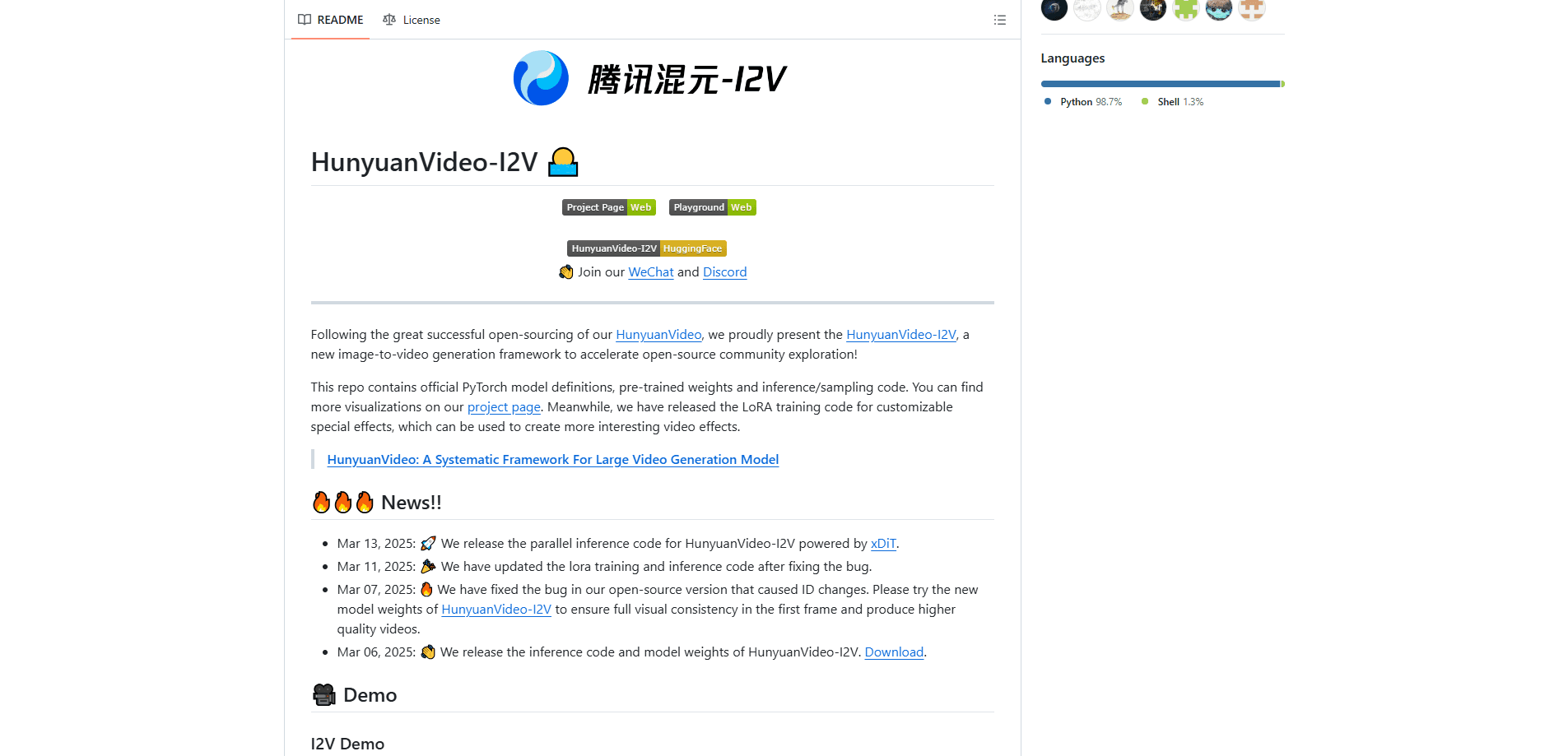
About HunyuanVideo-I2V
What Is HunyuanVideo-I2V
HunyuanVideo-I2V is an image-to-video AI model released by Tencent's Hunyuan team in March 2025. Unlike a hosted service, it's a model family you download: PyTorch definitions, pre-trained weights, and sampling code, all under the Tencent Hunyuan Community License. The appeal is control. You own the pipeline, you decide what runs on your hardware, and nobody meters your generations.
It solves a specific problem. Text-to-video models often drift away from what you pictured, because words are a loose way to describe a scene. Starting from an image removes that ambiguity. The output keeps the subject, lighting, and composition of your reference frame and adds motion on top, which matters when you're animating a product shot, a portrait, or concept art.
The catch is hardware. This is a 13B-parameter model, and the 720p pipeline wants serious VRAM. Community reports put the practical floor around 45 to 60GB, and Tencent's own guidance points to 80GB cards for the smoothest runs. Quantized weights lower that bar, but not to laptop territory. Got a gaming rig? That won't cut it. If you don't have a datacenter GPU, you're better off renting cloud compute than buying a card.
Getting Started
- Clone the official GitHub repo and set up a Python environment, then install the dependencies listed in requirements.txt.
- Download the model weights from Hugging Face (tencent/HunyuanVideo-I2V) into the ckpts folder, or pull them with the huggingface-cli tool.
- Run the provided inference script with your reference image, a text prompt describing the motion you want, and your resolution settings.
- Wait for the sampling pass to finish, then check the output video and adjust the prompt or seed if the motion isn't what you had in mind.
- Optionally, fine-tune a LoRA on your own clips if you want a recurring effect or style.
Product Information
A quick look at HunyuanVideo-I2V's pricing, supported platforms, and performance.
Best for
The users, tasks, and scenarios where this tool fits best.
Users
- AI researchers and ML engineers
- Indie animators and motion designers
- Developers building video features
Tasks
- Animating a still image
- Creating custom video effects
- Research and benchmarking
Scenarios
- Turning a client's still mockup into a pitch video
- Pre-visualizing a short scene
- Building a self-hosted video tool
Key features
Image-to-video generation
The core job is simple. You give it a reference image and a prompt, and it returns a 720p clip up to 129 frames long, roughly five seconds at 24fps. The model uses the image as the anchor, so the opening frame matches what you supplied instead of reinterpretiing your written description from scratch.
First-frame consistency
Early open video models had a nasty habit of morphing your subject the moment motion started. Tencent patched a bug in March 2025 that caused identity changes, and the updated weights hold the first frame much more faithfully. For anything involving a recognizable face or a branded object, that consistency is the whole point. It works. And it's the reason a lot of people switched over.
LoRA training for custom effects
The release includes LoRA training scripts, which let you fine-tune a small adapter on your own footage. You can teach the model a specific motion or visual style and reuse it, without retraining the full 13B model. It's the feature that turns a general-purpose model into something tailored to your work.
Multimodal understanding via MLLM encoder
HunyuanVideo-I2V uses a decoder-only multimodal language model as its text encoder rather than the usual CLIP and T5 combo. In plain terms, it reads your image and prompt together and reasons about them jointly, which helps it follow detailed instructions about what should move and how.
Multi-GPU parallel inference
Tencent shipped parallel inference code backed by xDiT, so you can spread a single generation across several GPUs. It doesn't make the model fit on weaker hardware, but it does shorten wall-clock time when you already have a multi-GPU machine and a batch of clips to render. Slow single-card renders? Pair two or four cards and the wait shrinks fast.
Pros and cons
Pros
- Fully open weights and code, so you can run, inspect, and modify the model without paying per generation.
- Strong first-frame consistency after the March 2025 fix, which matters for faces and branded objects.
- LoRA training scripts are included, letting you build custom effects instead of settling for stock ones.
- Supports 720p output up to 129 frames, enough for a few usable seconds of footage.
- Parallel inference code shortens render times on machines with several GPUs.
Cons
- It's a 13B model, and the practical VRAM floor sits around 45 to 60GB, so consumer cards struggle even with quantization.
- There's no official hosted API tied to this repo, meaning you handle the serving stack, scaling, and uptime yourself.
- Clips top out near five seconds, so longer sequences need stitching and careful prompt planning.
- Setup assumes comfort with Python environments, model weights, and the command line, which rules out non-technical users.
Frequently asked questions
It generates video from a still image, keeping the input frame as the visual anchor. Typical uses are animating concept art, adding motion to product photos, and producing short clips for research or pre-visualization.
Related content
Explore related tools, skills, and articles for HunyuanVideo-I2V.
HunyuanVideo-I2V Alternatives

Vadu AI
Vadu AI · Image · VideoVadu AI is a web-based AI video generator that turns written prompts or still images into short clips, and it can also generate images on its own. You type what you want, pick a model and style, and the platform renders the result in minutes. A free plan covers light testing, while paid tiers run from $9 to $77.40 per month based on how many credits you burn.

Mykaraoke Video
MyKaraoke Video · VideoMykaraoke Video is an online karaoke video maker and lyric video maker that turns any song into a finished, lyrics-synced video right in your browser. It handles the slow part for you. The AI pulls vocals out of the mix and locks the lyrics to the beat, then lets you customize background, fonts, and colors before exporting in 1080p MP4. If you make lyric videos for social media, party nights, or music promotion, it skips the software installs and manual timing work entirely. Want a karaoke video generator that doesn't eat your whole evening? That's the pitch here.

Finalframe
Finalframe · VideoFinalframe is a set of free, browser-based tools for grabbing exact frames out of a video clip. Its best-known feature, the Final Frame Extractor, lets you extract the last frame of any video so you can use it as the starting image for AI video tools like Luma Dream Machine, Runway, or Kling. Want to keep a clip going? That last frame is your starting point. The tool runs locally in your browser, needs no sign-up, and costs nothing. A separate paid AI video-generation app from the same team is currently offline while it's rebuilt.