

Hypernatural
Hypernatural · Video
Hypernatural is an AI video platform that turns prompts, scripts, and podcasts into branded short-form videos with custom styles and AI narration.
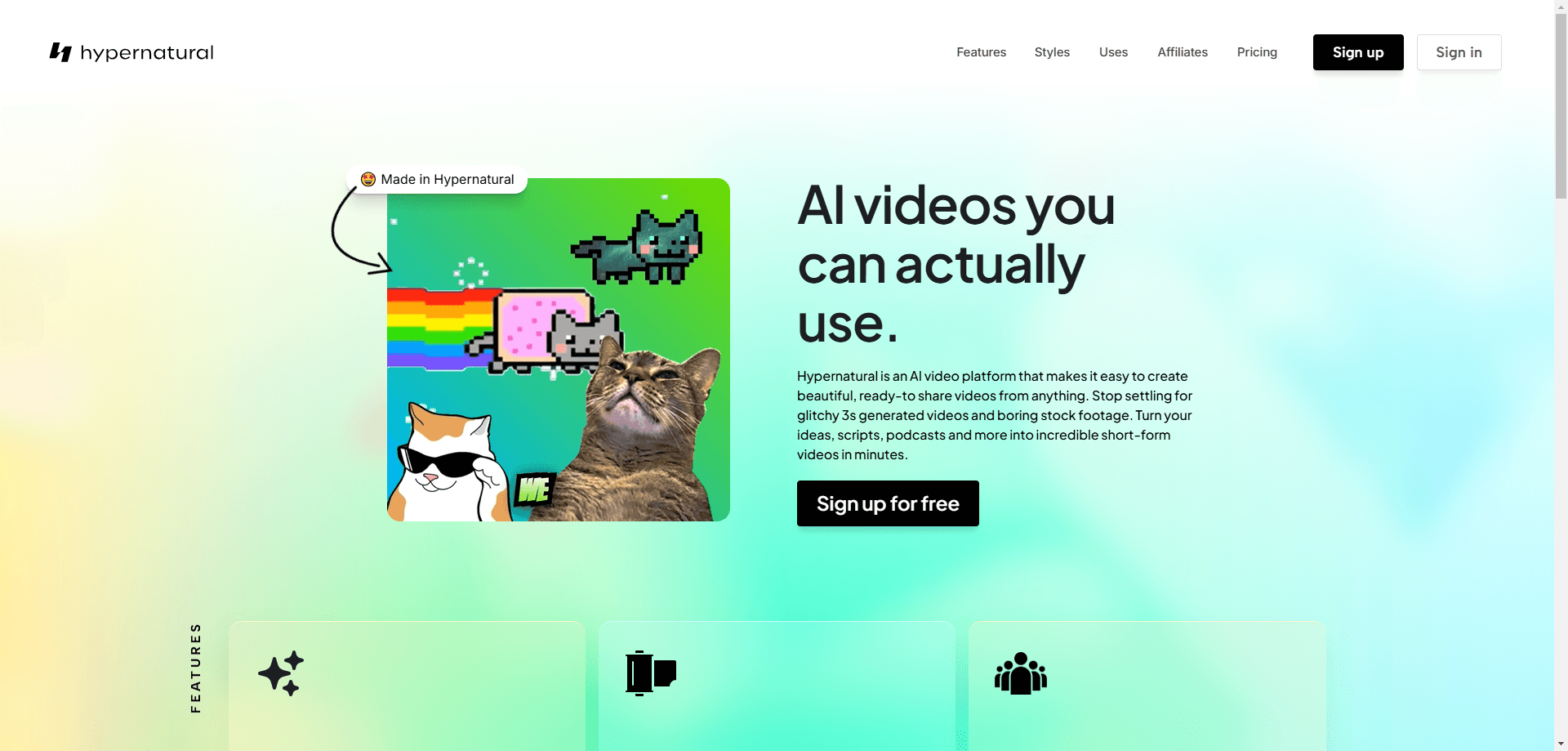
About Hypernatural
What Is Hypernatural
Hypernatural is an AI video platform built for marketers, founders, and creators who need production-quality video without a production crew. You feed it a prompt, a script, a podcast episode, or a product page, and it returns a finished short video with visuals, animation, and voiceover in minutes. Think of it as an AI video generator with a full editor attached. It's not just a text to video toy you use once and forget. The pitch is speed plus consistency. Once you set up a Brand with your logo, visual style, and products, every video you make inside it pulls from those same references, so your output stays on brand without manual tweaking each time.
The platform leans on a mix of third-party AI models rather than one in-house engine. Its model lineup includes image generators like Seedream v4, Nano Banana Pro, and Flux, plus animation models such as Kling, Veo 3.1, and MiniMax. That matters, because you can match the model to the job. Use a cheap, fast render for a draft. Save a premium model for the final cut.
The catch is the credit system. Custom visuals, animations, and premium narration all burn credits, and the amount each generation consumes depends on both the length of the clip and the specific model you selected. Unused credits expire at the end of each billing period. So if you want predictable flat-rate video output, budget carefully before committing to a monthly plan. That part surprised us.
Getting Started
- Create a free account at hypernatural.ai and open the video editor.
- Set up a Brand by adding your logo, visual style references, and product images once.
- Paste a prompt, script, or upload source content, then pick your image and animation models.
- Generate, then storyboard and edit scenes inside the same editor.
- Export and share the finished short video, or downscale to a platform-specific format.
Product Information
A quick look at Hypernatural's pricing, supported platforms, and performance.
Best for
The users, tasks, and scenarios where this tool fits best.
Users
- Marketing teams
- Solo founders
- Podcast creators
Tasks
- Turning a script or blog post into a short video
- Making product ads
- Previsualizing a longer piece
- Repurposing social content
Scenarios
- Launching a product with a small team and a tight deadline
- Running weekly social output
- Pitching a concept to clients or retail buyers
Key features
Brand Consistency Engine
Set your logo, style, and products once, and every video inside that Brand pulls from those references automatically, which means a distributed team can produce dozens of clips in a week and still ship visuals that look like they came from the same designer. No re-uploading assets. No guessing which font was used last time. That's the core reason teams stay with the platform: it removes the "does this look like us?" review step from every project.
Multi-Model Generation
Hypernatural lets you choose from a rotating lineup of third-party image and animation models, from fast options like Flux Schnell to flagship ones like Veo 3.1 and Kling. You trade credits against quality. Drafting with a cheap model and finishing with a premium one is a realistic workflow, and it's often the smartest way to keep costs down.
AI Narration and Voiceover
Premium narration is built in, so you don't need a separate text-to-speech tool or a recording session. No mic. No studio. Narration credits are part of the generation cost, which you should factor into your plan sizing if voice-driven videos are your main output.
Integrated Storyboard Editor
You generate, storyboard, and edit inside one editor instead of bouncing between tools. Scenes can be reordered, regenerated, and refined before export. Revision cycles get shorter. That's a real time saver once you're producing more than a couple of videos a week.
Source-to-Video Conversion
Feed it ideas, scripts, podcasts, or product pages, and it converts the raw material into structured video scenes. This is the workflow most short-form creators care about. It turns existing content into new distribution without starting from scratch.
Credit-Based Pricing
You pay for what you actually generate, measured against the video length and model you pick. The credit calculator on the pricing page helps you estimate cost per video before you commit. Use it early. It's the fastest way to know whether a plan fits your output.
Pros and cons
Pros
- On-brand output stays consistent thanks to reusable Brand references.
- Access to plenty of current image and animation models in one place.
- Turns existing scripts, podcasts, and product pages into video without a full shoot.
- Storyboard, generate, and edit all happen in a single editor.
Cons
- Unused credits expire at the end of each billing period, so light users can lose value.
- Premium models and narration burn credits fast, making costs hard to predict for heavy users.
- It's a web-only AI video editor, so there's no dedicated mobile app for quick edits on the go.
- The model lineup changes often, which means your favorite render option may disappear.
Frequently asked questions
It's an AI video platform for creating short-form and branded videos from prompts, scripts, podcasts, and product content. Teams use it for ads, social clips, and concept previsualization.
Related content
Explore related tools, skills, and articles for Hypernatural.
Hypernatural Alternatives

Vadu AI
Vadu AI · Image · VideoVadu AI is a web-based AI video generator that turns written prompts or still images into short clips, and it can also generate images on its own. You type what you want, pick a model and style, and the platform renders the result in minutes. A free plan covers light testing, while paid tiers run from $9 to $77.40 per month based on how many credits you burn.

Mykaraoke Video
MyKaraoke Video · VideoMykaraoke Video is an online karaoke video maker and lyric video maker that turns any song into a finished, lyrics-synced video right in your browser. It handles the slow part for you. The AI pulls vocals out of the mix and locks the lyrics to the beat, then lets you customize background, fonts, and colors before exporting in 1080p MP4. If you make lyric videos for social media, party nights, or music promotion, it skips the software installs and manual timing work entirely. Want a karaoke video generator that doesn't eat your whole evening? That's the pitch here.

Finalframe
Finalframe · VideoFinalframe is a set of free, browser-based tools for grabbing exact frames out of a video clip. Its best-known feature, the Final Frame Extractor, lets you extract the last frame of any video so you can use it as the starting image for AI video tools like Luma Dream Machine, Runway, or Kling. Want to keep a clip going? That last frame is your starting point. The tool runs locally in your browser, needs no sign-up, and costs nothing. A separate paid AI video-generation app from the same team is currently offline while it's rebuilt.