

iArt.ai
iArt.ai · Video
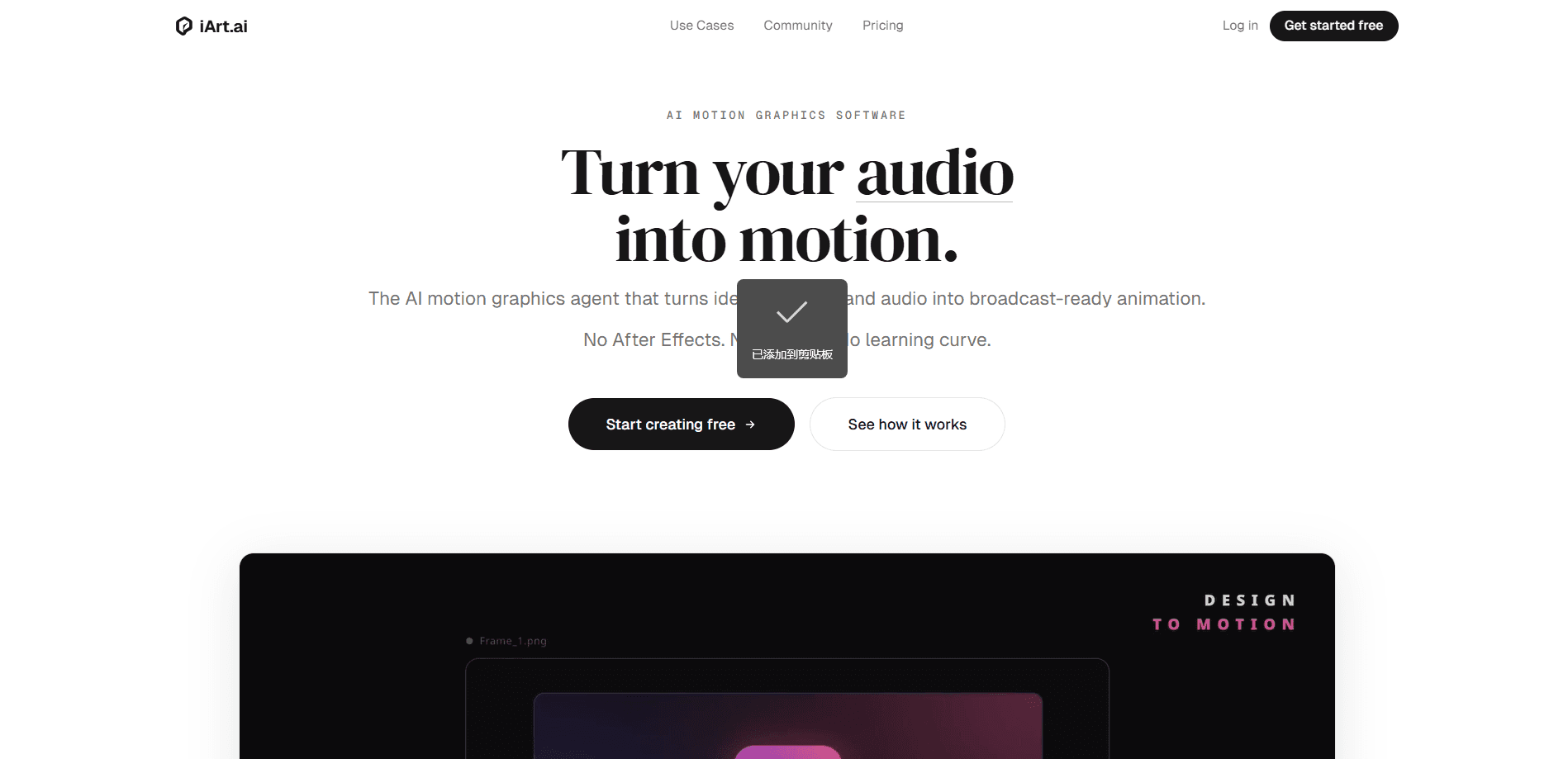
iArt.ai is an AI motion graphics tool that turns plain text, Figma designs, images, documents, and audio into broadcast-ready animated videos in seconds. It's a prompt to animation pipeline with no timeline, no keyframes, and no After Effects skill required. You describe what you want, pick a voice and background music, and the platform assembles your animation scene by scene, ready to export as MP4 up to 4K.
About iArt.ai
What Is iArt.ai
iArt.ai is an AI motion graphics software and a real After Effects alternative, built for people who have content to animate but not the animation skills to do it. It reads whatever you feed it, whether that's a written prompt, a design file, a PDF, an audio track, or a web link, and generates finished motion graphics on its own: scene layout, typography, timing, and transitions included. The pitch is simple. The output that takes an editor hours in a timeline tool lands here in one to three minutes. As a text to video animation and AI video generator, it skips the editing suite entirely.
The tool exists for a specific gap. Traditional motion graphics mean either learning After Effects over hundreds of hours or paying a production shop thousands of dollars per video. iArt.ai skips both by making the AI handle the animation step entirely. So what does that leave you to do? Decide what to say, and let the tool worry about how it moves.
The biggest limitation is control. Because the AI builds scenes for you, you're trading frame-level tweaking for speed, and that trade only pays off when your goal is getting a clean, on-brand video out the door fast rather than obsessing over the precise placement of every single element frame by frame. You refine with natural language, not a timeline. Great for explainers, product demos, and social clips. Less ideal if you need an exact sequence that follows a fixed storyboard.
Getting Started
- Create a free account at iart.ai. No credit card is needed to start, and new users get a small credit balance for their first generations.
- Describe what you want or upload your source material. You can type a prompt, drop in a Figma design, image, PDF, or audio file, or paste a webpage URL for iArt.ai to read.
- Pick a voice and background music. You can choose from a voice library, or clone your own voice on the Pro and Ultra plans, then add a track for the soundtrack.
- Hit generate and watch the AI build the animation scene by scene, adjusting layout, typography, timing, and transitions on its own.
- Export as MP4 up to 4K resolution, or share a link that anyone can play instantly, with no render queue to wait on.
Product Information
A quick look at iArt.ai's pricing, supported platforms, and performance.
Best for
The users, tasks, and scenarios where this tool fits best.
Users
- Marketers and content teams
- Founders and small businesses
- Educators and explainer creators
- Social media managers
Tasks
- Turning a blog post or landing page into video
- Creating explainer videos
- Animating an existing design
- Syncing graphics to audio
- Building a consistent set of assets
Scenarios
- A startup needs a product launch demo before a funding deadline and has days, not weeks.
- A teaching team wants to explain a technical concept to non-experts without a production crew.
- A social team repurposes a written article into a short animated clip for a campaign.
- A solo creator with a voice recording wants graphics that land on the beats without hand animation.
Key features
Prompt to Motion Graphics
Type what you want in plain language and iArt.ai generates a complete animated video, including scene compositions, transitions, and pacing. The AI builds each scene on its own, so you're not assembling anything by hand. If you'd rather start from something you already have, paste a webpage URL and it reads the page to script the video. Here iArt.ai doubles as an explainer video maker, with no storyboard step in between.
Multi-Source Input
The platform accepts text, images, Figma designs, PDFs, documents, audio tracks, and web links. Drop in whatever you have and it works from that. There's no export-and-import dance between tools, which is where a lot of video workflows lose time. Just upload and go.
Original Animation, Not Templates
iArt.ai generates original scene compositions rather than dropping your content onto pre-built slides. The company positions this against template tools and AI-avatar generators, which produce a recognizable, repeated look. The result leans toward keynote-style motion graphics instead of stock footage.
Kinetic Typography and Data Visualization
The engine animates text and charts as part of the scene. That covers kinetic typography, animated data points, and lower thirds. For explainers and data-heavy content, this is the part that carries the message, since the words move in sync with what's being said and the viewer's eye follows the motion instead of reading a static frame. It works.
Voice Cloning and Audio Sync
On the Pro and Ultra plans you can clone your own voice, or pick from a voice library. When you feed in audio, the graphics align to it, stretching on pauses and punching on emphasis. The point is sound and motion working together instead of being edited separately, which is exactly the kind of tedious manual alignment that eats up hours when you animate by hand in a traditional timeline tool without any automation helping you along the way.
4K Export and Instant Share
Download finished videos as MP4 up to 4K resolution, or grab a share link anyone can play right away. There's no render queue. You don't wait around after hitting generate. Resolution scales by plan, with 1080p on Pro and 4K on Ultra.
Consistent Brand Assets
Generate an intro, a lower third, and an end card and they share the same visual language. That keeps a brand's look consistent across clips without a team having to maintain a full style guide or hand-match each asset every single time. It's the small details that sell the effect.
Pros and cons
Pros
- Generates broadcast-ready motion graphics in one to three minutes instead of hours.
- Accepts many input types, so you can start from a prompt, design, PDF, audio file, or URL.
- No timeline or keyframe skills required, which opens animation up to non-designers.
- Exports up to 4K and shares via link with no render queue.
- Free tier lets you test the workflow before paying, and top-up credits never expire.
- Generates original scenes rather than recognizable template layouts.
Cons
- Fine-grained control is limited: you refine by re-prompting rather than editing a timeline, which frustrates anyone who needs an exact sequence.
- Pricing is credit-based, so the real cost shifts with compute use per generation and is harder to predict than a flat monthly fee.
- Voice cloning and some higher-resolution output sit behind the paid Pro and Ultra plans, so free users hit limits quickly.
- No public API, which rules it out for teams wanting to wire generation into their own pipeline.
Frequently asked questions
iArt.ai is an AI motion graphics tool that turns prompts, designs, images, documents, and audio into animated videos automatically. You describe what you want, and it handles layout, typography, and timing without a timeline.
Related content
Explore related tools, skills, and articles for iArt.ai.
iArt.ai Alternatives

ngram 2.0
ngram · Video · Marketingngram 2.0 is an AI video generator for teams. It turns a prompt, a screen recording, or a product URL into a narrated explainer, product demo, or AI avatar video, and every scene stays editable.

OpenScreen 2
OpenScreen (open-source project) · Video · ProductivityOpenScreen 2 is a free, open-source screen recorder and demo video editor for Windows, macOS, and Linux, with automatic zooms, styled frames, local captions, and agent edits.

Skreno
Skreno · Video · ProductivitySkreno is a browser screen recorder that captures a tab, a window or your whole display, then attaches AI transcripts, summaries and console logs to one share link.