

Icoloring AI
iColoring · Image
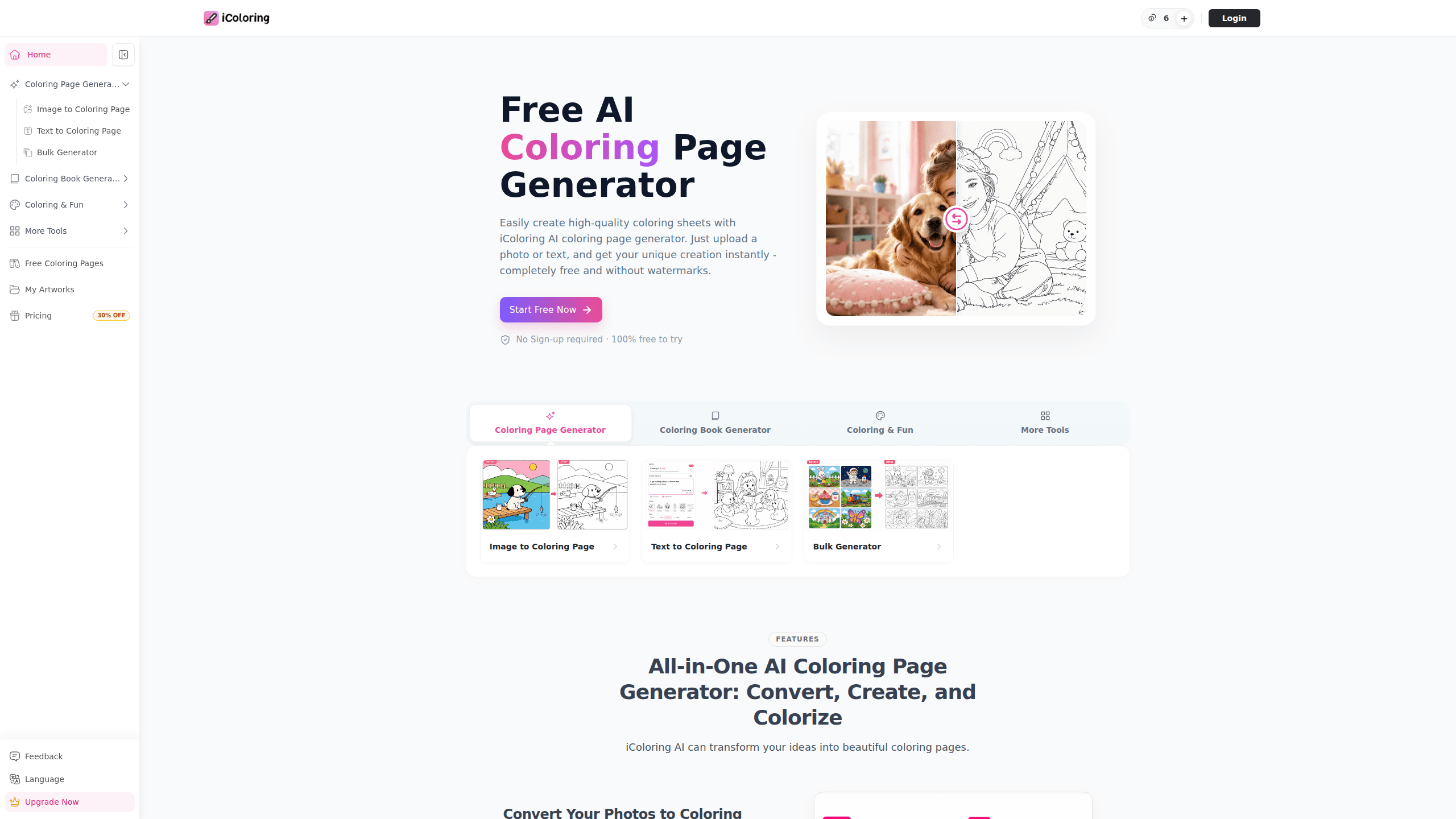
Icoloring AI is an online AI coloring page generator that turns plain text or a photo into clean black-and-white line art you can print and color at home within a couple of minutes. Think of it as a coloring page maker that runs in a browser. It needs no sign-up to try, and it exports watermark-free PNG or PDF files. It also works in reverse. Upload a finished line drawing, describe a color theme, and the AI colorizer fills it in for you.
About Icoloring AI
What Is Icoloring AI
Icoloring AI is a web-based tool for making custom coloring pages with AI. Instead of hunting through pre-made coloring books for a page your kid actually wants, you type what you want ("a dragon reading a book in a treehouse") and get a printable page back in seconds. The same engine converts existing photos into line art, which is handy for turning a family picture into a keepsake coloring sheet.
The product leans on a simple pitch. Coloring pages should be free and easy, not a paid download with a watermark slapped across the middle of your child's favorite character. It bundles three jobs in one place. Generate a page from text. Convert a photo into a page. Colorize an existing page. It also ships a library of 825 ready-made printables and prompt ideas if you don't feel like writing your own prompt from scratch.
The biggest limitation is depth. Icoloring AI is built for casual, fast use, not for professional illustration work. If you need layered vector files or precise line-weight control for a print-ready commercial book, you'll hit a wall. There's no mobile app either, so everything runs through the browser. It works fine on a phone, but you're still on a website.
Getting Started
- Open icoloring.ai in your browser. You can start generating right away without creating an account.
- Pick a mode: text to coloring page, photo to coloring page, or the colorizer for images you already have.
- For text mode, describe your idea and choose a style like Classic, Cartoon, or Pencil Sketch. For photo mode, upload an image and let it convert.
- Preview the result, regenerate if the lines look off, then download it as a PNG or PDF.
- Print at home on any standard printer and color it in. Paid plans add higher resolution and batch mode if you need volume.
Product Information
A quick look at Icoloring AI's pricing, supported platforms, and performance.
Best for
The users, tasks, and scenarios where this tool fits best.
Users
- Parents and caregivers
- Teachers
- Adult coloring fans
- Designers and hobby creators
Tasks
- Turning a family photo into a printable line-art keepsake
- Generating a custom coloring page from a text description
- Colorizing an existing black-and-white page
- Building a themed set of pages for a party or classroom activity
Scenarios
- A rainy afternoon when the kids are bored and you need a fast activity
- Lesson planning for a substitute teacher
- A handmade gift or greeting
- Exploring a creative idea before committing to it
Key features
Text to Coloring Page
Describe a character, an action, or a scene and Icoloring AI turns it into printable black-and-white line art. You control the style, so you can dial the complexity up for adults or keep the lines bold and open for younger kids. It's the fastest path from an idea to a page you can print.
Photo to Coloring Page
Upload a photo and the tool converts it into a clean coloring outline, keeping the main subject recognizable. Three styles cover most needs: Classic, Cartoon, and Pencil Sketch. This is the feature parents reach for when they want a page that looks like their own pet, kid, or vacation shot.
AI Colorizer
Already have a coloring page but no idea what colors to use? Upload it, describe a color theme, and the AI fills it in. Use it to colorize a coloring page as a source of color inspiration when you're staring at a blank page. It won't replace your own coloring, but it breaks the stall.
825 Ready-Made Printable Pages
The site ships a library of 825 AI-generated coloring pages and matching prompt ideas, all free to download in PNG or PDF. It's useful when you want to color right now and don't feel like writing a prompt, and custom pages usually fit a specific idea better than a generic sheet pulled from a shared library anyway.
Style and Size Options
You choose the style and the output size before generating, which matters more than it sounds. A page designed for a five-year-old and one for an adult with fine-tip markers shouldn't look the same. Bold outlines suit little hands; detailed patterns suit adult coloring fans who want a page that takes an evening rather than five minutes.
Cross-Platform Cloud Sync
Icoloring AI runs on desktop and phone browsers and syncs your work in the cloud. You can start a page on your laptop and pull it up on your phone later. No installation, no app store, no device lock-in.
Batch Mode
Paid plans include batch generation, which produces many pages in one pass. For a teacher prepping a whole unit or a creator assembling a coloring book with dozens of pages, doing it one page at a time gets old fast. Batch mode cuts that down.
Pros and cons
Pros
- Free to start with no sign-up required, so you can test it in under a minute.
- Watermark-free downloads in PNG and PDF, which matters if you're printing for a class or selling pages.
- Three input methods in one place: text, photo, and colorizer.
- Works in any browser on desktop or phone, with cloud sync across devices.
- Style and size controls let you match the output to the age group.
Cons
- No dedicated mobile app, so everything runs through the browser, which feels clunky on a small screen.
- The colorizer is best for inspiration rather than precise coloring, so don't expect pixel-accurate fills.
- Batch mode sits behind paid plans, so high-volume free use runs one page at a time.
- Free plans carry limited credits, and commercial use is tied to a paid tier.
Frequently asked questions
It's an AI coloring page generator. It turns text or photos into printable black-and-white line art, and it can also colorize existing line drawings. People use it for kids' activities, classroom worksheets at every grade level, adult coloring, and personalized gifts.
Related content
Explore related tools, skills, and articles for Icoloring AI.
Icoloring AI Alternatives

X Ray Interpreter
X-ray Interpreter · ImageX Ray Interpreter is a web-based AI radiology tool that turns X-rays, CT scans, MRI, ultrasound, and PET images into plain-language reports. You upload a scan, get a preliminary X-ray interpretation in moments, then ask follow-up questions if something needs explaining. It works as a second opinion and a learning aid, not as a medical diagnosis.

Aieasypic
AIEasyPic · ImageAIEasyPic is an AI image generator that turns plain text prompts into finished artwork in seconds. You can also train custom models on your own photos, swap faces in existing images, and create short video clips from text, all from a browser. It suits casual creators who want quick visuals and hobbyists who want to build a personal model without touching any code.

Chargen
Chargen · ImageChargen is an AI character generator and worldbuilding toolkit built for Dungeons & Dragons and other tabletop RPGs. It turns a one-line idea into a painted character portrait, spins up NPCs, monsters, maps and encounters from the same session, and keeps every creature's details close at hand. The tabletop RPG art side runs on a credit system called Gold, while the text generators stay free for everyone.