

Idea to Motion
Idea to Motion · Video · Coding
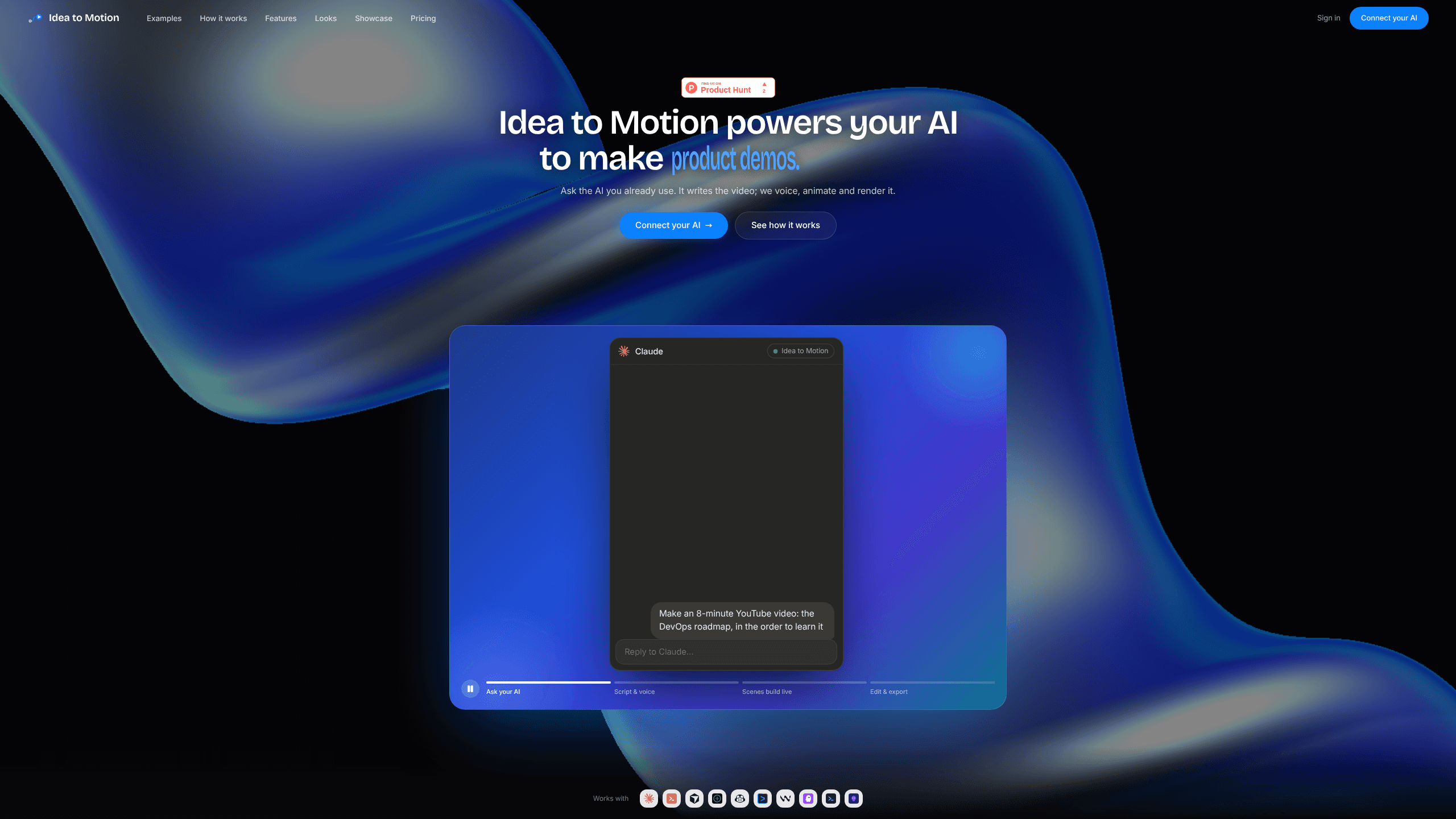
Idea to Motion is an AI video generator and animated video maker that runs inside the AI assistant you already use. You connect it to Claude, Cursor, or another MCP client, describe a video in plain language, and the assistant writes the script, scene directions, and animation code for you. It builds motion graphics, explainers, and social clips, then renders a downloadable MP4 only when you ask for one.
About Idea to Motion
What Is Idea to Motion
Idea to Motion is a web service that turns a chat prompt into finished animated video. Instead of opening a separate editor, you add its MCP server to Claude, Cursor, or any client that speaks the Model Context Protocol, and then you just ask for what you want. The assistant handles the thinking, Idea to Motion handles the rendering.
The product targets people who make short motion graphics: news reels, product updates, explainers, and launch films. You describe the topic, and this motion graphics generator assembles look-and-feel presets, on-screen type, and animation. It ships with a set of visual styles you can drop your brand colors and logo onto.
The main thing to understand is where the costs sit. Scripting and previewing are free because your own assistant does the model work. Exporting the final MP4 is the only thing you pay for, and narration is billed separately by your own voice provider. A silent template with no narration stays cheap; a narrated explainer pulls in a second bill from ElevenLabs or Cartesia.
Getting Started
- Sign in with Google. Your videos, saved looks, and brand kit follow the account.
- Add the server to your client. Pick Claude, Cursor, or another MCP client, then paste the connection snippet or the server URL at https://api.ideatomotion.com/mcp, then approve access.
- Connect a voice key if you want narration. Add an ElevenLabs or Cartesia key. Silent motion graphics need none.
- Ask your assistant for a video. Describe the topic and style in plain language, then preview the result in the browser editor.
- Export the final MP4. Pick a resolution and pay once for the render; re-exports and small fixes cost nothing extra.
Product Information
A quick look at Idea to Motion's pricing, supported platforms, and performance.
Best for
The users, tasks, and scenarios where this tool fits best.
Users
- Solo content creators
- Small marketing teams
- Technical writers and founders
Tasks
- Turning a blog post or changelog into a 30-second reel
- Making silent text-driven explainers
- Re-cutting a raw recording
- Producing short-form vertical clips for social
Scenarios
- A startup shipping weekly updates who wants a polished clip without hiring an editor.
- A creator repurposing a newsletter into a talking-head-free animated summary.
- A developer demoing a feature by narrating over generated motion graphics.
- Anyone who'd rather describe a video than drag clips on a timeline.
Key features
Prompt-Driven Video Generation
You ask in language, not menus. The assistant writes the script, the scene directions, and the animation code for each scene, so the video builds itself from your description. The output lands as an editable composition you can preview before spending anything.
Built for Claude, Cursor, and MCP Clients
Idea to Motion ships as a remote MCP server, so it plugs into the assistant you already run. Claude web and Desktop connect through a browser sign-in with no key to copy, while other clients take a short config snippet. Over 20 MCP tools expose the workflow, and the vendor says it works with 10+ MCP clients.
Continuous, Billed-to-the-Second Exports
Export pricing scales with length times resolution and never rounds up to a whole minute. A 12-second clip costs 12 seconds. Every video remembers the most it has ever been paid, so re-exporting after a failed render, a rewritten scene, or an audio change adds nothing.
Two Aspect Ratios for Social and Film
Vertical 9:16 covers news reels and short explainers, and widescreen 16:9 handles launch films and longer walkthroughs. You pick the frame at the start rather than reframing a finished cut later.
Look Presets With Your Brand On Top
The library has 21 preset looks, from dark keynote styles to brighter explainer themes. Your brand colors and logo drop on top of any of them, so a batch of videos stays visually consistent without a designer.
Bring-Your-Own Voice Key
Narration runs on your own ElevenLabs or Cartesia account, using a key you connect and store encrypted. That keeps you in control of the voice and the bill, and it means the vendor takes no cut of your speech costs.
Failure-Safe Rendering
If an export fails or a scene comes out wrong, you aren't charged twice. The system tracks the highest price already paid per video and only charges any shortfall, which makes fixing a video a normal step rather than a second purchase.
Silent Mode for Text-Only Motion
Not every video needs a voiceover. Silent motion graphics use on-screen text as the content, skip the voice key entirely, and cost exactly what the rate card says with no second bill.
Pros and cons
Pros
- Fits an assistant you already use, so there's no new timeline editor to learn
- Creating and previewing are free; you pay only to export the final MP4
- Billed per second, so short clips stay cheap and re-exports cost nothing
- 21 look presets plus a brand kit keep output consistent across a batch
- Silent videos skip the voice provider bill entirely
Cons
- Requires a working MCP client, so people without Claude, Cursor, or a similar tool can't use it on its own
- Narration is billed separately by ElevenLabs or Cartesia, and that cost isn't covered by your export balance
- The free tier is watermarked 720p capped at two videos a month, which limits testing
- Final MP4s are text-and-motion graphics, not realistic live-action footage
Frequently asked questions
As a Claude video tool, it turns a written prompt into a finished animated video by working through an MCP client like Claude or Cursor. Your assistant writes the script and scene directions, and Idea to Motion renders the result into a downloadable MP4 when you export it.
Related content
Explore related tools, skills, and articles for Idea to Motion.
Idea to Motion Alternatives

Hiclip
HiClip · Video · MarketingHiClip is an AI video clipping tool that turns one long video into a stack of short, platform-ready clips. You drop in a YouTube link or upload an MP4. It finds the moments worth sharing, adds AI captions, and reframes each cut for Shorts, Reels, and TikTok. It's a way to repurpose long videos without touching a timeline editor. If you've ever wanted a TikTok video editor that does the tedious part for you, this is the pitch.

Shorts Generator
Shorts Generator · Video · MarketingShorts Generator is an AI video generator for making talking-character and faceless short videos without a camera. You design an AI persona, give it a voice, turn text to video, and export a vertical clip for TikTok, Reels, or YouTube Shorts. It's aimed at creators who want a steady stream of content but don't want their face on screen. No camera. No crew.

Speechlab
Speechlab · Voice & Language · VideoSpeechlab is an AI dubbing and localization platform for video and audio. It transcribes, translates, captions, subtitles, and dubs spoken content in 50+ languages, then hands you a full editing suite so you can review and refine every line before it ships. Think of it as an AI video translation service with an editor attached. It targets podcasters, video teams, and businesses that need reliable multilingual output, not just a fast render.