

Ideabuddy
IdeaBuddy · Productivity · Business
Ideabuddy is AI business planning software that turns a raw idea into a finished business plan. It's a business plan builder for founders who don't know where to start. The platform pairs step-by-step industry guides with an AI assistant that suggests product ideas, drafts text, and estimates revenue and expenses. It also works as a financial forecasting tool. When you're done, you export everything as a Word document, PDF, or Excel file. Then you share it with partners or investors.
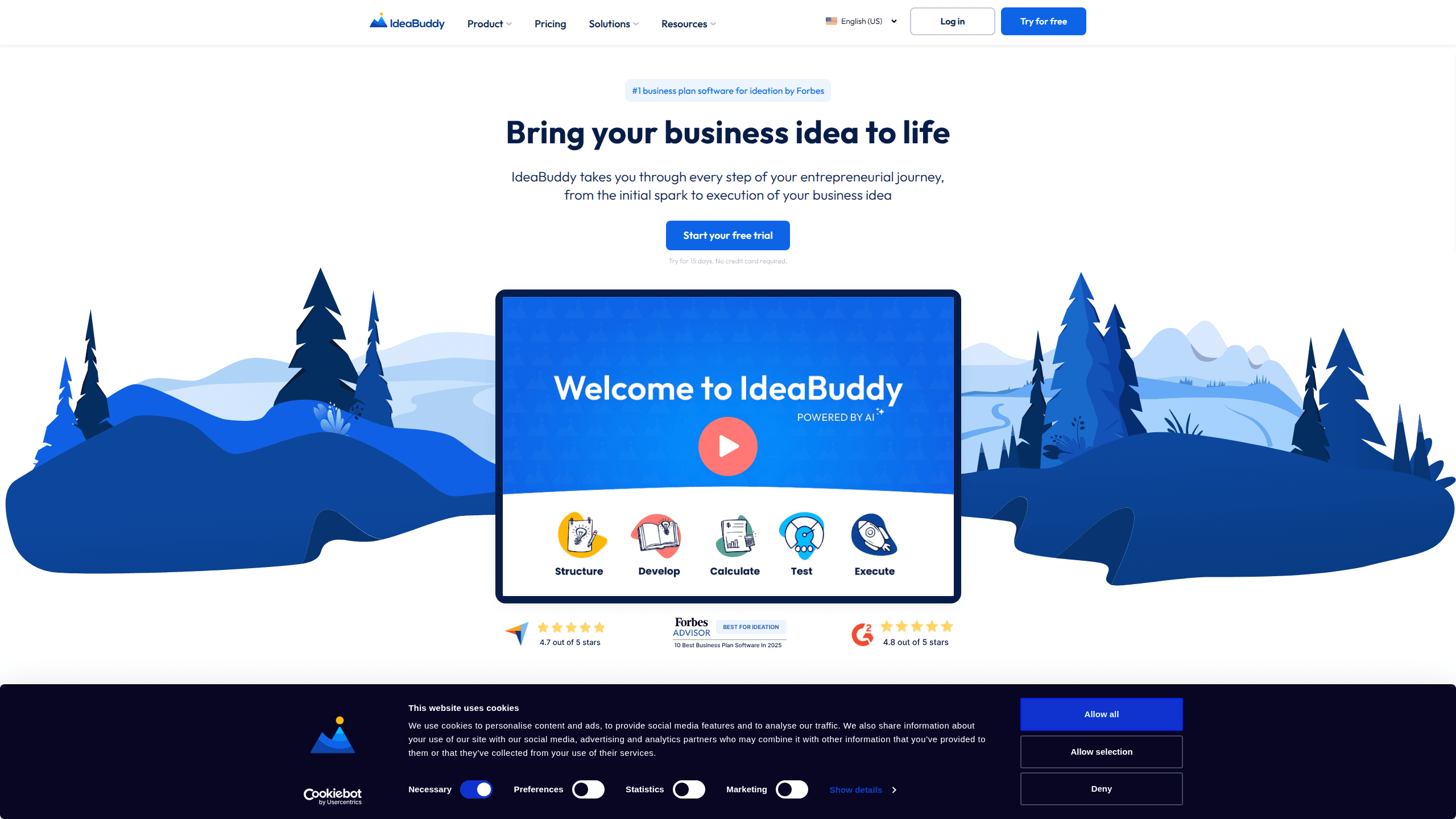
About Ideabuddy
What Is Ideabuddy
Ideabuddy is a startup planning tool built for people who have a business idea but aren't sure how to structure it. Instead of a blank page, you start with a guided framework. It walks through your concept, market, customers, and numbers one section at a time.
The core promise is speed. You answer prompts, and the AI drafts suggestions, estimates, and financial projections alongside you. It's aimed at first-time founders and small teams who'd rather not pay a consultant to build the first version of a plan.
The main limitation is depth. It's a planning tool, not an accounting system. Serious financial modeling still lives in a spreadsheet. And the AI output is a starting draft. Don't hand it to an investor without a careful pass.
Getting Started
- Create a free account and start a 15-day trial, no credit card needed.
- Pick a pre-built template for your industry, or start from a blank project.
- Work through the guided steps for your idea, market, and customers.
- Let the AI draft text and estimate revenue and expenses as you go.
- Export your canvas, financial plan, or full business plan as Word, PDF, or Excel.
Product Information
A quick look at Ideabuddy's pricing, supported platforms, and performance.
Best for
The users, tasks, and scenarios where this tool fits best.
Users
- First-time founders
- Small startup teams
- Students and business classes
Tasks
- Building a business model canvas
- Drafting financial projections
- Writing a business plan document
Scenarios
- Validating a side-project idea before quitting your job
- Preparing a plan for a bank loan or incubator application
- Pitching to early investors
Key features
Step-by-Step Industry Guides
Ideabuddy doesn't drop you on a blank canvas. It gives you a guided path with pre-built templates shaped around your industry, so you always know which section comes next. The walk-through covers everything from shaping the raw idea to assembling the finished plan. That's a big deal if you've never written one. So what does that look like in practice? You answer a prompt, the next section unlocks. Each step builds on the one before it, which means you're never staring at an empty document wondering what a business plan is even supposed to contain.
AI Suggestions and Auto-Writing
At each step, the AI offers tailored suggestions. That covers product angles, marketing strategies, and more. It can also auto-write sections, fix grammar, and shift the tone of your text. Writing assistance covers nine languages, which helps if you're planning for a non-English market.
Financial Forecasting
The AI helps estimate revenue, expenses, and other core parts of your financial plan. You enter assumptions and it fills in projections you can revisit later. Think of it as lightweight financial forecasting software rather than a full model. It's a fast first pass, not a replacement for a proper spreadsheet when the numbers really matter. If your business has multiple revenue streams, seasonal swings, or anything more complicated than a single product line, you'll want to export the numbers and rebuild them somewhere you can actually stress-test the assumptions.
Business Model Canvas
You get a one-page canvas that lays out your value proposition, customer segments, channels, and costs at a glance. It's the fastest way to see whether your idea actually hangs together before you commit hours to the full plan. For a first-time founder who's juggling a day job and an idea that might not survive contact with the market, that early sanity check is often the most valuable part of the whole exercise.
Collaboration
You can invite your team and mentors into a project and give them view or edit access. Everyone works in the same place instead of passing documents back and forth, which keeps feedback tied to the specific section it's about rather than scattered across an email thread nobody can follow. That alone saves a lot of confusion on most early-stage projects.
Export and Sharing
When the plan is ready, you export the canvas, financial plan, or business plan as a Word document, PDF, or Excel file. You can also share a link directly with partners and investors, which saves a round of file attachments and avoids the version-control mess that comes with emailing a document that three people then edit separately.
Mobile-Friendly Access
The platform works on phones and tablets, so you can edit or review your idea between meetings or wherever you happen to be. It's the same project, just a smaller screen, which means you can jot down a thought the moment it hits instead of losing it before you're back at a laptop.
Pros and cons
Pros
- Guided steps and industry templates remove the blank-page problem for first-time founders, so you always have a clear next action instead of a vague sense that you should be "working on the plan."
- AI drafting and nine-language writing support cut hours off the first pass of a plan.
- One-click export to Word, PDF, and Excel covers most loan, grant, and investor formats.
- Collaboration and a shareable link keep feedback inside the project instead of in email threads.
Cons
- The AI output is a draft, so you'll need to fact-check and rewrite before showing it to investors.
- There's no public API, which limits anyone hoping to pull plan data into their own tools.
- Deep financial modeling is limited, so complex businesses will still need a spreadsheet.
Frequently asked questions
It's a business planning platform that guides you through building a plan from an idea. You get step-by-step templates, AI-written suggestions, financial estimates, and export options for Word, PDF, and Excel.
Related content
Explore related tools, skills, and articles for Ideabuddy.
Ideabuddy Alternatives

Swms
Swms AI · Writing · Productivity · BusinessSwms is an AI safety compliance tool that turns a plain description of a job into ready-to-use safety documents. Describe your project, trade, and known hazards, and it writes a safe work method statement, job hazard analysis, safe work procedure, RAMS, or safety data sheet in seconds. It also ships with Oscar, a chat assistant that answers workplace safety questions in any language. Teams in construction, mining, transport, and warehousing use it to cut the paperwork that usually eats into a workday.

Wordly AI Translation
Wordly · Voice & Language · ProductivityWordly AI Translation is a real-time AI translation and captioning platform built for meetings, conferences, and events. It delivers live translation, captions, transcripts, and summaries in more than 60 languages, and attendees join by scanning a QR code or opening a link instead of using dedicated headsets. The platform works with Zoom, Microsoft Teams, Google Meet, and Webex, and it's designed for organizations that want multilingual access without hiring human interpreters for every session. Simple as that.

Rows
Rows (Superhuman) · Productivity · BusinessRows is an AI spreadsheet and data analysis tool that imports live data from more than 50 sources, then lets you work with it using plain language instead of SQL queries or nested formulas. You can pull numbers out of PDFs, connect ad platforms, databases, and bank accounts, and ask the AI to build reports, merge datasets, or set up models that recalculate themselves. It runs in the browser, works like a spreadsheet, and now sits under the Superhuman umbrella.