

Image Color Picker
imagecolorpicker.io · Image
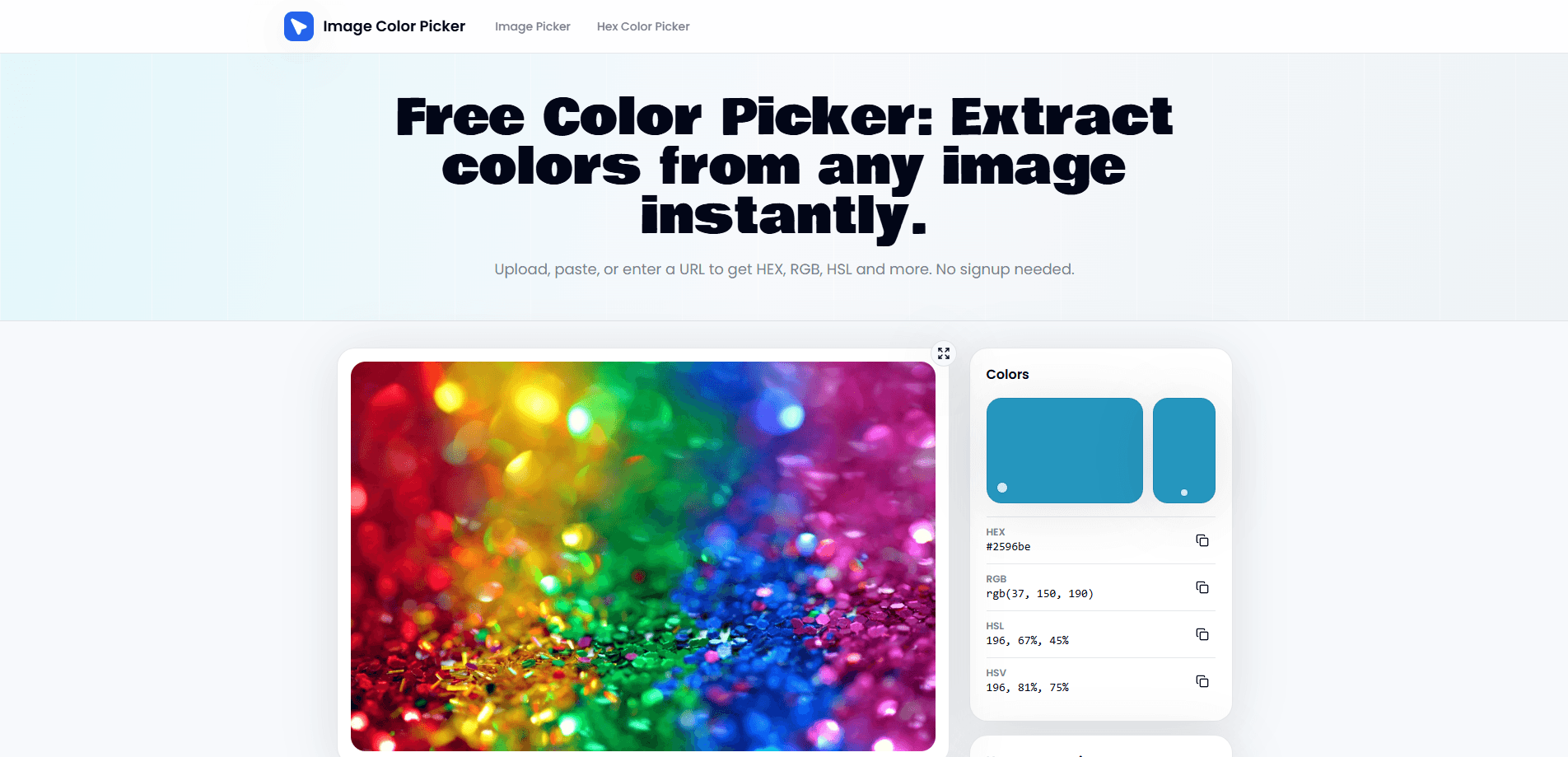
Image Color Picker is a free online color picker tool for pulling exact pixel colors out of any image. Upload a file, paste from your clipboard, or drop in an image URL. Click any point, and you get HEX, RGB, HSL, and HSV values ready to copy into a design file or stylesheet. It also builds palettes from the colors you collect and exports them in a few common formats. Ever squinted at a photo trying to match a shade by eye? This color picker from image takes the guesswork out.
About Image Color Picker
What Is Image Color Picker
Image Color Picker is an online color picker tool that reads the actual pixel values inside an image. You give it a picture. It gives you numbers. That's the whole pitch, and it solves a problem most designers and developers run into constantly. A client sends a logo as a JPEG. You need the brand blue. The color you sample by eye is off by a few shades, and you can't tell until the mockup is done.
The tool covers the formats people actually need, and it reports all of them for the same pixel so you never have to run a value through a separate converter. HEX for CSS, RGB color codes for APIs and color libraries, HSL and HSV when you're building tints and shades by feel. Everything copies with one click, so you don't retype a code and introduce a typo. Nothing gets uploaded to a server. It runs in your browser.
The catch is scope, and it's worth being clear about it before you open the tool. This is a picker, not an editor. It won't touch up your image, won't remove backgrounds, and won't replace a full design app. It just reads colors and helps you organize them. That's where it stops. It also needs a modern browser and a connection to load, so it isn't the tool for offline work.
Getting Started
- Open the Image Color Picker site in your browser. No account or sign-up is required.
- Load an image one of three ways: upload a file from your device, paste an image directly, or paste an image URL.
- Click anywhere on the image to sample that pixel. The HEX, RGB, HSL, and HSV values appear right away.
- Copy the code you need, or save the color into a palette to collect several shades together.
- Reorder or delete colors in your palette, then export it in the format your project needs.
Product Information
A quick look at Image Color Picker's pricing, supported platforms, and performance.
Best for
The users, tasks, and scenarios where this tool fits best.
Users
- Designers
- Front-end developers
- Students and hobbyists
Tasks
- Extracting a brand palette
- Matching a color from a screenshot
- Converting between formats
- Building a palette from a photo
Scenarios
- Recreating a website color scheme
- Preparing product mockups
- Casual art and design work
Key features
Pixel-Accurate Color Sampling
Click any point on a loaded image and the tool reads that exact pixel instead of guessing from a nearby region, which is the part that separates it from a casual eyedropper. It doesn't guess from a nearby region. That accuracy matters when a gradient or a texture makes two adjacent shades look identical at a glance. You get the real value, not an approximation. On a busy photo, that's the difference between a clean match and a near miss.
Multiple Color Format Output
Every sample is reported as HEX color picker output plus RGB, HSL, and HSV, all at the same time, which means one click gives you every code a project could ask for. HEX is what you paste into CSS. RGB is what an API or a color library usually wants. HSL and HSV are handy when you want to build lighter or darker variants without doing the math yourself. Having all four in one view skips the usual dance of converting a code between tools.
Three Ways to Load an Image
You can upload a file from your device, paste an image straight from the clipboard, or point the tool at an image URL, and all three routes land you on the same picking canvas. The URL option is the one people forget about. It's also the fastest path when the image already lives online. Pasting is handy when you've just taken a screenshot and don't want to save it first.
Palette Building and Management
Sampled colors go into an image palette generator you can reorder and trim as your scheme takes shape. If a logo has six shades and you only want four, delete the extras. This turns a pile of one-off picks into an actual color set you can work from, and that's the difference between sampling a color and planning a whole scheme.
Palette Export
When your palette is ready, export it in a format your project can use, whether that's a plain list of codes or a file type other design tools can read without any manual cleanup. The export step is what makes the palette portable. Without it, the colors you extract from an image would stay trapped in the browser tab.
Browser-Based with No Upload
The tool runs in your browser, and images aren't sent to a server, which is the kind of detail that matters a lot when you're working with a client's unreleased branding. For anyone working with client assets or unreleased designs, that's a real consideration. It also means there's nothing to install, and no account to create before you can use it. Open the tab, load a file, done.
Pros and cons
Pros
- Free and unlimited use, with no sign-up or account required to start.
- Reads exact pixel values across HEX, RGB, HSL, and HSV, so you get several formats in one place.
- Runs entirely in the browser and doesn't upload your images, which suits client or unreleased material.
- Palette building and export turn single samples into a usable color set.
Cons
- It only reads colors. If you need to edit the image itself, that's a different tool.
- Requires a modern browser and a connection, so it isn't available offline.
- No public API, which stunts anyone hoping to wire it into a build or a script.
- Large images can feel slow to load on a weaker connection, since the tool still has to pull the full file into the browser.
Frequently asked questions
It reads the exact color of any pixel in an image you load and shows you the value in HEX, RGB, HSL, and HSV. You click a spot, copy the code, and use it in your design or code.
Related content
Explore related tools, skills, and articles for Image Color Picker.
Image Color Picker Alternatives

X Ray Interpreter
X-ray Interpreter · ImageX Ray Interpreter is a web-based AI radiology tool that turns X-rays, CT scans, MRI, ultrasound, and PET images into plain-language reports. You upload a scan, get a preliminary X-ray interpretation in moments, then ask follow-up questions if something needs explaining. It works as a second opinion and a learning aid, not as a medical diagnosis.

Aieasypic
AIEasyPic · ImageAIEasyPic is an AI image generator that turns plain text prompts into finished artwork in seconds. You can also train custom models on your own photos, swap faces in existing images, and create short video clips from text, all from a browser. It suits casual creators who want quick visuals and hobbyists who want to build a personal model without touching any code.

Chargen
Chargen · ImageChargen is an AI character generator and worldbuilding toolkit built for Dungeons & Dragons and other tabletop RPGs. It turns a one-line idea into a painted character portrait, spins up NPCs, monsters, maps and encounters from the same session, and keeps every creature's details close at hand. The tabletop RPG art side runs on a credit system called Gold, while the text generators stay free for everyone.