

ImageFX
Google · Image
ImageFX is Google's free AI image generator that turns text prompts into high-quality images, built for casual creators and designers.
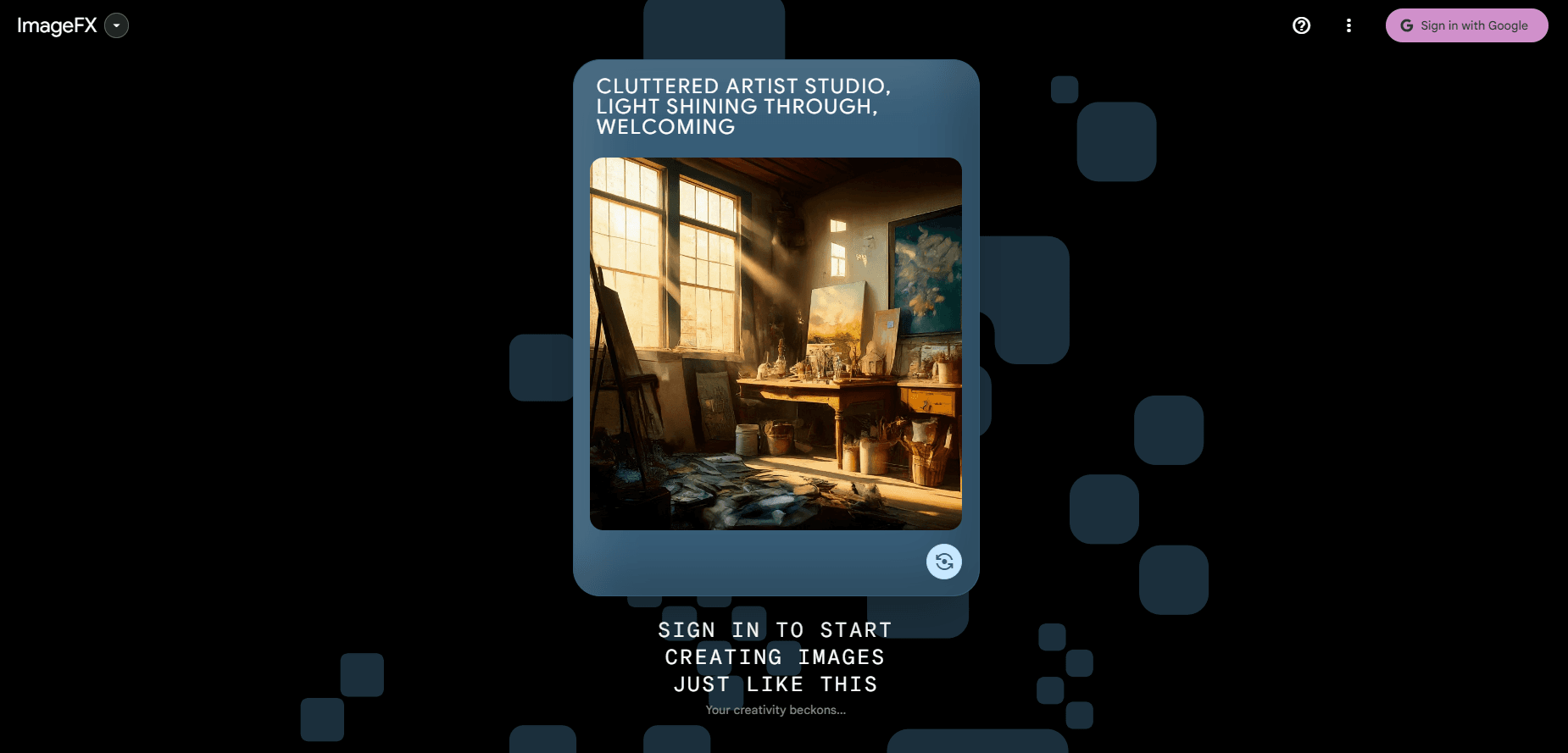
About ImageFX
What Is ImageFX
ImageFX is a text-to-image tool from Google that lives inside Google Labs. It works like a free AI art generator: type a prompt, and it returns a set of images in a few seconds. It's aimed at people who want decent visuals without opening Photoshop or wrestling with a complex editor.
The tool runs on Imagen, Google's image model. Early versions used Imagen 2, and Google later moved ImageFX onto Imagen 3, which handles lighting, texture, and small details better. Prompts follow natural language, so you can describe a scene instead of learning a keyword format. That gap matters. It's the difference between fighting a tool and simply using one.
The catch is access. ImageFX is an experimental Labs product, so availability has shifted over time and it works best in supported countries. You need a Google account to use it, and there's no mobile app of any kind that you can install on a phone. It runs entirely in a browser.
Getting Started
- Sign in to your Google account and open the ImageFX page inside Google Labs.
- Type a prompt describing what you want. English prompts give the most reliable results.
- Use the expressive chips under the prompt box to swap a word or concept and explore related ideas.
- Adjust settings like aspect ratio if you need a specific format, then hit generate.
- Download the image you like, or remix it into a new prompt.
Product Information
A quick look at ImageFX's pricing, supported platforms, and performance.
Best for
The users, tasks, and scenarios where this tool fits best.
Users
- Casual creators who want quick visuals for a project without design skills, as long as they have a Google account and Labs access.
- Marketers and social media managers testing concepts, since the free tier lets them iterate on many prompts at no cost.
Tasks
- Turning a written idea into a first draft image for a blog post or slide deck.
- Exploring variations of one concept using expressive chips instead of rewriting the whole prompt.
- Making art-style visuals, from photorealism to illustration, by describing the style in plain language.
Scenarios
- Brainstorming mood boards when you need several directions fast.
- Creating a quick hero image for a low-stakes personal website or newsletter.
- Testing a caption or thumbnail idea before paying a designer to refine it.
Key features
Text to image with Imagen
ImageFX turns a written prompt into an image using Imagen, Google's own image model. You describe the scene, and the model builds it. The later Imagen 3 version renders richer detail and fewer visual glitches than the first release, so faces and hands come out cleaner than before.
Expressive chips
Under the prompt box, ImageFX shows a row of chips that suggest related concepts. Click one, and it swaps that part of your prompt, letting you test nearby ideas without retyping a single word. Want ten takes on the same scene? That's the fastest route from one image to a whole batch of variations.
SynthID watermarking
Google stamps every image with SynthID, a digital watermark that's invisible to the eye but readable by software. It lets platforms flag a picture as AI-generated. Useful if you care about transparency. It won't stop anyone from copying the file, and it never will.
Storyboard and style control
You can describe an art style, a lens, or a mood in plain words, and the model follows it. That covers everything from soft portraits to graphic posters. Pair it with aspect ratio settings and you get images that fit where you plan to post them, so you likely won't need to crop them afterward.
Library and remixing
Generated images save to My Library inside the tool, so you can revisit and remix an old result. Remixing keeps the core of a prompt while you change one element. Handy when one output is close but not quite right.
Pros and cons
Pros
- Completely free to use, with no subscription or credit system.
- Strong output quality thanks to the underlying Imagen model.
- Expressive chips make prompt tweaking fast and approachable for beginners.
- Handles both photorealistic and illustrated styles from natural language prompts.
- Runs in the browser, so there's nothing to install.
Cons
- No standalone mobile app, so you're tied to a desktop or mobile browser.
- Availability is limited to certain regions and depends on Google Labs access.
- No public API, which rules out automated or bulk image generation.
- Google account required, and experimental tools can change or disappear without notice.
Frequently asked questions
Yes. ImageFX costs nothing and has no paid tiers, credit limits, or subscriptions. You only need a Google account to sign in. That's it.
Related content
Explore related tools, skills, and articles for ImageFX.
ImageFX Alternatives

X Ray Interpreter
X-ray Interpreter · ImageX Ray Interpreter is a web-based AI radiology tool that turns X-rays, CT scans, MRI, ultrasound, and PET images into plain-language reports. You upload a scan, get a preliminary X-ray interpretation in moments, then ask follow-up questions if something needs explaining. It works as a second opinion and a learning aid, not as a medical diagnosis.

Aieasypic
AIEasyPic · ImageAIEasyPic is an AI image generator that turns plain text prompts into finished artwork in seconds. You can also train custom models on your own photos, swap faces in existing images, and create short video clips from text, all from a browser. It suits casual creators who want quick visuals and hobbyists who want to build a personal model without touching any code.

Chargen
Chargen · ImageChargen is an AI character generator and worldbuilding toolkit built for Dungeons & Dragons and other tabletop RPGs. It turns a one-line idea into a painted character portrait, spins up NPCs, monsters, maps and encounters from the same session, and keeps every creature's details close at hand. The tabletop RPG art side runs on a credit system called Gold, while the text generators stay free for everyone.