

Imagen
Google DeepMind · Image
Imagen 4 is Google DeepMind's text-to-image model, turning prompts into 2K photos and clean typography at $0.04 per image, but Google is retiring it in favor of Gemini Image models.
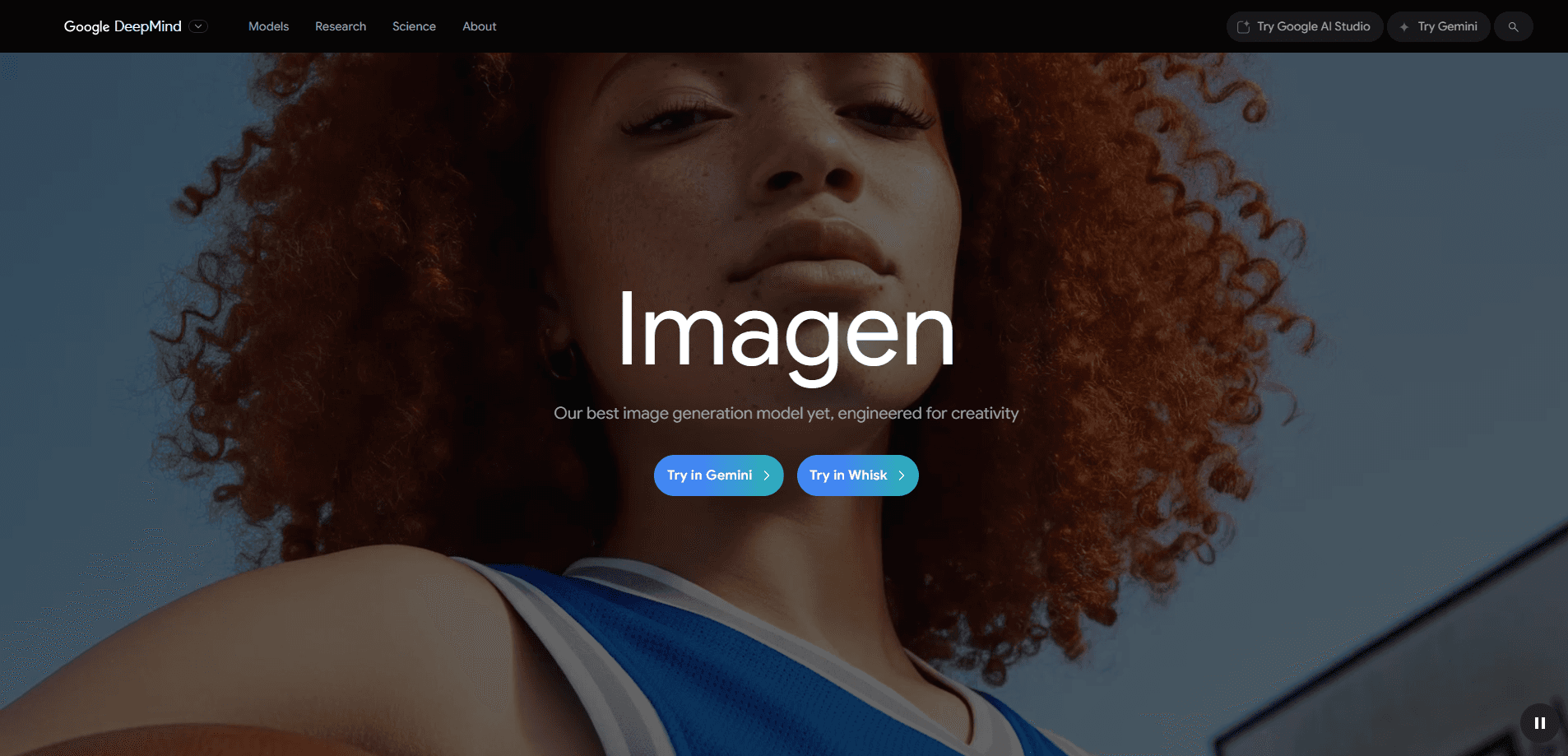
About Imagen
What Is Imagen 4
Imagen 4 is the image generation model Google DeepMind built to turn a written prompt into a finished picture. It handles photorealistic shots and abstract art, and it renders legible text inside an image, which matters if you're making a slide, a poster or an invitation with words baked in.
The model arrived at Google I/O 2025 in two versions. The standard Imagen 4 is the general-purpose one, and Imagen 4 Ultra is tuned to follow detailed instructions more closely. You reach both through the Gemini API, Vertex AI, Google AI Studio, the Gemini app, and inside Whisk and some Workspace tools.
Imagen 4 works as a general AI image generator, and its place in a build is as the Gemini API image model you call from your own software. That means Imagen pricing lands on your cloud bill rather than a flat subscription.
The catch is timing. Google has deprecated every Imagen model and plans to shut them down as early as August 17, 2026, pointing users to its newer Gemini Image models instead. So Imagen 4 still works for now, but anything you build on it needs a migration plan before that date.
Getting Started
- Open Google AI Studio for a free trial, or set up a Google Cloud project with billing enabled if you want the Gemini API or Vertex AI.
- Grab an API key and pick a model, either Imagen 4 for general work or Imagen 4 Ultra when the prompt has to be followed exactly.
- Send a prompt that describes the subject, the style and any text you want rendered in the image.
- Choose an aspect ratio and resolution, then generate. Each image carries an invisible SynthID watermark.
- Review the result, tighten the prompt, and regenerate the parts that missed before you publish.
Product Information
A quick look at Imagen's pricing, supported platforms, and performance.
Best for
The users, tasks, and scenarios where this tool fits best.
Users
- Graphic designers
- Marketing teams
- Slide and document authors
- App developers
- Hobbyists exploring AI art
Tasks
- Turning a written idea into a picture
- Making images with readable words
- Producing photorealistic detail
- Generating varied art styles
- Batching images for an app
Scenarios
- A small studio tests a campaign concept
- A developer builds an avatar generator
- A teacher builds a worksheet
Key features
Clean text rendering
Imagen 4 generates readable words, numbers and simple logos inside the image, a job earlier models handled poorly. That means an invitation or a slide footer can carry its own text without a second editing step. It's the improvement Google leans on hardest, and it's the main reason the model suits decks, posters and captions.
Two model versions for different jobs
The family splits into Imagen 4, the all-rounder for most tasks, and Imagen 4 Ultra, which tracks detailed prompts more closely. Standard runs $0.04 per image and Ultra runs $0.06, so you pay a small premium when precision matters and save it when it doesn't. Google positions Ultra as the pick for complex, instruction-heavy prompts.
Photorealistic detail at 2K
The model renders up to 2K resolution and holds onto fine texture, whether that's woven fabric, a water droplet or animal fur. Close-up prompts come out sharp rather than smeared, which is what you want for product photography and lifestyle shots. Quality is the headline upgrade over Imagen 3.
Fast generation variant
Google announced a faster version of Imagen 4 that it said would run up to ten times quicker than Imagen 3. Speed matters when you're iterating, because a faster loop means more variations in the same sitting. The trade-off is that the fastest settings lean toward volume work rather than hero images.
Built-in SynthID watermarking
Every image Imagen 4 makes carries an invisible SynthID watermark. Google uses it to flag an image as AI-generated, which helps with transparency and provenance. You won't see it in the picture, and the point is to make synthetic media easier to label.
Wide surface coverage
You can reach Imagen 4 through the Gemini API, Vertex AI, Google AI Studio, the Gemini app, Whisk and parts of Workspace. That spread lets a marketer stay in a consumer tool while a developer works from the API, all against the same model. It does mean feature parity varies by surface.
Pros and cons
Pros
- Text rendering is strong enough for captions, labels and simple logos.
- Photorealistic details stay crisp at up to 2K resolution.
- Two versions let you pay less for routine work and more for precision.
- The Gemini API and Vertex AI make it usable inside a real product.
- A free tier in Google AI Studio lets you test before you spend.
Cons
- Google has deprecated the whole Imagen line, so any build needs a migration to Gemini Image before the August 2026 shutdown.
- At $0.04 to $0.06 per image, high-volume generation adds up quickly.
- Features aren't identical across surfaces, so what you get depends on where you run it.
- Unlike newer Gemini Image models, Imagen 4 doesn't do conversational editing, so refining a shot means re-running the prompt.
Frequently asked questions
Imagen 4 is Google DeepMind's text-to-image model, launched at Google I/O 2025. It turns written prompts into images up to 2K, with improved text rendering, and it's available through the Gemini API, Vertex AI and Google AI Studio.
Related content
Explore related tools, skills, and articles for Imagen.
Imagen Alternatives

Tractionwave
TractionWave · Image · MarketingTractionWave is an AI attention heatmap tool for static ads. Upload a PNG or JPG and it returns predicted attention, ranked hotspots, and fixes before you spend budget.

Imejis.io
Imejis.io · Image · MarketingImejis.io is an AI design studio for agents and marketing teams. Describe an image in plain words, and it writes the copy, builds the layout, reflows it to every size, then exports a finished file.

Layoutr
Van Dijk Ontwikkeling · Image · China AILayoutr is a browser floor plan tool that scales your own plan, places furniture at true size, shows the room in 3D and renders it with AI.