

Imaginex
ImagineX · Image · Video
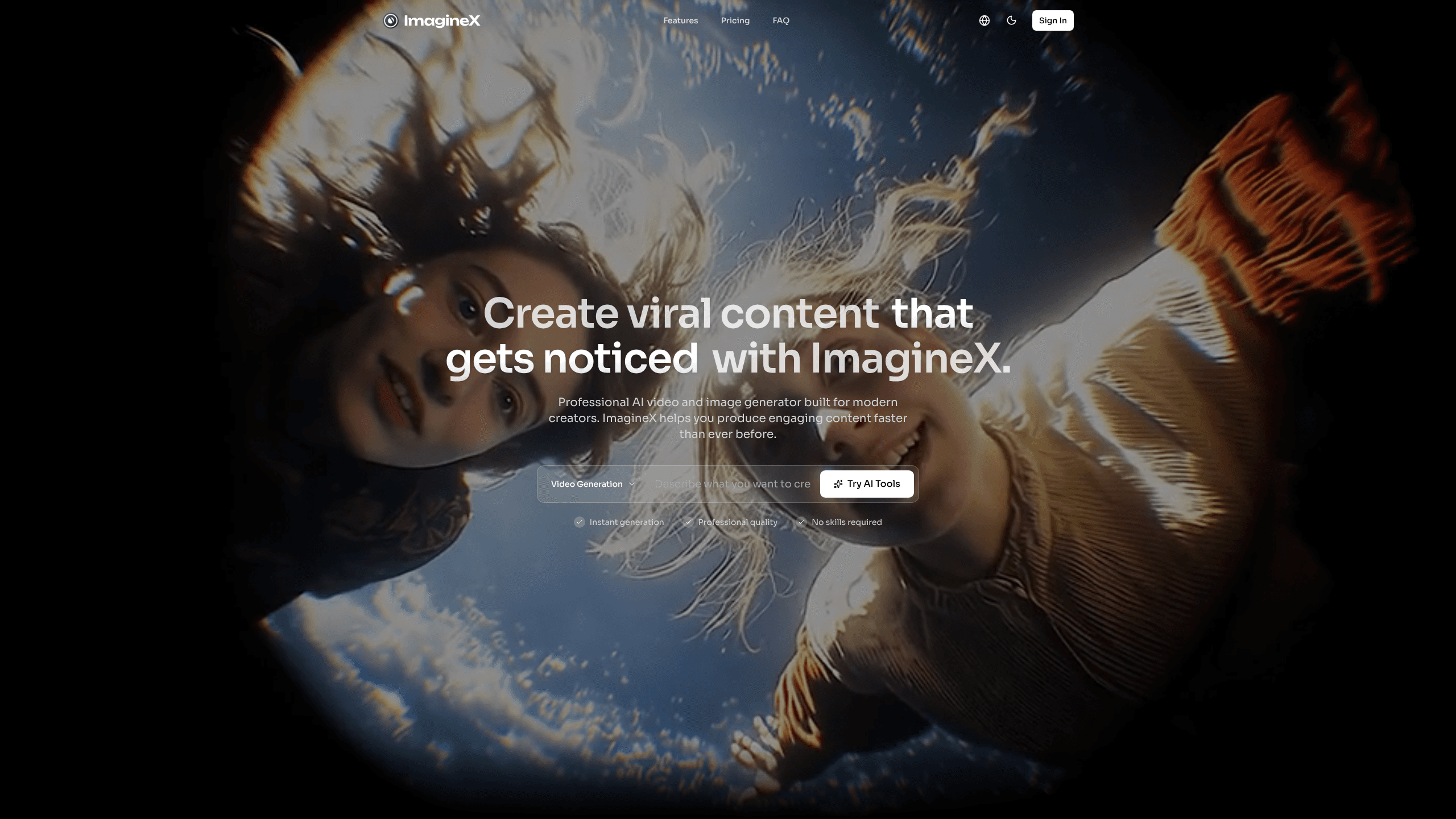
ImagineX Video is a browser-based AI visual creator that turns written prompts into videos and images, so you don't need a camera crew or editing suite to produce short-form media. It's positioned as a professional media generator for marketers, social creators, and small teams that need assets on a tight deadline. It fits into a broader AI content creation workflow. You describe the scene, pick a format, and generate the clip or still right in the browser.
About Imaginex
What Is ImagineX Video
ImagineX Video is an online AI visual creator built around prompt-driven creation. Instead of shooting footage or hiring a designer, you type what you want and the platform produces the visual for you. It works as an AI video generator and an AI image generator in one place, which means one AI media tool can serve a product teaser and a thumbnail without switching apps.
The pitch is speed and access. Traditional video production needs cameras, talent, lighting, and an edit pass. ImagineX Video collapses that into a prompt box and a generate button. Is that a real shift? For solo creators and lean marketing teams, yes. It removes the biggest bottleneck: time.
The trade-off is control. Prompt-driven generation is fast, but fine-grained frame-level edits and brand-perfect layouts usually still need a dedicated editor afterward. Think of ImagineX Video as the first draft of your visual. Not the final master.
Getting Started
- Open the ImagineX Video website and create an account or sign in to reach the creation workspace.
- Enter a text prompt describing your scene, subject, framing, and mood, and pick the output type you want, video or image.
- Choose your aspect ratio and any available style or model options, then start the generation.
- Review the result, refine your prompt, and regenerate until the clip or still matches your intent.
- Download the asset or export it into your campaign, social post, or landing page.
Product Information
A quick look at Imaginex's pricing, supported platforms, and performance.
Best for
The users, tasks, and scenarios where this tool fits best.
Users
- Social creators
- Marketing teams
- Small studios and freelancers
Tasks
- Text-to-video
- Image generation
- Rapid iteration
Scenarios
- Launching a product teaser when there's no time or budget for a film crew.
- Filling a content calendar with short-form video on a weekly cadence.
- Testing a campaign concept internally before investing in a polished shoot.
Key features
Prompt-Driven Generation
The core workflow is text in, media out. You describe a scene or subject in plain language, and ImagineX Video handles the prompt-to-video or prompt-to-image step for you. That lowers the barrier for people who can write a clear prompt but can't operate a camera or an editing timeline. Short, specific prompts tend to land closer to what you pictured.
Video and Image in One Tool
Unlike single-purpose generators, ImagineX Video covers both moving video and static images from the same workspace. A creator can produce a teaser clip and its thumbnail without exporting between apps. Fewer steps. Fewer apps. That keeps a campaign's visuals consistent and saves a step in the pipeline.
Browser-Based Access
Everything runs in the browser, so there's nothing to install and no high-end machine required. That makes it practical for freelancers on a laptop. No installs. No setup. Teams can share one tool anyone can open, and your work lives in the cloud rather than on one device.
Aspect Ratio and Format Control
You can match the output to the channel it's headed for, from a wide shot for a landing page to vertical for social feeds, so one idea stays reusable across platforms without a second edit pass. Pick the right frame up front. That avoids awkward crops later.
Fast Drafts for Iteration
Generation is built for speed, so you can produce several variations of an idea and compare them quickly. For marketers, that means concept tests before committing to a final direction. Speed wins here. Perfection can wait, because you're still deciding what the piece should say.
Pros and cons
Pros
- Covers both video and image generation, so one subscription can serve several asset types.
- Runs entirely in the browser, which means no install and no demanding hardware.
- Prompt-based workflow is approachable for people without editing or design skills.
- Fast enough to produce multiple variations for concept testing.
Cons
- Prompt-driven results need iteration, and fine frame-level control is limited compared to a dedicated editor.
- Precise brand assets and consistent character identity are hard to lock down, so polished work may still need post-production.
- Pricing, plan tiers, and API access aren't fully documented on the public site, so costs are hard to pin down up front.
Frequently asked questions
It's an AI visual creator that turns text prompts into videos and images. You describe what you want, pick a format, and generate the asset in your browser, which is why it's aimed at creators who need quick media without a production setup.
Related content
Explore related tools, skills, and articles for Imaginex.
Imaginex Alternatives

X Ray Interpreter
X-ray Interpreter · ImageX Ray Interpreter is a web-based AI radiology tool that turns X-rays, CT scans, MRI, ultrasound, and PET images into plain-language reports. You upload a scan, get a preliminary X-ray interpretation in moments, then ask follow-up questions if something needs explaining. It works as a second opinion and a learning aid, not as a medical diagnosis.

Aieasypic
AIEasyPic · ImageAIEasyPic is an AI image generator that turns plain text prompts into finished artwork in seconds. You can also train custom models on your own photos, swap faces in existing images, and create short video clips from text, all from a browser. It suits casual creators who want quick visuals and hobbyists who want to build a personal model without touching any code.

Chargen
Chargen · ImageChargen is an AI character generator and worldbuilding toolkit built for Dungeons & Dragons and other tabletop RPGs. It turns a one-line idea into a painted character portrait, spins up NPCs, monsters, maps and encounters from the same session, and keeps every creature's details close at hand. The tabletop RPG art side runs on a credit system called Gold, while the text generators stay free for everyone.