

IMAI Studio
IMAI Studio · Image
IMAI Studio is a conversational, multi-agent AI product design tool built for fashion and lifestyle brands. It runs three agents, one for design, one for manufacturing, and one for marketing, inside a single chat thread. You talk to it the way you'd talk to a colleague, and it turns a sketch or a single product photo into photorealistic renders, production-ready tech packs with costing, and campaign assets like images, video, and 3D or AR models. The pitch is speed: work that normally drags across 14 weeks of scattered tools happens in one conversation. That's the whole promise.
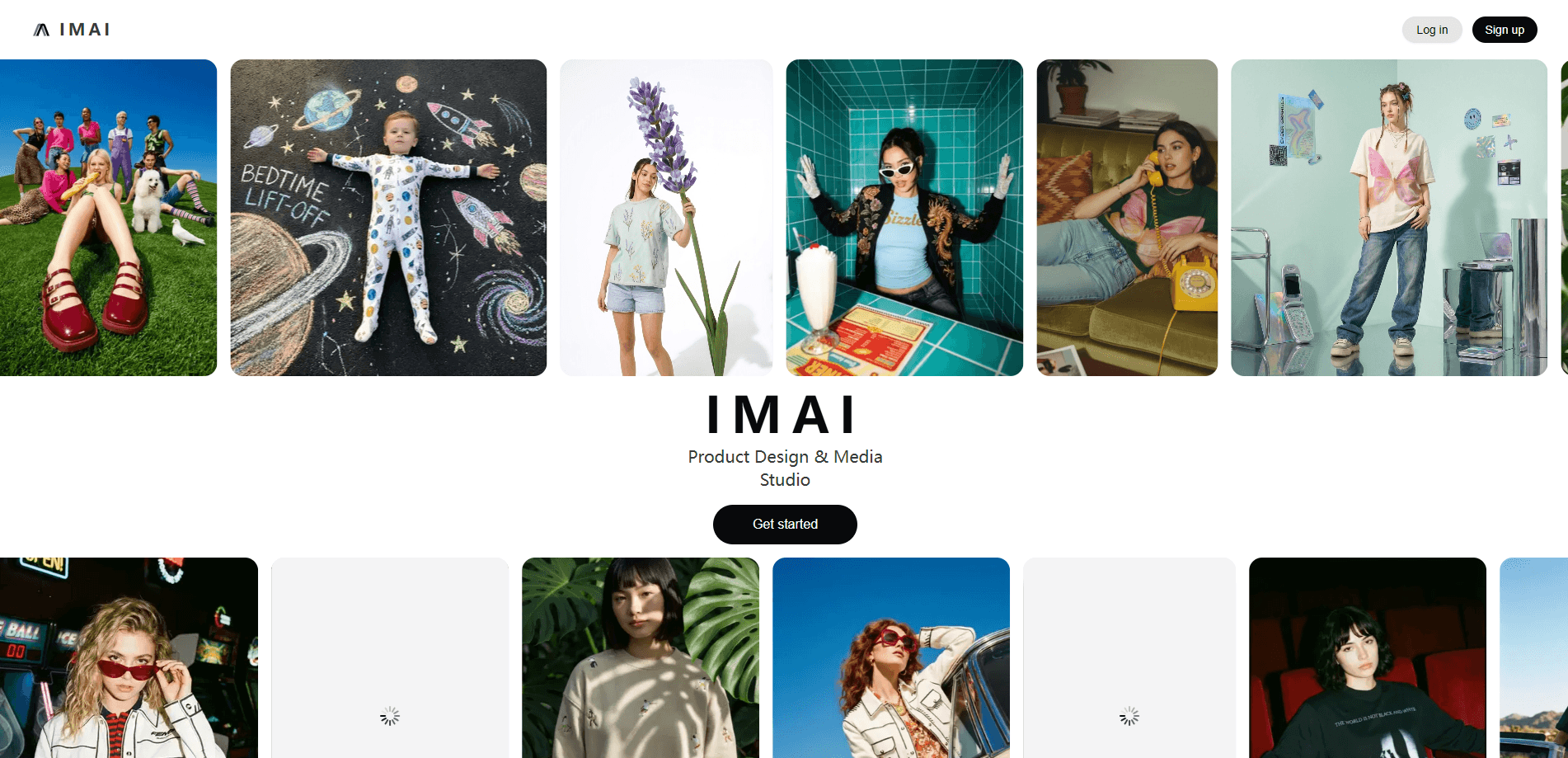
About IMAI Studio
What Is IMAI Studio
IMAI Studio is a workspace where fashion and lifestyle teams use AI agents for fashion product development, moving a product from idea to campaign without leaving one interface. The Design Agent handles sketches and renders, the Manufacturing Agent builds factory-level specs and costing documents, and the Marketing Agent produces on-brand campaign visuals. They share context, so a change you make in a sketch carries into the tech pack and the campaign shot.
The main problem it solves is fragmentation. Most brands bounce between a sketching tool, a spreadsheet for costing, a spec template, and a separate visual tool, and every handoff loses time. IMAI Studio keeps all of it in one place with a shared memory of your brand. One thread. One workspace. Does that actually save time? For a team shipping several products a season, usually yes.
The biggest limitation is scope. This is a workflow product for fashion and lifestyle merchandise, not a general image generator. It also runs on a credits system, so heavier use costs more, and it's a web platform with no mobile app. If you want a quick one-off logo, this is overkill.
Getting Started
- Create an account on the IMAI Studio website using your email.
- Pick a plan or start on the entry tier, then set up your workspace drive space.
- Build your brand DNA by uploading reference material, colors, and materials, or let the agent extract it.
- Start a conversation and describe the product you want, or drop in a sketch or product photo.
- Ask the agents to produce renders, tech packs with costing, or campaign assets, then refine in the same thread.
Product Information
A quick look at IMAI Studio's pricing, supported platforms, and performance.
Best for
The users, tasks, and scenarios where this tool fits best.
Users
- Independent fashion designers
- Small and mid-size clothing brands
- Sourcing and product development teams
- Marketing and content teams at lifestyle brands
Tasks
- Turning a sketch or a single product photo into photorealistic product renders, so you can present a concept before any sample exists.
- Generating technical blueprints and costing documents for manufacturing, which cuts the back-and-forth with factories.
- Researching trends, colors, and materials inside the same thread you're designing in.
- Creating brand-face consistent avatar models and campaign images for seasonal marketing.
- Producing 3D and AR product assets for interactive storefronts or social content.
Scenarios
- Roughing out a full seasonal collection in minutes when a trend report lands and you need concepts fast.
- Prepping a funding or buyer pitch where you need polished renders and a believable cost sheet, not just mood boards.
- Testing colorways and material options before committing to production runs.
- Staying on-brand across a multi-market campaign when you can't reshoot with the same model in every region.
Key features
Three Coordinated Agents in One Thread
The core idea is a single conversation that runs design, manufacturing, and marketing work. Instead of switching tools, you ask the Design Agent for renders, the Manufacturing Agent for specs, and the Marketing Agent for campaign visuals, and they build on each other's output. Shared brand context means a color decision in a sketch shows up in the tech pack and the promo shot. Nothing gets lost in translation.
Sketch to Renders
The Design Agent turns a rough sketch or a photo into photorealistic product renders, so you can see a concept as a finished product. No sample needed. This is the fastest way to get something in front of a buyer or a team before you spend money on samples.
Technical Blueprints and Factory Specs
The Manufacturing Agent generates detailed product specifications and what the company calls production-ready blueprints. Think of it as fashion tech pack software inside the same thread. For teams that deal with factories, that means less time translating a design idea into a spec sheet a supplier can actually build from. Less back-and-forth. Fewer costly mistakes.
Costing Documents
Alongside specs, IMAI Studio produces detailed costing. Being able to see cost implications while the design is still fluid is a real advantage, because material and construction choices get expensive to change later. That's where projects blow up.
Brand DNA and Custom Libraries
You can create or extract a brand DNA profile, then build custom material, color, and other libraries on top of it. Once set up, the agents pull from your brand's palette and materials, which keeps output consistent across a whole team rather than depending on one designer's memory. That consistency is hard to fake.
Campaign Avatars and Marketing Assets
The Marketing Agent creates avatar models and AI marketing assets that stay consistent across a season. The point is brand-face consistency without booking the same model, studio, and photographer for every market and every product drop.
3D and AR Product Assets
The platform reaches into 3D and AR, which matters if you want interactive product views for a storefront or social. Combined with the render and video output, it covers the visual assets a modern launch usually needs. Good range.
Tool and Platform Integrations
Starter and above can connect tools such as Gmail, LinkedIn, Slack, and Dropbox. That keeps IMAI Studio from becoming yet another silo, since files and messages can flow into the workflows your team already uses. Fewer tabs open. Less copy-paste.
Voice Control and Team Collaboration
On the Pro tier and up, you get a shared workspace with real-time collaboration and the ability to control the whole workspace by voice. For studios and agencies with several people on one collection, that shared space matters more than the credit count.
Pros and cons
Pros
- Design, manufacturing, and marketing live in one conversation, which removes a lot of tool-switching and file handoffs.
- The manufacturing side produces factory-level specs and costing, not just pretty pictures, so output is more likely to survive contact with a supplier.
- Brand DNA and custom libraries keep a whole team on-brand instead of relying on individual designers.
- The higher tiers add real-time collaboration, voice control, and priority processing, which fit studios and agencies rather than solo users.
- Direct integrations with Gmail, Slack, Dropbox, and similar tools reduce the risk of it becoming another isolated app.
Cons
- There's no free plan, so you can't test it properly without paying, and the first month runs at a promotional $20 before settling at $60. That's a real barrier.
- It uses a credits system, which means heavy image or video generation can burn through your monthly allowance and add friction to big projects.
- It's a web-only platform with no mobile app, so on-the-go editing isn't an option.
- It's aimed squarely at fashion and lifestyle merchandise, so if your products sit outside that space, the manufacturing agent won't help you.
- There's no public pricing for an API, and the company doesn't list API access, so building custom integrations looks limited.
Frequently asked questions
It's a multi-agent AI product design tool for fashion and lifestyle brands. Three agents handle design, manufacturing, and marketing in one chat thread. Input can be a sketch, an idea, or a product photo, and output can include renders, tech packs with costing, and campaign images, video, or 3D assets.
Related content
Explore related tools, skills, and articles for IMAI Studio.
IMAI Studio Alternatives

X Ray Interpreter
X-ray Interpreter · ImageX Ray Interpreter is a web-based AI radiology tool that turns X-rays, CT scans, MRI, ultrasound, and PET images into plain-language reports. You upload a scan, get a preliminary X-ray interpretation in moments, then ask follow-up questions if something needs explaining. It works as a second opinion and a learning aid, not as a medical diagnosis.

Aieasypic
AIEasyPic · ImageAIEasyPic is an AI image generator that turns plain text prompts into finished artwork in seconds. You can also train custom models on your own photos, swap faces in existing images, and create short video clips from text, all from a browser. It suits casual creators who want quick visuals and hobbyists who want to build a personal model without touching any code.

Chargen
Chargen · ImageChargen is an AI character generator and worldbuilding toolkit built for Dungeons & Dragons and other tabletop RPGs. It turns a one-line idea into a painted character portrait, spins up NPCs, monsters, maps and encounters from the same session, and keeps every creature's details close at hand. The tabletop RPG art side runs on a credit system called Gold, while the text generators stay free for everyone.