

iMessage Hermes on a Raspberry Pi
Plow (plucas) · Chatbot
iMessage Hermes on a Raspberry Pi is a do-it-yourself setup that turns a small, low-power computer into a home AI agent you can text from your phone. The agent runs on the Pi, listens over iMessage or SMS, plans multi-step tasks, runs commands and APIs, and keeps always-on household dashboards current. It's built for people who want a private AI assistant that lives on their own hardware instead of someone else's cloud.
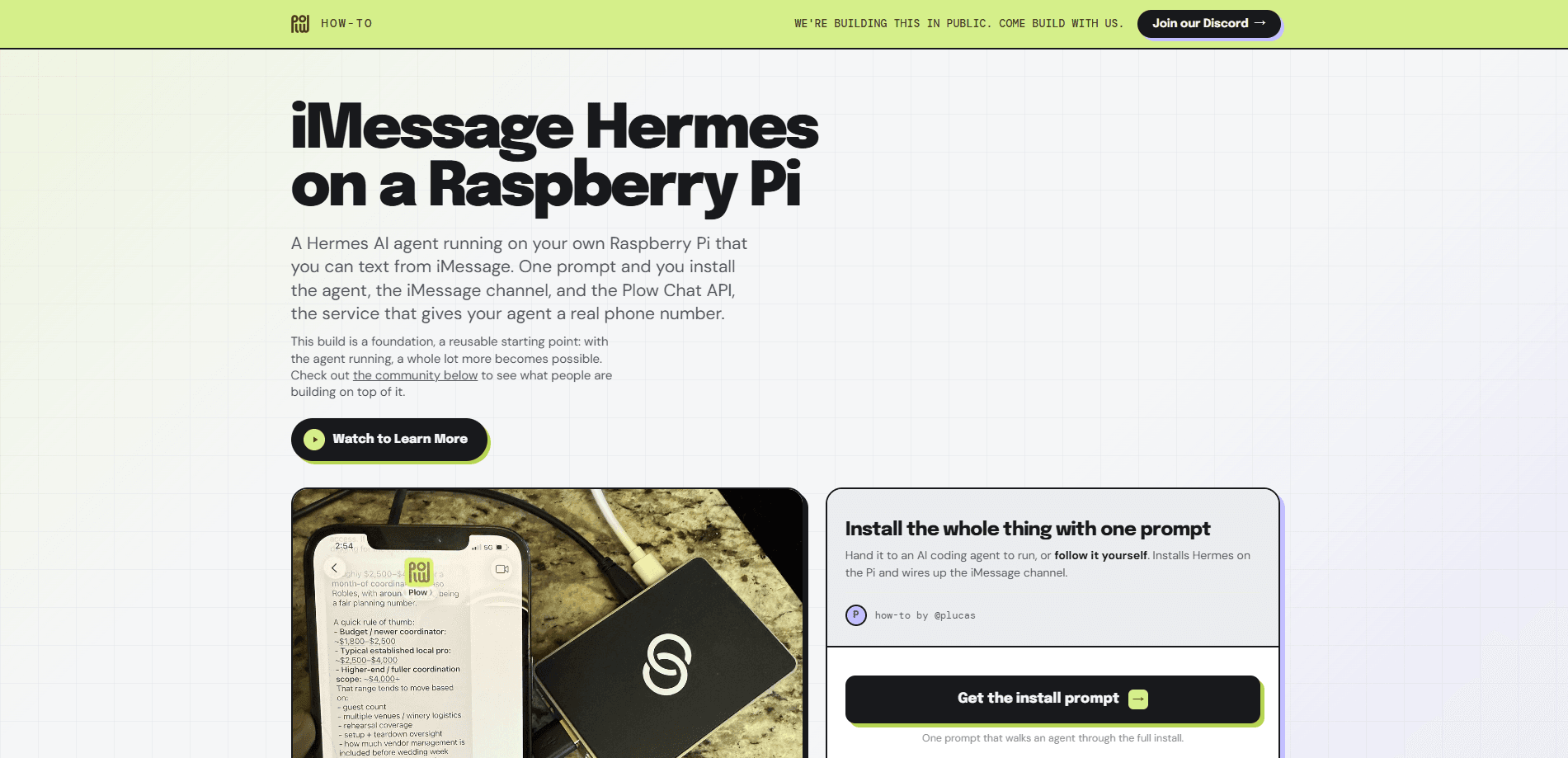
About iMessage Hermes on a Raspberry Pi
What Is iMessage Hermes on a Raspberry Pi
The name describes two things stacked together. Hermes is a self-hosted AI agent framework that runs on your own machine and talks to you through messaging apps. The Raspberry Pi is the hardware it runs on: a credit-card-sized computer that sips power and stays on all day.
Plow's how-to guide (howto.plow.co/hermes) shows you how to combine them so you can text your agent over iMessage or SMS and have it do real work. That includes planning a multi-step task, running commands and APIs, and driving always-on displays like a fridge calendar or a kitchen meal planner.
The main draw is privacy and control. Your prompts, tasks, and memory stay on your own hardware, so nothing routes through a third-party chat workspace. The catch is that you maintain it. This is a hands-on project, not a plug-and-play app, and the agent is only as reliable as the Pi you put it on.
Getting Started
- Get a Raspberry Pi (a 4 or newer is a sensible floor) with a MicroSD card, power supply, and network connection.
- Flash Raspberry Pi OS, boot the device, and enable SSH so you can work from your main computer.
- Install the Hermes Agent framework on the Pi and point it at a model provider with your API key.
- Connect a messaging channel, either iMessage or SMS, so the agent can receive and send texts.
- Text the agent a simple task to confirm it responds, then start wiring up a dashboard or a recurring job.
Product Information
A quick look at iMessage Hermes on a Raspberry Pi's pricing, supported platforms, and performance.
Best for
The users, tasks, and scenarios where this tool fits best.
Users
- Tinkerers who already own a Raspberry Pi and enjoy a weekend build
- Privacy-minded folks who want their AI assistant's data to stay on their own hardware
- Households that want a shared assistant the whole family can text
Tasks
- Planning multi-step chores like meal prep or a trip, with the agent breaking them into steps
- Running commands and API calls on request, such as pulling in weather or email digests
- Keeping a family calendar or dashboard updated as plans change
Scenarios
- A fridge-mounted touchscreen showing today's schedule, the weather, and a morning email digest
- Short-term rental hosting where the agent drafts guest replies and asks for approval before sending
- Planning an event like a wedding, with the agent tracking vendors, budget, and timelines from texts
Key features
Always-On Home AI Agent
The Pi stays powered and connected around the clock, so the agent is there whenever you text it. That makes it useful for things that need to be live, like a calendar that updates itself or a dashboard that reflects the current day. You don't babysit a terminal window. What else stays awake all day without complaint?
Texting Over iMessage and SMS
You talk to the agent the same way you'd text a friend. No new app to open, no dashboard to log into. If you're on an iPhone, messages ride the iMessage channel; on other phones, SMS keeps the conversation going. The setup leans on the messaging tools you already use every day.
Multi-Step Task Planning
The agent doesn't just answer questions. It plans a sequence of steps and works through them, which is what makes chores like trip planning or event coordination practical. You describe the goal, and it figures out the order of operations and carries them out.
Commands and API Calls
When a task needs a real action, the agent can run shell commands on the Pi or hit external APIs. That's how it pulls in fresh data, moves files, or triggers other services. This is the part that separates it from a plain chatbot: it can change things, not just describe them.
Always-On Household Dashboards
The guide highlights displays that stay current without you touching them. A fridge touchscreen shows the day's schedule, the weather, and an email digest. A kitchen screen shows the week's dinners and a grocery list. Because the agent runs on the Pi, the screens are simply always on.
Self-Hosted and Private
Everything runs on hardware you control. Your prompts, task history, and memory live on your own device rather than a shared chat workspace. For people uneasy about handing an assistant their household schedule and messages, that's the whole point of the build.
Pros and cons
Pros
- Keeps your assistant's data on hardware you own, so household details don't sit in someone else's cloud
- Low power draw means the Pi can run 24/7 without a noticeable bump in your electricity bill
- Reaches you through iMessage or SMS, so you never have to open a separate app
- Handles real actions like shell commands and API calls, not just conversation
- Doubles as the engine for always-on displays like a calendar or kitchen screen
Cons
- It's a DIY project that assumes comfort with the command line and basic Linux setup, so non-technical users will struggle
- The Pi's modest hardware sets a ceiling on how heavy or how concurrent your tasks can get
- You're responsible for maintenance, updates, and keeping the agent online, and a crashed Pi means a silent assistant
- Reliability depends on your messaging channel staying connected, which can be fiddly to troubleshoot
Frequently asked questions
It's a setup that runs the Hermes AI agent framework on a Raspberry Pi computer, letting you text the agent over iMessage or SMS. The agent plans tasks, runs commands and APIs, and powers always-on household screens.
Related content
Explore related tools, skills, and articles for iMessage Hermes on a Raspberry Pi.
iMessage Hermes on a Raspberry Pi Alternatives

Knocket
Knocket (Tencent RTC team) · Productivity · Business · ChatbotKnocket is a free live chat and contact page tool that lets visitors message you from your website, app, or a shareable link, with every reply handled from Telegram or one inbox.
Agibot
Agibot · Productivity · AI Assistant · ChatbotAgibot is a personal AI agent for Mac that keeps running after you close the window, runs routines on a schedule, and works from Telegram or Slack with your own API keys.

Melete
Melete · Productivity · AI Assistant · ChatbotMelete is an AI workspace for teams where agents research, draft, and act in Slack, Notion, Linear, and GitHub. Shared memory and approval gates keep people in control.