

Immersive Fox
Immersive Fox · Video · Leaning
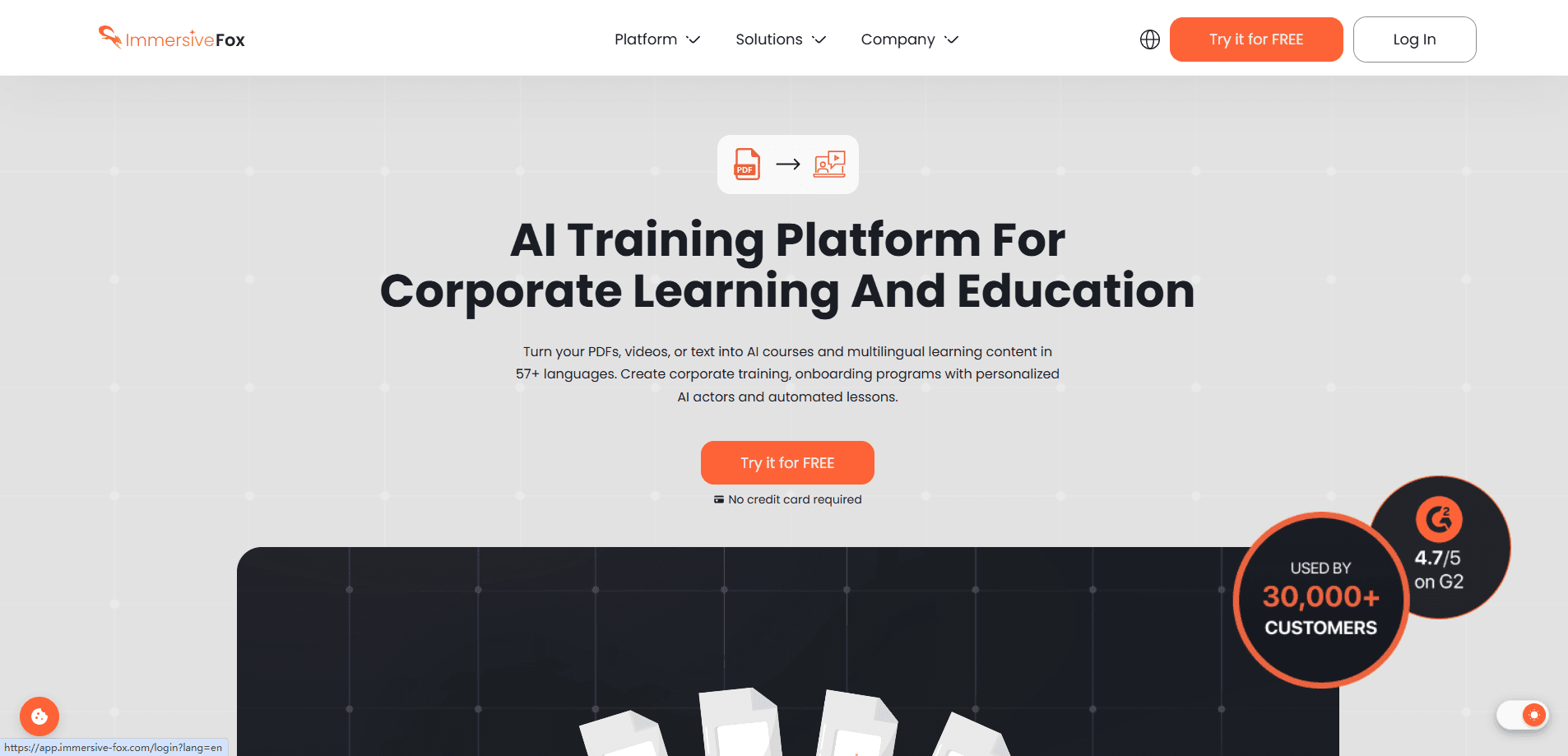
Immersive Fox is an AI training platform that turns documents, slides, and scripts into narrated video courses in minutes. Think of it as an AI video generator that reads your own material back to learners. You upload a PDF or PPTX, and the system builds structured lessons with a personalized AI actor reading the material. It supports 57+ languages, ships with a library of 40+ ready-made actors, and adds quizzes so learners actually retain what they watch. Teams use it for onboarding, corporate training, and customer education without booking a studio, a camera, or a film crew.
About Immersive Fox
What Is Immersive Fox
Immersive Fox is a web-based AI video generation service built for corporate learning and education. The core pitch is simple: your existing documents already hold the knowledge, so the platform converts them into structured video lessons instead of making you film everything from scratch. Upload a PDF, PPTX, video, or plain text, and the system generates a course outline, narrates it, and pairs it with a presenter who speaks your audience's language.
It saves time.
The actor system is what sets it apart. You can pick from a library of 40+ AI actors or create a personalized one from a photo, a short video, or text. That avatar then delivers your content in the language you choose. Immersive Fox says it adapts the cultural context along with the words, which matters if you're training staff across several regions.
The biggest limitation is that this is a browser tool with no mobile app. You also need working internet for every step, since rendering happens on their servers. Pricing isn't shown publicly either, so you'll have to book a demo or start the free account just to see what a plan costs.
Want to know the catch? There's no offline mode.
Getting Started
- Create a free account at the Immersive Fox web app. No credit card is required to try it.
- Upload your source material, such as a PDF, PPTX, video, or text file.
- Let the platform generate a structured course and pick an AI actor from the library or build your own.
- Edit the lessons, adjust the pacing, and add quizzes if you want knowledge checks.
- Publish or export the finished course and share it across your team.
Product Information
A quick look at Immersive Fox's pricing, supported platforms, and performance.
Best for
The users, tasks, and scenarios where this tool fits best.
Users
- L&D and HR teams
- Educators and course creators
- Sales and enablement managers
Tasks
- Document to video conversion
- Multilingual localization
- Onboarding program building
- Quiz-based knowledge checks
Scenarios
- Replacing hours of studio recording with a short upload and edit cycle when a policy or process changes.
- Training staff spread across New York, Nairobi, and New Delhi without localizing each video by hand.
- Building customer education content that a support team can update as the product shifts.
- Turning a single expert's internal walkthrough into a reusable course that scales past one-on-one training.
Key features
Document to Course Conversion
The platform takes the files you already have and builds a course from them. Upload a PDF or PPTX, and the AI course creator generates structured lessons with a narrator reading your material. That's the difference between a slide deck nobody finishes and a lesson people actually sit through. The workflow runs in four steps: upload, generate, edit and preview, then publish.
Personalized AI Actors
You can create an AI avatar video from your own photo, a short video, or text, which gives training a familiar face even when you can't be on camera. If you'd rather skip that, there's a library of 40+ prebuilt actors ready to use. For international teams, the same actor can present in a different language without re-recording anything.
Multilingual Video Generation
Immersive Fox delivers multilingual training videos in 57+ languages and adjusts the cultural context alongside the translation. That means your message lands the same way whether the viewer is in Europe, Africa, or Asia. For companies running global onboarding across several regions at once, this removes the usual scramble to find and brief a local voice actor for every single market.
Adaptive Learning Paths
The system watches how each learner works and adjusts the content, pace, and difficulty to match. Instead of one fixed course for everyone, the material shifts to fit the person in front of it, which keeps fast learners from getting bored while still giving slower ones room to catch up on their own schedule. That kind of personalization usually requires a human tutor. It doesn't here.
Interactive Quizzes
You can drop quizzes into a lesson to test knowledge and reinforce the material. Instant feedback turns each question into a quick teaching moment, so learners correct mistakes while the topic is still fresh in their heads. It's a simple way to raise completion and retention without bolting on a separate assessment tool. No extra logins. No extra platform.
HubSpot Integration
Immersive Fox connects with HubSpot, which lets you push training or outreach video straight into an existing marketing and CRM workflow where your team already works. For sales and customer communication teams, that means the video lives where the contact record lives instead of sitting in a separate folder nobody checks. It cuts the copy-paste step between producing a video and actually sending it.
API Access
There's an API for teams that want to trigger video generation from their own systems. You can wire course creation into an internal tool or automate a batch of videos without clicking through the app each time, which saves real hours when you're producing training for dozens of audiences. It's aimed at developers and larger deployments rather than casual users.
Pros and cons
Pros
- Turns PDFs and decks you already own into narrated courses, so you don't start from a blank page.
- 40+ ready-made actors plus custom avatar creation gives options for both speed and personal branding.
- 57+ languages with cultural adaptation covers global teams without separate localized shoots.
- Quizzes and adaptive pacing keep learners engaged instead of passive watching.
- HubSpot integration and an API fit the tool into existing sales and engineering workflows.
Cons
- Pricing isn't published, so you can't compare plans or budget without talking to sales first.
- It's web-only, which means no mobile app for creating or editing on the go.
- Every step needs a server connection, so offline work isn't possible.
- The broader language list gets thinner for niche or low-resource languages, so verify yours before committing to a course that then has to be rebuilt in another tool.
Frequently asked questions
It converts your documents, slides, videos, or text into AI-narrated video courses. You upload the source material, and the platform builds structured lessons with an AI actor presenting them. It's built for corporate training, onboarding, and education rather than casual video editing.
Related content
Explore related tools, skills, and articles for Immersive Fox.
Immersive Fox Alternatives

ngram 2.0
ngram · Video · Marketingngram 2.0 is an AI video generator for teams. It turns a prompt, a screen recording, or a product URL into a narrated explainer, product demo, or AI avatar video, and every scene stays editable.

OpenScreen 2
OpenScreen (open-source project) · Video · ProductivityOpenScreen 2 is a free, open-source screen recorder and demo video editor for Windows, macOS, and Linux, with automatic zooms, styled frames, local captions, and agent edits.

Skreno
Skreno · Video · ProductivitySkreno is a browser screen recorder that captures a tab, a window or your whole display, then attaches AI transcripts, summaries and console logs to one share link.