

InfrOS
InfrOS · Coding
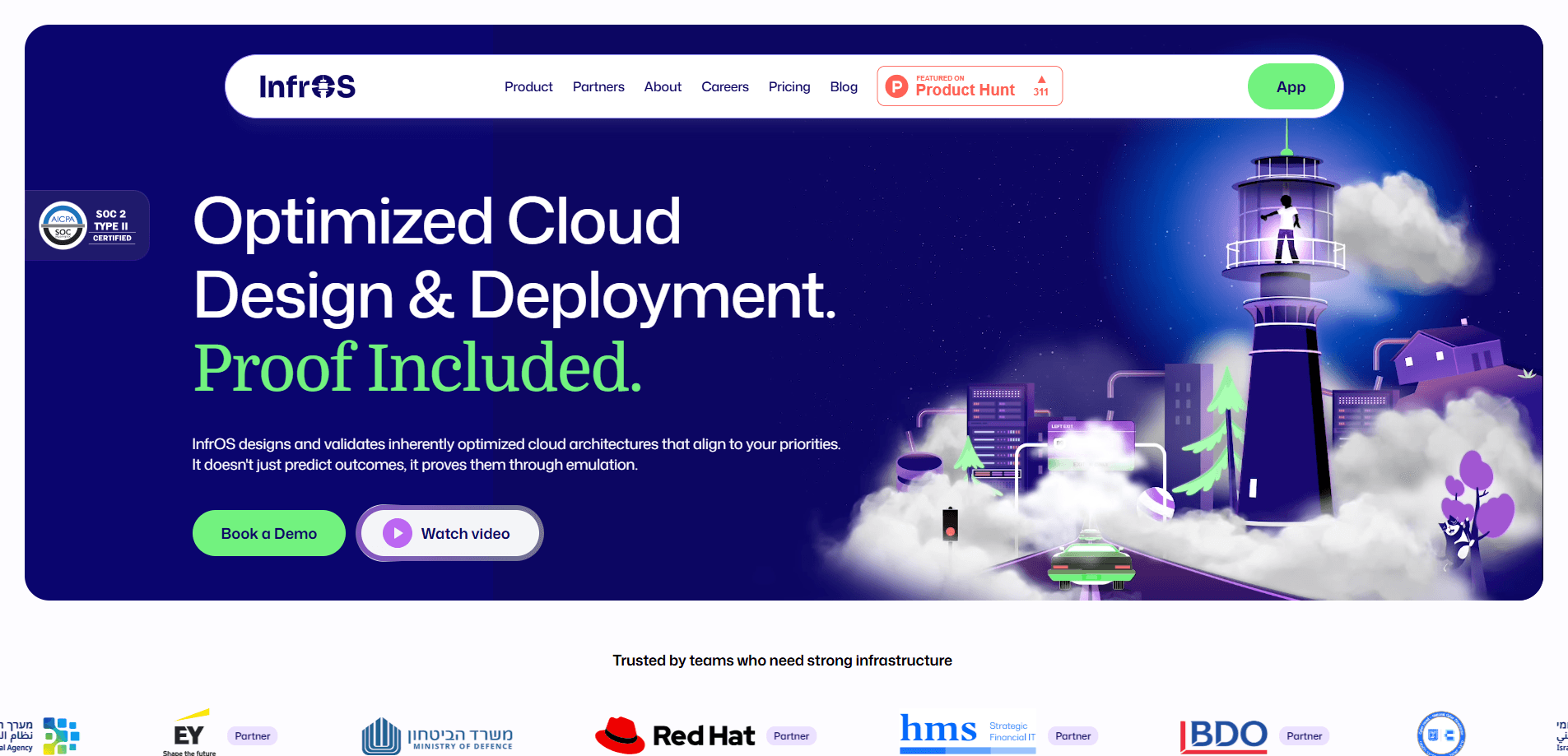
InfrOS is an AI cloud architecture tool that turns your requirements into validated infrastructure and production-ready code. It scans your existing environment, generates candidate designs, tests them through emulation, and keeps watching for drift once you deploy. The pitch is simple: run it across AWS, Azure, and Google Cloud without locking into one vendor.
About InfrOS
What Is InfrOS
InfrOS is a cloud architecture and infrastructure operating system aimed at enterprises that find multi-cloud management too complex to do by hand. You feed it design documents, scanned infrastructure, logs, and constraints, then it proposes architecture options and explains the trade-offs across cost, performance, security, and scalability. That last part matters. Most tools hand you an answer. This one shows its work.
The core idea is that a bad architecture decision early on is expensive to undo, because every layer you build on top of it inherits the flaw and the cost of correcting course grows the longer you wait. InfrOS tries to catch that before anything ships. It emulates the design first and compares candidates side by side. Then it sits in the loop after deployment, hunting for configuration drift before it turns into an outage or a surprise bill.
The catch: InfrOS is built for teams, not individuals. Pricing runs on credits, and the most advanced modules sit behind the Enterprise tier. There's no self-serve checkout either. If you just want a cheap dashboard for a single small project, this is more machine than you need.
Getting Started
- Start with the free trial from the official site. You get 700 credits and no credit card is required.
- Upload your design documents or let InfrOS scan your existing infrastructure and logs.
- Answer the guided discovery questions that fill in missing constraints, priorities, and goals.
- Review the generated architecture candidates and the comparison table covering cost, performance, and reliability.
- Export the one you pick as production-ready infrastructure as code, then let InfrOS track drift as it evolves.
Product Information
A quick look at InfrOS's pricing, supported platforms, and performance.
Best for
The users, tasks, and scenarios where this tool fits best.
Users
- Cloud architects
- DevOps engineers
- Engineering leaders
Tasks
- Designing a new cloud architecture
- Planning a migration
- Enforcing compliance and cost policy
- Troubleshooting infrastructure issues
- Exporting infrastructure as code
Scenarios
- A startup with a small cloud footprint
- A consultant comparing migration paths for a client
- A large enterprise with a sprawling multi-cloud estate
- Ongoing cloud cost optimization after a product launch
Key features
Multi-modal Requirement Gathering
InfrOS accepts design documents, scans of your current infrastructure, and logs, then fills the remaining gaps with guided questions that pull out the constraints and priorities you might not have written down anywhere. You don't have to write a perfect spec up front. The platform works from whatever you can provide and asks for the rest.
Architecture Generation and Comparison
It generates several architecture candidates and scores them across performance, security, cost, reliability, scalability, maintainability, and deployment complexity. Which one you pick depends on what you value most, and the tool makes that trade-off explicit. You see why one design costs more or scales better. No black box. No single answer with no reasoning behind it.
Emulation-Proven Outcomes
Before you deploy, InfrOS validates expected behavior through benchmarking, simulation, and emulation. That means you can catch a design that looks fine on paper but falls apart under real load. Hoping an architecture works isn't the same as having evidence that it does, and that gap is where most expensive cloud mistakes hide.
Reviewable Deployment Paths
Every approved design comes out as diagrams, documentation, and production-ready infrastructure as code with FinOps and compliance guardrails baked in, so the handoff from design to deployment doesn't depend on someone manually translating a diagram into a working environment. Your team reviews the output the same way it would review a pull request. Nothing ships unseen. That keeps humans in control of what actually goes live.
Continuous Drift Detection
Once infrastructure is live, InfrOS keeps checking it against the intended design. When something drifts, it flags the change and validates it rather than letting small misconfigurations pile up. For teams running continuous optimization, this is the feature that earns its keep.
Cloud-Agnostic by Design
InfrOS works across AWS, Google Cloud, and Azure, and handles environments that span all three. The stated aim is vendor neutrality, with loyalty to the customer rather than any single provider. That matters when you want to keep your options open or move workloads later.
Pros and cons
Pros
- Validates architecture through emulation before deployment, which reduces the cost of a bad early decision.
- Compares multiple designs against real criteria like cost, performance, and maintainability instead of returning one answer.
- Stays useful after launch with continuous drift detection and ongoing cost checks.
- Cloud-agnostic across AWS, Azure, and Google Cloud, including hybrid setups.
- Free trial gives 700 credits with no credit card, enough to test the core workflow.
Cons
- Pricing is custom and credit-based, so you can't estimate your monthly cost from a public price list.
- The most advanced modules, including root cause analysis and infrastructure audit workflows, are locked behind the Enterprise tier, which means the free trial shows you the core design loop but not the full range of what the platform can do once you're paying.
- There's no self-serve signup and checkout, which adds friction for smaller teams that want to just try it and pay.
- Credits expire after 12 months, so unused balance isn't yours forever.
Frequently asked questions
InfrOS designs, simulates, and deploys cloud infrastructure. You give it your requirements and existing environment, and it proposes validated architecture options, exports them as infrastructure as code, and then monitors for drift after deployment.
Related content
Explore related tools, skills, and articles for InfrOS.
InfrOS Alternatives
Forefront
Forefront · CodingForefront is a web platform for building with open-source AI. It lets you fine-tune leading open-source language models on your own data, evaluate how they perform, and run them through an API or export them to host yourself. Developers who want the convenience of a closed-source platform but insist on owning their models and data are the target audience here.

Startkit
StartKit.AI · CodingStartkit is a boilerplate for building AI SaaS and AI wrapper products. Think of it as an AI startup boilerplate with the boring parts already wired up: authentication, Stripe and Lemon Squeezy payments, usage limits, transactional email, and an AI API starter that talks to OpenAI, Anthropic, Groq, or Llama. You clone the repo, set your price, and start on the part of your product that people actually pay for. It's Next.js under React and Tailwind, so most of the boilerplate code already feels familiar.
Testim
Tricentis · CodingTestim is an AI-powered test automation platform for building and running end-to-end tests across web, mobile, and Salesforce applications. It leans on machine learning to keep tests stable when an interface changes, so teams spend less time fixing broken selectors. Not bad for an automated testing tool you can start using today. You create tests by recording actions in a browser, then optionally add JavaScript when you need more control. It's a solid pick for busy QA teams.