

Integrity
Integrity · Productivity
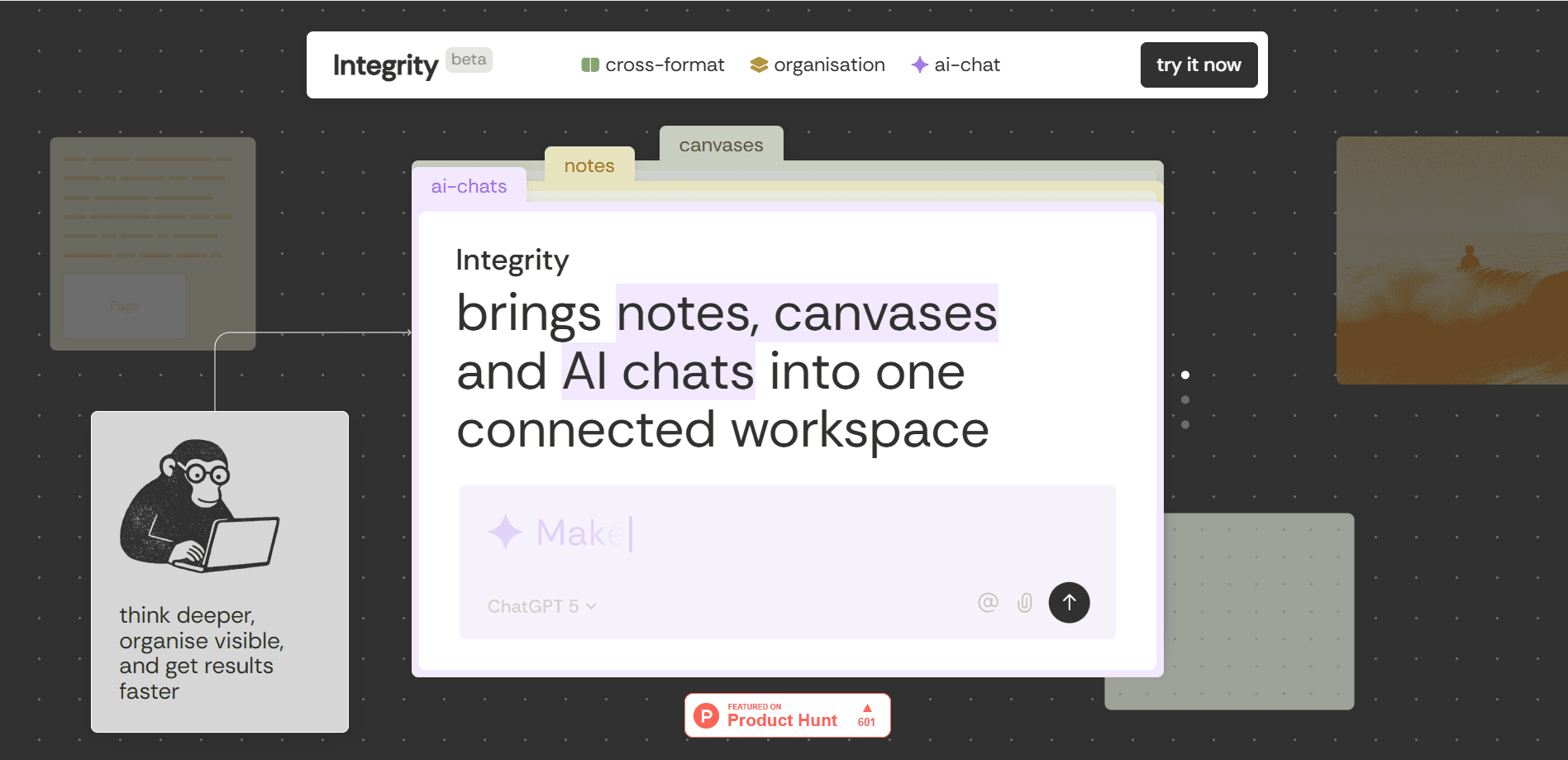
Integrity is an AI workspace tool that puts notes, canvases, and AI chats in one connected environment, so you stop shuttling content between Notion, Miro, and ChatGPT by hand. Every page, canvas, and chat grows from a single project tree, and the AI reads that whole tree when you ask it something. It's the kind of AI chat workspace where a conversation remembers the note that started it. It's aimed at founders, project managers, researchers, and creatives who think in several formats at once and want one place to hold it all. Short version: one tree, three surfaces, shared context.
About Integrity
What Is Integrity
Integrity is a workspace tool built around a simple complaint: your best thinking gets scattered across three apps that don't talk to each other. You draft an idea in a note, sketch it on a canvas, then paste it into a chat window and lose the thread. Integrity merges those surfaces, so the note, the canvas, and the conversation live under the same project tree and reference each other.
The product also treats the AI as part of the workspace rather than a separate tab. Conversations inherit your full context. That means an assistant can pull from a brainstorming note you wrote days ago before it drafts an action plan, which saves you the trouble of pasting the same background into a fresh prompt every single time. You can pick between ChatGPT, Claude, Gemini, and other models inside one conversation and switch without starting over.
The catch is maturity. Several headline features, including AI threads on canvas, a unified task manager, and publishing or collaboration, are listed as coming soon rather than shipped. If your team needs shared editing today, that's a real gap. Fair warning. The pricing is also billed per member, so the cost climbs as a team grows.
Getting Started
- Create an account at app.integrity.sh and pick the free plan to start.
- Set up a project and add your first page or canvas from the sidebar.
- Write a note or drop in blocks like text, images, and tables, then drag them onto other surfaces.
- Open an AI chat, mention a note or canvas with @, and ask it to build on those ideas.
- Connect an outside tool like Gmail, Notion, or Slack through MCP if you want the AI to read from it.
Product Information
A quick look at Integrity's pricing, supported platforms, and performance.
Best for
The users, tasks, and scenarios where this tool fits best.
Users
- Founders
- Project managers
- Researchers
- Creatives
Tasks
- Turning scattered brainstorming into an action plan
- Mapping a project structure
- Searching connected tools
Scenarios
- Early project research
- Cross-format planning
- Switching AI models mid-task
Key features
One Workspace for Notes, Canvases, and AI Chats
The core idea is that ideas move across surfaces without friction. A note, a canvas, and an AI chat all live in the same project, and universal blocks keep their content on every surface. Drag an image, table, or note from a page onto a canvas and the material comes with it. Think of it as a notes and canvas app with a chat window built in. For anyone tired of manually copying a paragraph from a doc into a whiteboard and then again into a chatbot, this is the main draw.
A Single Project Tree
Notes, canvases, and AI chats branch from one project tree instead of living in separate folders per format. The sidebar shows what's on any page or canvas without you opening it, so structure stays visible. No digging required. That makes it easier to see how a conversation connects to the note that started it.
Context-Aware AI
AI conversations inherit your full workspace context, so an assistant can reference your notes and canvases when it responds. Ask it to make an action plan from a brainstorming note and it works from what you actually wrote rather than a blank prompt. No context lost. The value here is fewer copy-paste round trips and less re-explaining.
Multiple Models in One Conversation
You can choose from ChatGPT, Claude, Gemini, and more inside a single conversation and switch between them without restarting. That's useful when one model handles drafting well and another is stronger at structure. Pick the right brain for the job. You keep one thread of context across both.
MCP Tool Connections
Integrity speaks MCP, so tools you already use plug in directly. Connect Notion, Slack, Linear, Asana, ClickUp, Todoist, Figma, Gmail, Zoom, and others once, and the AI can work with what's inside them. Permissions are chosen per connection: Gmail can be read-only, or read and write if you want drafts prepared and labels applied automatically.
Transparent Sidebar
The sidebar surfaces what lives on any page or canvas before you open it, so you navigate by structure instead of guessing. Why does that matter? Because large projects hide their assets. You can see the shape of a project at a glance rather than clicking through empty pages to find one file. Big difference when a workspace grows.
Pros and cons
Pros
- Notes, canvases, and AI chats share one project tree, which cuts the copy-paste work of juggling three apps.
- The AI reads your workspace context. It references your notes instead of starting from nothing.
- You can switch between ChatGPT, Claude, and Gemini within one conversation.
- MCP connections pull in tools like Notion, Slack, Gmail, and Linear without manual transfer.
- A free plan covers up to 3 members with limited AI tokens, so you can test it before paying, and it never expires.
Cons
- Publishing and real-time collaboration aren't shipped yet, so teams that need shared editing on the same page at the same time have to wait or work around it by passing files back and forth.
- The unified task manager is coming soon, which means tasks scattered across pages and canvases stay scattered for now.
- AI tokens are limited on lower tiers, so heavy use pushes you toward the $24 per member Team plan.
- File uploads cap at 5 MB on Free and 1 GB on Pro, which can slow down media-heavy projects.
Frequently asked questions
It combines notes, canvases, and AI chats into one workspace that shares a single project tree. The AI can read across those surfaces, so you plan, sketch, and converse in one place instead of moving content between Notion, Miro, and ChatGPT.
Related content
Explore related tools, skills, and articles for Integrity.
Integrity Alternatives

Swms
Swms AI · Writing · Productivity · BusinessSwms is an AI safety compliance tool that turns a plain description of a job into ready-to-use safety documents. Describe your project, trade, and known hazards, and it writes a safe work method statement, job hazard analysis, safe work procedure, RAMS, or safety data sheet in seconds. It also ships with Oscar, a chat assistant that answers workplace safety questions in any language. Teams in construction, mining, transport, and warehousing use it to cut the paperwork that usually eats into a workday.

Wordly AI Translation
Wordly · Voice & Language · ProductivityWordly AI Translation is a real-time AI translation and captioning platform built for meetings, conferences, and events. It delivers live translation, captions, transcripts, and summaries in more than 60 languages, and attendees join by scanning a QR code or opening a link instead of using dedicated headsets. The platform works with Zoom, Microsoft Teams, Google Meet, and Webex, and it's designed for organizations that want multilingual access without hiring human interpreters for every session. Simple as that.

Rows
Rows (Superhuman) · Productivity · BusinessRows is an AI spreadsheet and data analysis tool that imports live data from more than 50 sources, then lets you work with it using plain language instead of SQL queries or nested formulas. You can pull numbers out of PDFs, connect ad platforms, databases, and bank accounts, and ask the AI to build reports, merge datasets, or set up models that recalculate themselves. It runs in the browser, works like a spreadsheet, and now sits under the Superhuman umbrella.