
Interviews Chat
Interviews Chat · Productivity · Chatbot
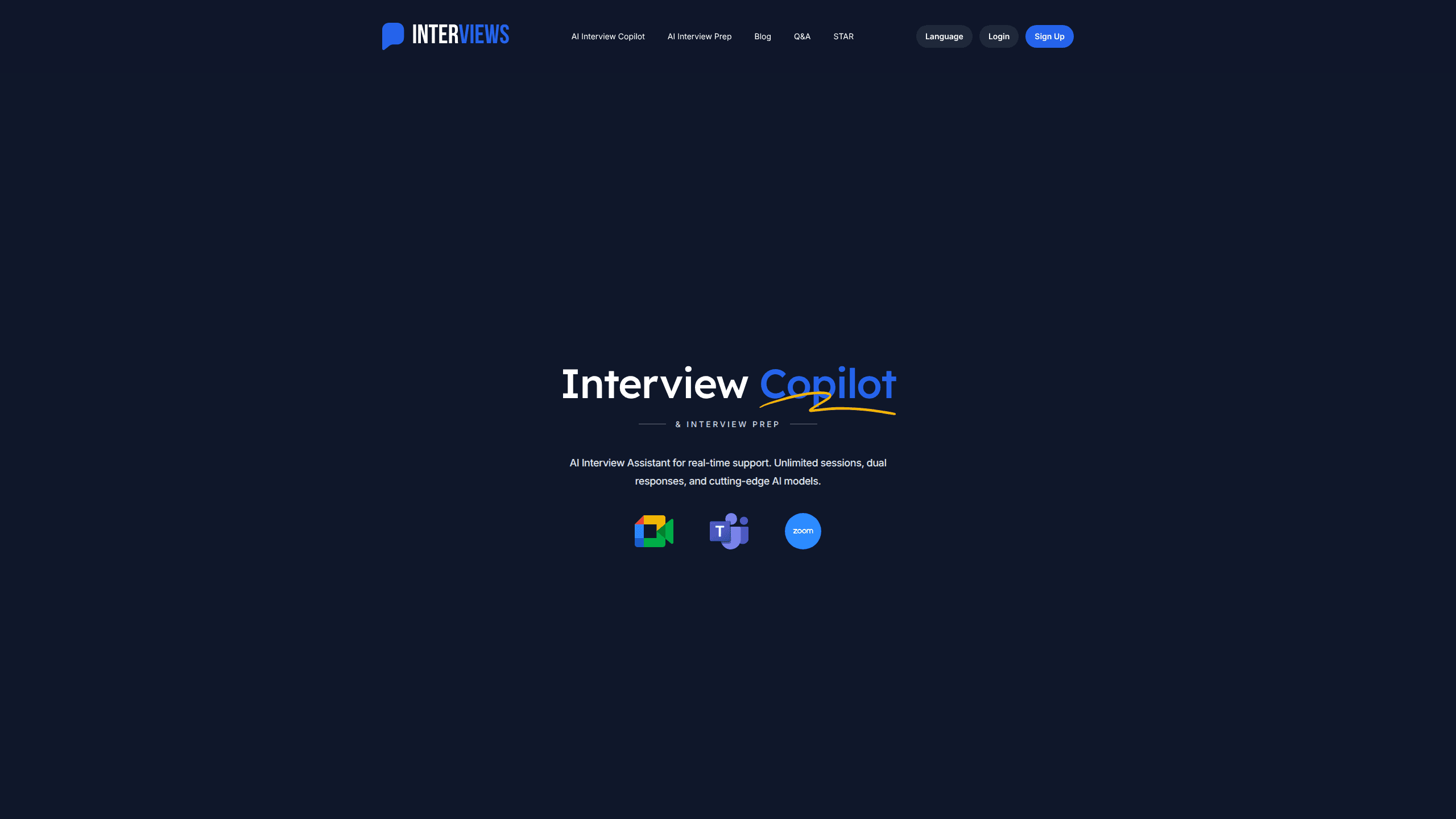
Interviews Chat is an AI interview assistant that sits alongside you during live interviews and feeds you real-time suggestions while it transcribes the conversation. It runs entirely in the browser and pairs with a Chrome extension for online assessments, so you don't need to install a desktop app. The tool leans on several frontier models, including GPT, Claude, Gemini, Qwen, and Grok, and lets you compare their answers side by side. Beyond the live copilot, it also handles resume tailoring, mock interviews, cover letters, and post-interview feedback.
About Interviews Chat
What Is Interviews Chat
Interviews Chat is a web-based AI interview assistant built for people who freeze up under pressure. The core idea is simple. It listens to the interview as it happens, transcribes what's being said, and pushes suggested answers to your screen in about a second. You get a calm script to glance at instead of a blank mind.
The product covers more than the interview itself. It analyzes your resume against a job description to predict likely questions, runs practice sessions with follow-up questions, and then reviews how you did afterward. That makes it useful both for someone prepping a week ahead and someone who just wants a safety net during the call, because both groups face the same problem of losing their train of thought at the worst possible moment.
The biggest limitation is that it's a reading aid, not an autopilot. You still have to speak in your own voice. Answers built from thin context sound generic. That's the tradeoff. It works best on desktop. Splitting your screen between the meeting and the suggestion panel gets cramped on mobile. I couldn't confirm a hard latency number beyond the under-one-second claim on the homepage. That figure depends on your network and chosen model.
Getting Started
- Create an account at interviews.chat and claim the free credits offered at signup.
- Add your resume and paste the job description so the prep engine can generate targeted questions.
- Pick one or more AI models to draw suggestions from, or run a mock interview to practice.
- During the real interview, open the copilot in a browser tab and let it transcribe the conversation.
- Review the post-interview breakdown to see which answers landed and what to fix next time.
Product Information
A quick look at Interviews Chat's pricing, supported platforms, and performance.
Best for
The users, tasks, and scenarios where this tool fits best.
Users
- Job seekers in active interview loops
- Career switchers
- New grads
- Non-native English speakers
Tasks
- Live interview support
- Resume tailoring
- Mock interview practice
- Cover letter drafting
- Post-interview review
Scenarios
- A technical screen with a coding challenge
- A behavioral round you keep fumbling
- A phone screen where you can't share your screen
- Last-minute prep the night before
Key features
Real-Time Interview Copilot
The copilot listens to the interview, transcribes it, and pushes suggested answers to your screen as the conversation moves. This is where the real-time interview help actually shows up. You can pick between short, to-the-point replies and fuller answers, which matters when an interviewer clearly wants brevity. Latency is fast. The homepage claims under one second. Actual speed shifts with your network and the model you pick.
Multi-Model Answer Comparison
Instead of trusting one AI, Interviews Chat runs suggestions across GPT, Claude, Gemini, Qwen, and Grok. You see how each model would answer and pick the phrasing that fits your style. Different models handle technical and soft questions differently. That's the point. That range is the biggest reason to choose this over a single-model tool.
AI Interview Prep From Your Resume
The prep side reads your resume and the job description, then generates the questions you're most likely to face. It's the difference between rehearsing generic interview trivia and practicing the specific things a hiring manager for that role will actually ask you when you sit down in front of them. You can also pull in a list of smart questions to ask your interviewer, which many candidates skip entirely.
Mock Interviews With Follow-Ups
Practice mode simulates a real interview, complete with follow-up questions that push past your first answer. You can drill technical, behavioral, or case study formats. It's the closest thing to pressure without the stakes. It's where most users will spend their time before a big call.
Chrome Extension for Online Assessments
The browser extension connects to a tab running a whiteboard or coding challenge and generates a solution with its reasoning shown. For take-home-style assessments and live coding rounds, that's more useful than a text-only suggestion because you can follow the logic step by step. It's the same mechanism that powers the live copilot. Here it's aimed squarely at screen-sharing situations, and that distinction matters because a coding round plays out nothing like a casual conversation about your past roles.
Resume and Career Toolkit
Beyond interviews, the platform offers resume tailoring, instant resume feedback, cover letter generation, and a career copilot that suggests paths matching your skills. These are supporting tools, not the headline act. They still cover the whole job-search cycle in one place instead of scattering it across separate apps.
Pros and cons
Pros
- Runs in the browser with a Chrome extension, so there's no desktop install to manage.
- Pulls answers from five major AI models and lets you compare them live.
- Covers the full loop: prep, live support, and post-interview review.
- Free credits at signup let you test the copilot on a real call before you commit to paying for anything.
- Mock interviews with follow-up questions give realistic practice.
Cons
- It only suggests answers; you still have to deliver them in your own words, which takes practice.
- The interface is built for desktop, and juggling windows on a phone is awkward in a way that makes mobile use feel like an afterthought rather than a supported option.
- Model suggestions are only as good as the resume and job context you feed in, which means a lazy setup with a thin resume will hand you generic answers that sound like everyone else's.
- I couldn't verify the exact pricing tiers or latency beyond the marketing claims, so treat those numbers as a starting point.
Frequently asked questions
It listens to the conversation, transcribes it, and shows suggested answers on your screen in near real time. You read them and respond in your own voice. Think of it as a teleprompter for interviews, not an automated responder.
Related content
Explore related tools, skills, and articles for Interviews Chat.
Interviews Chat Alternatives

Swms
Swms AI · Writing · Productivity · BusinessSwms is an AI safety compliance tool that turns a plain description of a job into ready-to-use safety documents. Describe your project, trade, and known hazards, and it writes a safe work method statement, job hazard analysis, safe work procedure, RAMS, or safety data sheet in seconds. It also ships with Oscar, a chat assistant that answers workplace safety questions in any language. Teams in construction, mining, transport, and warehousing use it to cut the paperwork that usually eats into a workday.

Wordly AI Translation
Wordly · Voice & Language · ProductivityWordly AI Translation is a real-time AI translation and captioning platform built for meetings, conferences, and events. It delivers live translation, captions, transcripts, and summaries in more than 60 languages, and attendees join by scanning a QR code or opening a link instead of using dedicated headsets. The platform works with Zoom, Microsoft Teams, Google Meet, and Webex, and it's designed for organizations that want multilingual access without hiring human interpreters for every session. Simple as that.

Rows
Rows (Superhuman) · Productivity · BusinessRows is an AI spreadsheet and data analysis tool that imports live data from more than 50 sources, then lets you work with it using plain language instead of SQL queries or nested formulas. You can pull numbers out of PDFs, connect ad platforms, databases, and bank accounts, and ask the AI to build reports, merge datasets, or set up models that recalculate themselves. It runs in the browser, works like a spreadsheet, and now sits under the Superhuman umbrella.