

JetBrains
JetBrains · Coding
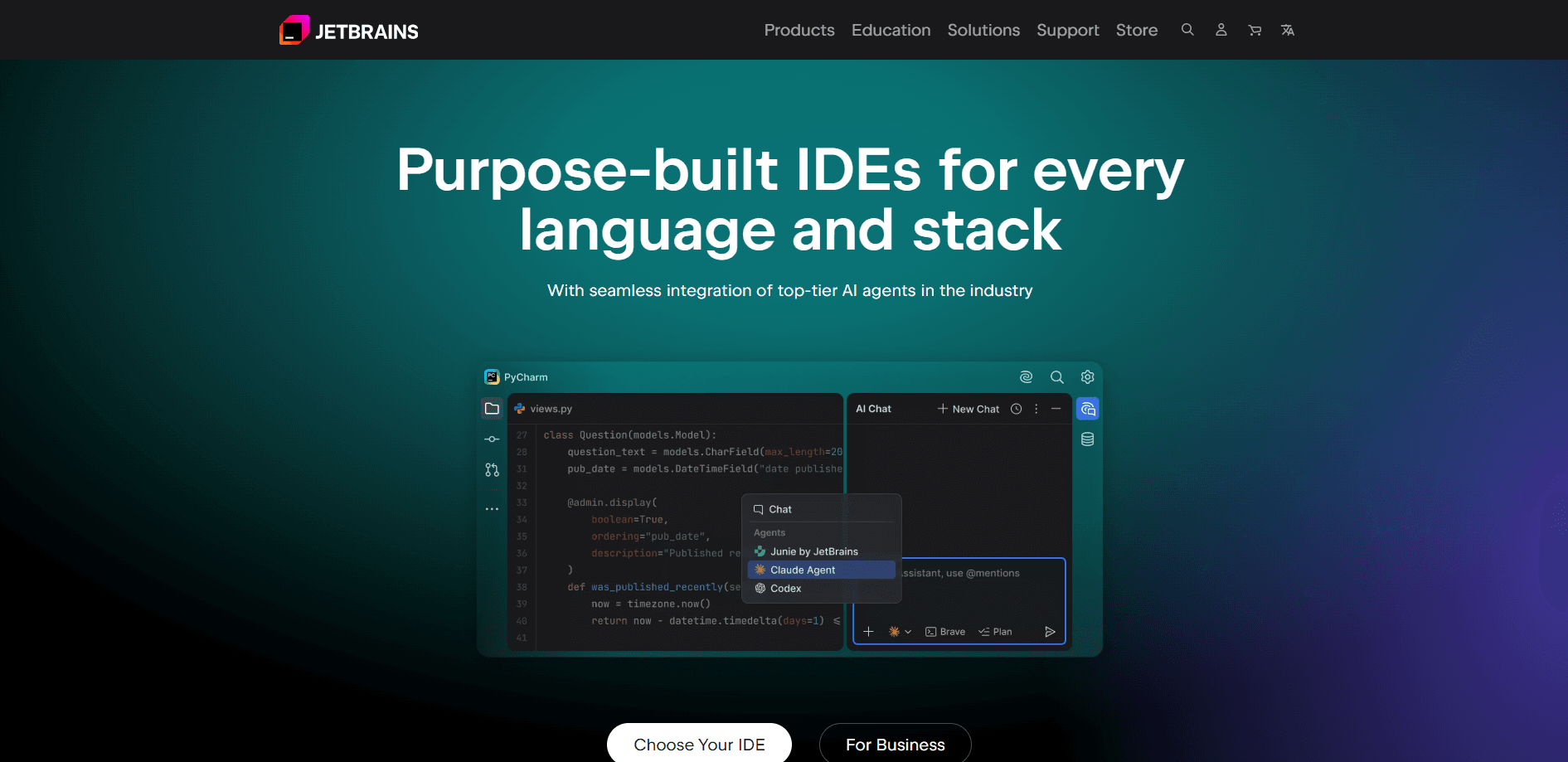
JetBrains is a software company that builds integrated development environments (IDEs) and developer tools for programmers working in Java, Kotlin, Python, JavaScript, C#, Go, and C++. Its best-known products are IntelliJ IDEA, PyCharm, WebStorm, and Rider, alongside team tools like YouTrack and TeamCity. JetBrains also ships an AI layer called JetBrains AI that plugs large language models into the editor for chat, code completion, and autonomous coding tasks. The company says more than 12.5 million people use its tools on a regular basis, and 88 of the Fortune Global Top 100 companies are customers.
About JetBrains
What Is JetBrains
JetBrains is a developer tools company founded in 2000 by three programmers: Sergey Dmitriev, Eugene Belyaev, and Valentin Kipiatkov. It started with IntelliJ IDEA, a Java IDE that won fans for reading code intelligently rather than just highlighting syntax. Two decades later the same idea runs through a whole family of IDEs, each tuned to a specific language or stack.
The pitch is simple: less time fighting your editor, more time shipping. JetBrains IDEs index your whole project, so navigation, refactoring, and debugging work across files and even compiled libraries. The company also created Kotlin, the programming language Google endorses for Android development, and maintains team tools for issue tracking and continuous integration.
So why does that matter? Speed. A rename that touches 300 files lands in one click.
The biggest catch is price. Individual IDE subscriptions run into the hundreds of dollars a year, and the All Products Pack costs more still. There's no fully free tier for the paid editions, only free trial periods and a free non-commercial license for some tools. If you only code occasionally, the free Community edition of IntelliJ IDEA or a lighter editor may be enough.
Hardware matters too. These IDEs want memory.
Getting Started
- Download a JetBrains IDE from the official site, or install the Toolbox App to manage several products and updates in one place.
- Create a JetBrains Account, which links your licenses, trials, and AI subscription across devices.
- Pick your edition on first launch: a free plan, a 30-day trial, or a paid subscription that activates in the IDE.
- Open or clone a project, then let the IDE index it so code completion, search, and refactoring understand your files.
- Optional: sign in to JetBrains AI to switch on chat, inline completion, and coding agents like Junie.
Product Information
A quick look at JetBrains's pricing, supported platforms, and performance.
Best for
The users, tasks, and scenarios where this tool fits best.
Users
- Professional software developers
- Students and teachers
- Small teams and startups
Tasks
- Writing and refactoring large applications
- Debugging tricky runtime issues
- Managing a team's workflow
Scenarios
- Daily coding on a single language
- Full-stack projects mixing several languages
- Remote or cross-device work
Key features
Language-Specific IDEs
JetBrains sells separate IDEs for the main developer stacks, including IntelliJ IDEA for Java and Kotlin, PyCharm for Python, WebStorm for JavaScript and TypeScript, GoLand for Go, and Rider for the .NET family of languages. Each one is tuned to its language, so you get accurate completion and refactoring instead of generic text handling.
Deep Code Intelligence
Every IDE builds a full model of your project, which is why navigation and refactoring stay reliable even in huge codebases. You can rename a method used in hundreds of files, jump to a definition in a compiled library, and trace how data flows through your code. It just works. This is the feature that keeps developers loyal to the platform.
JetBrains AI and Coding Agents
JetBrains AI works as an AI coding assistant, adding chat, inline code completion, and agents such as Junie and Claude Agent inside the editor. It's backed by models from OpenAI, Google, Anthropic, and others. The free tier includes a small monthly credit allowance, while paid tiers raise the quota. A future bring-your-own-key option lets teams connect their own model keys.
Refactoring and Debugging
Automated refactoring handles renames, signature changes, and code extraction without breaking the rest of your project. The debugger supports breakpoints, logpoints, and stepping through code that runs in libraries. That last part matters. It helps when the bug isn't in your own files.
Version Control Integration
Git, GitHub, and other version control systems are built in, so you can review diffs, resolve merge conflicts, and commit without leaving the IDE. AI-generated commit messages are available too, one of the small features that quietly saves time every day.
Team and Productivity Tools
Beyond individual IDEs, JetBrains offers YouTrack for issue tracking, TeamCity for continuous integration, and Qodana for automated code quality checks that plug directly into your CI pipelines. Teams that adopt the full stack can keep planning, building, and code review inside one vendor's tools.
Pros and cons
Pros
- Code intelligence is genuinely best in class for large, typed codebases.
- One subscription can cover every language you work in through the All Products Pack.
- Free educational licenses and startup discounts lower the cost for students and young companies.
- JetBrains AI works inside the same editor, so there's no context-switching to a separate chat app.
Cons
- IDEs are resource-hungry, and indexing a big project can slow an older laptop.
- Prices are high for individual developers, and there's no permanent free tier beyond the Community edition of IntelliJ IDEA.
- AI features are gated by credit quotas, so heavy users may run through their monthly allowance.
- The lineup is large, and figuring out which product you actually need takes some research.
Frequently asked questions
Not entirely. There's no single free version of everything, but several options exist. IntelliJ IDEA Community is free, students and teachers get free educational licenses, and JetBrains AI has a free tier with a small monthly credit allowance. Most full IDEs require a paid subscription after the trial.
Related content
Explore related tools, skills, and articles for JetBrains.
JetBrains Alternatives
Forefront
Forefront · CodingForefront is a web platform for building with open-source AI. It lets you fine-tune leading open-source language models on your own data, evaluate how they perform, and run them through an API or export them to host yourself. Developers who want the convenience of a closed-source platform but insist on owning their models and data are the target audience here.

Startkit
StartKit.AI · CodingStartkit is a boilerplate for building AI SaaS and AI wrapper products. Think of it as an AI startup boilerplate with the boring parts already wired up: authentication, Stripe and Lemon Squeezy payments, usage limits, transactional email, and an AI API starter that talks to OpenAI, Anthropic, Groq, or Llama. You clone the repo, set your price, and start on the part of your product that people actually pay for. It's Next.js under React and Tailwind, so most of the boilerplate code already feels familiar.
Testim
Tricentis · CodingTestim is an AI-powered test automation platform for building and running end-to-end tests across web, mobile, and Salesforce applications. It leans on machine learning to keep tests stable when an interface changes, so teams spend less time fixing broken selectors. Not bad for an automated testing tool you can start using today. You create tests by recording actions in a browser, then optionally add JavaScript when you need more control. It's a solid pick for busy QA teams.