

Jinna.ai
Jinna.ai · Productivity
Jinna.ai is an AI business assistant built for solopreneurs and freelancers. It handles the admin and finance work that eats your week: creating invoices, sending proposals, sharing estimates, chasing late payments and collecting money. Instead of juggling several disconnected tools, you keep clients, documents and payments in one place. The assistant keeps learning how your business runs, so it ends up carrying more of that load on its own, and the more you use it, the more of your clients, rates and recurring work it already has on file. As invoice software for freelancers it covers the basics well, but it spreads further than billing. Treat it as a freelancer admin tool and a solopreneur finance app in one, built to shrink the time you spend on paperwork.
About Jinna.ai
What Is Jinna.ai
Jinna.ai is an AI assistant that manages business administration and finances for one-person businesses. The pitch is simple. It takes the boring parts of running a solo business, like writing invoices and following up on unpaid ones, and does them for you. The company says more than 1,200 solopreneurs in the U.S. use it.
The tool centers on the money side of freelance work. You add a client, and Jinna.ai turns your details into polished proposals, estimates and invoices. Each one can be shared by link or exported as a PDF, and clients can pay straight from the invoice through a payment link. That removes the awkward "just following up" email most freelancers dread.
The main limit is scope. Jinna.ai isn't full accounting software. It won't do your taxes, reconcile bank statements or replace a bookkeeper, and if you run inventory or sell physical products, the workflow here won't map onto what you actually need. It's the front end of getting paid, from pitch to payment, and it works best when your workflow is service-based rather than product-based. Some tools try to be everything. This one picks a lane.
Getting Started
- Sign up at the official site and connect the basics of your business, like your name and the services you offer.
- Add a client with their name and email so their details and history stay in one place.
- Create a proposal, estimate or invoice, letting the AI draft the wording and line items from a short prompt.
- Share the document by link or PDF and let the client review and pay through the built-in payment link.
- Turn on follow-ups so Jinna.ai nudges clients who haven't paid yet.
Product Information
A quick look at Jinna.ai's pricing, supported platforms, and performance.
Best for
The users, tasks, and scenarios where this tool fits best.
Users
- Freelancers and solopreneurs
- Creative professionals
- Service providers who hate chasing money
Tasks
- Creating and sending invoices
- Writing proposals
- Chasing late payments
- Collecting payments
Scenarios
- Wrapping up a project
- Starting a new client relationship
- A slow-paying month
Key features
AI Invoice Creation
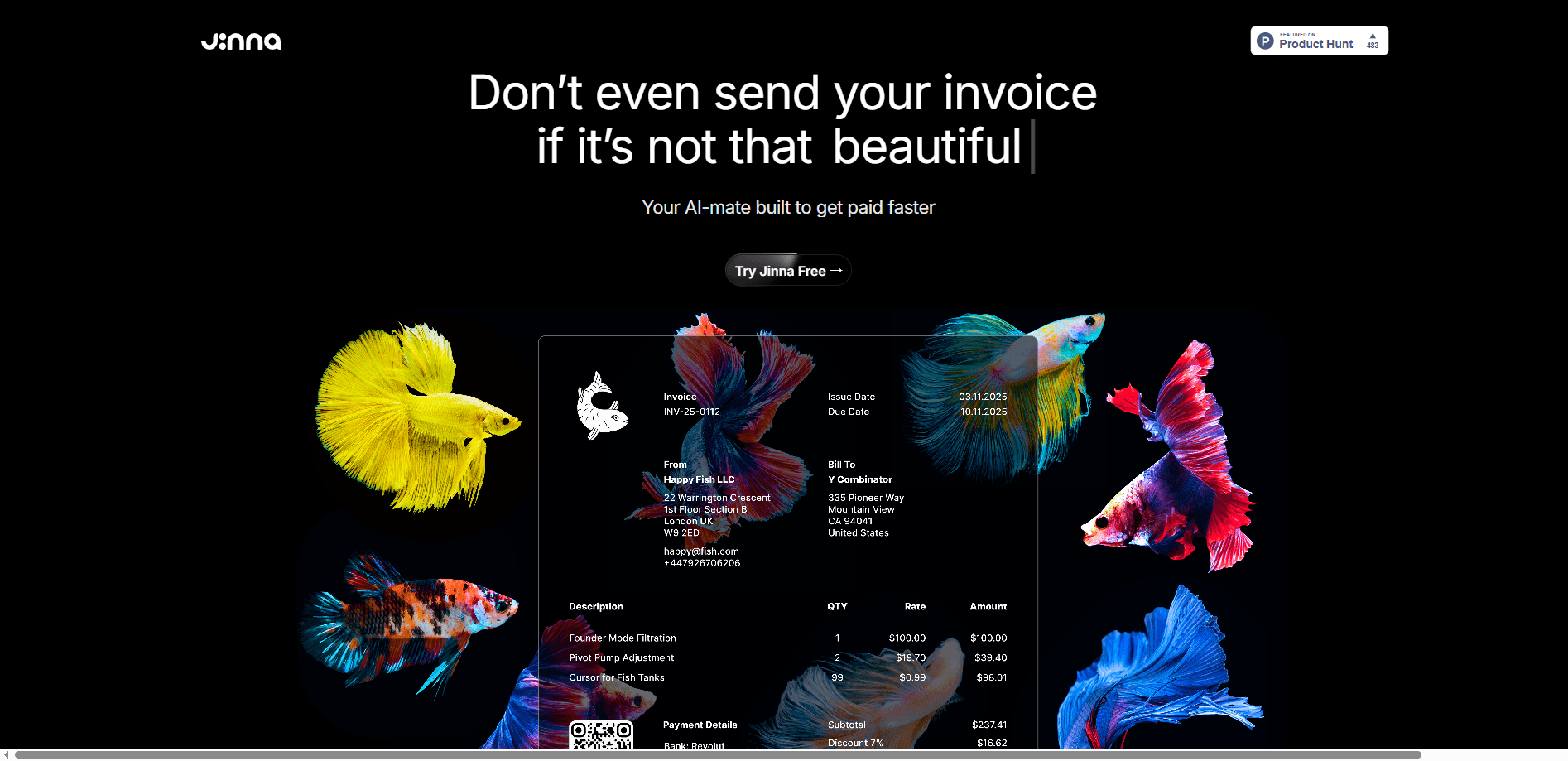
Writing an invoice is usually the last thing you want to do after finishing a job. Jinna.ai flips that. You describe the work or give a quick prompt, and it builds a finished invoice with line items, pricing and your branding in place. The result downloads as a PDF or lives behind a share link, so clients can open it on any device, review the charges and pay in a couple of taps without emailing you back and forth. For anyone billing several clients a week, that saved formatting time adds up fast.
Proposals That Convert to Invoices
A proposal and the invoice that follows it should share the same details, and with Jinna.ai they do. You create a proposal, share it by link, and track whether the client opened it or spent time on it. Once they approve, you turn that same document into an invoice in one click. No copying scope and prices into a second tool. Less risk of a mismatch between what you promised and what you billed, which is exactly the kind of small error that turns into an awkward conversation later.
Estimates in Seconds
For work that needs a quote before it starts, estimates go from draft to shared in a moment. Clients get a simple link they can review on a phone, and you can convert an accepted estimate straight into an invoice. Fast. Mobile-friendly documents matter here, because a lot of clients open quotes on their phone between other tasks and won't bother with a file that's hard to read.
Client Management in One Place
Every invoice, proposal and note ties back to a client record. You keep contact details, past documents and activity together, so you're not digging through email to remember what you quoted someone six weeks ago. That context is the point. Jinna.ai is designed to learn from that history over time, which is where the "assistant that understands your business" idea comes from.
Automated Payment Follow-Ups
Unpaid invoices are the quiet killer of freelance cash flow. Jinna.ai sends follow-ups on a schedule, which means the awkward reminder comes from the tool instead of from you. Reviewers on the company's site call this out directly, with one noting it's "perfect for freelancers who hate sending just following up messages." You still see the status of each invoice. You're not the one writing the nudge, and for a lot of solo businesses that shift alone is worth the switch.
Fast Client Payments
Each invoice carries a payment link so a client can pay without asking you for bank details or an account number. The company claims users can get paid up to three times faster, which is a vendor figure worth treating with some skepticism, but faster collection is a real advantage when a link removes friction from paying. Fewer steps for the client usually means fewer delays for you. That's the whole game.
Pros and cons
Pros
- Covers the full path from proposal and estimate through invoice and payment in one tool, so you replace a few separate subscriptions.
- AI drafting cuts the time spent formatting invoices and writing proposals by hand.
- Built-in follow-ups handle late-payment reminders without you sending them yourself.
- Payment links on every invoice lower the friction for clients to actually pay.
- The free invoice generator and free trial let you test the workflow before paying.
Cons
- It's not accounting software, so you'll still need a separate tool for taxes, expenses and bookkeeping. Why does that matter? Because billing and bookkeeping are two different jobs, and Jinna.ai only does the first one well.
- The "get paid up to 3x faster" and "save 10+ hours" figures come from the vendor, so treat them as marketing claims rather than measured results.
- There's no public API, which means you can't wire Jinna.ai into a custom workflow or automate it from another app.
- Pricing is light on detail at the official site, so it's worth confirming the current tiers before you commit.
Frequently asked questions
It's an AI assistant that handles admin and finance tasks for solo businesses. In practice that means creating invoices, proposals and estimates, sending payment follow-ups and collecting money through payment links, all tied to a client list.
Related content
Explore related tools, skills, and articles for Jinna.ai.
Jinna.ai Alternatives

Swms
Swms AI · Writing · Productivity · BusinessSwms is an AI safety compliance tool that turns a plain description of a job into ready-to-use safety documents. Describe your project, trade, and known hazards, and it writes a safe work method statement, job hazard analysis, safe work procedure, RAMS, or safety data sheet in seconds. It also ships with Oscar, a chat assistant that answers workplace safety questions in any language. Teams in construction, mining, transport, and warehousing use it to cut the paperwork that usually eats into a workday.

Wordly AI Translation
Wordly · Voice & Language · ProductivityWordly AI Translation is a real-time AI translation and captioning platform built for meetings, conferences, and events. It delivers live translation, captions, transcripts, and summaries in more than 60 languages, and attendees join by scanning a QR code or opening a link instead of using dedicated headsets. The platform works with Zoom, Microsoft Teams, Google Meet, and Webex, and it's designed for organizations that want multilingual access without hiring human interpreters for every session. Simple as that.

Rows
Rows (Superhuman) · Productivity · BusinessRows is an AI spreadsheet and data analysis tool that imports live data from more than 50 sources, then lets you work with it using plain language instead of SQL queries or nested formulas. You can pull numbers out of PDFs, connect ad platforms, databases, and bank accounts, and ask the AI to build reports, merge datasets, or set up models that recalculate themselves. It runs in the browser, works like a spreadsheet, and now sits under the Superhuman umbrella.