

Dex by Thirdlayer
Thirdlayer · Productivity
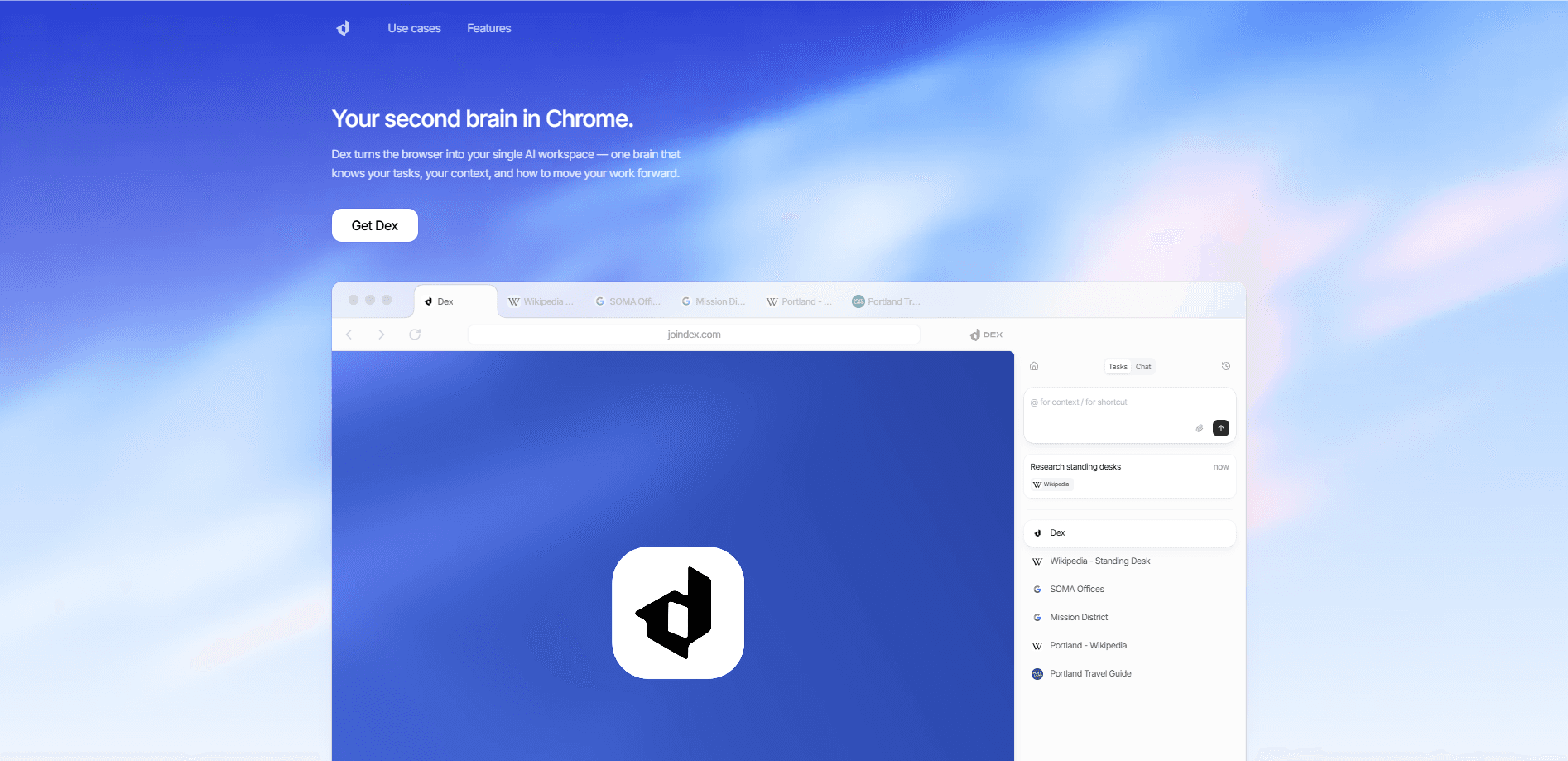
Dex by Thirdlayer is an AI browser copilot that runs inside Chrome and turns your regular browser into a context-aware browser assistant. It reads what's on your screen, connects the tabs and apps you already use, and handles repetitive steps without pulling you out of your flow. The idea is simple. If you spend your day juggling a CRM, a spreadsheet, a mail client, and a dozen open tabs, Dex sits quietly at the side and takes the busywork.
About Dex by Thirdlayer
What Is Dex by Thirdlayer
Dex is a Chrome extension from Thirdlayer that works as a browser automation tool. Unlike chat agents you hand a task to and check back on later, Dex is built for work you want to drive yourself. It watches the page you're on, understands the context, and offers help right there in the tab.
The main problem it solves is context switching. Modern work spreads across a dozen SaaS tools, and moving data by hand between them eats hours every week. Dex handles cross-app integration, keeps a personal knowledge base of what it learns, and uses that reach to act across tabs.
The biggest limitation is scope. Dex lives in the browser, so it can't touch desktop apps or anything outside the tabs it can see. It also leans on monthly credit allowances, and heavier automation can burn through them fast. The higher tiers get expensive once you move past the entry plan.
Getting Started
- Install the Dex extension from the Chrome Web Store and sign in.
- Connect your first integrations so Dex can sync your work context.
- Open a task in any tab and type or speak what you want done.
- Review what Dex suggests, correct it if needed, and let it run the automation.
- Approve the result so Dex learns from your edits for next time.
Product Information
A quick look at Dex by Thirdlayer's pricing, supported platforms, and performance.
Best for
The users, tasks, and scenarios where this tool fits best.
Users
- Operators at startups
- Sales and BD teams
- Founders wearing many hats
Tasks
- Meeting prep
- Cross-app data moves
- Follow-up tracking
Scenarios
- Daily repetitive browser work
- Early-stage research
- Team workflows
Key features
Context-aware assistance in Chrome
Dex reads the page you're on and understands what you're trying to do, then offers help in place instead of making you switch to a separate chat window. It works like a Chrome AI assistant that suggests context as you browse. You spend less time hunting for the right tab.
Cross-app automation
The extension connects with apps you already use and acts across them to cut context switching. This is the AI workflow automation piece. You can turn a multi-step process, like logging a conversation into a CRM, into a single action that runs in the background.
Personal knowledge base
Everything Dex learns from your corrections, approvals, and edits builds into a knowledge base that belongs to you. The more you use it, the sharper its suggestions get. It compounds your decisions instead of starting fresh each time. That matters. Most copilots forget you the moment a session ends.
Background agents and scheduling
Automations and background agents keep working even when you're focused elsewhere. You don't babysit them. Higher tiers add advanced agent scheduling, so recurring tasks run on their own timeline without you kicking them off. What does that look like in practice? You set a task once, and it keeps running while you get on with your day.
Integrations and syncing
Dex syncs your connected apps into one context layer. The Core plan includes three integrations, Max raises that to five, and Ultra allows up to fifteen. Teams get a shared operational graph on top of that. More connections mean more of your work lives in one place.
Security and data control
Data is encrypted at rest and in transit with 256-bit encryption, and Thirdlayer monitors its dependencies and cloud infrastructure for vulnerabilities. You own everything. You can export, delete, or disconnect your data anytime, and browser memory is off by default. That last point matters if you handle sensitive client work.
Private cloud deployment
Teams that need tighter isolation can run Dex on their own infrastructure. The enterprise track adds private cloud deployment, data isolation, and dedicated engineering support for larger rollouts.
Pros and cons
Pros
- Works where you already work: it lives in Chrome, so there's no new app to learn.
- Learns from your edits and approvals, so suggestions improve with use.
- Connects multiple tools into a single context layer, which cuts tab-hopping.
- Strong security posture with encryption and an off-by-default browser memory.
- Teams can share context and build custom agents on top of the same system.
Cons
- Overlay pricing: the entry plan is $49 a month with no free tier, which rules out casual testing.
- Credit limits, so heavy automation can run through your monthly allowance.
- Chrome only, meaning it can't reach desktop apps or other browsers.
- No public API, so you can't build your own integrations around it.
Frequently asked questions
Dex is an AI browser copilot for people who work inside Chrome all day. It reads the page you're on, connects the apps you use, and automates repetitive steps like logging data, prepping for meetings, and following up on threads.
Related content
Explore related tools, skills, and articles for Dex by Thirdlayer.
Dex by Thirdlayer Alternatives

Swms
Swms AI · Writing · Productivity · BusinessSwms is an AI safety compliance tool that turns a plain description of a job into ready-to-use safety documents. Describe your project, trade, and known hazards, and it writes a safe work method statement, job hazard analysis, safe work procedure, RAMS, or safety data sheet in seconds. It also ships with Oscar, a chat assistant that answers workplace safety questions in any language. Teams in construction, mining, transport, and warehousing use it to cut the paperwork that usually eats into a workday.

Wordly AI Translation
Wordly · Voice & Language · ProductivityWordly AI Translation is a real-time AI translation and captioning platform built for meetings, conferences, and events. It delivers live translation, captions, transcripts, and summaries in more than 60 languages, and attendees join by scanning a QR code or opening a link instead of using dedicated headsets. The platform works with Zoom, Microsoft Teams, Google Meet, and Webex, and it's designed for organizations that want multilingual access without hiring human interpreters for every session. Simple as that.

Rows
Rows (Superhuman) · Productivity · BusinessRows is an AI spreadsheet and data analysis tool that imports live data from more than 50 sources, then lets you work with it using plain language instead of SQL queries or nested formulas. You can pull numbers out of PDFs, connect ad platforms, databases, and bank accounts, and ask the AI to build reports, merge datasets, or set up models that recalculate themselves. It runs in the browser, works like a spreadsheet, and now sits under the Superhuman umbrella.