

Julius Slack Agent
Julius AI · Productivity · Marketing
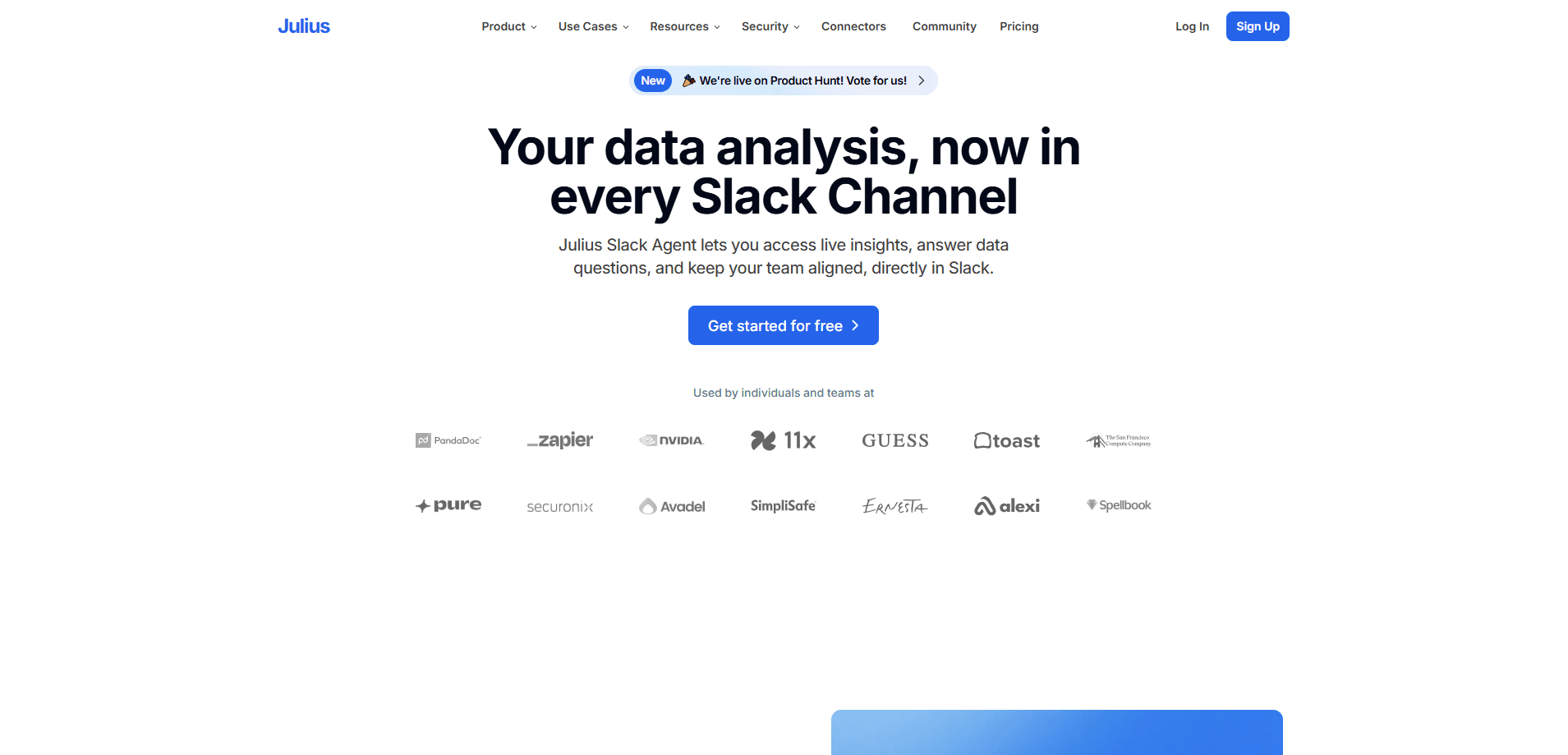
Julius Slack Agent is an AI data analyst from Julius AI that runs inside your Slack workspace. Instead of pasting screenshots of spreadsheets into a channel, your team can ask a question in plain English and get an answer, a chart, or a chart-backed report back in the same thread. It connects to the data sources you already use, keeps everything tied to one shared source of truth, and can deliver recurring reports to a Slack channel on a schedule. Julius positions it for individuals and teams that want faster answers without learning SQL or waiting on a colleague in the analytics department.
About Julius Slack Agent
What Is Julius Slack Agent
Julius Slack Agent is a Slack app built by Julius, the company behind the broader Julius AI data analysis workspace. You add it to a channel or workspace, connect a data source, and then anyone in that channel can ask data questions in natural language. The agent runs the underlying analysis and posts the result where the conversation is already happening.
The appeal is the location. Most teams don't lack data, they lack quick access to it. Someone has to download a file, open a BI tool, build a query, and export a chart, then share it in Slack anyway. That's slow. Julius Slack Agent collapses the loop: the question, the analysis, and the answer all stay in one thread that everyone can see and reply to.
The main limitation is scope. It's an analyst, not an autonomous teammate. It answers data questions and generates charts and reports, but it doesn't run your whole workflow. Julius also points users toward a separate product, Roman, for research, drafting, and task work across connected tools. Access to unlimited Slack Agent use is tied to the upper Business tier, so smaller teams should check which plan they're on before assuming it's included.
Getting Started
- From the Julius Slack Agent page, click Add to Slack and authorize the app for the workspace or specific channels you want.
- Connect the data source the agent should read from, such as a spreadsheet, Google Drive, or a warehouse like Snowflake or BigQuery.
- Invite the agent into a channel, or message it directly, then ask a plain-language question about your data.
- Review the answer, chart, or table it posts in the thread, and follow up with clarifications in the same conversation.
- Set up scheduled reports if you want recurring metrics delivered to a channel automatically.
Product Information
A quick look at Julius Slack Agent's pricing, supported platforms, and performance.
Best for
The users, tasks, and scenarios where this tool fits best.
Users
- Startup and SMB teams
- Product and marketing managers
- Data-curious non-technical staff
Tasks
- Ad-hoc metric lookups
- Quick SQL-backed exploration
- Recurring reporting
Scenarios
- A weekly team review where someone wants to confirm the latest signups or revenue figure mid-meeting, with the result appearing in the thread.
- A launch week when the team needs to check campaign numbers frequently and compare them against the previous run.
- Onboarding a new hire who needs to explore company metrics and understand what the numbers mean, without filing a data request.
Key features
Natural-Language Data Questions
You type a question the way you'd ask a coworker, and the agent works out what analysis to run. It handles things like comparing periods, finding top performers, or spotting a trend, then comes back with a direct answer. No query to write. That's the core of the product. Everything else builds on how well it turns a sentence into a query.
Charts and Visualizations In-Thread
Answers aren't limited to text. The agent can return charts and tables inside the Slack conversation, so a result stays readable and shareable rather than living in a separate dashboard. Think of it as a data visualization tool that drops output straight into the thread. For a team scanning a channel, a chart is faster to absorb than a wall of numbers.
Connected Data Sources
Julius Slack Agent reads from the sources you connect rather than from a copy locked in the app. Julius lists support for major warehouses, including Snowflake, BigQuery, MySQL, PostgreSQL, and SQL Server, along with file and drive connections such as Google Drive, OneDrive, and SharePoint. Connecting the real source means answers reflect current data. It also means someone has to set up and maintain that connection.
Scheduled Reports to Slack
You can schedule reports to land in Slack on a recurring basis, so a standing metric arrives automatically instead of someone re-asking for it. This suits metrics a team checks on a routine, and it keeps visibility out of a single person's inbox. Set it once. The frequency and destination are set up one time, then run on their own.
Shared Source of Truth
Because teammates ask questions against the same connected source in the same workspace, answers stay consistent across the team. No more guessing. Two people asking similar questions get results from the same data, which cuts down on the "whose spreadsheet is right?" problem. That consistency matters more as a team grows and more people touch the same numbers.
Workspace-Level Access
The agent is added at the Slack level, so it can answer in channels and direct messages without each person installing a separate tool. A manager, an analyst, and a support lead can all pull from it in their own conversations. Setup is quick. Getting it into the right channels takes a few minutes, but after that it's available wherever the team already talks.
Security and Compliance Baseline
Julius states that it's SOC 2 Type II compliant and that customer data stays safe and secure. For teams weighing whether to connect internal data, that certification is a starting checkpoint worth confirming against your own requirements. It doesn't replace a review of exactly which sources you connect and who can ask questions.
Pros and cons
Pros
- Answers arrive where the team already works, so there's no separate dashboard to open or file to download.
- Plain-language questions lower the barrier for non-technical staff who would otherwise request an analysis.
- Connecting real sources like Snowflake and BigQuery keeps results tied to current data instead of a stale export.
- Scheduled reports keep recurring metrics visible without anyone manually refreshing them.
- SOC 2 Type II compliance gives security-conscious teams a documented baseline to evaluate.
Cons
- Unlimited Slack Agent use sits in the top Business tier, so smaller teams on lower plans may not get full use without upgrading.
- It's an analyst, not a general assistant: research, drafting, and cross-tool task work are handled by a separate Julius product, not this agent.
- Value depends on connecting and maintaining data sources, and without a connection the agent has nothing to work from.
- Answers still need human review, since the product itself warns that AI can make mistakes and results should be verified.
Frequently asked questions
It's used for data analysis in Slack. Teams ask in plain language and get analysis, charts, or reports back in the conversation, without switching to a separate analytics tool.
Related content
Explore related tools, skills, and articles for Julius Slack Agent.
Julius Slack Agent Alternatives

Swms
Swms AI · Writing · Productivity · BusinessSwms is an AI safety compliance tool that turns a plain description of a job into ready-to-use safety documents. Describe your project, trade, and known hazards, and it writes a safe work method statement, job hazard analysis, safe work procedure, RAMS, or safety data sheet in seconds. It also ships with Oscar, a chat assistant that answers workplace safety questions in any language. Teams in construction, mining, transport, and warehousing use it to cut the paperwork that usually eats into a workday.

Wordly AI Translation
Wordly · Voice & Language · ProductivityWordly AI Translation is a real-time AI translation and captioning platform built for meetings, conferences, and events. It delivers live translation, captions, transcripts, and summaries in more than 60 languages, and attendees join by scanning a QR code or opening a link instead of using dedicated headsets. The platform works with Zoom, Microsoft Teams, Google Meet, and Webex, and it's designed for organizations that want multilingual access without hiring human interpreters for every session. Simple as that.

Rows
Rows (Superhuman) · Productivity · BusinessRows is an AI spreadsheet and data analysis tool that imports live data from more than 50 sources, then lets you work with it using plain language instead of SQL queries or nested formulas. You can pull numbers out of PDFs, connect ad platforms, databases, and bank accounts, and ask the AI to build reports, merge datasets, or set up models that recalculate themselves. It runs in the browser, works like a spreadsheet, and now sits under the Superhuman umbrella.