

JumprAI
JumprAI · Video · Marketing
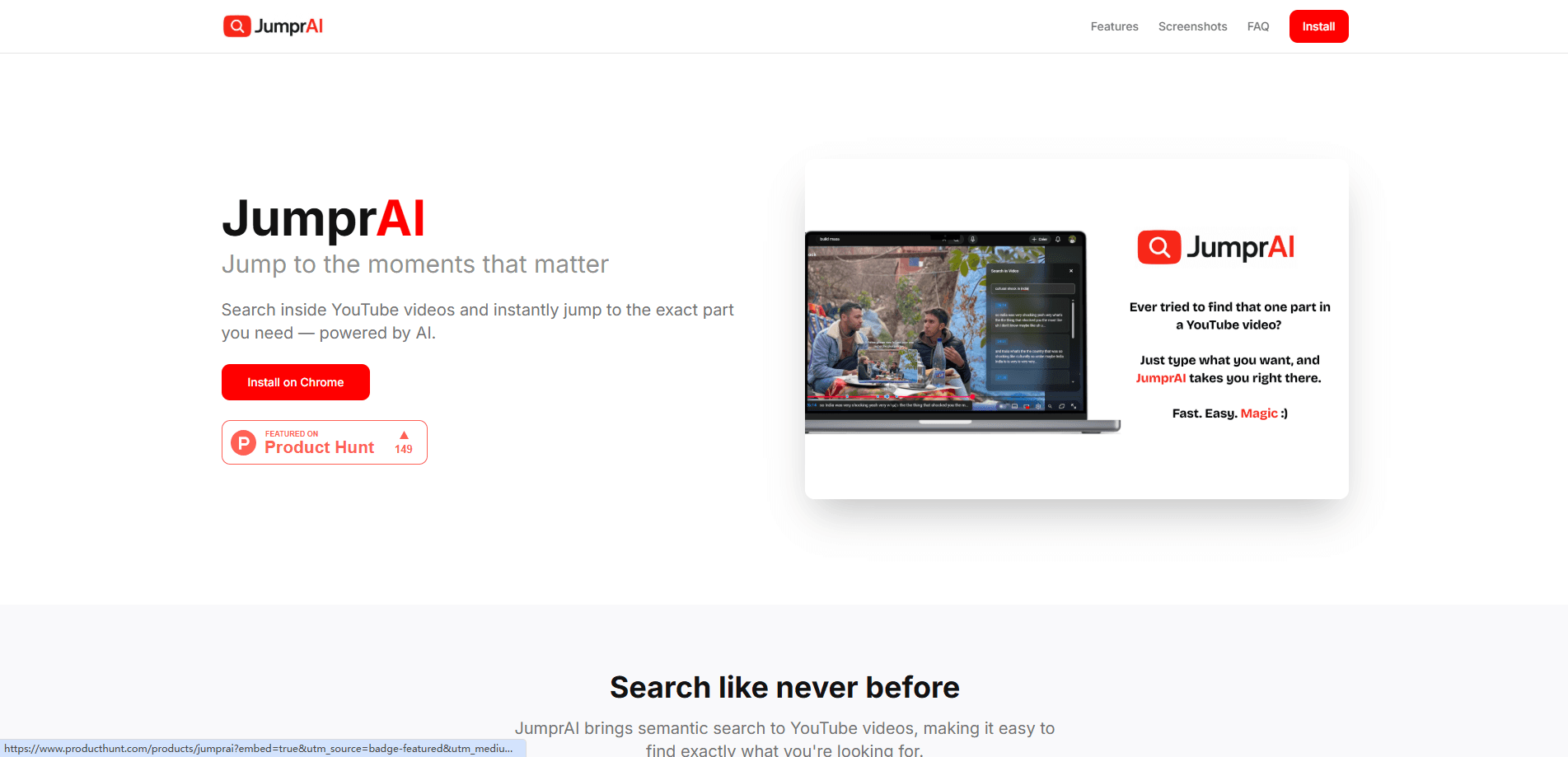
JumprAI is an AI Chrome extension that adds semantic search to YouTube videos. Instead of dragging the playhead around or guessing timestamps, you type what you're looking for and it finds the matching moment, then jumps there. It's built for people who treat long videos as reference material rather than something to watch start to finish. It works. You ask, it finds.
About JumprAI
What Is JumprAI
JumprAI is a browser extension for Chrome that searches the spoken content of a YouTube video and takes you to the exact point where your topic comes up. The idea addresses a common annoyance: a two-hour interview, lecture, or podcast holds one useful answer, and finding it means scrubbing through the timeline by hand.
Semantic search is the part that matters here. Rather than matching only the exact words in a title or caption box, it looks for meaning, so a query about "how to lower costs" can land on a segment where the speaker says "we had to cut spending." That's what separates JumprAI from the search box YouTube already gives you.
The tool has real limits worth knowing up front. It's Chrome-only, so Firefox and Safari users are out. It depends on a video having usable captions or transcript data, which means brand-new uploads or auto-captioning failures can leave gaps. And because JumprAI is distributed as an extension on a Vercel-hosted site rather than a major app store listing, I'd check the current install page before assuming availability.
Getting Started
- Add the JumprAI extension to Chrome from its official page, then pin it to your toolbar.
- Open a YouTube video that has captions or a transcript available.
- Click the extension and type what you're looking for in plain language, not a timestamp.
- Pick the result that matches and let the extension jump the player to that moment.
Product Information
A quick look at JumprAI's pricing, supported platforms, and performance.
Best for
The users, tasks, and scenarios where this tool fits best.
Users
- Students working through recorded lectures
- Researchers and journalists skimming interviews
- Anyone who treats YouTube as a reference library
Tasks
- Finding a specific answer inside a long podcast or interview
- Pulling a tutorial step out of a build or cooking video
- Reviewing conference talks or webinars
Scenarios
- Following a step-by-step coding tutorial and losing your place
- Cramming before an exam with recorded classes
- Gathering source material for writing
Key features
Semantic search inside videos
JumprAI reads the meaning of your query, not just the literal words, and matches it against what's said in the video. Ask about a concept in your own phrasing and it can still surface the right segment. So what? This is the core of the extension, and the reason to install it over YouTube's built-in search.
Instant jump to the right moment
Each result links to a point on the timeline, so selecting it moves the player there directly. No dragging. No counting minutes. For a long video, this is the difference between a few seconds and several minutes of hunting.
Works on top of YouTube
JumprAI runs in Chrome alongside the normal YouTube player rather than replacing it. Your subscriptions, recommendations, and playback controls stay put. So the extension adds a search layer on top instead of building a separate interface.
Natural-language queries
You can describe what you want in everyday words, like "the part about pricing," instead of guessing at keywords. That's the point. It makes the tool usable for casual viewers who don't want to think in search syntax. Why bother learning operators when plain speech works?
Pros and cons
Pros
- Turns long YouTube videos into searchable material, which fits study, research, and tutorial use.
- Semantic matching handles paraphrased queries, so you don't need the exact wording from the video.
- Jumps directly to the found moment, cutting out manual scrubbing on long uploads.
- Adds to YouTube rather than replacing it, so your existing setup keeps working.
Cons
- Chrome-only, so anyone on Firefox, Safari, or a mobile browser can't use it.
- Accuracy depends on the video having reliable captions or transcript data, which some uploads lack.
- Pricing and plan details aren't documented publicly, so you can't budget for it before installing.
- No public API means you can't automate searches or wire it into another workflow.
Frequently asked questions
JumprAI is a Chrome extension that searches inside YouTube videos and jumps the player to the moment matching your query. It's for finding a specific part of a long video quickly, not for watching or downloading content.
Related content
Explore related tools, skills, and articles for JumprAI.
JumprAI Alternatives

ngram 2.0
ngram · Video · Marketingngram 2.0 is an AI video generator for teams. It turns a prompt, a screen recording, or a product URL into a narrated explainer, product demo, or AI avatar video, and every scene stays editable.

OpenScreen 2
OpenScreen (open-source project) · Video · ProductivityOpenScreen 2 is a free, open-source screen recorder and demo video editor for Windows, macOS, and Linux, with automatic zooms, styled frames, local captions, and agent edits.

Skreno
Skreno · Video · ProductivitySkreno is a browser screen recorder that captures a tab, a window or your whole display, then attaches AI transcripts, summaries and console logs to one share link.