

Juno digital planner
Juno · Productivity
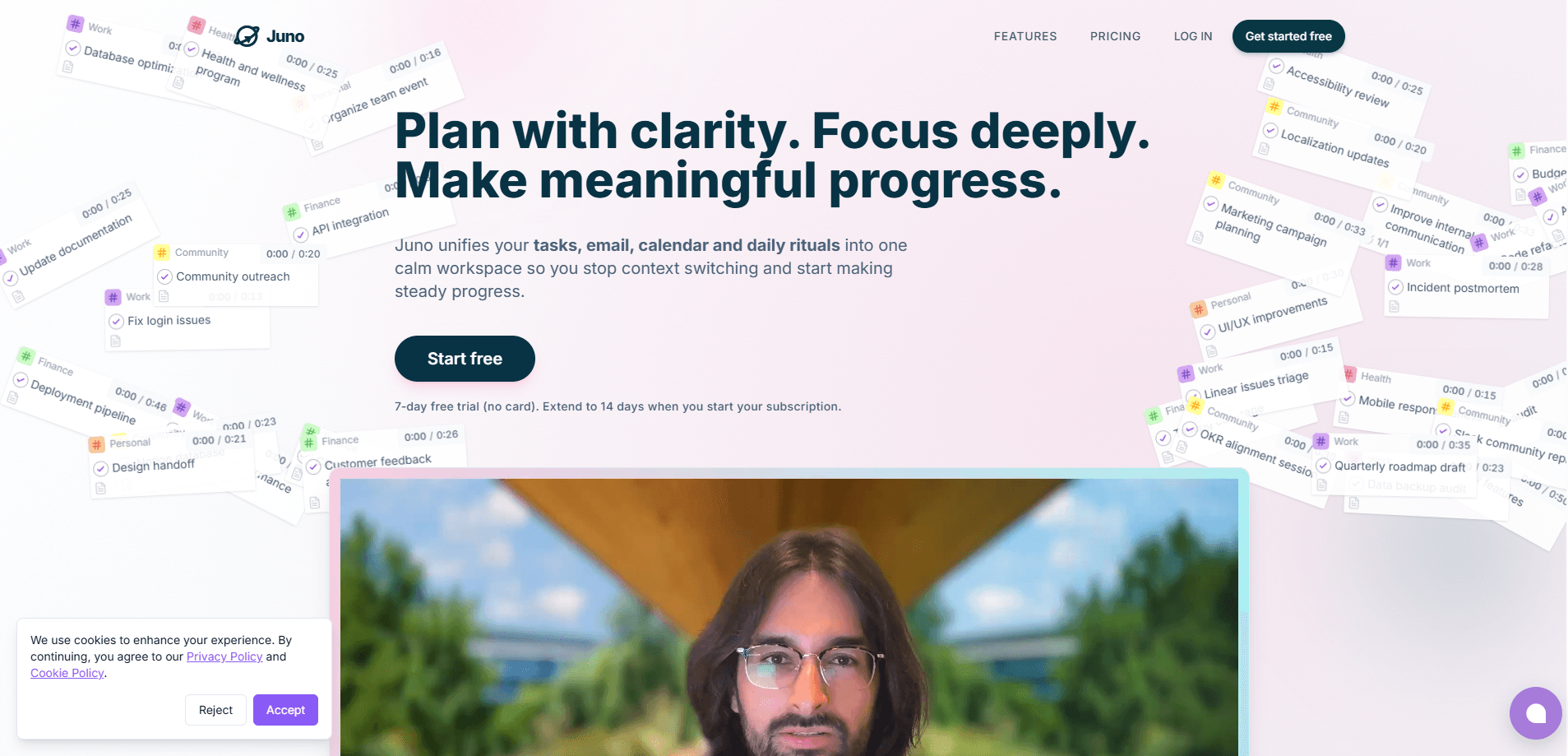
Juno digital planner is a personal planning system that pulls your tasks, email, and calendar into one workspace so you can build a realistic day instead of a wishful one. Think of it as an AI planner for people whose work and life live across a dozen apps. It turns that mess into a single plan you can actually follow. The core idea is simple. Gather everything competing for your attention. Decide what matters today. Then shape the rest around the hours you really have.
About Juno digital planner
What Is Juno digital planner
Juno is a daily planner app, not another to-do list that quietly fills up and gets ignored. You connect the tools where your work already lives, and Juno surfaces what's asking for your time in one place. From there you drag in only the items that belong in the plan for the day, set rough time estimates, and let the app fit them around your existing meetings.
The problem it targets is familiar. Calendars show when you're busy but not what you owe anyone, task apps show what you owe but not whether it fits, and email holds half your real work without giving it any structure. Juno's pitch is that planning should happen after all three are visible together, so you stop promising days that were never possible.
Where it draws a line: this is a planning layer, not a replacement for the tools you connect. It doesn't try to be your inbox or your project tracker. It borrows from them. You'll still need Gmail, Todoist, or Linear for their native strengths. And the free tier is a trial, not a permanent free plan, which matters if you're comparing it against forever-free options.
Getting Started
- Sign up at juno.do with a 7-day free trial. No credit card is needed to start. Add one only if you want to extend the trial to 14 days.
- Connect your calendar, email, and any project tools you use, like Google Calendar, Gmail, Todoist, Linear, GitHub, Outlook, Jira, or Asana.
- Open the daily planning view and review what's competing for your attention across those connections.
- Drag the items that matter into today, set time estimates, and let Juno shape them around your meetings and available hours.
- Close the day with a shutdown ritual so unfinished work rolls forward instead of disappearing.
Product Information
A quick look at Juno digital planner's pricing, supported platforms, and performance.
Best for
The users, tasks, and scenarios where this tool fits best.
Users
- Knowledge workers juggling email, meetings, and project tickets
- Freelancers and solo operators
- People who plan on the move
Tasks
- Turning email into next actions
- Time-blocking a realistic day
- Running a recurring work rhythm
Scenarios
- Monday morning triage after a packed weekend inbox
- Protecting focus time around back-to-back meetings
- Wrapping up without loose ends
Key features
Calendar and email planning in one view
Juno works as a task and calendar planner in a single screen, showing your tasks next to your calendar so you can see whether a plan is even possible before you commit to it. Meetings, real availability, and overflow all factor into how the day gets shaped. That's the part that separates it from a plain list. The plan bends around the time you actually have.
Email to tasks with context intact
You can turn an important message into a next action without losing the original thread. That sounds small, but it's the difference between remembering why a task exists and staring at a vague to-do six days later. The context travels with the task, so you don't have to reconstruct it later.
Daily rituals for opening and closing
Juno is organized around routines, not just a backlog. You start by choosing what matters and end with a clean shutdown, which keeps unfinished work from quietly vanishing. If you've ever built a to-do list you abandoned by Wednesday, the ritual framing is the reason to give Juno a second look.
Connected tools as a library, not a cage
The app plugs into Google Calendar, Gmail, Todoist, Linear, GitHub, Outlook, Jira, and Asana. You browse that connected work and deliberately drag across only what belongs in your plan. Juno doesn't ask you to abandon the apps your team relies on, which is a real relief if you've migrated tools before.
Contexts and tags
Work, personal, and long-term priorities can sit in separate contexts so switching between them feels deliberate. Tags add a second layer for projects or clients you track across contexts. It's a small system, but it keeps a side project from bleeding into a workday that didn't budget for it.
Time tracking and estimates
You estimate, execute, and then reflect, so tomorrow's plan gets closer to reality. Tracking actual time against estimates is how the unrealism of a weekly plan gets corrected instead of repeated. The app treats this as a feedback loop rather than a guilt metric. Most planners skip it entirely. That's a mistake.
Offline-first and mobile
Juno keeps working when your connection drops, and native iOS and Android apps keep the plan close at hand. Offline support matters more than people expect when you're planning on a commute or a flaky hotel Wi-Fi. The mobile app, now at version 2.0, carries the full experience rather than a stripped-down list.
Recurring tasks and flexible schedules
Recurring responsibilities can run daily, on specific weekdays, every two weeks, or on the first day of each month, which covers most real-world rhythms without forcing you into some rigid template you'd abandon in a week. You keep them visible without recreating them week after week.
Pros and cons
Pros
- Genuinely unifies tasks, email, and calendar instead of asking you to copy between them
- The daily open-and-close ritual structure makes it more likely you'll actually use a plan
- Broad integrations cover most common stacks, so switching tools isn't a blocker
- Offline-first web app plus solid native mobile apps means the plan travels with you
Cons
- No permanent free plan. The $10 monthly or $100 yearly fee is reasonable, but it's a paid commitment after the trial ends
- It's a planning layer. You still pay for or juggle the tools it connects to
- The value depends on you doing the ritual consistently. Skip the morning planning and it becomes just another list
- API availability isn't publicly documented. That limits custom integrations or automation for power users
Frequently asked questions
It combines your tasks, email, and calendar into a single planning system so you can build a daily plan that fits your real availability. Instead of checking three apps, you review everything in one place and drag what matters into today.
Related content
Explore related tools, skills, and articles for Juno digital planner.
Juno digital planner Alternatives

Swms
Swms AI · Writing · Productivity · BusinessSwms is an AI safety compliance tool that turns a plain description of a job into ready-to-use safety documents. Describe your project, trade, and known hazards, and it writes a safe work method statement, job hazard analysis, safe work procedure, RAMS, or safety data sheet in seconds. It also ships with Oscar, a chat assistant that answers workplace safety questions in any language. Teams in construction, mining, transport, and warehousing use it to cut the paperwork that usually eats into a workday.

Wordly AI Translation
Wordly · Voice & Language · ProductivityWordly AI Translation is a real-time AI translation and captioning platform built for meetings, conferences, and events. It delivers live translation, captions, transcripts, and summaries in more than 60 languages, and attendees join by scanning a QR code or opening a link instead of using dedicated headsets. The platform works with Zoom, Microsoft Teams, Google Meet, and Webex, and it's designed for organizations that want multilingual access without hiring human interpreters for every session. Simple as that.

Rows
Rows (Superhuman) · Productivity · BusinessRows is an AI spreadsheet and data analysis tool that imports live data from more than 50 sources, then lets you work with it using plain language instead of SQL queries or nested formulas. You can pull numbers out of PDFs, connect ad platforms, databases, and bank accounts, and ask the AI to build reports, merge datasets, or set up models that recalculate themselves. It runs in the browser, works like a spreadsheet, and now sits under the Superhuman umbrella.