

Katalist AI Storytelling Studio
KatalistAI, Inc. · Video · Marketing
Katalist AI Storytelling Studio is an AI video generator built for performance marketing teams and agencies. It works as an AI ad creative tool with a difference. Take a video that already worked, drop a new product into it, and scale the result across every SKU and client in a portfolio. No reshoots. No re-edits. No waiting on a new idea before launch.
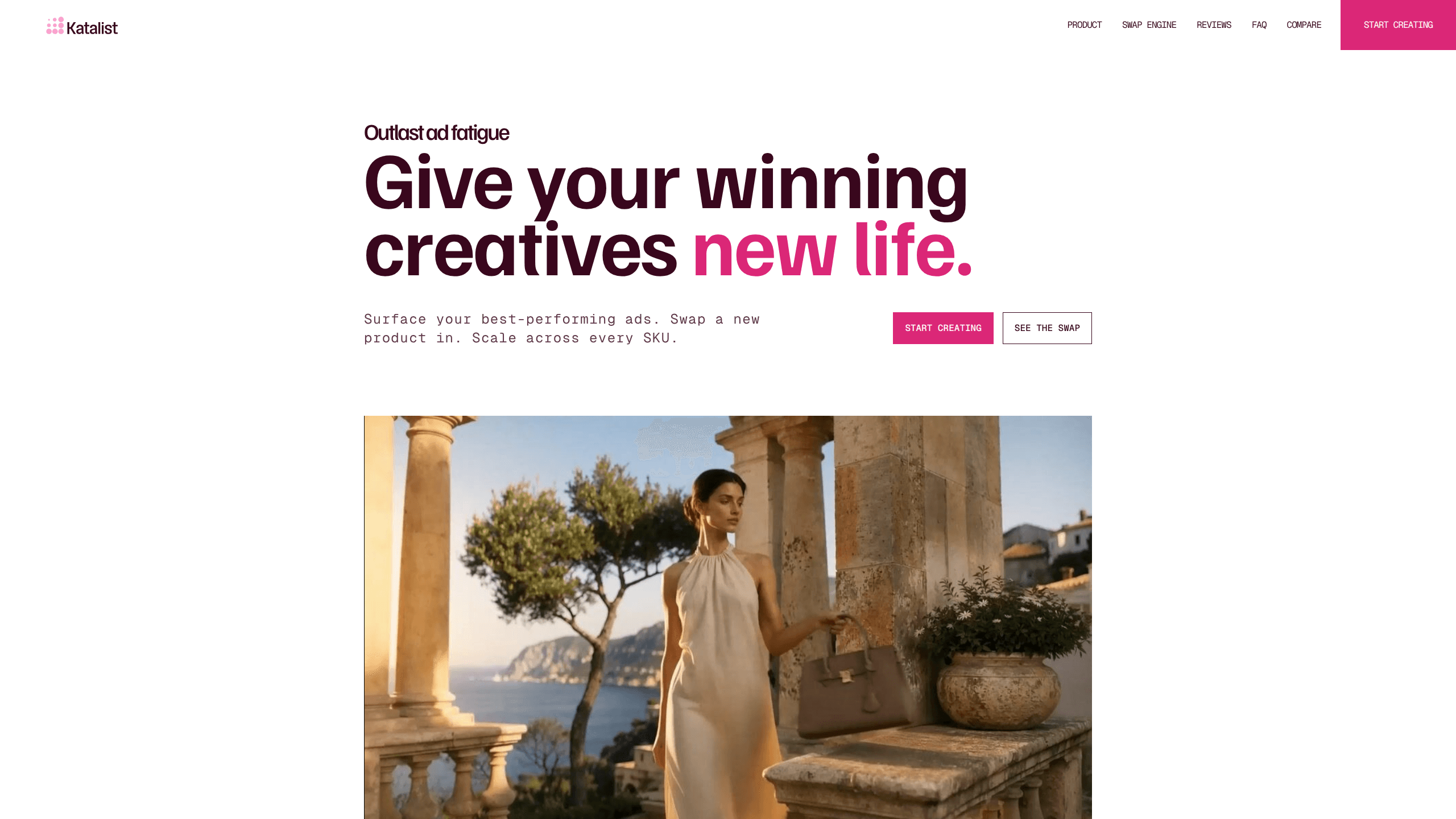
About Katalist AI Storytelling Studio
What Is Katalist AI Storytelling Studio
Katalist AI Storytelling Studio is a web-based AI video tool made by KatalistAI, Inc., a company based in San Francisco. It grew out of earlier AI storyboarding work, and the current product is aimed squarely at ad performance: surface your best-performing creative, swap the product or character, and push variants out fast.
The main problem it solves is ad fatigue. When a winning ad starts to burn out, most teams either spend weeks shooting something new or run the same clip into the ground. Katalist lets you keep the winning structure and change the parts that need refreshing. Their site sums it up as art that can only be remixed, never made from nothing. For an agency juggling several brands, that reuse is the whole point.
So what's the catch? Scope, mostly. This isn't a general editor for long-form video or film work. It leans on text prompts rather than manual timeline control. Want frame-by-frame edits? A classic NLE still does that better. Pricing changes too, so check the official site before you budget.
Character consistency AI is the other piece that makes this an AI video tool for agencies rather than a one-off generator.
Getting Started
- Sign up at katalist.ai and start a new project workspace.
- Upload or pick a past video that performed well, or use the one-click brief-to-video option if you have no winner yet.
- Write a prompt to swap the product, character, or voice, then generate the new shot.
- Review the result and adjust the prompt until the swap looks right.
- Export the variant and replicate it across your other SKUs or client accounts.
Product Information
A quick look at Katalist AI Storytelling Studio's pricing, supported platforms, and performance.
Best for
The users, tasks, and scenarios where this tool fits best.
Users
- Performance marketing teams
- Creative and performance agencies
- UGC and social ad creators
Tasks
- Swapping a new product into an existing ad
- Replacing characters or voices
- Localizing a video for a new market
Scenarios
- A winning ad is fatiguing and you need fresh variants this week, not next quarter.
- You're launching a new SKU and want to reuse proven creative instead of starting from zero.
- Opening a new market and needing a fast, low-cost version of a top performer.
Key features
Product Swap Engine
This is the core of the tool. You feed it a video that performed well, then prompt a new product into the shot, say swapping a serum bottle for a different one. The rest of the creative stays put. You keep the structure that worked while the product line changes.
Character and Voice Consistency
Katalist swaps either the on-screen character or just their voice, and it treats consistency as more than visuals. That matters for ads where the same spokesperson appears across a campaign, since a mismatched face or voice breaks the illusion fast.
Prompt-Based Editing
Instead of cutting on a timeline, you change things with a prompt. Katalist markets this as "no re-shoots, no re-edits, just a prompt," which is genuinely useful when a client wants one small change late in the process.
Brief-to-Video Generation
If you don't have a past winner to lean on, a one-click brief-to-video option generates a first draft from your script. It's a way to start from something instead of a blank page. Good enough to test.
Portfolio-Wide Scaling
The tool is built to take one video and spread it across multiple SKUs and multiple clients. Katalist's own numbers pitch this speed: from brief to a full UGC video in five minutes, or a product promo video in about a day.
Market Localization
When you open a new market, you can adjust existing videos and add new lip-sync instead of producing from scratch. That keeps a proven creative working in a second language without a second shoot. Worth trying before you book a studio. Under the hood it's a UGC video generator, but the workflow is what sells it.
Pros and cons
Pros
- Reuses proven creative instead of starting over, which saves real production time.
- Product swap and character consistency fit paid social and UGC ad workflows closely.
- Prompt-based changes mean a client tweak doesn't trigger a full re-edit.
- Scales one concept across many SKUs and client accounts from one place.
- Web-based, so nothing to install and teams can share projects.
Cons
- No info on a public API, so automation into your own stack isn't confirmed.
- Prompt-based control won't satisfy editors who want frame-level timeline work.
- Plans and credit limits shift, so confirm current pricing on the official site.
Frequently asked questions
It's an AI video generator for performance marketing. You take a video that performed well and swap in a new product, character, or voice to make fresh ad variants without reshooting.
Related content
Explore related tools, skills, and articles for Katalist AI Storytelling Studio.
Katalist AI Storytelling Studio Alternatives

Vadu AI
Vadu AI · Image · VideoVadu AI is a web-based AI video generator that turns written prompts or still images into short clips, and it can also generate images on its own. You type what you want, pick a model and style, and the platform renders the result in minutes. A free plan covers light testing, while paid tiers run from $9 to $77.40 per month based on how many credits you burn.

Mykaraoke Video
MyKaraoke Video · VideoMykaraoke Video is an online karaoke video maker and lyric video maker that turns any song into a finished, lyrics-synced video right in your browser. It handles the slow part for you. The AI pulls vocals out of the mix and locks the lyrics to the beat, then lets you customize background, fonts, and colors before exporting in 1080p MP4. If you make lyric videos for social media, party nights, or music promotion, it skips the software installs and manual timing work entirely. Want a karaoke video generator that doesn't eat your whole evening? That's the pitch here.

Finalframe
Finalframe · VideoFinalframe is a set of free, browser-based tools for grabbing exact frames out of a video clip. Its best-known feature, the Final Frame Extractor, lets you extract the last frame of any video so you can use it as the starting image for AI video tools like Luma Dream Machine, Runway, or Kling. Want to keep a clip going? That last frame is your starting point. The tool runs locally in your browser, needs no sign-up, and costs nothing. A separate paid AI video-generation app from the same team is currently offline while it's rebuilt.