

Keyword Research Tool
Massive Online Marketing · Marketing · Business
Keyword Research Tool is a free browser-based SEO keyword finder from Massive Online Marketing that returns Google search volume, difficulty, CPC, and related keywords in seconds with no login.
About Keyword Research Tool
What Is Keyword Research Tool
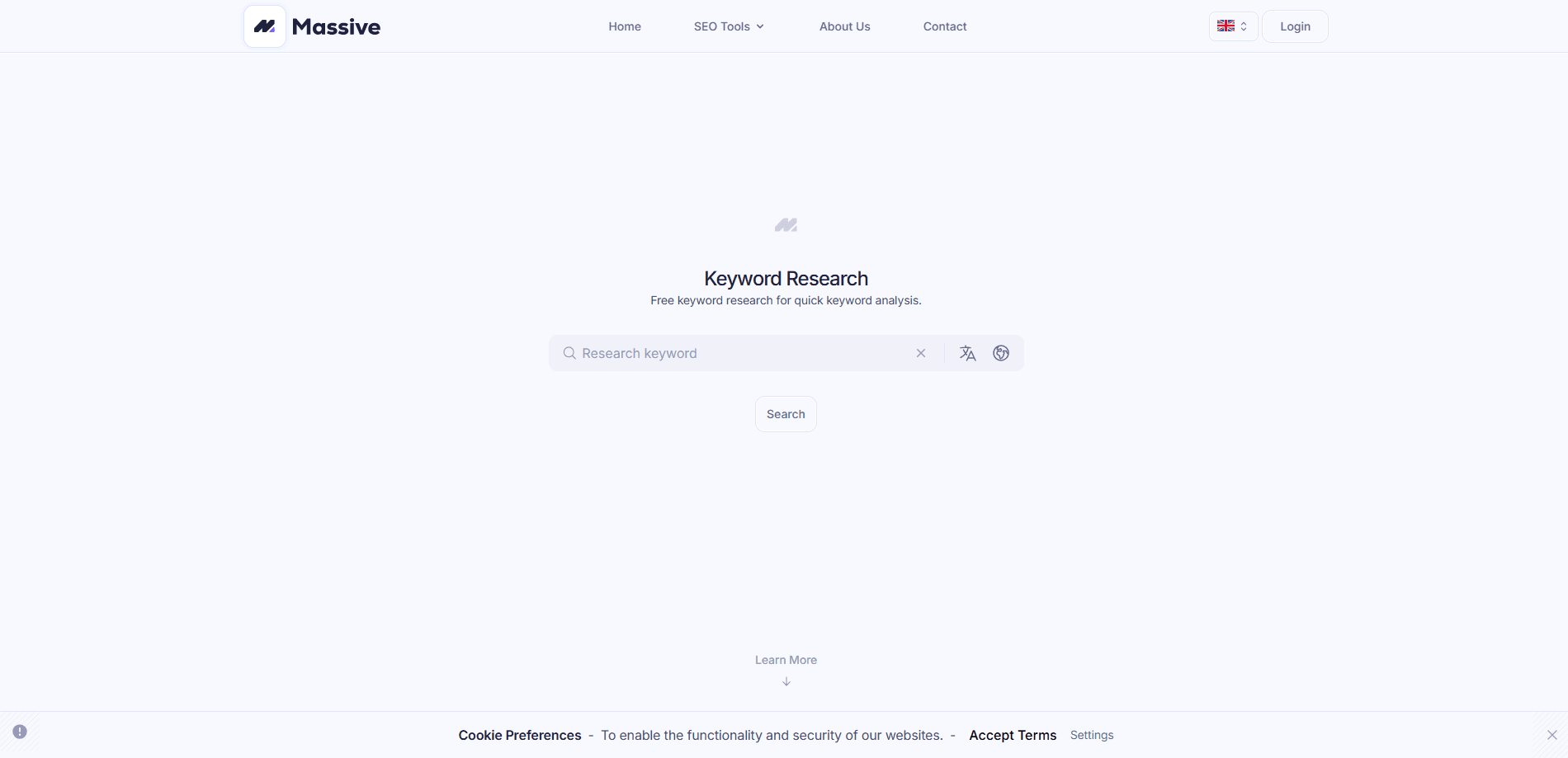
Keyword Research Tool is a free keyword research tool from the Dutch agency Massive Online Marketing. You type one seed keyword, and it returns a dashboard of Google data: local and global monthly search volume, keyword difficulty, average cost per click, ad competition, and a list of related keywords. No account, no credit card, no download.
The job it solves is the first step of any SEO plan. Picking the wrong keyword wastes months of writing on terms nobody searches or that big sites already own. This tool gives you the numbers to make that call fast. It suits bloggers, small business owners, and freelancers who want a quick read before committing to a content calendar.
The main limit is scope. It reports on one keyword at a time and pulls from a shared SEO data source, so it covers the essentials rather than running a full technical audit. If you need rank tracking, competitor backlink analysis, or site crawls, you still want a paid suite.
Getting Started
- Open the tool page in any browser. There is nothing to install and no sign-up step.
- Type a seed keyword into the search bar at the top and press enter.
- Read the metrics: volume, global volume, difficulty, CPC, and competition.
- Check the 12-month trend graph below the numbers to see if interest is rising or falling.
- Scroll to Related Keywords to pull new ideas, then page through the extra suggestions.
Product Information
A quick look at Keyword Research Tool's pricing, supported platforms, and performance.
Best for
The users, tasks, and scenarios where this tool fits best.
Users
- Bloggers
- Small business owners
- Freelance SEO consultants
Tasks
- Choosing a target keyword
- Building a content list
- Checking seasonality
Scenarios
- Planning a new blog
- Auditing a client's niche
- Testing an idea for free
Key features
Instant Google keyword data
Type a seed term and the tool returns local monthly volume, global monthly volume, keyword difficulty, average cost per click, and ad competition in one view. The report loads in seconds, so you can test several ideas back to back without waiting on a queue, which makes it a quick search volume checker for planning.
Keyword difficulty scoring
Each keyword gets a 0 to 100 difficulty score that estimates how hard it is to rank organically. Lower scores near 0 to 30 are easier to target, while 60 and above signal heavy competition. This is the number that keeps new sites from chasing keywords they cannot win.
Related keyword discovery
Below the metrics, the tool lists related keywords that other people search around your topic. You can page through the full set to expand one idea into a broader content plan, which is where keyword research usually pays off.
12-month volume trend
A line graph shows how search volume for the keyword moved over the past year. Spikes and dips reveal seasonality, so you can publish around a peak or avoid a term that has already cooled off.
Local and global volume split
The report separates local monthly volume from worldwide volume. That split matters if you serve one region, because a keyword that looks crowded globally can still be wide open in your market.
No-login free access
The tool runs entirely in the browser with no account, no trial timer, and no payment step. You can use it as often as you like, which makes it a practical first stop before you commit to a paid keyword suite.
Pros and cons
Pros
- Free to use with no account or credit card
- Returns volume, difficulty, CPC, and competition in one view
- Related keywords and pagination help expand a single idea
- 12-month trend graph shows seasonality at a glance
- Local and global volume are reported separately
Cons
- Reports on one keyword at a time, so bulk research is slow
- No rank tracking or backlink analysis, so it is not a full SEO suite
- No public API, which rules out automated or bulk workflows
Frequently asked questions
Yes. Keyword Research Tool is free and needs no account, login, or payment. You open the page, type a keyword, and read the report.
Related content
Explore related tools, skills, and articles for Keyword Research Tool.
Keyword Research Tool Alternatives

AgentSDR
Kandid AI · Productivity · Marketing · BusinessAgentSDR is an open-source AI SDR you host yourself. It runs cold email sequences, LinkedIn outreach and WhatsApp calls, then sorts every reply in an AI CRM and drafts the answer.

Refs
Pratyush Rungta · Video · Marketing · PromptsRefs is a video reference library that measures launch films shot by shot, then hands Claude a 15-plate blueprint and prompt recipe to plan your own.

Tractionwave
TractionWave · Image · MarketingTractionWave is an AI attention heatmap tool for static ads. Upload a PNG or JPG and it returns predicted attention, ranked hotspots, and fixes before you spend budget.