

Refs
Pratyush Rungta · Video · Marketing · Prompts
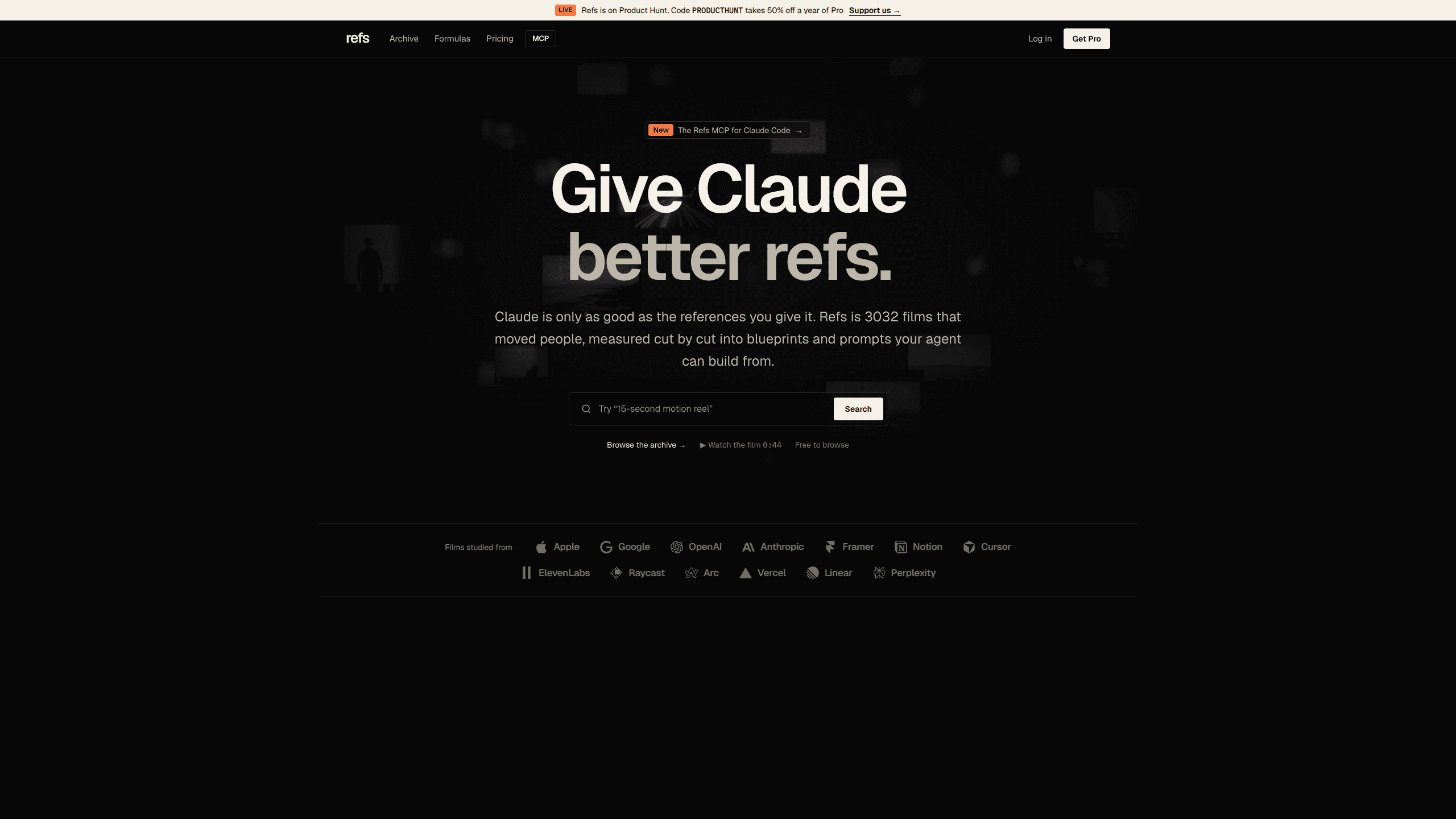
Refs is a video reference library that measures launch films shot by shot, then hands Claude a 15-plate blueprint and prompt recipe to plan your own.
About Refs
What Is Refs
Refs is a reference archive for people who make a product launch video, built by designer Pratyush Rungta and launched in October 2026. It starts from a complaint most editors share: mood boards show you what a film feels like, not how it is built.
Every film in the archive gets taken apart. Refs records where each cut lands, how long each shot holds, what type appears on screen, which colours and sounds carry the beat, and how the script is structured. As of November 2026 the library holds 4,472 launch films with 110,914 shots measured, plus 28 formulas that compare films built to the same format.
The other half is a connector for Claude. Add Refs as an MCP server and Claude can search the archive, open the blueprint for a film that already worked, and plan a new launch video from those references. It copies the method, not the footage. Refs doesn't host or render video, so the output is a plan, a storyboard, and prompts you still take to your editing or generation tool.
Two limits matter before you pay. The archive covers short launch and ad films rather than long-form video, and every useful blueprint plate beyond the preview sits behind the Pro plan.
Getting Started
- Open refs.video and create a free account with an email. No card is needed for the 100-film preview.
- In Claude Code, run
claude mcp add --transport http refs https://refs.video/mcp. In the Claude apps, add refs.video/mcp as a connector instead. - Search the archive from Claude in plain language, for example a 40-second fintech launch with kinetic type.
- Ask for a blueprint and Claude pulls the plates, recipe, and credit cost for the films you picked.
- Upgrade to Pro when you want plan_video, frame sheets, and render checks, then review the plan before you shoot.
Product Information
A quick look at Refs's pricing, supported platforms, and performance.
Best for
The users, tasks, and scenarios where this tool fits best.
Users
- Solo founders making a first product launch video
- Brand and motion designers
- Marketing teams without an in-house video editor
- Claude, Codex, or Cursor users
Tasks
- Planning a 30 to 60 second launch film
- Writing a prompt for an AI video tool
- Pitching a creative direction
- Auditing a finished cut
Scenarios
- A one-week launch sprint
- A rebrand or a new product line
- Competitive research
Key features
A video reference library measured shot by shot
Refs doesn't stop at a thumbnail and a link. Each entry carries a cut map, a hook sheet, and a record of every shot, so you can see that a 53-second film cuts every 3.5 seconds and where the pace changes. That level of shot by shot analysis is what makes a reference usable rather than decorative.
Fifteen plates and a prompt recipe per film
Every film has a video blueprint with 15 plates: the format in one breath, a format card, the hook frame by frame, structure, shot grammar, visual style, voice, type, colour, sound, script, and the closing card. The recipe turns those plates into a prompt you can hand to Claude. Free and Library accounts see the first two plates, Pro opens all 15.
A Claude MCP server with free search
The Claude MCP server is the part that changes the workflow. Search costs nothing and needs no key, so you can ask for launch video examples and get results inside the conversation. When Claude needs full blueprints or the planning tools, it signs in with your Refs account, which means there is no key to paste.
plan_video, storyboards, and render checks
On Pro, Claude can move from research to production. plan_video builds a shot plan from your chosen references, the storyboard tool arranges it, and render checks compare a finished cut against the plan. This is where AI video planning becomes concrete, because every choice traces back to a film you can inspect. Each action spends credits, and the MCP shows the cost before it runs.
Brandprint turns a brand's X account into rules
Give Refs a brand's X handle and it finds that brand's launch films, blueprints each one, and writes a single brand kit: palette, type, logo and end card, motion, pacing, sound, and voice. Claude then plans new work inside those rules and borrows only structure from outside references. Imports stay private, and Pro includes three brands a month.
Formulas that compare like with like
The 28 formulas group films by format, such as a payment app launch or a developer tool teaser, and compare how each one handles the hook, length, and ending. The archive stats come from the same data: the median launch film runs 53 seconds, "Introducing" is the most common first on-screen word, and 120 BPM is the most common tempo.
Pros and cons
Pros
- Measured references instead of screenshots: you get timing, shot grammar, and structure you can act on.
- The free tier is genuinely usable: 100 films, cut maps, and two blueprint plates with no card.
- Search through the MCP costs nothing, so you can test the workflow before paying.
- Brandprint solves a real problem for teams with an existing visual style and no written rules.
- Pricing is low for the category: $48 a year for the full library, $120 for the build tools.
Cons
- Refs plans video, it doesn't make it. You still need an editor or a generation tool to produce the final cut.
- The archive is built around short launch and ad films, so documentary, tutorial, and long-form projects get little value.
- Pro credits run out: 3,000 credits covers roughly 73 planned films a month, and heavy storyboard use eats them faster.
- Analysis is opinionated. The plates describe one reading of a film, and a director may disagree with the grammar labels.
Frequently asked questions
Every archived film comes with a measured cut map and a 15-plate blueprint covering hook, beats, shots, type, colour, sound, and script, plus a prompt recipe. The free plan opens 100 films and the first two plates. Pro opens every plate and the MCP build tools.
Related content
Explore related tools, skills, and articles for Refs.
Refs Alternatives

ngram 2.0
ngram · Video · Marketingngram 2.0 is an AI video generator for teams. It turns a prompt, a screen recording, or a product URL into a narrated explainer, product demo, or AI avatar video, and every scene stays editable.

OpenScreen 2
OpenScreen (open-source project) · Video · ProductivityOpenScreen 2 is a free, open-source screen recorder and demo video editor for Windows, macOS, and Linux, with automatic zooms, styled frames, local captions, and agent edits.

Skreno
Skreno · Video · ProductivitySkreno is a browser screen recorder that captures a tab, a window or your whole display, then attaches AI transcripts, summaries and console logs to one share link.