

Kibo UI
Kibo UI · Coding
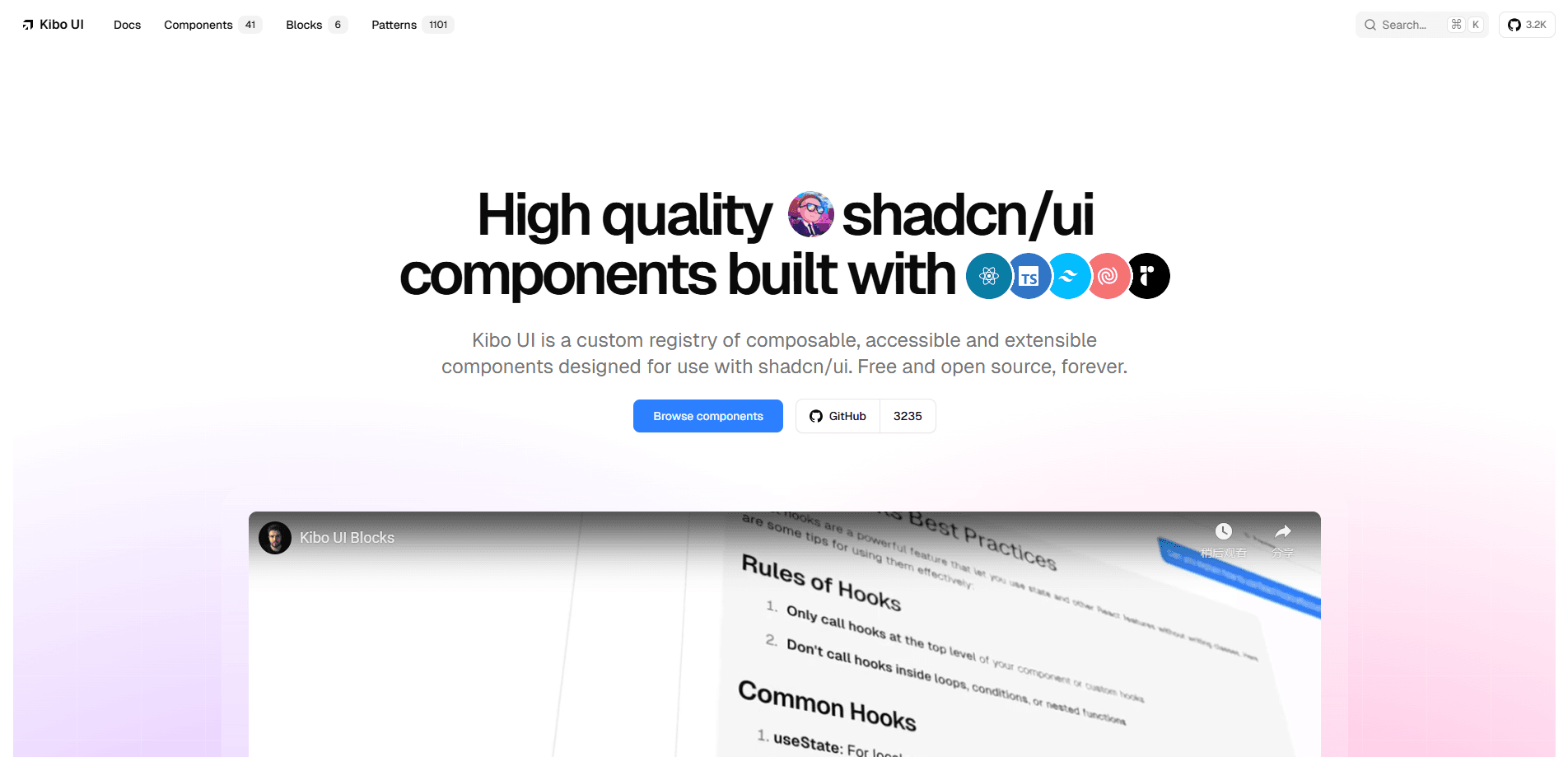
Kibo UI is a free, open-source component registry and library for React that sits on top of shadcn/ui. It ships advanced components such as Gantt charts, Kanban boards, collaborative canvases, color pickers, QR codes and AI chat primitives, so frontend developers can add complex interface pieces in minutes instead of building them from scratch. It works with React, Next.js and Tailwind CSS.
About Kibo UI
What Is Kibo UI
Kibo UI is a component registry built for teams already working with shadcn/ui. Where shadcn/ui gives you foundational primitives, Kibo UI covers the harder cases. Its components wrap extra headless logic for things like drag-and-drop, rich text, calendars and data tables, and they come with real functionality rather than pre-styled markup alone. Everything uses the same Tailwind variable theming, so a Kibo component drops into an existing shadcn setup without a visual overhaul.
The library is aimed at developers who want speed without losing control. Each component is composable, meaning you copy the source into your project and extend it however you like. Kibo UI is a set of composable React components first, and a design-system starter second. That makes it a good fit for building a small design system or for startups that need to ship features fast.
The main limit is scope and language. Kibo UI is React-only, so Vue, Svelte and Angular teams are out of luck. It also assumes you're comfortable with a modern frontend stack. If you've never touched Tailwind or shadcn/ui, there's a learning curve before the components feel useful.
Getting Started
- Confirm you're on a React project using Tailwind CSS and shadcn/ui, since Kibo UI builds on that setup.
- Browse the component and block catalog on the Kibo UI website to find what you need.
- Run the registry install command for the component, or copy the source directly into your codebase.
- Import the component and wire it to your data and state.
- Adjust the styling and composition to match your brand, then ship.
Product Information
A quick look at Kibo UI's pricing, supported platforms, and performance.
Best for
The users, tasks, and scenarios where this tool fits best.
Users
- React developers building dashboards and internal tools, as long as the project already uses Tailwind CSS and shadcn/ui.
- Startup and small product teams that need complex UI pieces fast without maintaining their own component code.
- Design-system builders who want an unopinionated, editable set of components as a starting point.
Tasks
- Adding a Gantt chart component or a Kanban board component to a project, instead of writing the drag-and-drop and scheduling logic yourself.
- Building an AI chat interface with ready-made chat primitives for message lists and input handling.
- Creating a real-time collaborative canvas for whiteboard-style features.
- Dropping in small utilities like a color picker, QR code generator, image zoom or code block.
Scenarios
- A startup shipping an MVP dashboard on a tight deadline.
- A team standardizing UI across several internal apps with a shared component set.
- A developer prototyping an AI product that needs a chat UI quickly.
- An agency that wants reusable blocks for client projects.
Key features
Composable Component Registry
Every Kibo UI component is open source and composable, so you can inspect it, copy it into your project and extend it to fit your needs. This is the same model shadcn/ui uses, and it means you're never locked into a black-box dependency. You own the code after installing it. Simple as that.
Advanced Components Beyond the Basics
Kibo UI goes past buttons and inputs. It includes Gantt charts, Kanban boards, collaborative canvases, data tables, file dropzones, marquees and rich text editors. These are the components that normally take days of custom work, which is where the library saves the most time. Building a Kanban board from scratch is a genuine pain.
AI Chat Primitives
For anyone building an AI product, Kibo UI ships chat primitives that handle the common pieces of a conversational interface. Instead of wiring a message list, input box and streaming responses from scratch, you get a starting point you can shape around your own model and backend. Need a chat UI by Friday? This gets you close.
Theming That Matches shadcn/ui
Kibo UI reuses the Tailwind CSS variable theming from shadcn/ui. That means your colors, spacing and dark mode settings carry over automatically. A Kibo component looks native next to your existing shadcn components, so there's no visual mismatch to fix.
Prebuilt Blocks
Beyond single components, Kibo UI offers blocks, which are larger sections like forms, roadmaps and login layouts. Blocks are assembled from Kibo components and act as ready-made building blocks for whole pages, useful when you want a working layout rather than individual parts.
Fully Accessible
The components are built with accessibility in mind, since they wrap well-tested headless libraries underneath. Keyboard navigation, focus handling and ARIA behavior come along for the ride. For teams that care about a11y but lack the time to audit everything, this matters.
Pros and cons
Pros
- Free and open source under the MIT license, so there's no paywall or per-seat cost.
- Covers advanced components like Gantt charts and Kanban boards that shadcn/ui doesn't provide.
- Same Tailwind variable theming as shadcn/ui, which keeps styling consistent.
- Composable design means you own and can edit the code after installing.
- Includes AI chat primitives, which speeds up building conversational interfaces.
Cons
- React-only, so Vue, Svelte and Angular developers can't use it.
- Assumes familiarity with shadcn/ui and Tailwind CSS, which raises the bar for beginners.
- Documentation is community-driven and can lag behind newer components.
Frequently asked questions
Yes. Kibo UI is completely free and open source under the MIT license. There's no paid tier, and you can use and modify the components in personal and commercial projects.
Related content
Explore related tools, skills, and articles for Kibo UI.
Kibo UI Alternatives
Forefront
Forefront · CodingForefront is a web platform for building with open-source AI. It lets you fine-tune leading open-source language models on your own data, evaluate how they perform, and run them through an API or export them to host yourself. Developers who want the convenience of a closed-source platform but insist on owning their models and data are the target audience here.

Startkit
StartKit.AI · CodingStartkit is a boilerplate for building AI SaaS and AI wrapper products. Think of it as an AI startup boilerplate with the boring parts already wired up: authentication, Stripe and Lemon Squeezy payments, usage limits, transactional email, and an AI API starter that talks to OpenAI, Anthropic, Groq, or Llama. You clone the repo, set your price, and start on the part of your product that people actually pay for. It's Next.js under React and Tailwind, so most of the boilerplate code already feels familiar.
Testim
Tricentis · CodingTestim is an AI-powered test automation platform for building and running end-to-end tests across web, mobile, and Salesforce applications. It leans on machine learning to keep tests stable when an interface changes, so teams spend less time fixing broken selectors. Not bad for an automated testing tool you can start using today. You create tests by recording actions in a browser, then optionally add JavaScript when you need more control. It's a solid pick for busy QA teams.