

Kie.ai: Budget-Friendly Veo 3 API
Kie.ai · Video
Kie.ai sells access to Google's Veo 3.1 video API through one credit balance, and it says its rates run at a quarter of Google's direct pricing.
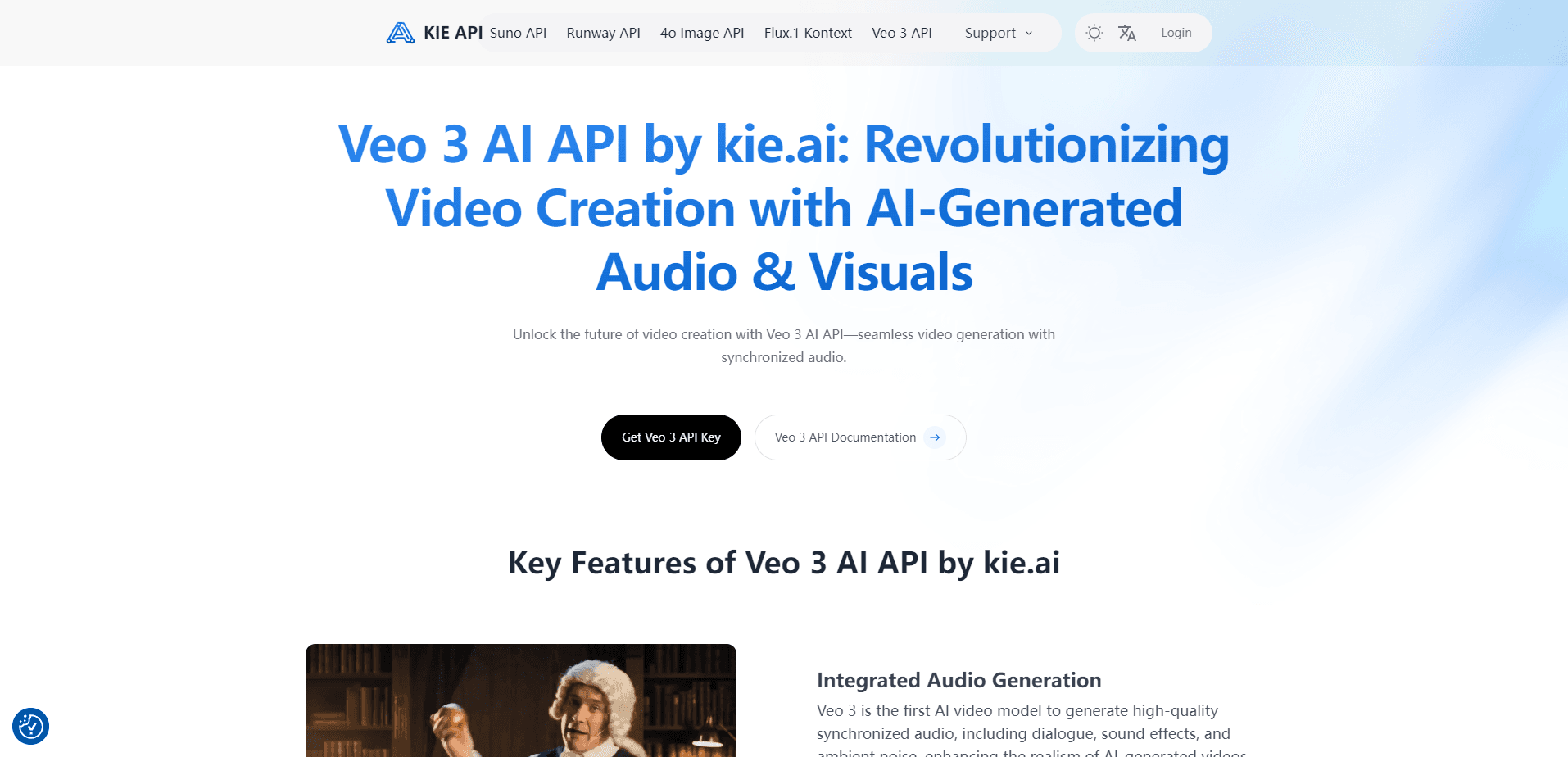
About Kie.ai: Budget-Friendly Veo 3 API
What Is Kie.ai
Kie.ai is a third-party API platform that puts popular AI models behind a single endpoint and one prepaid credit balance. Its Veo 3 API wraps Google's Veo 3.1 video model, so you add text-to-video or image-to-video generation to an app without signing a separate deal with Google Cloud or Gemini. The platform also carries image, chat and music models, but the video endpoint is what brings most developers in.
Price is the pitch. Kie.ai states that its Veo 3.1 rates sit at 25% of what Google charges directly, and it layers its own reliability tooling on top of the baseline model. That is what makes it a budget-friendly Veo 3 API rather than another full-price gateway. When you generate video in volume, that gap decides whether a feature is affordable or not.
The trade-off sits in the supply chain. Kie.ai is a small startup, not Google, and it says upfront that occasional instability can happen. That is a conscious trade-off for the lower rate. You also accept a retention window: generated video files are deleted after 14 days and log records after two months.
Getting Started
- Sign in at kie.ai and open the API key page to create a key.
- Add credits to the balance and check the pricing page for the current per-video rate.
- Send a POST request with your prompt and the Veo model id, keeping the key on your server.
- Collect results by polling the task detail endpoint or by pointing a callback URL at your own server.
- Review credit spend and task history on the logs page when a job looks wrong.
Product Information
A quick look at Kie.ai: Budget-Friendly Veo 3 API's pricing, supported platforms, and performance.
Best for
The users, tasks, and scenarios where this tool fits best.
Users
- Solo developers
- Product teams on a tight budget
- Automation builders
Tasks
- Text-to-video
- Image-to-video
- Material-to-video
- Vertical video
Scenarios
- Prototyping a video feature
- Scaling content pipelines
- Adding video to a small app
Key features
Veo 3.1 access in three tiers
One endpoint exposes the Veo 3.1 family: Quality for top fidelity, Fast for a balance of cost and quality, and Lite for high-volume work. You pick the tier per request with the model field, so a rough draft and a final render can use different settings.
Text, image and material modes
The API covers text-to-video, image-to-video with a first or first-and-last frame, and material-to-video from reference images. That range lets a single integration handle everything from an empty prompt to a tightly controlled character shot.
Native vertical and high-res output
Both 16:9 and 9:16 are supported, and each can render at 720p, 1080p or 4K. The 4K option costs more credits, and Kie.ai notes that choosing higher resolution adds an upgrade fee on top of the base price.
Audio on every clip
Generated videos ship with a background audio track by default. Kie.ai warns that audio can be dropped when a scene trips a sensitivity filter, such as one involving minors, so check the result before publishing.
Asynchronous task model
Every generation is asynchronous. A request returns a task id at once, and you then poll the task detail endpoint or receive a callback. That design suits batch work where you fire many tasks and collect them as they finish.
Rate limits and key security
Kie.ai allows up to 20 new requests per 10 seconds, which it says sustains 100 or more tasks running at once. Each key can carry hourly, daily and total caps, and you can restrict access to approved server IPs.
Pros and cons
Pros
- Rates sit at 25% of Google's direct Veo 3.1 pricing, according to Kie.ai.
- One key and one balance cover Veo 3.1 alongside image, chat and music models.
- Native 9:16 output and 4K support remove the need to reframe or upscale clips.
- Asynchronous tasks and high concurrency suit bulk video production.
Cons
- Kie.ai is a reseller, so it admits its stability can fall below first-party providers.
- Generated files are deleted after 14 days, so you must download and store results yourself.
- There is no free plan, which means you cannot test the Veo 3 API without paying first.
- Support runs through Discord and Telegram rather than a formal ticket system.
Frequently asked questions
It is a paid endpoint that runs Google's Veo 3.1 video model. You send a prompt, or an image plus a prompt, and get a short video back with an audio track, in text-to-video or image-to-video mode.
Related content
Explore related tools, skills, and articles for Kie.ai: Budget-Friendly Veo 3 API.
Kie.ai: Budget-Friendly Veo 3 API Alternatives

ngram 2.0
ngram · Video · Marketingngram 2.0 is an AI video generator for teams. It turns a prompt, a screen recording, or a product URL into a narrated explainer, product demo, or AI avatar video, and every scene stays editable.

OpenScreen 2
OpenScreen (open-source project) · Video · ProductivityOpenScreen 2 is a free, open-source screen recorder and demo video editor for Windows, macOS, and Linux, with automatic zooms, styled frames, local captions, and agent edits.

Skreno
Skreno · Video · ProductivitySkreno is a browser screen recorder that captures a tab, a window or your whole display, then attaches AI transcripts, summaries and console logs to one share link.