

KineMaster - Video Editor
KineMaster Corp. · Video
KineMaster is a mobile video editor for Android and iOS. It packs multi-layer editing, AI tools, and 4K export into a phone app for social media video makers.
About KineMaster - Video Editor
What Is KineMaster
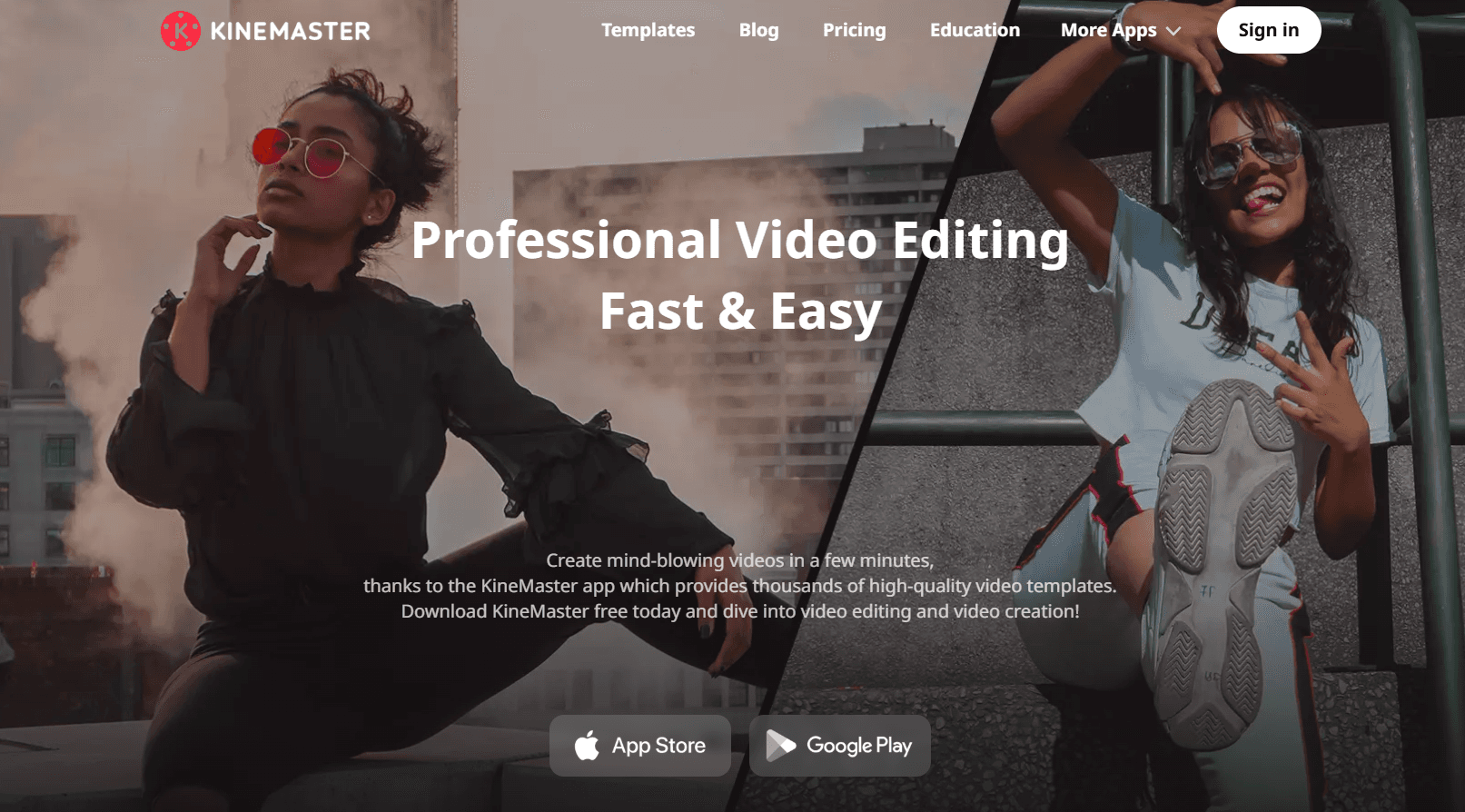
KineMaster is a video editing app for Android and a video editor for iOS built for phones and tablets. It packs the kind of timeline editing you'd normally expect from desktop software into a touch interface, so you can cut, layer, and polish a video without ever opening a laptop. The app centers on short-form content. Think TikTok clips, YouTube uploads, and Instagram Reels.
So what does that feel like in practice? You film on your phone, open KineMaster, and finish the whole edit on the same device.
The biggest draw is access to thousands of ready-made templates that KineMaster users share with each other. You pick one, drop in your own clips, and get a polished result in minutes. A library of tens of thousands of assets (music, effects, transitions, fonts, and stickers) supports that same fast turnaround.
The trade-off is the learning curve. The full-screen timeline and multi-layer system reward users who spend time learning them, but a first project can feel busy. And while the app is free to download, most premium tools and watermark-free export sit behind a subscription.
Getting Started
- Download KineMaster from Google Play or the App Store and open the app.
- Tap Create, then choose a blank project or pick a template from the Mix screen.
- Pull in your video, image, and audio clips, then arrange them on the timeline.
- Edit with layers, text, transitions, and AI tools, or apply an Auto Caption and color filter.
- Tap Export, choose your resolution up to 4K, and save or share to social media.
Product Information
A quick look at KineMaster - Video Editor's pricing, supported platforms, and performance.
Best for
The users, tasks, and scenarios where this tool fits best.
Users
- Mobile content creators
- Beginners
- K-pop and fandom editors
Tasks
- Cutting short-form clips
- Adding captions and voiceovers
- Cleaning up footage
Scenarios
- Weekend vlogging
- Quick social posts
- Fan edits and montages
Key features
Multi-Layer Timeline
KineMaster's full-screen timeline handles complex projects with many layers of video, images, text, and effects. You stack and reorder everything on one screen, which keeps even busy edits manageable on a phone. It's the feature that separates the app from simple one-track mobile editors.
AI Editing Tools
Nine AI tools handle tasks that used to need manual work. Magic Remover cuts subjects out of a background. Super Resolution upscales low-resolution clips, and AI Tracking follows moving people or objects so text and effects stay glued to the action. Auto Caption transcribes speech into editable subtitles across 36 languages. No manual typing needed.
4K Export Up to 60fps
You can export in SD, HD, or up to 4K at 60fps, choosing between H.264 and H.265 (HEVC) and setting your own bitrate. Vertical, square, and widescreen aspect ratios are all supported, so one project covers every platform. That matters for social clips. The catch is that some export options sit behind the paid plan.
Template Library
Thousands of trending templates are uploaded by editors and ready to remix on the Mix screen. You swap in your own clips and get a polished result fast, which is a big reason KineMaster caught on with social-first creators.
AI Style and Filters
Artistic AI filters turn footage into stylized looks, and a full set of color filters and adjustments handles more conventional grading. Chroma Key adds green-screen compositing with alpha mask visualization and a real-time preview.
Audio Editing Suite
The app ships with dedicated audio tools. You can mix multiple tracks, record narration, automate volume, and separate vocals or remove background noise. That's studio-style control you rarely get on mobile without a separate app.
Transparent Backgrounds and Corner Pin
You can create videos with transparent backgrounds on Android or iOS, then drop them into other projects or presentations. Corner Pin composites footage onto billboards, walls, or phone screens with realistic perspective.
Pros and cons
Pros
- Full multi-layer timeline brings desktop-style editing to phones and tablets.
- Thousands of user-generated templates make short-form video creation fast.
- AI tools like Auto Caption, Magic Remover, and Super Resolution cut manual work.
- Exports up to 4K at 60fps with flexible codec and bitrate options.
- Works on both Android and iOS with cloud project saving for multi-device editing.
Cons
- A subscription is needed to remove the watermark and open every premium tool.
- The dense interface takes real time to learn if you're new to video editing.
- No desktop version, so you're limited to phone and tablet screens for editing.
- The asset and template library is huge, which can make finding the right one slow.
Frequently asked questions
Yes, you can download and edit for free, but exports carry a watermark and many premium tools are locked. Removing the watermark and unlocking everything requires a subscription.
Related content
Explore related tools, skills, and articles for KineMaster - Video Editor.
KineMaster - Video Editor Alternatives

ngram 2.0
ngram · Video · Marketingngram 2.0 is an AI video generator for teams. It turns a prompt, a screen recording, or a product URL into a narrated explainer, product demo, or AI avatar video, and every scene stays editable.

OpenScreen 2
OpenScreen (open-source project) · Video · ProductivityOpenScreen 2 is a free, open-source screen recorder and demo video editor for Windows, macOS, and Linux, with automatic zooms, styled frames, local captions, and agent edits.

Skreno
Skreno · Video · ProductivitySkreno is a browser screen recorder that captures a tab, a window or your whole display, then attaches AI transcripts, summaries and console logs to one share link.