

Klap app
Klap · Video
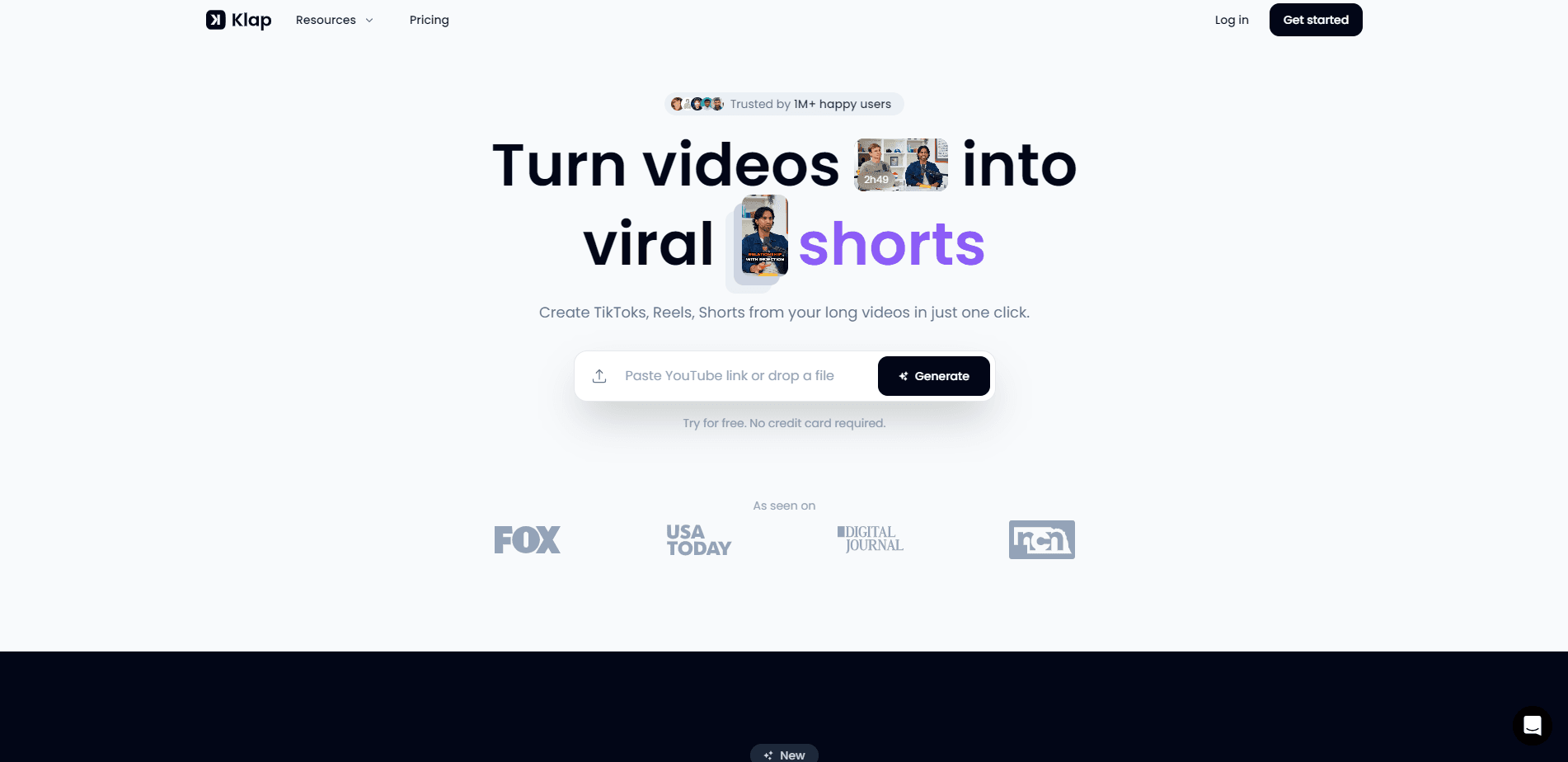
Klap is an AI video clipper that turns long videos into vertical shorts for TikTok, Reels, and Shorts. Paste a YouTube link or upload a file, and it cuts, reframes, and captions the clips for you.
About Klap app
What Is Klap
Klap is an AI video editor built for one job: turning long videos into short, vertical clips fast. You paste a YouTube link or upload a file, and the tool finds the moments worth posting, crops them to fit a phone screen, and adds captions. The team says 3.5 million creators have made 8.5 million clips with it.
The main draw is speed. Repurposing a podcast or interview by hand takes hours per episode. Here you drop in a video, wait a few minutes, and get a batch of ready clips. Klap leans on speech detection, so talking-heavy content like podcasts, interviews, and lessons works best.
The tradeoff is that every clip counts against a monthly cap. Basic allows 100 clips, mid plans allow more, and you pay for the tier you pick. The tool doesn't invent footage you never recorded, so silent or action-only videos give it little to work with.
Getting Started
- Go to klap.app and start a free account, no credit card needed.
- Paste a YouTube link or upload a video file.
- Let Klap find the best moments and cut them into vertical clips.
- Review the clips, check the AI captions, and adjust the framing if needed.
- Export in high resolution and post to TikTok, Reels, Shorts, or YouTube.
Product Information
A quick look at Klap app's pricing, supported platforms, and performance.
Best for
The users, tasks, and scenarios where this tool fits best.
Users
- Podcasters and interviewers
- Solo content creators
- Social media managers
Tasks
- YouTube to short clips
- Adding captions automatically
- Reframing to vertical
Scenarios
- Repurposing a weekly podcast
- Promoting a webinar or training
- Running a daily posting habit
Key features
AI Clipping
Klap scans a full video, finds the topics worth sharing, and cuts them into standalone clips. The team says a one-minute video produces roughly five clips, so a long recording can fill days of posting. It works from speech detection, which is why talking-head and podcast content gets the cleanest results.
AI Reframe 2
Reframe 2 is the newest resizing engine. It reads the scene and picks a layout that fits, covering Split Screen, Screencasts, and Gaming so face cam, screen shares, and gameplay all land in the right shape. It replaces manual cropping for every platform you post to.
Automatic Captions
Klap transcribes the audio and adds captions to each clip. Captions keep viewers watching with the sound off, which is how most social feeds autoplay. Editing and transcription cover 52 languages, from English and Spanish to Hindi and Japanese, so non-English creators aren't left out.
Viral Score and Hooks
Beyond cutting, Klap scores each clip's potential to go viral and writes a suggested hook and caption to post with it. You get a shortlist ranked by likely reach instead of staring at a raw timeline deciding what to ship.
Multi-Platform Export
Clips export in high resolution and drop straight into TikTok, Reels, Shorts, and YouTube. Output is vertical by default, matched to how each feed plays videos, so you don't crop a widescreen cut yourself.
Team and API Access
Plans scale from a single creator to teams, and unlimited social accounts are included at every level. Klap also offers API access for teams that want to automate clipping inside their own workflow.
Pros and cons
Pros
- Turns one long video into several ready-to-post clips in a single run.
- AI captions and 52-language transcription cut the manual editing work.
- Reframe 2 handles face cam, screencasts, and gameplay layouts automatically.
- A free plan lets you make your first clip before paying.
- Unlimited social accounts are included on every plan.
Cons
- The free plan only covers one video, so ongoing use needs a paid plan.
- Speech-heavy video works far better than silent or action-only footage.
- Monthly clip caps on Basic (100) can run out quickly for daily posters.
Frequently asked questions
Klap turns long videos into short vertical clips for TikTok, Reels, Shorts, and YouTube. Creators paste a YouTube link or upload a file and get a batch of captioned clips back.
Related content
Explore related tools, skills, and articles for Klap app.
Klap app Alternatives

ngram 2.0
ngram · Video · Marketingngram 2.0 is an AI video generator for teams. It turns a prompt, a screen recording, or a product URL into a narrated explainer, product demo, or AI avatar video, and every scene stays editable.

OpenScreen 2
OpenScreen (open-source project) · Video · ProductivityOpenScreen 2 is a free, open-source screen recorder and demo video editor for Windows, macOS, and Linux, with automatic zooms, styled frames, local captions, and agent edits.

Skreno
Skreno · Video · ProductivitySkreno is a browser screen recorder that captures a tab, a window or your whole display, then attaches AI transcripts, summaries and console logs to one share link.