

Kling AI
Kuaishou Technology · Video · China AI
Kling AI is Kuaishou's AI video generator that turns text, images, and reference clips into cinematic footage, with native audio, 4K output, and an API.
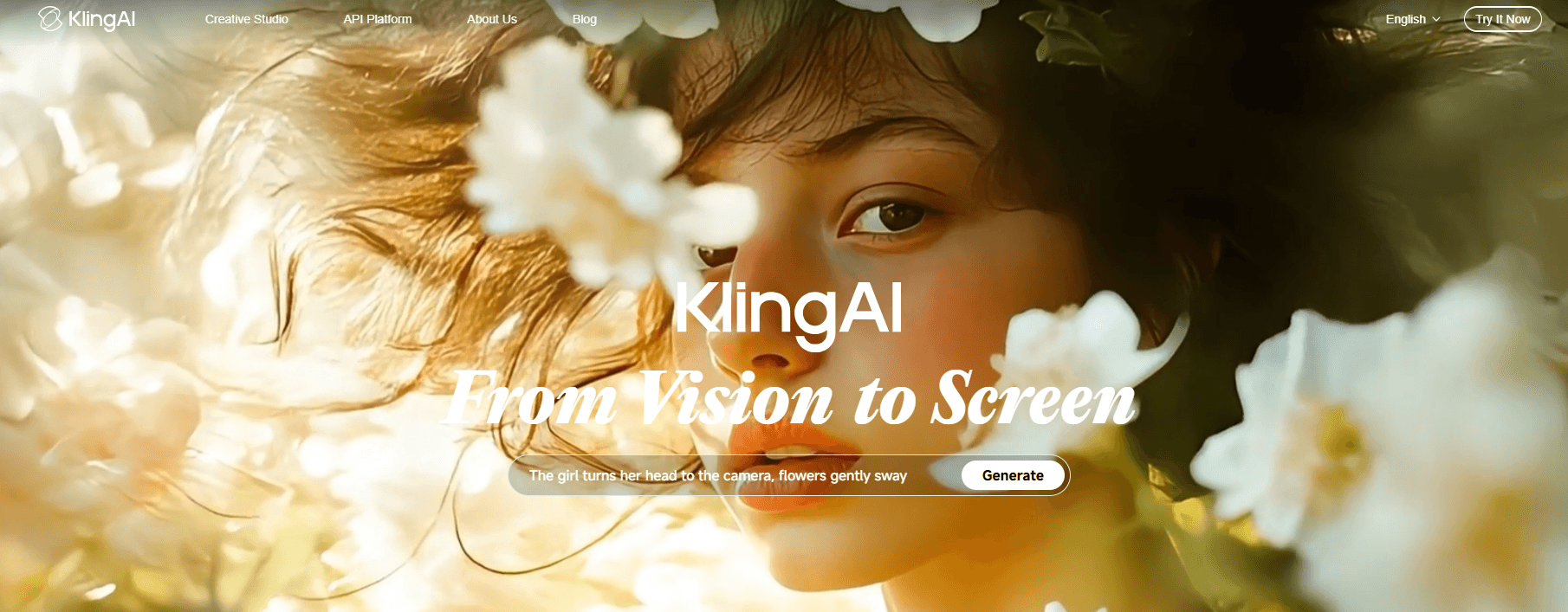
About Kling AI
What Is Kling AI
Kling AI is a generative video platform from Kuaishou Technology. You describe a scene, upload a still, or hand it a reference clip, and the service returns a short video with motion, camera movement, and optional sound. The current AI video model, Kling 4.0, became fully available on October 15, 2026.
The product covers more ground than a single generator. It includes an image model, a storyboard canvas, video editing tools, and an open API for developers. That range is why agencies use it for commercials while solo creators use it for social clips.
The limits matter as much as the output. Rendering runs on credits, 4K burns through them quickly, and the free plan stamps a watermark on every export. Content moderation also rejects some prompts, especially around real people and sensitive subjects.
Getting Started
- Create an account at kling.ai with an email address or Google login. New accounts can claim daily free credits on the Basic plan.
- Open the video workspace and pick a model, aspect ratio, and clip length. Kling 4.0 supports longer shots than the 3.0 series.
- Write a prompt, or add reference images and videos when you need a specific character, product, or camera move.
- Generate the clip, then review it. You can rerun the prompt, extend the shot, or upscale the result.
- Download the file. Paid plans remove the watermark and unlock commercial use.
Product Information
A quick look at Kling AI's pricing, supported platforms, and performance.
Best for
The users, tasks, and scenarios where this tool fits best.
Users
- Solo content creators
- Brand and agency teams
- Indie filmmakers
- Social media managers
Tasks
- Text to video concept clips
- Image to video product ads
- Character-driven storytelling
- Footage editing and restyling
Scenarios
- Previsualization before a live shoot
- E-commerce ad production
- Music videos and short films
Key features
Text to Video and Image to Video
The core workflow takes a prompt or a single image and returns a clip with subject motion and camera movement. Image to video gives you tighter control over the opening frame, which helps when a client has already approved a look. Both modes support several aspect ratios, including vertical and ultrawide.
Kling 4.0 Motion and Audiovisual Upgrades
Kling 4.0 focuses on the parts that usually break: fast action, complex camera work, and dialogue. Large-scale motion holds together better, faces and materials look more natural, and lip sync lines up more closely with speech. Two-channel stereo audio adds a sense of space that earlier versions lacked.
Omni Reference With Up to 15 Assets
Omni Reference accepts up to 10 images, 5 videos, and 7 subjects in one generation. Each asset can guide a different part of the result, such as identity, movement, camera direction, or visual style. This is the feature that makes recurring characters and branded products viable across a series of shots.
Native Audio and Multi-Shot Storytelling
Kling AI can generate dialogue, ambient sound, and music cues alongside the picture. Multi-Shot builds a scene from several angles in one pass, with control over duration, framing, and camera movement. For narrative work, that removes a lot of manual stitching in an editor.
4K and Ultrawide Output
The 3.0 and 4.0 series both offer native 4K generation, aimed at large screens and professional delivery. Kling 4.0 adds 21:9 ultrawide framing, and 10-bit HDR at 1080p and 4K is listed as coming soon. Expect 4K to cost significantly more credits per second than 720p.
Canvas Workspace and API Access
Canvas combines script writing, image generation, storyboards, and video editing in one project view. Developers can skip the interface entirely and call the AI video model through the KlingAI Open Platform, with MCP and CLI options for automated pipelines.
Pros and cons
Pros
- Motion quality holds up in fast action and complex camera moves, where many AI video tools fall apart.
- Omni Reference solves character and product consistency across multiple shots.
- A free Basic plan with daily credits lets you test prompts before paying.
- Native audio, multi-shot generation, and 4K output cover most of a production pipeline.
- The API, MCP, and CLI options make batch generation realistic for teams.
Cons
- Credits disappear fast at high resolution: native 4K costs 30 credits per second.
- Free exports carry a watermark and are limited to personal use.
- Content moderation can block prompts that involve real people or sensitive themes.
- Maximum clip length still sits far below what a normal edit requires, so longer pieces need stitching.
Frequently asked questions
Kling AI is a generative video platform from Kuaishou that creates clips from text prompts, images, or reference videos. It also generates images and includes a canvas for storyboarding and editing.
Related content
Explore related tools, skills, and articles for Kling AI.
Kling AI Alternatives

ngram 2.0
ngram · Video · Marketingngram 2.0 is an AI video generator for teams. It turns a prompt, a screen recording, or a product URL into a narrated explainer, product demo, or AI avatar video, and every scene stays editable.

OpenScreen 2
OpenScreen (open-source project) · Video · ProductivityOpenScreen 2 is a free, open-source screen recorder and demo video editor for Windows, macOS, and Linux, with automatic zooms, styled frames, local captions, and agent edits.

Skreno
Skreno · Video · ProductivitySkreno is a browser screen recorder that captures a tab, a window or your whole display, then attaches AI transcripts, summaries and console logs to one share link.