

Kodingo
Kodingo · Coding
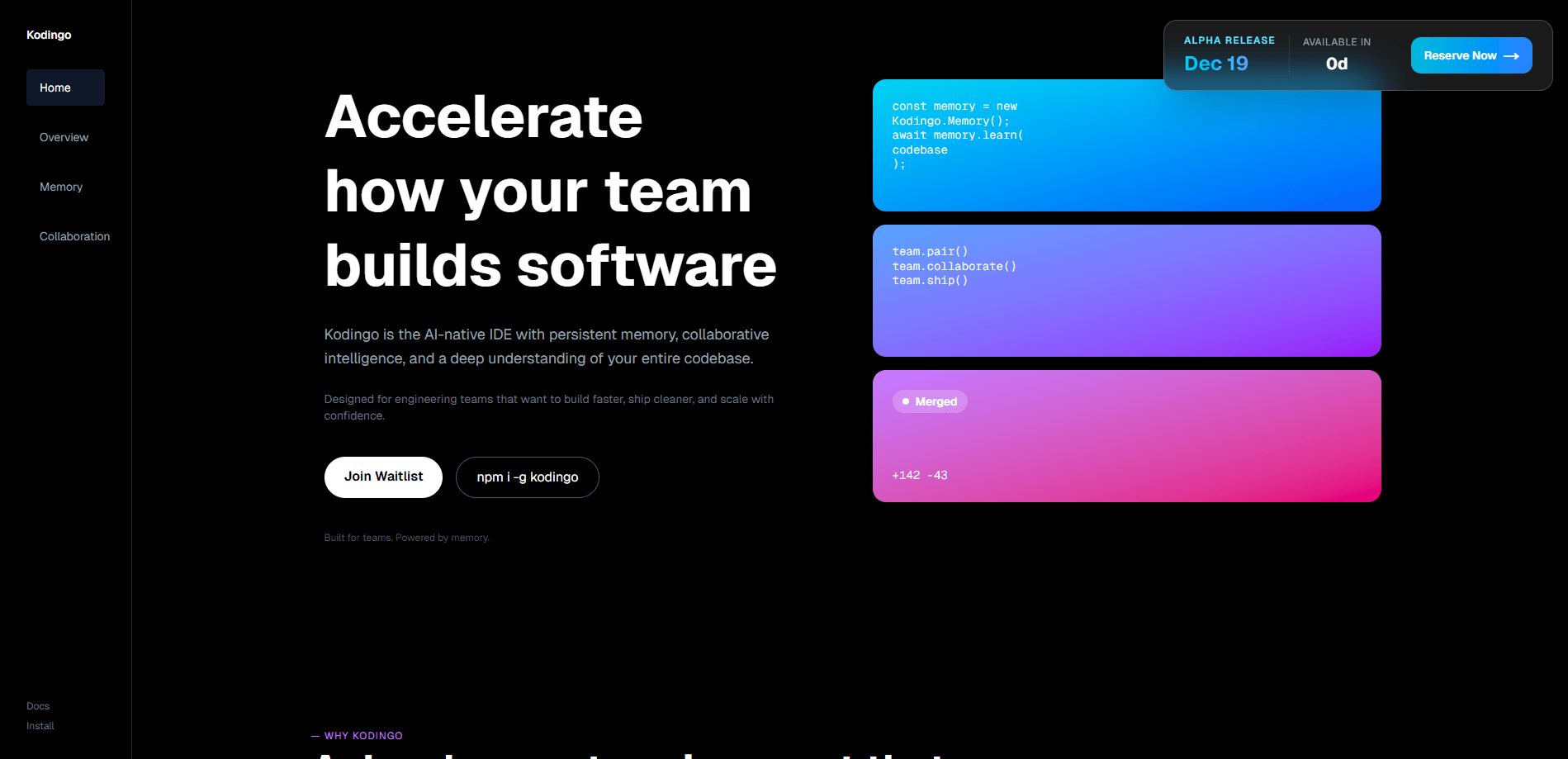
Kodingo is an AI coding intelligence platform designed to give your codebase a persistent memory instead of leaving decisions scattered across chat threads and pull requests. Its core product, Kortex, watches the tools your team already uses (VS Code, Slack, GitHub, GitLab, Jira, and the browser), captures architectural choices and tradeoffs as they happen, and surfaces that context when someone needs it. Think of it less as an AI coding assistant and more as the memory underneath one. Teams use it to plan changes against real code, run grounded reviews, automate code review against prior decisions, scan for security issues, and onboard engineers without losing weeks to tribal knowledge. It's one of the more unusual entries in the crowded field of AI developer tools.
About Kodingo
What Is Kodingo
Kodingo is a software development platform built around one idea: your codebase should remember what your team decided. Kortex, the product it ships, acts as an intelligence layer that keeps a running memory of architectural decisions, tradeoffs, and the reasoning behind them, then feeds that context back to engineers as they work. It runs across six surfaces, so knowledge captured in Slack or a Jira ticket is available in your editor or during a pull request review.
The main problem it solves is knowledge loss. When a senior engineer leaves or a decision from two years ago is forgotten, teams re-litigate the same debates, reintroduce removed patterns, and slow down. Kodingo tries to close that gap without asking anyone to write documentation, since the tooling observes your existing workflow rather than requiring a new habit.
So what does that look like day to day? You ask a question and get an answer grounded in your actual repository. You plan a change and get a brief built from real code. Simple enough on paper. The hard part is whether the memory stays accurate as the codebase moves.
The obvious limits are worth naming. The platform leans toward engineering teams that already live in the surfaces it covers, so a solo developer working in a single AI IDE will get less out of the cross-tool capture. It's also a young product, so you should check current pricing, supported integrations, and data policies directly on the official site before committing a large team.
Getting Started
- Sign up at the official Kodingo site and connect your first repository so Kortex can start reading project memory.
- Link the surfaces you want captured, such as GitHub, GitLab, Slack, Jira, and your editor, then let initial context build.
- Use Ask to query the system about how a part of the codebase actually works, with sources you can inspect.
- Move to Plan to turn a request into a grounded implementation brief, then send it to Build when it looks right.
- Review Kortex's findings on pull requests and security scans, and let it keep remembering what your team decides.
Product Information
A quick look at Kodingo's pricing, supported platforms, and performance.
Best for
The users, tasks, and scenarios where this tool fits best.
Users
- Engineering teams shipping production software
- Tech leads and reviewers
- New hires and onboarding engineers
Tasks
- Grounded code review
- Continuous security scanning
- Planning a change before writing code
- Tracking knowledge risk
Scenarios
- A senior engineer leaves and the team needs to know what institutional knowledge walks out the door.
- A recurring bug keeps coming from a module nobody fully understands anymore.
- A team keeps reintroducing patterns that were deliberately removed for security or maintainability reasons.
Key features
Ask, Plan, Build Workflow
Kodingo doesn't stop at answering questions. Ask explains how a system works with sources you can inspect, Plan turns a request into a grounded implementation brief explored against your actual code, and Build executes that brief end to end, writing code, running tests, and fixing its own mistakes. The point is that planning happens against reality, not a guess.
Persistent Codebase Memory
Kortex captures architectural decisions, tradeoffs, and signals from every connected surface automatically, then threads them together. Unlike a documentation tool, it doesn't ask anyone to write anything down. It just watches what happens. The context stays available the moment someone needs it, which is what makes the memory usable rather than aspirational.
Pull Request Decision Checks
Every pull request gets checked against decisions the team already affirmed. This is code review automation with a memory. If a change reintroduces a pattern that was removed, Kortex says so and can block the merge. It points back to the earlier thread and shows its confidence level. For teams that set standards around auth, error handling, or libraries, this turns those decisions from suggestions into something enforced. It's a big difference.
Continuous Security Scanning
Kodingo scans for hardcoded secrets, SQL injection, insecure crypto, missing auth checks, and known dependency vulnerabilities. Scans run weekly and again during every Build. Findings get graded by severity. A critical hardcoded API key won't be buried next to a moderate dependency warning.
Knowledge Dashboards
The platform scores how well understood a repository really is through a Knowledge Debt metric, shows what you'd lose if a specific engineer left, maps which parts of the codebase are understood, stale, drifting, or still dark, and keeps an exportable changelog of decisions. For managers, this is the view that turns vague risk into something you can act on.
Six-Surface Capture
Kortex connects to VS Code, Slack, GitHub, GitLab, the browser, and Jira, capturing intelligence wherever work actually happens. Because the capture is automatic, adoption doesn't depend on engineers changing their habits, which is usually where memory tools fail.
Pros and cons
Pros
- Captures decisions automatically across six surfaces, so no one has to maintain documentation by hand.
- Pull request checks enforce affirmed decisions instead of leaving them as tribal knowledge.
- Grounded planning means implementation briefs are explored against your real codebase, not generic guesses.
- Security scanning runs on a weekly cadence and during every Build, catching issues before handoff.
- Knowledge dashboards give leads a concrete read on departure risk and stale areas.
Cons
- Value drops for solo developers or small teams that don't span the connected tools, since cross-surface capture is the core benefit.
- Pricing and integration coverage change quickly on a young product. Verify current details on the official site.
- The automatic capture raises fair questions about what data leaves your repositories, and the exact policy should be confirmed before rollout.
Frequently asked questions
Kodingo gives your codebase a persistent memory so architectural decisions and tradeoffs stick around instead of getting lost. Its Kortex product captures context across your existing tools, answers questions about the system, plans changes against real code, reviews pull requests, and scans for security issues.
Related content
Explore related tools, skills, and articles for Kodingo.
Kodingo Alternatives
Forefront
Forefront · CodingForefront is a web platform for building with open-source AI. It lets you fine-tune leading open-source language models on your own data, evaluate how they perform, and run them through an API or export them to host yourself. Developers who want the convenience of a closed-source platform but insist on owning their models and data are the target audience here.

Startkit
StartKit.AI · CodingStartkit is a boilerplate for building AI SaaS and AI wrapper products. Think of it as an AI startup boilerplate with the boring parts already wired up: authentication, Stripe and Lemon Squeezy payments, usage limits, transactional email, and an AI API starter that talks to OpenAI, Anthropic, Groq, or Llama. You clone the repo, set your price, and start on the part of your product that people actually pay for. It's Next.js under React and Tailwind, so most of the boilerplate code already feels familiar.
Testim
Tricentis · CodingTestim is an AI-powered test automation platform for building and running end-to-end tests across web, mobile, and Salesforce applications. It leans on machine learning to keep tests stable when an interface changes, so teams spend less time fixing broken selectors. Not bad for an automated testing tool you can start using today. You create tests by recording actions in a browser, then optionally add JavaScript when you need more control. It's a solid pick for busy QA teams.