
Krikey AI
Krikey · Video
Krikey AI is a browser-based animation tool that turns a text prompt or video upload into a talking, singing 3D character in minutes. It pairs an AI text-to-animation generator with a full 3D editor where you control lip sync, backgrounds, facial expressions, hand gestures, and camera angles in one browser tab. Social teams, teachers, and marketers use it to produce 3D animation for short videos, tutorials, and branded clips. No rigging. No keyframes.
About Krikey AI
What Is Krikey AI
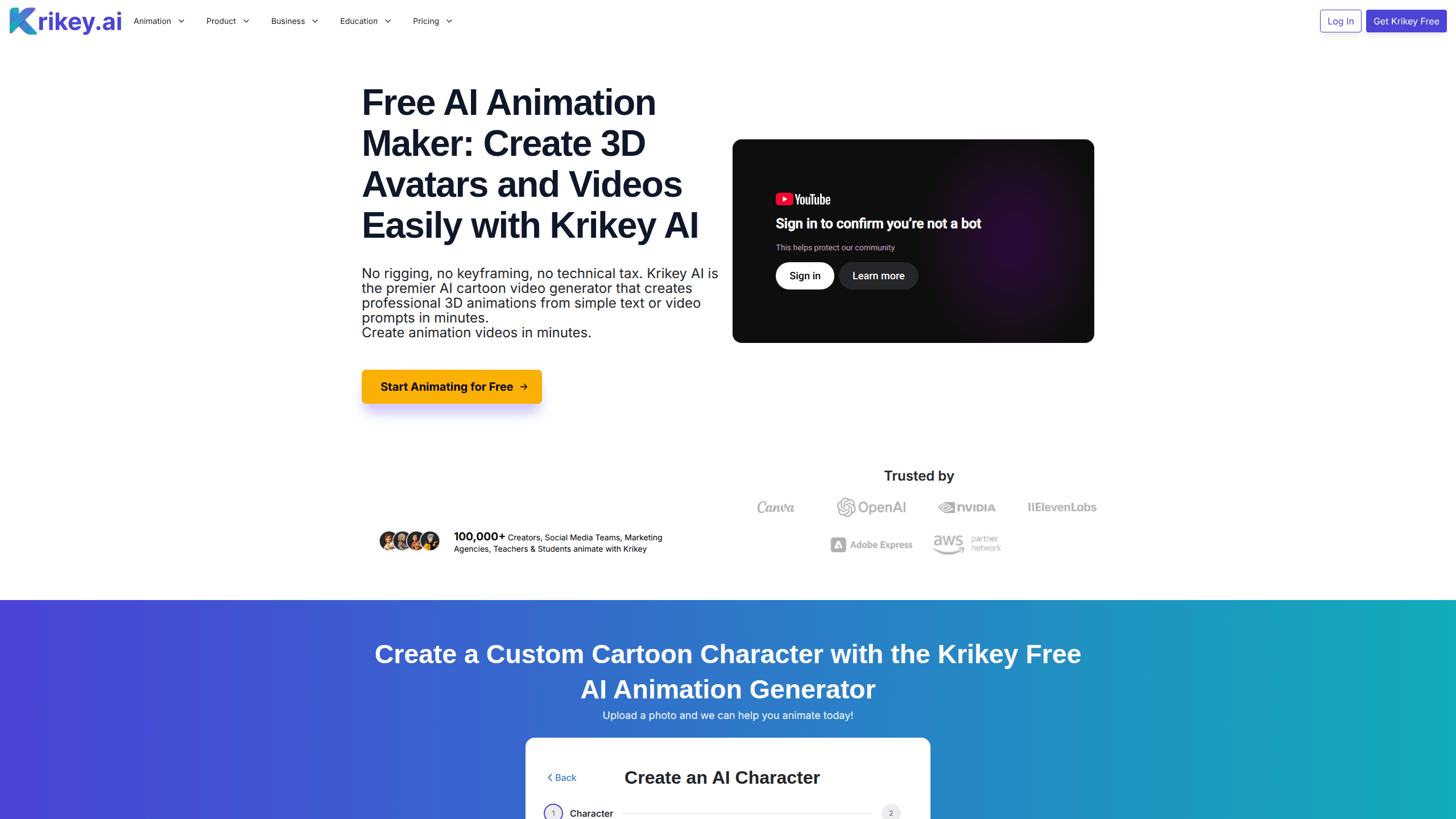
Krikey AI is a generative 3D animation platform built by Krikey, a San Francisco company founded in 2017 by sisters Jhanvi Shriram and Dr. Ketaki Shriram, whose team previously ran into the high cost and slow timelines of traditional animation firsthand. The pitch is simple. Traditional 3D production needs specialist animators and expensive software. Krikey replaces both with a prompt box and a drag-and-drop editor. Type a line, pick a character, and out comes a moving avatar in seconds.
The product centers on two AI models that handle the technical heavy lifting. Text-to-animation turns a written prompt into character motion. Video-to-animation converts a real-world video upload into 3D motion capture. Voice and lip sync run on ElevenLabs, so characters speak and sing in more than 20 languages. You can also upload a photo to generate a custom 3D character model with automatic rigging.
The catch is that credits drive everything. Free accounts get a limited pool. Every AI action spends from it: generating a character, animating a prompt, rendering a video. Heavy or long-form production hits that ceiling fast. There's no mobile app either, so you work entirely in a browser. If your internet drops mid-render, you wait.
Getting Started
- Sign up for a free account at krikey.ai and open the 3D animation editor.
- Pick a character from the gallery, or upload a photo to generate a custom 3D avatar.
- Write your script or prompt, then choose a voice and language for the dialogue.
- Generate the animation, then adjust expressions, gestures, background, and camera angle in the editor.
- Export as MP4, GIF, PNG, or FBX, and reuse the file anywhere you need it.
Product Information
A quick look at Krikey AI's pricing, supported platforms, and performance.
Best for
The users, tasks, and scenarios where this tool fits best.
Users
- Social media managers
- Teachers and students
- Marketing teams
Tasks
- Text-to-animation
- Video-to-animation
- Music video production
Scenarios
- Posting a daily short video
- Building a lesson plan
- Making a meme-style invite
Key features
AI Character Creator
Upload a photo, pick a style, and Krikey generates a 3D character model in minutes. Automatic rigging means the model is ready for full-body animation and lip sync without any manual setup. It's the fastest path from a real face to a reusable 3D avatar maker. No 3D modeling skills needed.
Text-to-Animation
Type a prompt and Krikey generates character movement to match it. This is what makes talking-avatar explainer videos and tutorials possible in seconds. Want more control? A library of motion prompts covers walking, running, jumping, and climbing.
Video-to-Animation
Upload a real-world video and the model converts it into high-fidelity 3D motion capture. This is what separates Krikey from prompt-only tools. Your own footage becomes the source, not guesswork. That's the appeal of a video-based AI video generator.
Voice and Lip Sync
Dialogue runs through an ElevenLabs integration, so characters speak and sing in over 20 languages with matched lip movement. You pick the voice and language. The mouth follows the audio. It's the detail that sells the illusion of a speaking avatar.
Real-Time 3D Editor
The web editor lets a team edit the same project at once, closer to how a shared document works than to a single-user animation app, which means one person can adjust dialogue while another swaps the background. You can change backgrounds, expressions, hand gestures, and camera angles. Then re-export without starting over.
Platform Integrations
Krikey runs as an app inside Canva and Adobe Express, and it's listed on the AWS Marketplace, so you can drop an animated character straight into a presentation or a marketing deck you're already building. Teams already working in those tools can add animation without leaving their workflow. That lowers the switch cost a lot.
Pros and cons
Pros
- No rigging or keyframing required, so beginners can produce 3D animation without any animation training. Just type.
- Voice and lip sync in more than 20 languages makes it usable for multilingual content.
- Browser-based with real-time collaboration, so a distributed team can share one project.
- Exports to MP4, GIF, PNG, and FBX, covering social posts and game or film pipelines.
- Free tier lets you test the text-to-animation workflow before paying.
Cons
- Credit-based pricing means heavy production burns through your monthly allowance. Long projects get expensive.
- No mobile app, so you can't animate from a phone or tablet.
- Generation quality depends on the prompt. Getting a clean result often takes a few attempts.
Frequently asked questions
Krikey AI creates talking and singing 3D characters for short videos, tutorials, lesson plans, music clips, and marketing content. You drive it with a text prompt or an uploaded video, then fine-tune the result in a browser editor. It works as a lightweight 3D avatar maker for teams without an animator.
Related content
Explore related tools, skills, and articles for Krikey AI.
Krikey AI Alternatives

Vadu AI
Vadu AI · Image · VideoVadu AI is a web-based AI video generator that turns written prompts or still images into short clips, and it can also generate images on its own. You type what you want, pick a model and style, and the platform renders the result in minutes. A free plan covers light testing, while paid tiers run from $9 to $77.40 per month based on how many credits you burn.

Mykaraoke Video
MyKaraoke Video · VideoMykaraoke Video is an online karaoke video maker and lyric video maker that turns any song into a finished, lyrics-synced video right in your browser. It handles the slow part for you. The AI pulls vocals out of the mix and locks the lyrics to the beat, then lets you customize background, fonts, and colors before exporting in 1080p MP4. If you make lyric videos for social media, party nights, or music promotion, it skips the software installs and manual timing work entirely. Want a karaoke video generator that doesn't eat your whole evening? That's the pitch here.

Finalframe
Finalframe · VideoFinalframe is a set of free, browser-based tools for grabbing exact frames out of a video clip. Its best-known feature, the Final Frame Extractor, lets you extract the last frame of any video so you can use it as the starting image for AI video tools like Luma Dream Machine, Runway, or Kling. Want to keep a clip going? That last frame is your starting point. The tool runs locally in your browser, needs no sign-up, and costs nothing. A separate paid AI video-generation app from the same team is currently offline while it's rebuilt.