

Langflow
DataStax (an IBM company) · Coding
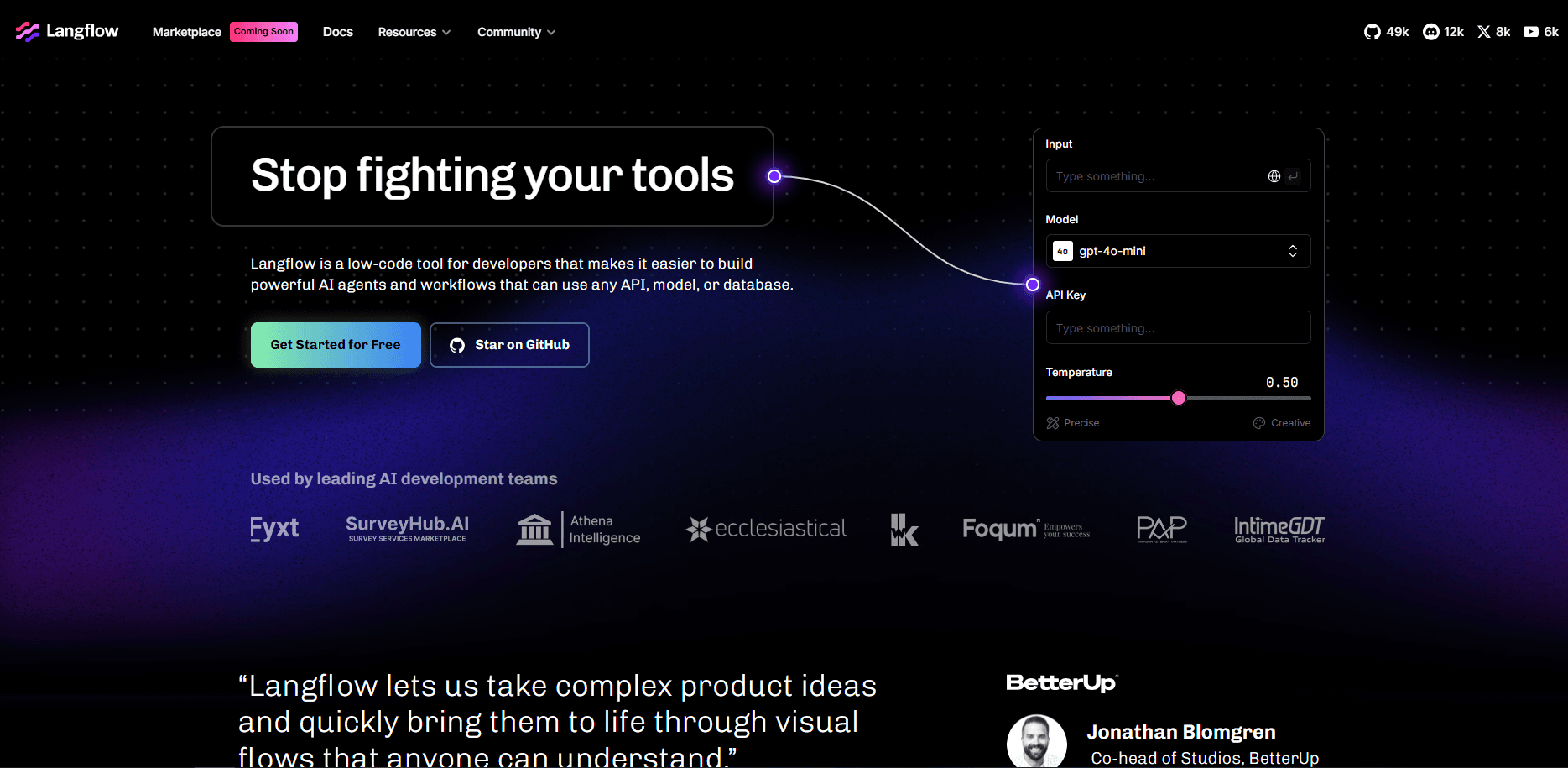
Langflow is an open-source, low-code builder for AI agents and RAG apps. You drag components onto a visual canvas, wire them together, then ship the result as an API or MCP server.
About Langflow
What Is Langflow
Langflow is an open-source AI framework that turns a low-code AI platform into a working canvas. Instead of writing a chain of Python objects by hand, you drop model, prompt, data, and tool components onto the canvas and connect the ports between them. Every node you place maps to real Python code underneath, so the graph and the code stay in sync.
The product fits teams that want to move from idea to working prototype fast. A support bot that reads your docs, a document analysis pipeline, a fleet of agents that call your internal tools: all of it starts as a flow you can build and test in a browser. DataStax acquired Langflow in 2024, and IBM has since moved to bring DataStax into its watsonx line, which keeps the project inside a larger enterprise data portfolio.
The main limits are practical. Complex production systems still need engineering work beyond the canvas, and Langflow has carried several high-severity security advisories over the past year, so anyone running it on a public server needs to keep up with patches.
Getting Started
- Install Langflow Desktop from the official site, or run the Python package with
uv pip install langflowand start it withuv run langflow run. - Open the local URL (http://127.0.0.1:7860) or launch the desktop app, then sign in or use auto-login for a local instance.
- Create a flow from a template such as Simple Agent, or start from a blank canvas and drag in components.
- Add your model provider key, connect the nodes, and adjust settings in the sidebar.
- Test the flow in the Playground, then export it as an API endpoint or MCP server when you're ready to ship.
Product Information
A quick look at Langflow's pricing, supported platforms, and performance.
Best for
The users, tasks, and scenarios where this tool fits best.
Users
- Developers building AI prototypes
- Data and ML engineers
- Product managers and analysts
- Teams evaluating agent ideas fast
Tasks
- Building RAG chatbots over internal documents
- Wiring tool-calling agents
- Turning a workflow into an API
- Running local, private models
Scenarios
- Rapid prototyping in a client or internal demo
- Onboarding new team members to agent concepts
- Exploring a new model or vector database
Key features
Visual Flow Builder
The core of Langflow is a drag-and-drop canvas where each component is one step in the workflow. You connect output ports to input ports to define how data moves, and you can peek at any node's input and output while the flow runs. This is what makes debugging a multi-step agent easier than reading raw logs.
Agents and MCP Support
Langflow treats agents as first-class components, and it supports the Model Context Protocol for both servers and clients. You can give a single agent, or a fleet of them, access to all your components as callable tools. Teams that want their flows to reach external AI tools usually start here.
Hundreds of Pre-Built Components
The library spans inputs and outputs, model providers, prompt templates, data loaders, vector stores, and utility tools. Common LLMs, vector databases, and app integrations ship out of the box, and you can browse starter templates for the most requested patterns. If a component you need doesn't exist, that's what custom components are for.
Custom Python Components
Custom components are Python classes that inherit from Component, with typed inputs and outputs that appear as ports on the canvas. You can import any library and write any logic, which means the low-code surface doesn't cap what you can build. Shared components from the community plug into the same system.
Flow as an API or MCP Server
Any flow can be published as a REST endpoint or an MCP server, so the app you built visually becomes something other software can call. You can embed a flow as a dependency in a larger Python project too. This is the bridge between a prototype and a real product.
Deployment and Observability
You can self-host, run the official Docker image, or use a hosted cloud option. Langflow exports traces to OpenTelemetry backends and integrates with tools like Langfuse for monitoring. Built-in instrumentation means you see health, latency, and errors without bolting on a separate stack.
Playground and Iteration
The Playground gives you a chat-style interface to run a flow and watch each step. You can run individual components to test dependencies in isolation, or use tweaks to override settings at runtime. Iterating here is faster than redeploying the whole app after each change.
Pros and cons
Pros
- Visual graph makes multi-step agent logic and data flow easy to see and debug
- Open-source and Python-based, so custom components remove the ceiling on what you can build
- Ships with hundreds of components, templates, and model providers already wired up
- One-click export to a REST API or MCP server turns prototypes into callable services
- Flexible deployment from a local desktop app to Docker to an enterprise cloud
Cons
- Complex production systems still demand real engineering work beyond the canvas, so it's an accelerator rather than a full replacement
- The product has shipped several high-severity security advisories in the past year, which means public deployments need prompt patching
- Pinning dependency versions and provider bundles can add setup friction, since 1.12 moved to a curated bundle install
- Desktop skips a few features, including the Shareable Playground and Voice Mode, so local users lose those options
Frequently asked questions
It's used to build and deploy AI applications visually. People create agents, RAG chatbots, document analysis tools, and content generators by connecting components on a canvas, then serve the result as an API or MCP server.
Related content
Explore related tools, skills, and articles for Langflow.
Langflow Alternatives
Forefront
Forefront · CodingForefront is a web platform for building with open-source AI. It lets you fine-tune leading open-source language models on your own data, evaluate how they perform, and run them through an API or export them to host yourself. Developers who want the convenience of a closed-source platform but insist on owning their models and data are the target audience here.

Startkit
StartKit.AI · CodingStartkit is a boilerplate for building AI SaaS and AI wrapper products. Think of it as an AI startup boilerplate with the boring parts already wired up: authentication, Stripe and Lemon Squeezy payments, usage limits, transactional email, and an AI API starter that talks to OpenAI, Anthropic, Groq, or Llama. You clone the repo, set your price, and start on the part of your product that people actually pay for. It's Next.js under React and Tailwind, so most of the boilerplate code already feels familiar.
Testim
Tricentis · CodingTestim is an AI-powered test automation platform for building and running end-to-end tests across web, mobile, and Salesforce applications. It leans on machine learning to keep tests stable when an interface changes, so teams spend less time fixing broken selectors. Not bad for an automated testing tool you can start using today. You create tests by recording actions in a browser, then optionally add JavaScript when you need more control. It's a solid pick for busy QA teams.