

Legend
Legend · Video
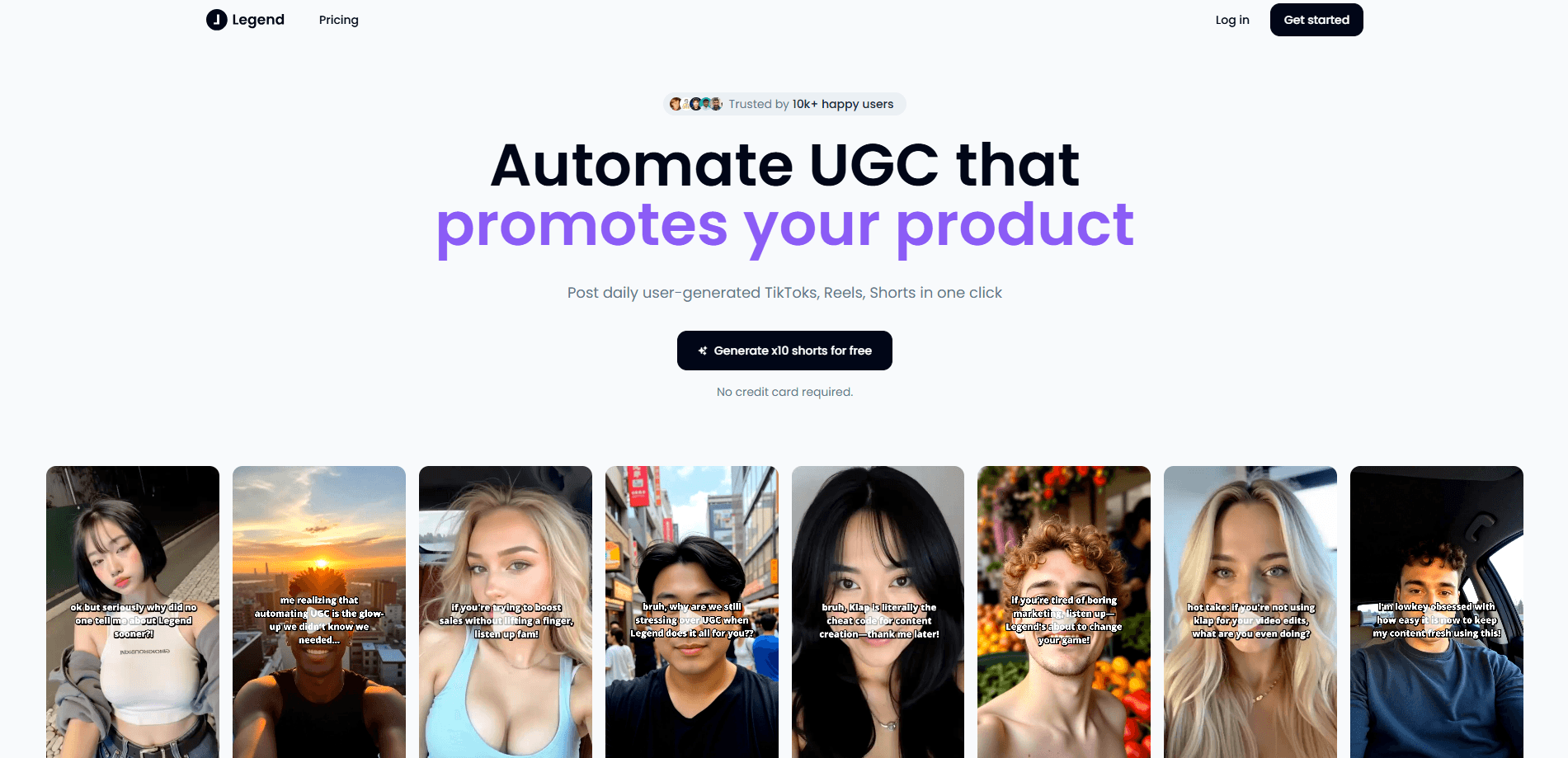
Legend is an AI video platform that turns clips of you performing into weeks of daily short-form posts for TikTok, Instagram Reels, and YouTube.
About Legend
What Is Legend
Legend is a browser-based AI UGC video platform built for musicians who already have finished tracks and a phone. You film yourself playing along to your own song, and the tool turns that footage into a batch of publish-ready vertical clips. UGC-style video automation is the whole idea here, and the pitch is blunt: make music, not content.
The problem it targets is the daily posting grind. Discovery on TikTok, Instagram, and YouTube rewards consistency, but filming, editing, and captioning a clip every day eats the hours a musician would rather spend writing. Legend takes one filming session and spreads it across weeks of scheduled posts.
As a short-form video tool and a daily posting tool in one, it treats consistency as the job and the edit as overhead. Music marketing software usually stops at analytics dashboards; this one starts at the footage and ends at a filled calendar.
The limit is scope. This is a publishing pipeline for performance footage, not a studio or a distribution deal. It works best when your audio is clean and your takes are consistent, and the tool is still in beta, which means features and pricing can shift. You also need finished tracks before it helps you, so it suits recording artists more than casual creators.
Getting Started
- Sign in to Legend in a browser and connect the accounts you want to post to.
- Film several takes of yourself playing along to a track, from any angle, all in one session.
- Upload the takes and let fingerprinting match each one to the right song.
- Review the finished cut, reroll any section, or comp takes by hand until it sounds right.
- Schedule the batch and let Legend post a clip a day across TikTok, Instagram Reels, and YouTube.
Product Information
A quick look at Legend's pricing, supported platforms, and performance.
Best for
The users, tasks, and scenarios where this tool fits best.
Users
- Independent musicians
- Singer-songwriters building an audience
- Small music teams without an editor
Tasks
- Converting phone footage into vertical clips
- Filling a posting calendar
- Writing per-platform captions
Scenarios
- A release week when you want steady clips rolling out while you promote elsewhere
- Keeping a streak alive during a busy writing stretch
- Testing many takes of one song
Key features
Fingerprint Song Matching
Legend listens to your raw take, identifies which of your songs you played, and pinpoints where in the track you were. That match drives the next step, since the tool needs the right song to line up your footage with the studio master. It saves you from tagging every clip by hand.
Automatic Audio Replacement
Phone audio rarely matches a studio release, so Legend swaps in your master recording and aligns it to the performance. The result keeps the live energy of your playing while sounding like the finished track, which is what makes the clips feel native to a music feed.
Clip Review and Reroll
You skim the finished cut before anything goes out. Any section that lands wrong can be rerolled, and you can comp takes by hand when you want a specific moment. Approval stays with you, so the tool speeds up the edit without taking the final call away.
Multi-Take and Multi-Angle Sessions
Film a whole session in one sitting from several angles, and Legend handles the batch instead of treating each clip as a separate job. Quiet singing and repeated takes are fine, so you can capture a range of deliveries and let the tool sort them.
Daily Publishing Queue
Legend posts a short every day at 1080 by 1920, with a caption tuned to each platform. TikTok, Instagram Reels, and YouTube are all covered from the same batch, which turns a single filming day into a consistent month-long presence. For anyone acting as their own TikTok video maker, this is the feature that replaces the nightly edit.
Per-Platform Output
Each clip is exported for the platform it lands on, so aspect ratio and captions fit the feed instead of being cropped or reused as-is. That means one filming session produces native-looking posts for every channel you run.
Pros and cons
Pros
- Turns a single filming session into weeks of scheduled posts, which removes the daily edit from your plate.
- Replaces phone audio with your studio master and aligns it, so clips sound like the released track.
- Matches footage to the right song automatically, cutting manual tagging.
- Publishes to TikTok, Instagram Reels, and YouTube with per-platform captions from one batch.
- Runs in a browser, so there's nothing to install.
Cons
- Needs finished tracks and clean takes, so it won't help artists still demoing.
- The beta label means features and pricing can change without much notice.
- It's a posting tool, not a distributor, so it doesn't handle royalties or store delivery.
- No public API limits teams that want to wire the pipeline into their own systems.
Frequently asked questions
Legend turns footage of you performing into ready-to-post vertical clips and schedules them daily across TikTok, Instagram Reels, and YouTube. It targets musicians who want a steady posting habit without editing every day.
Related content
Explore related tools, skills, and articles for Legend.
Legend Alternatives

Vadu AI
Vadu AI · Image · VideoVadu AI is a web-based AI video generator that turns written prompts or still images into short clips, and it can also generate images on its own. You type what you want, pick a model and style, and the platform renders the result in minutes. A free plan covers light testing, while paid tiers run from $9 to $77.40 per month based on how many credits you burn.

Mykaraoke Video
MyKaraoke Video · VideoMykaraoke Video is an online karaoke video maker and lyric video maker that turns any song into a finished, lyrics-synced video right in your browser. It handles the slow part for you. The AI pulls vocals out of the mix and locks the lyrics to the beat, then lets you customize background, fonts, and colors before exporting in 1080p MP4. If you make lyric videos for social media, party nights, or music promotion, it skips the software installs and manual timing work entirely. Want a karaoke video generator that doesn't eat your whole evening? That's the pitch here.

Finalframe
Finalframe · VideoFinalframe is a set of free, browser-based tools for grabbing exact frames out of a video clip. Its best-known feature, the Final Frame Extractor, lets you extract the last frame of any video so you can use it as the starting image for AI video tools like Luma Dream Machine, Runway, or Kling. Want to keep a clip going? That last frame is your starting point. The tool runs locally in your browser, needs no sign-up, and costs nothing. A separate paid AI video-generation app from the same team is currently offline while it's rebuilt.