

Lexie: Study & Exam Prep
Interlinear · Leaning
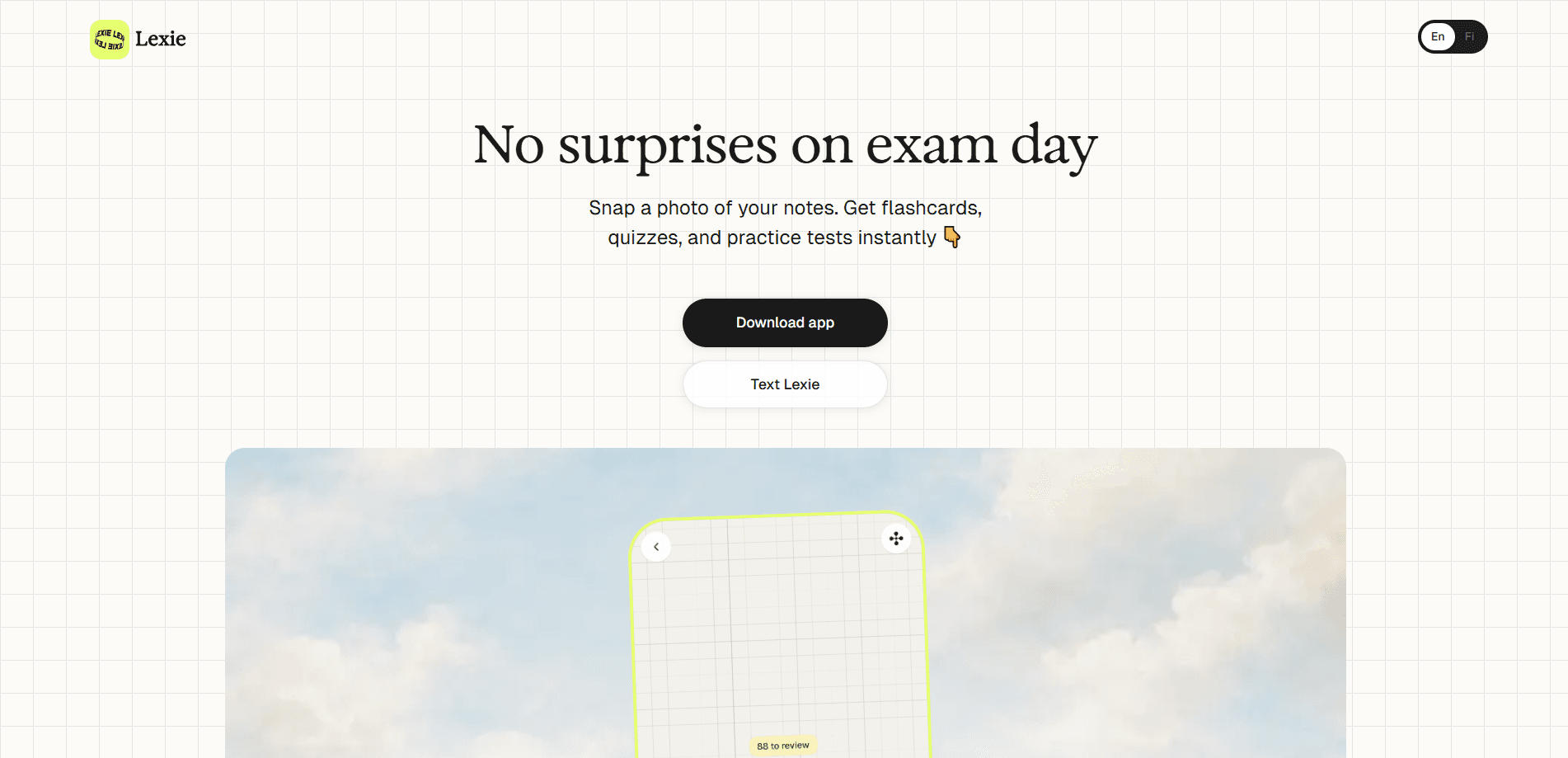
Lexie: Study & Exam Prep is an AI study app that turns a photo of your notes, worksheets, or textbook pages into flashcards, quizzes, and practice exams. Snap a picture, and you get a full study set in under 30 seconds, with no typing and no manual card building. It runs on the FSRS spaced repetition algorithm and offers six practice modes with AI feedback on each answer, aimed at students who need to memorize material fast and actually keep it.
About Lexie: Study & Exam Prep
What Is Lexie
Lexie is a study app built around one job: turning the material you already have into practice you'll remember. As an AI flashcard maker, it eats whatever you point a camera at. Handwritten notes, a worksheet, a slide from class, a PDF on screen. It reads the text, works out what kind of learning material it's dealing with, and builds questions, flashcards, audio, and summaries from it. The entire process takes seconds. No formatting, no retyping. The whole thing leans on learning science rather than random question generation, so the order and difficulty of the questions are meant to push material into long-term memory.
The pitch is deliberately narrow. Where a general chatbot asks you to know what to ask for and how to set it up, Lexie skips all of that. No prompts to write. No setup screens to learn. Sorry, but who wants to master a prompt language just to revise biology? You photograph, you practice, and the app handles the rest. The App Store listing says it's been used by 4,500+ students worldwide, and it's built by Interlinear, a learning company based in Helsinki, Finland.
The biggest limitation is worth knowing up front. Lexie works best with clearly photographed text, and advanced math is the weak spot. The developers say equations and formulas are tricky to get right, so the app is careful there. Diagrams and anatomy charts are handled through image occlusion, but if your studying is mostly calculus proofs, this isn't the tool for that.
Getting Started
- Install the app from the App Store or Google Play, or open the web version at lexielearn.com. No account is required to start.
- Photograph the material you want to study. Good lighting, text in focus, and complete sentences give the best results.
- Let Lexie analyze the image. It extracts the key concepts and builds flashcards, quiz questions, and open-ended practice in seconds.
- Pick a practice mode that fits the moment: flashcards, multiple choice, fill-in-the-blank, matching, typed recall, or think questions with AI feedback.
- Review on schedule. Lexie tracks what you know and reminds you when cards are due, so review sessions land right before you'd forget.
Product Information
A quick look at Lexie: Study & Exam Prep's pricing, supported platforms, and performance.
Best for
The users, tasks, and scenarios where this tool fits best.
Users
- Students preparing for exams
- Medical and nursing students
- Language learners
- Adult learners and homeschool families
Tasks
- Turning handwritten notes into flashcards
- Building practice quizzes from a worksheet
- Memorizing dates and definitions
- Listening practice
Scenarios
- The night before an exam
- Commuting or walking between classes
- Weekly review sessions
- Studying on a phone or tablet with no connection
Key features
Photo to Study Set in Under 30 Seconds
The core of Lexie is the camera. Photo to flashcards is the entire promise here. Snap a photo of notes, a worksheet, or a slide, and the app reads the text, figures out whether it's vocabulary, history, or science, and builds a study set from it. The developers say this takes under 30 seconds, and it happens without you typing a single word. For anyone who has spent an hour copying terms into a flashcard app, that's the whole appeal.
FSRS Spaced Repetition Scheduling
Lexie is a spaced repetition app at heart. It uses the FSRS algorithm, the Free Spaced Repetition Scheduler, which is the same family of scheduling science used by Anki. It tracks what you know and what you're losing, then calculates the best moment to show each card again, right before you'd forget it. The result is meant to be long-term retention with less total study time, plus daily reminders when cards come due.
Six Practice Modes
The same study set can be drilled six different ways. There are flashcards with audio pronunciation, multiple choice, fill-in-the-blank, and matching questions, typed recall where you write the answer from memory, and think questions where you explain a concept in your own words. Audio review rounds it out at adjustable speed. Every mode runs on active recall, so you're retrieving answers rather than rereading them.
AI Feedback on Typed and Open Answers
For typed recall and think questions, the AI quiz generator side of Lexie evaluates your answer and responds like a tutor would. It doesn't just mark right or wrong. According to the developers, the app guides you toward understanding a concept more deeply instead of handing over the answer, which is meant to build critical thinking as you learn new material.
Image Occlusion for Diagrams
Labeled diagrams and anatomy charts don't flatten into flashcards well, so Lexie handles them with image occlusion. You hide parts of an image and practice recalling what's underneath, which is a standard technique for anatomy, biology, and any subject with structures to memorize. It's the kind of feature that only matters for some users, and matters a lot for those.
Multilingual and Mixed-Language Support
Lexie reads multiple languages and can even handle mixed-language content in one image. Flashcards carry audio pronunciation, typed recall supports writing in the target language, listening mode plays audio for you to transcribe, and you can tap any word for an instant translation. For language learners, that set of features covers reading, writing, and listening in one place.
Privacy by Default
Original images aren't stored after processing, practice sets are saved only to your device, and there's no cloud sync. The developers state that content isn't shared with other users or third parties and isn't used to train AI systems. Camera access is only for capturing study materials. For students photographing homework or lecture notes, that's a meaningful difference from cloud-first study tools.
Pros and cons
Pros
- Photo-to-flashcard conversion removes the tedious card-making step that kills most study routines.
- FSRS scheduling is a proven approach to spaced repetition, not a homemade approximation.
- Six practice modes on one study set means you can vary how you drill the same material.
- Works offline with data stored locally, and no account is needed to start.
- Handles multiple languages, with audio pronunciation and instant word translation built in.
Cons
- Advanced math is a weak spot. Equations and formulas are hard for the app to handle correctly, so STEM students doing heavy calculation work will need another tool alongside it.
- Practice sets stay on the device with no cloud sync, which means no easy way to move a study set between phone and laptop.
- The free plan caps you at 3 study sets, so anyone studying more than a few subjects will hit the paywall quickly.
- Quality depends on your photos. Blurry or angled shots produce weaker study sets.
Frequently asked questions
Lexie turns a photo of your notes, worksheets, or textbook pages into flashcards, quizzes, and practice exams. It's an AI study app built for exam prep, and it generates the practice material for you so you can start studying without building cards by hand.
Related content
Explore related tools, skills, and articles for Lexie: Study & Exam Prep.
Lexie: Study & Exam Prep Alternatives
Coddy
Coddy · Coding · LeaningCoddy is a gamified platform to learn to code through short interactive lessons in 20+ languages, with a browser editor, an AI tutor and free certificates.

Marv
Cameron (independent developer) · Coding · Productivity · LeaningMarv is an AI cursor companion for Windows and Mac. It sees your screen, answers out loud, and draws arrows and highlights that show you the next click.

Teachoo
iAsk AI · Leaning · ChatbotTeachoo is a free AI homework helper that walks students through math, science, writing and coding problems one step at a time, with photo input, hints and flashcards.