

Libertify.com
Libertify · Video · Marketing
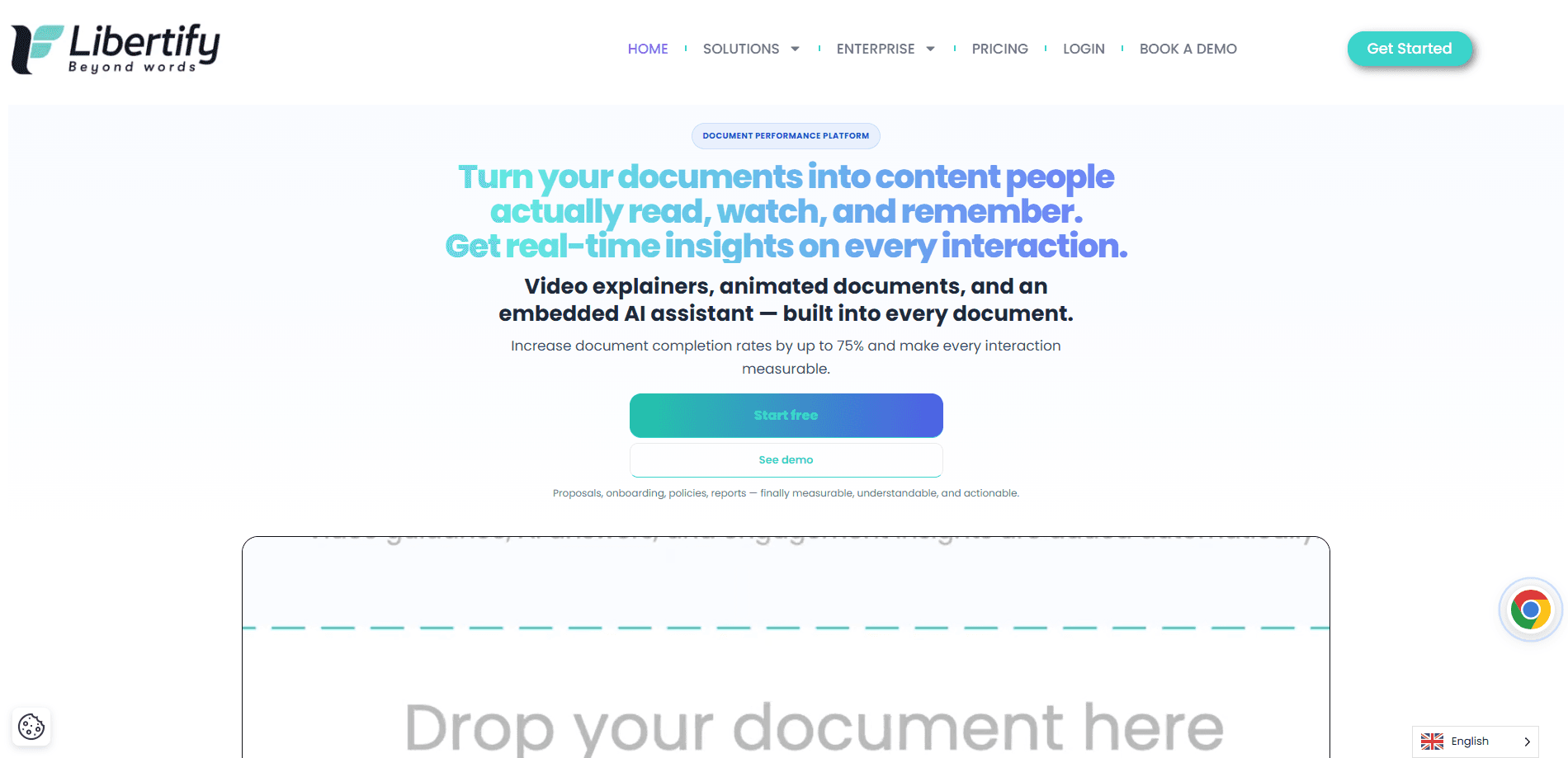
Libertify.com is an AI document-to-video platform that turns static files like proposals, policies, fund reports, and training decks into interactive experiences. Readers watch, click, and ask questions inside the document, and you get analytics on what they understood, skipped, or re-read. It's built for teams that need proof of comprehension, not just a download count.
About Libertify.com
What Is Libertify.com
Libertify.com is a web platform for turning plain documents into interactive video experiences. You upload a proposal, a compliance policy, a training module, or a course chapter, and the tool rebuilds it as something a reader can watch, scroll, and question. An embedded AI chatbot for documents sits inside each experience, so readers can ask "What's the ROI versus Q2?" or "When is PPE mandatory on site?" without emailing you.
The problem it targets is simple. Companies don't have a content problem. They have an understanding problem. What good is a polished report nobody grasps? A signed policy doesn't prove anyone read clause 12. A 100% LMS completion rate doesn't prove the training stuck. Libertify.com tries to close that gap by measuring what happens after someone opens the file.
The biggest limitation is scope. This is an enterprise platform with seat-based pricing. It's overkill for someone who just wants to send one nice-looking PDF. The free viewer tier helps. Creating experiences still starts at a paid plan.
Getting Started
- Sign up on the Libertify.com site and set up your workspace.
- Upload a document and pick how you want it presented.
- Let the Smart Journey Engine generate the interactive experience, then add an AI chatbot or avatar if you want one.
- Brand it with your logo, colors, and language, then share the link with your audience.
- Open the analytics dashboard to see who engaged, who dropped off, and what questions came up.
Product Information
A quick look at Libertify.com's pricing, supported platforms, and performance.
Best for
The users, tasks, and scenarios where this tool fits best.
Users
- Sales teams
- Compliance and risk officers
- L&D and training managers
- Educators
Tasks
- Converting a fund report or Q3 update into a readable, trackable experience
- Localizing training material into dozens of languages
- Measuring comprehension on mandatory policies
- Embedding an AI chatbot in a document so readers can get answers without contacting support.
Scenarios
- Following up on a sales proposal that went silent
- Preparing for an audit
- Onboarding new hires with interactive handbooks that new employees can question directly.
- Running team-level reporting
Key features
AI Chatbot Inside the Document
Readers ask questions in plain language and get answers without leaving the experience. The chatbot handles the obvious stuff. Think "When is PPE mandatory on site?" The reader question log captures what people didn't understand. That log is the part teams usually find most useful, since it turns silent confusion into a list you can act on.
Smart Journey Engine
The Smart Journey Engine drives how an experience unfolds, with six modes covering persuasion, onboarding, information, retention, engagement, and support. Each mode changes the pacing and emphasis, so a sales proposal doesn't feel like a compliance module. This is the closest thing to a template system the platform has, and it's included on every plan.
Reader Analytics and Intent Scoring
The dashboard breaks engagement into sections read, sections skipped, questions asked, and re-read counts, which together tell you far more about comprehension than a simple open rate ever could. Higher tiers add sentiment analysis and intent scoring. Those flag which readers are most likely to act. You can watch someone re-read your pricing three times and decide to call them today rather than next week.
AI Avatars and Voice
Libertify.com can present content with an AI avatar and a custom voice. There are 8 AI voices and faces on the entry plan, and unlimited or cloned options on higher tiers. It's a nice-to-have for polished internal communication. The substance of the experience still matters more than the presenter.
Localization and Branding
A single experience can be delivered in 35 languages on the entry plan, which saves a multinational team from rebuilding the same onboarding or policy module once for every region it operates in. Higher plans add unlimited languages and brand kits. That matters for multinational teams. Run the same policy or training across regions without rebuilding it each time.
Integrations and APIs
The platform connects to HubSpot and Salesforce on Team plans and above, plugs into LMS tools through LTI 1.3 and SCORM, and exposes REST APIs and webhooks on Business plans. SOC 2 Type 2 and ISO 27001 certification apply across all paid tiers, and data isn't used to train AI models.
Pros and cons
Pros
- Comprehension analytics that go beyond open rates and completion percentages.
- Reader question logs surface exactly where an audience got stuck.
- 35 languages on the entry plan makes multilingual rollout realistic for global teams.
- SOC 2 Type 2 and ISO 27001 on every paid tier, so security reviews move faster.
- Salesforce, HubSpot, and LMS integrations keep it inside existing workflows.
Cons
- Creating experiences requires a paid plan, and the entry tier starts at €25 per month for a single seat.
- Team plans bill per seat with a two-seat minimum, so small teams pay for capacity they may not use.
- Advanced features like sentiment analysis, BI exports, and network benchmarking sit on the Business tier, which costs €119 to €149 per seat monthly.
- The product is aimed at organizations, so solo users who just want nicer PDFs will find it heavy.
Frequently asked questions
It converts documents into interactive video experiences with embedded chatbots and analytics. You upload a file, the platform turns it into something readers can watch and question, and you track how they engaged with it.
Related content
Explore related tools, skills, and articles for Libertify.com.
Libertify.com Alternatives

ngram 2.0
ngram · Video · Marketingngram 2.0 is an AI video generator for teams. It turns a prompt, a screen recording, or a product URL into a narrated explainer, product demo, or AI avatar video, and every scene stays editable.

OpenScreen 2
OpenScreen (open-source project) · Video · ProductivityOpenScreen 2 is a free, open-source screen recorder and demo video editor for Windows, macOS, and Linux, with automatic zooms, styled frames, local captions, and agent edits.

Skreno
Skreno · Video · ProductivitySkreno is a browser screen recorder that captures a tab, a window or your whole display, then attaches AI transcripts, summaries and console logs to one share link.