

LightCut -AI Auto Video Editor
DJI · Video
LightCut is DJI's AI auto video editor for drone and action camera footage. It links to your device, previews clips wirelessly, and builds shareable videos in one tap. DJI ended support in September 2026.
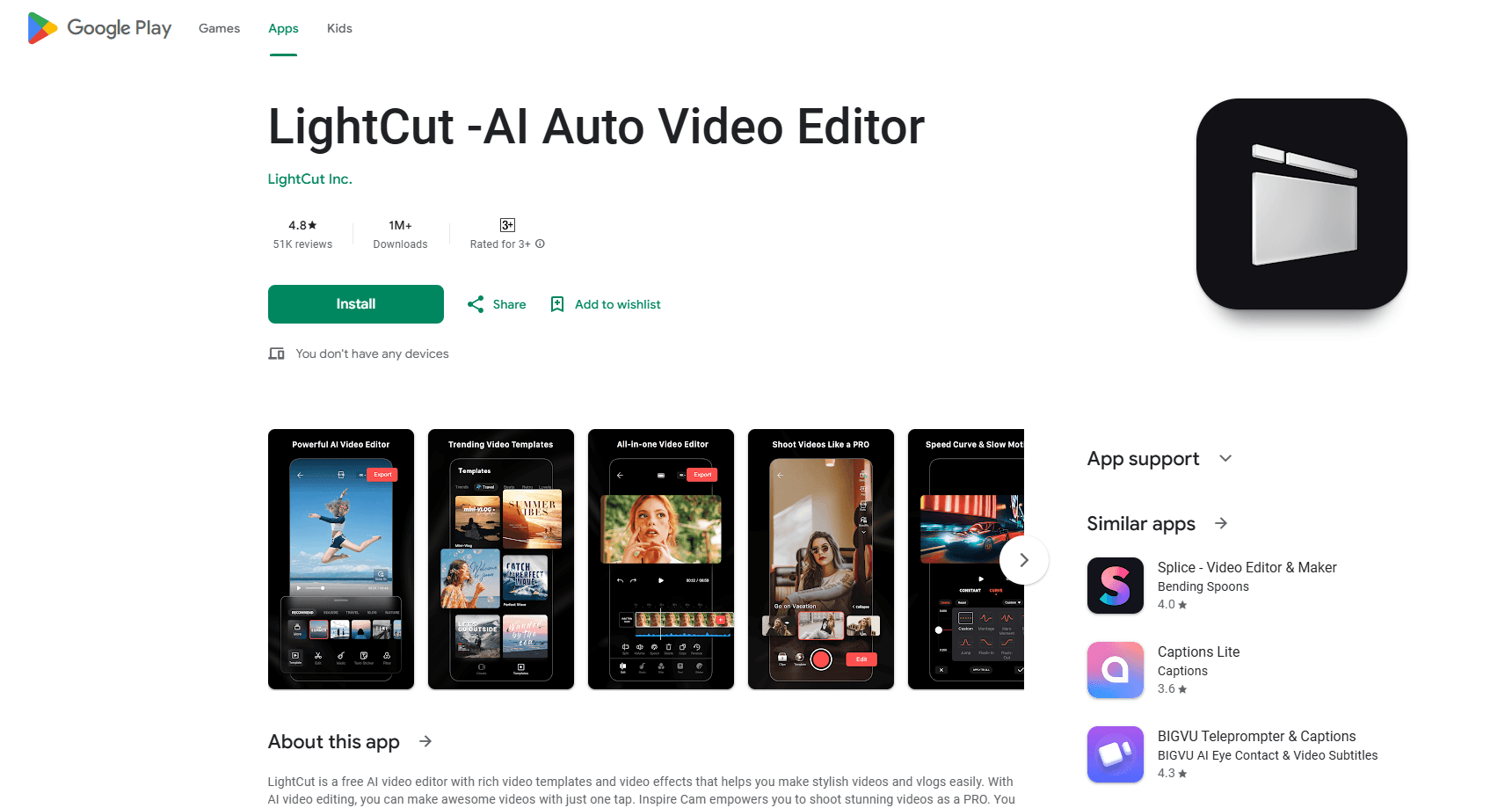
About LightCut -AI Auto Video Editor
What Is LightCut
LightCut is a mobile video editing app that DJI officially recommends for its handheld, drone, and action camera users. Think of it as a free DJI video editor built to work alongside the company's cameras rather than against them. You link a DJI device over Wi-Fi, preview footage without copying it to your phone, and let the app cut a finished clip from the shots you pick. The pitch is simple: skip the manual timeline work and post something watchable minutes after a flight or a ride. The LightCut video editor for Android and iOS runs on phones, not desktop.
The app leans on AI recognition to do the heavy lifting. It scans your footage, pulls out the strongest moments, and drops them into a matching template. DJI trained it on the situations its cameras actually get used in, so the automated edits tend to look intentional rather than random.
The catch is timing. DJI ended updates and feature maintenance for LightCut in September 2026 and now points users to DJI Mimo or DJI Fly. The app still installs and edits, but you won't see new features, and long-term support isn't guaranteed. Treat it as a tool that works today, not one to build a workflow around.
Getting Started
- Install LightCut from your app store and open it.
- Power on a supported DJI device and connect it to the app over Wi-Fi.
- Browse the live preview and select the clips you want to use.
- Tap one-tap editing, then let the app match your footage to a template.
- Adjust the result if you want, export in up to 4K, and share.
Product Information
A quick look at LightCut -AI Auto Video Editor's pricing, supported platforms, and performance.
Best for
The users, tasks, and scenarios where this tool fits best.
Users
- DJI drone owners
- Action camera users
- Casual vloggers
Tasks
- Turning raw flight footage into a short clip
- Editing without exporting to your phone
- Meeting a same-day posting deadline
Scenarios
- A weekend hike or ride with a few hours of clips
- A travel trip with mixed shots
- A dive or ski session where you want a short recap
Key features
One-Tap Editing Without Exporting
LightCut's headline feature connects your DJI device and builds a video from the shots you select with a single tap. Because the app reads footage over the connection, you skip the export step, which saves both time and phone storage. It can output in up to 4K for instant sharing.
AI Highlight Recognition
The app analyzes footage to find the moments worth keeping, then cuts smooth camera movements and matches the result to a template. DJI says it recognizes common DJI scenarios such as aerial, outdoor, cycling, diving, skiing, travel, parties, food, and daily life. That scene awareness is what separates a watchable auto-edit from a random shuffle.
Wireless Device Connection and Live Preview
A smooth device-to-app link lets you preview footage right away and edit on the spot. You shoot, review, and cut in one flow without cables or card readers. For run-and-gun shooters, that turnaround matters more than any single editing control.
Template Library and Shooting Tutorials
LightCut ships with a set of video templates plus inspirational shooting tutorials. The templates give you a look to start from, and the tutorials suggest how to capture footage that edits well later. It is a lightweight way to learn what the AI wants from your clips.
Broad DJI Device Support
The app works with a long list of DJI hardware, including Avata 2, Mini 4 Pro, Air 3, the Mavic 3 and Mini 3 lines, Action 2, Osmo Action 3 and 4, Pocket 2, Osmo Pocket 3, and the OM and Osmo Mobile gimbals. If you own several DJI products, one app covers most of them.
End of Support Notice
DJI ended updates and feature maintenance for LightCut in September 2026 and now recommends DJI Mimo or DJI Fly instead. The app keeps working for existing users, but no new features are coming. Anyone starting fresh should weigh that before committing.
Pros and cons
Pros
- Cuts drone and action camera footage into shareable clips with one tap
- Wireless preview and editing skip the export step and save phone storage
- AI scene recognition covers aerial, cycling, diving, skiing, travel, and more
- A wide list of supported DJI devices means one app handles most of your gear
- Free to install, with 4K output available for social sharing
Cons
- DJI ended feature updates and maintenance in September 2026, so no new capabilities are coming
- Limited manual control makes it a poor fit for detailed, frame-level editing
- Template-driven results can look similar across different projects
- Only useful if you own a supported DJI device, since there is no standalone editing path
Frequently asked questions
Yes, LightCut still installs and edits video, but DJI ended updates and feature maintenance in September 2026. The company now points users to DJI Mimo or DJI Fly for support, so plan around the app being frozen.
Related content
Explore related tools, skills, and articles for LightCut -AI Auto Video Editor.
LightCut -AI Auto Video Editor Alternatives

ngram 2.0
ngram · Video · Marketingngram 2.0 is an AI video generator for teams. It turns a prompt, a screen recording, or a product URL into a narrated explainer, product demo, or AI avatar video, and every scene stays editable.

OpenScreen 2
OpenScreen (open-source project) · Video · ProductivityOpenScreen 2 is a free, open-source screen recorder and demo video editor for Windows, macOS, and Linux, with automatic zooms, styled frames, local captions, and agent edits.

Skreno
Skreno · Video · ProductivitySkreno is a browser screen recorder that captures a tab, a window or your whole display, then attaches AI transcripts, summaries and console logs to one share link.